
A generic catalog program.. #Catalog program #Audio-cd catalog #DVD catalog #Hardware #Audio-cd #DVD
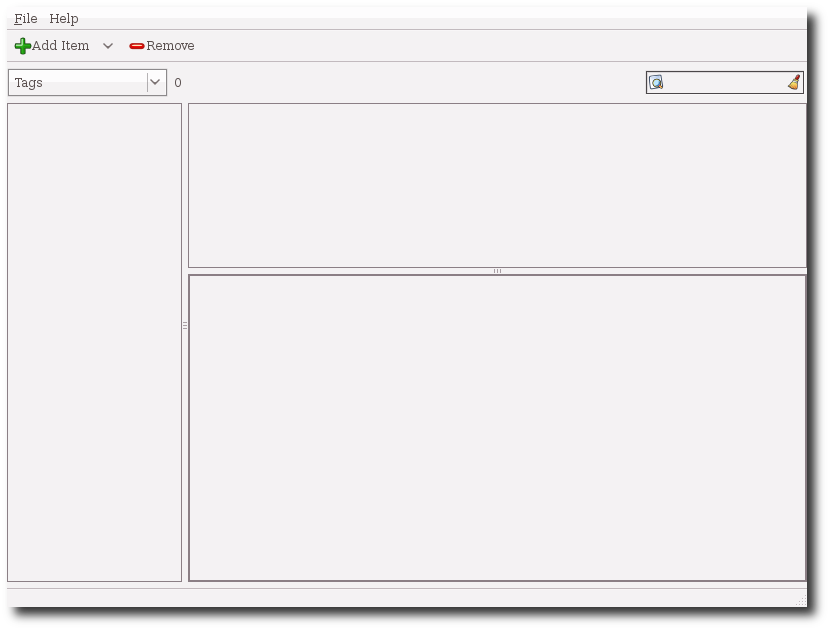
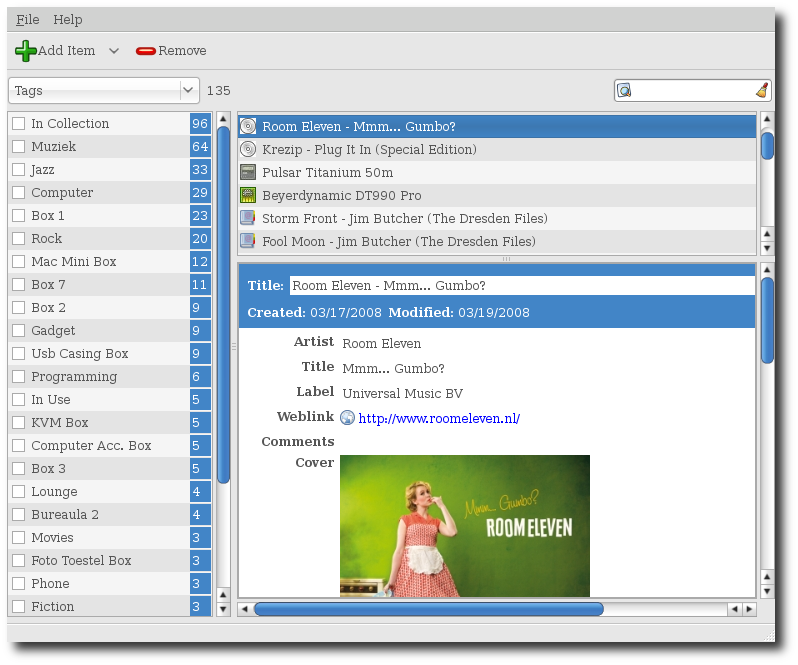
StuffKeeper is a generic catalog program. It is not focused on a particular type, you define any amount of typesm, like audio-cd, dvd, serial-number, computer-hardware, etc. All the items are listed in one big list using tags and search to order/filter these items.
The program is still pre-alpha so expect changes, bugs and missing functionality. To get an idea on how stuffkeeper looks and works checkout the Getting started guide.
Stuffkeeper currently uses sqlite3 as backend for the data. Data that is either large, or rarely accessed is stored outside the sqlite database. Currently this only involves the config file and images. Stuffkeeper keeps its data inside:
~/.stuffkeeper/
This location, for testing purpose, can be changed by starting stuffkeeper with a commandline parameter. To start stuffkeeper with its database inside f.e. ~/.stuffkeeper2/ start it like:
stuffkeeper -d ~/.stuffkeeper2/
Stuffkeeper does not support multiple instances, it does however support multiple "views". Inside stuffkeeper press ctrl+N to open a new window. If you try to start stuffkeeper when it s allready running, it will signal the running version to open a new "view" and quits. The multiple views will stay in perfect sync. Try opening 2 windows, set them to show the same item. When you change one view, the other will update almost instantly.
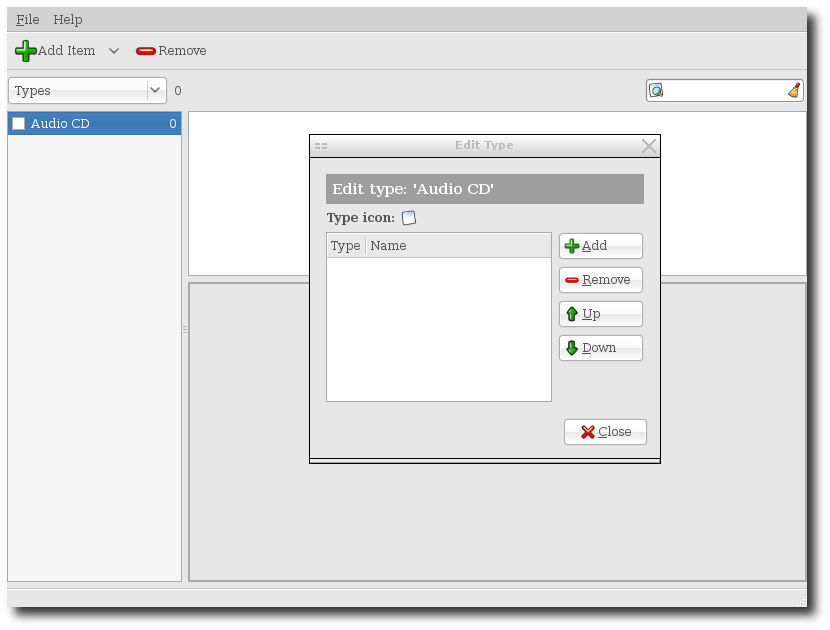
A type consists of different fields, each field can be off one of the following types: 1. String: A single line of text. 2. Integer: A number in a spinbox. 3. Boolean: A Checkbox. It is either on or off. 4. Slider: A slider from 0-10 in steps of 0.1. Useful for rating, grade whatever. 5. List: A list of strings. You get an embedded list view, with add/remove buttons 6. Text: A Multiline text entry box. 7. Image: An image. The image is scaled to 250x250 and stored inside stuffkeepers database. 8. Date & Time: A date and time field. 9. Link: Shows a link or e-mail address. It adds a button you can click to open the link.
What's new in StuffKeeper 0.12.0:
- Several bug fixed, updates to vala 0.7.* and basic support for removing and tagging multiple items at once.
StuffKeeper 0.12.0
add to watchlist add to download basket send us an update REPORT- runs on:
- Linux
- filename:
- stuffkeeper-0.12.0.tar.gz
- main category:
- Utilities
- developer:
- visit homepage
Bitdefender Antivirus Free 27.0.35.146

Windows Sandbox Launcher 1.0.0

ShareX 16.0.1

IrfanView 4.67

4k Video Downloader 1.5.2.0077 Plus / 4.30.0.5655

Microsoft Teams 24060.2623.2790.8046 Home / 1.7.00.7956 Work

Zoom Client 6.0.0.37205

paint.net 5.0.13 (5.13.8830.42291)

calibre 7.8.0

7-Zip 23.01 / 24.04 Beta

- paint.net
- calibre
- 7-Zip
- Bitdefender Antivirus Free
- Windows Sandbox Launcher
- ShareX
- IrfanView
- 4k Video Downloader
- Microsoft Teams
- Zoom Client