
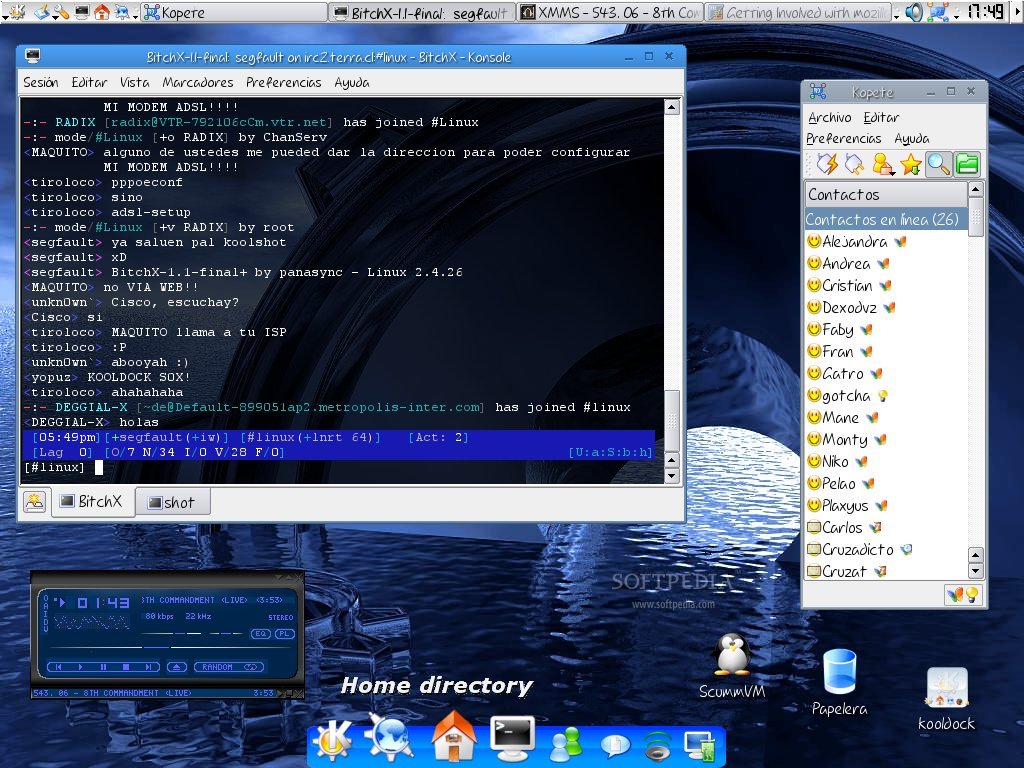
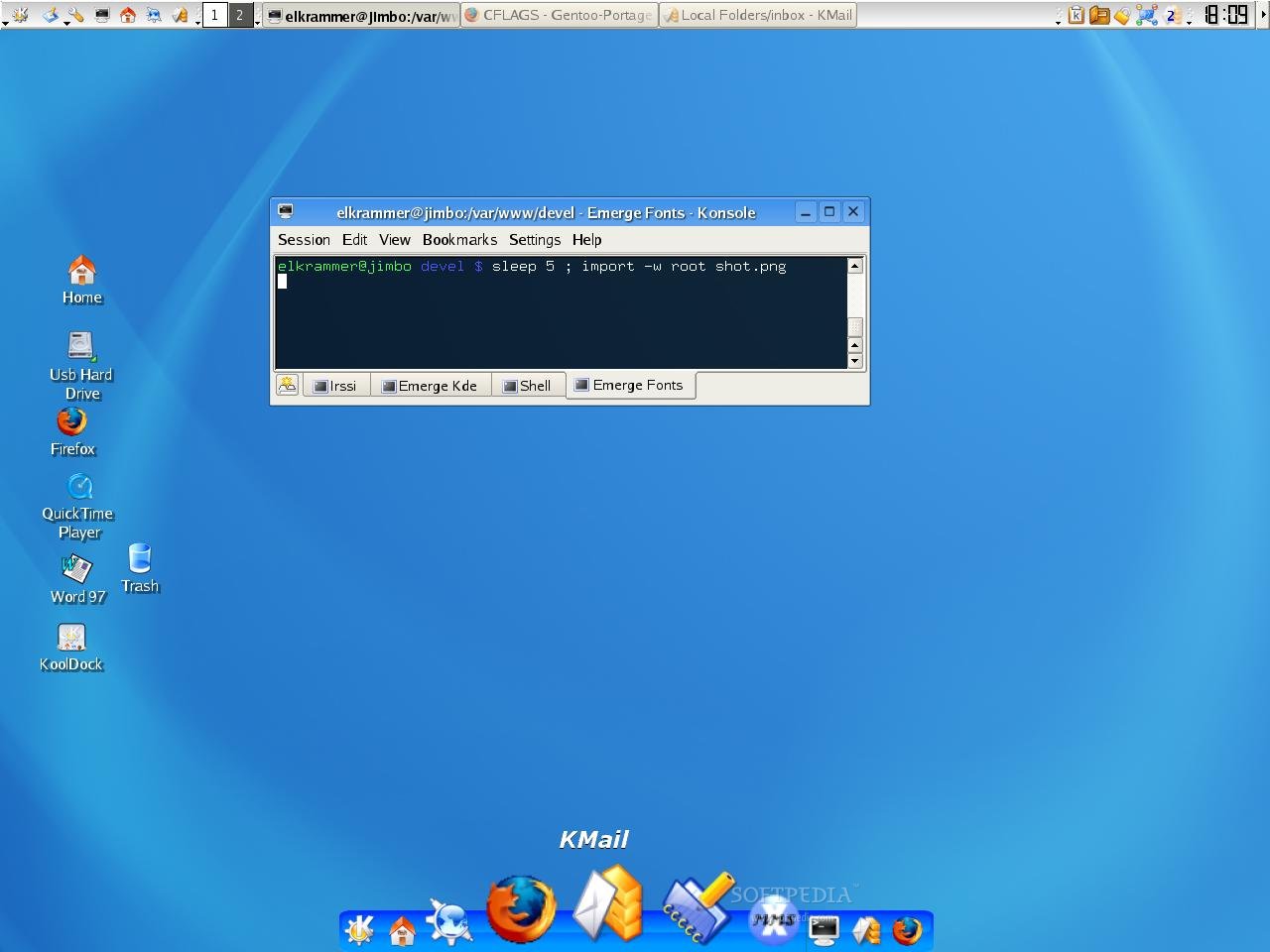
KoolDock is a KDE project that aims to have a cool dock for KDE with great visual effects and enhancements.. #Kde dock #Visual enhancements #Visual effect #KoolDock #Kde #Dock
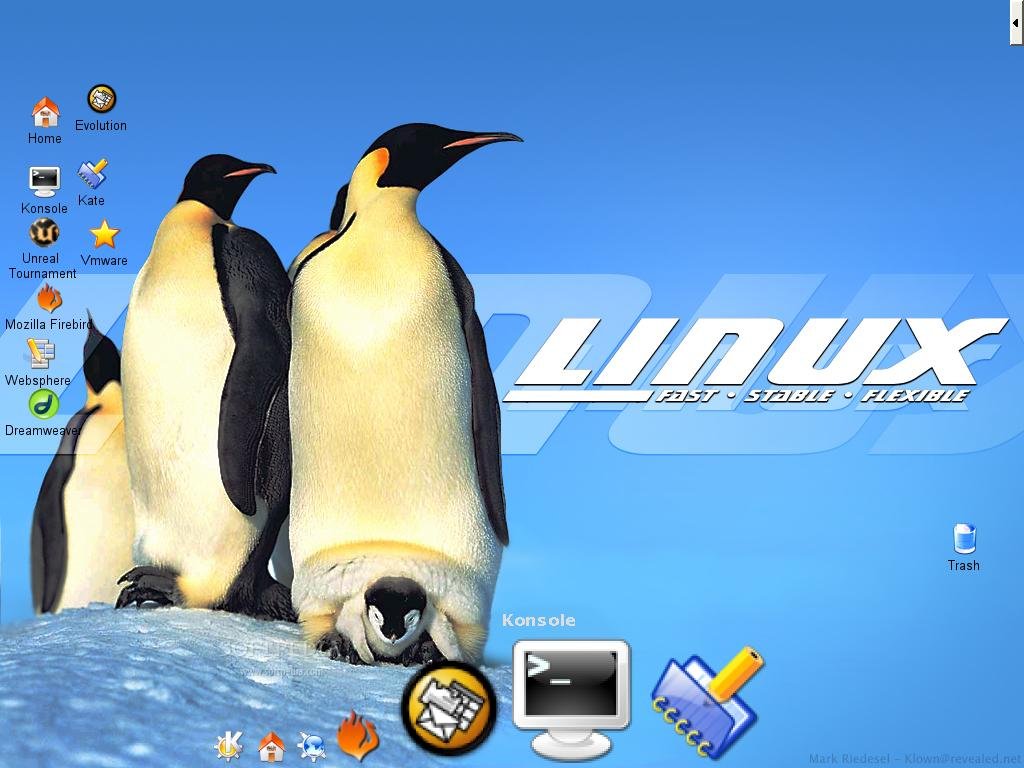
KoolDock project is a KDE project that aims to have a cool dock for KDE with great visual effects and enhancements.
KoolDock is based upon the work of Dang Viet Dung, KSmoothDock 2.1.
Here are some key features of "KoolDock":
· Display quick launchers to your favourite apps · A builtin task bar · Pager and clock. (Not done yet) · Smooth zooming effect (like Apple's OS X dock) · Transparent Background
1. `cd' to the directory containing the package's source code and type `./configure' to configure the package for your system. If you're using `csh' on an old version of System V, you might need to type `sh ./configure' instead to prevent `csh' from trying to execute `configure' itself.
Running `configure' takes a while. While running, it prints some messages telling which features it is checking for.
2. Type `make' to compile the package.
3. Type `make install' to install the programs and any data files and documentation.
4. You can remove the program binaries and object files from the source code directory by typing `make clean'.
What's New in This Release:
· Improved icon positioning. · Added 'Show only minimized' option. · Disabled systray support. · Improved drawing engine. · Added speed control (modifies kooldock's animation time to make it closest to desired speed). · Reduced CPU wakeups, when kooldock is inactive (should be 4-8 per second) · Reorganised tabs in setting window. · Added 'Apply' button in options window, improved settings applying speed. · Added simple KBFX support (necessary kicker applet). · Added automatic background refresh (on minimize/maximize/restore/activate window). · Added similar task grouping. · Minor fixes and improvements.
KoolDock 0.4.7
add to watchlist add to download basket send us an update REPORT- runs on:
- Linux
- filename:
- 50910-kooldock.tar.gz
- main category:
- Utilities
- developer:
- visit homepage
Windows Sandbox Launcher 1.0.0

paint.net 5.0.13 (5.13.8830.42291)

Zoom Client 6.0.0.37205

Microsoft Teams 24060.3102.2733.5911 Home / 1.7.00.7956 Work

ShareX 16.0.1

4k Video Downloader 1.5.3.0080 Plus / 4.30.0.5655

7-Zip 23.01 / 24.04 Beta

calibre 7.9.0

IrfanView 4.67

Bitdefender Antivirus Free 27.0.35.146

- calibre
- IrfanView
- Bitdefender Antivirus Free
- Windows Sandbox Launcher
- paint.net
- Zoom Client
- Microsoft Teams
- ShareX
- 4k Video Downloader
- 7-Zip