
A GTK text editor and note taking application for the GNU/Linux operating system #Note taking #Text editor #Syntax highlighting #Note #Notes #Text
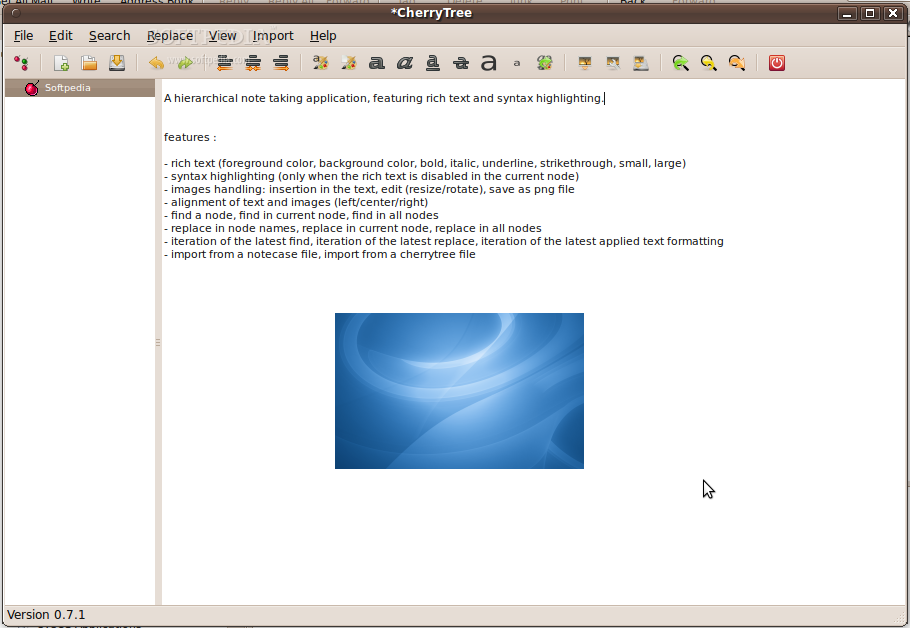
CherryTree is an open source and multi-platform application designed from the ground up to be used as a sophisticated and hierarchical note-taking utility under the GNU/Linux platform. It is also compatible with the Microsoft Windows operating systems.
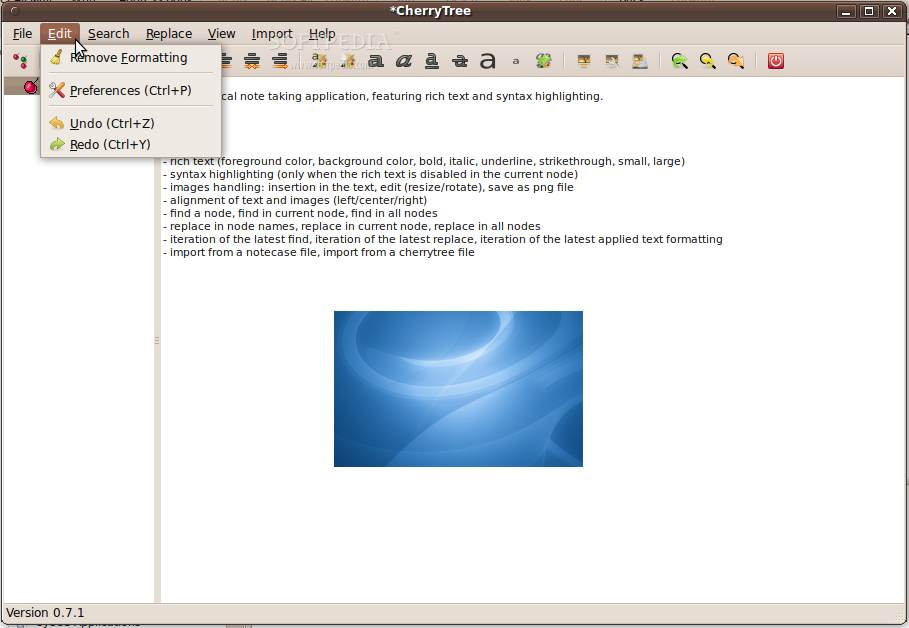
Key features include rich text, syntax highlighting, handling of images, lists, simple tables and codeboxex, alignment of text, tables, codeboxes and images, password protection, spell checking, hyperlinks, copy/paste functionality from other apps, support for copying a list of files, and storing of data in a single XML or SQLite file.
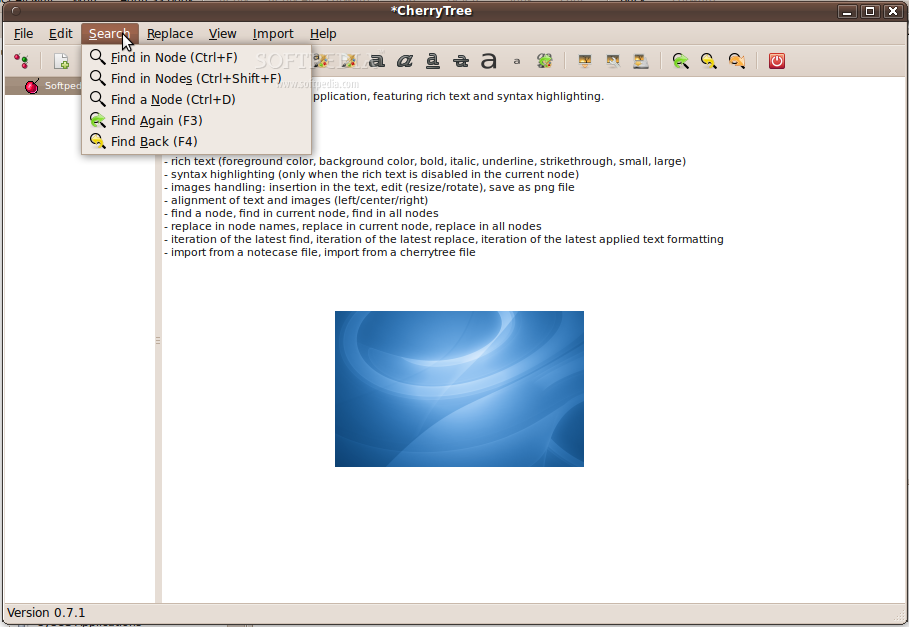
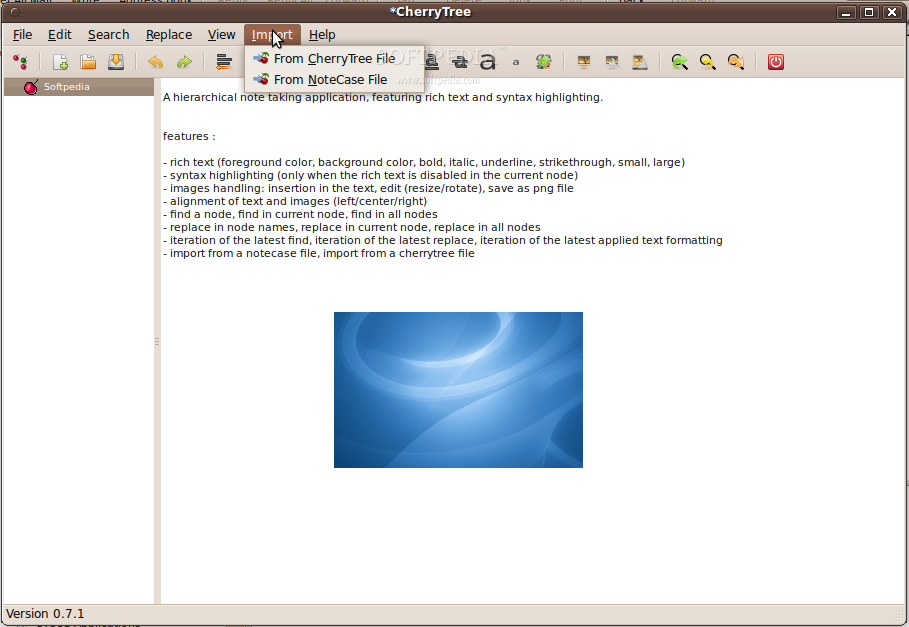
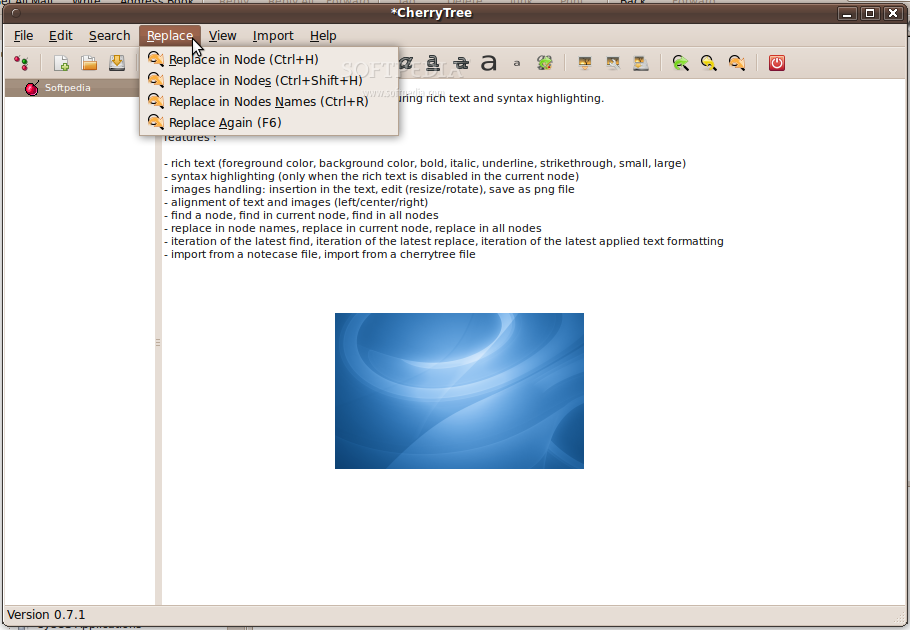
It allows users to print and save selections, nodes, subnodes or entire trees as PDF files, as well as to export them to HTML or Plain Text files. It can generate ToC (Table of Contents), search and replace nodes, import data from HTML, Plain Text, other CherryTree installation, Gnote, Keepnote, Tomboy, and other applications.
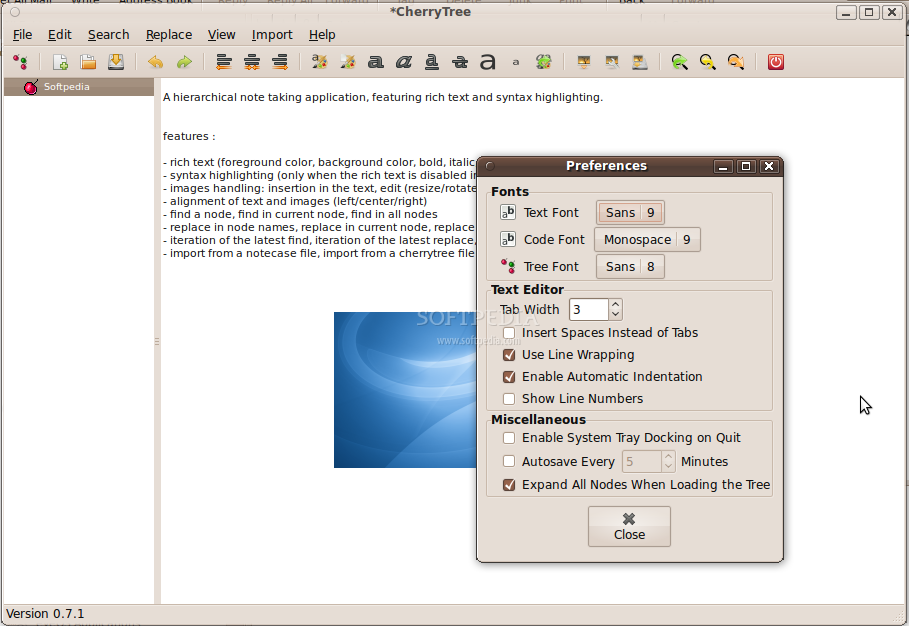
The application is written in the Python programming language and uses the GTK+ GUI toolkit for the graphical user interface. It supports both GNU/Linux and Microsoft Windows operating system, running on 32-bit or 64-bit hardware platforms.
On Linux, the program is distributed as a DEB file for Debian/Ubuntu-based operating systems, as well as a source archive that can be configured, compiled and installed on any GNU/Linux distribution. The latest version can also be grabbed from its Mercurial repository using the command above.
At the moment, it supports the English, German, French, Spanish, Russian, Dutch, Czech, Chinese Simplified, Italian, Polish, Brazilian Portuguese, and Ukrainian languages. Complete documentation can be found the project's homepage.
In conclusion, CherryTree is a complex hierarchical note-taking application for the GNU/Linux and MS Windows platforms. It has a lot of features and more are coming in the next releases!
CherryTree 0.38.6
add to watchlist add to download basket send us an update REPORT- runs on:
- Linux
- filename:
- cherrytree_0.38.6-1_all.deb
- main category:
- Text Editing&Processing
- developer:
- visit homepage
4k Video Downloader 1.6.0.0085 Plus / 4.30.0.5655

Bitdefender Antivirus Free 27.0.35.146

Context Menu Manager 3.3.3.1

Zoom Client 6.0.4.38135

IrfanView 4.67

Windows Sandbox Launcher 1.0.0

calibre 7.10.0

ShareX 16.0.1

Microsoft Teams 24060.3102.2733.5911 Home / 1.7.00.10152 Work

7-Zip 23.01 / 24.04 Beta

- ShareX
- Microsoft Teams
- 7-Zip
- 4k Video Downloader
- Bitdefender Antivirus Free
- Context Menu Manager
- Zoom Client
- IrfanView
- Windows Sandbox Launcher
- calibre