
A CLI text editor originally designed as a Pico editor clone with several enhancements. #Text editor #GNU editor #Text viewer #Nano #Text #Editor
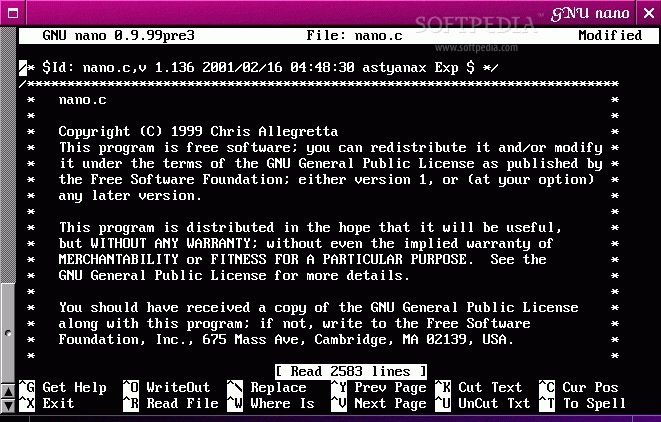
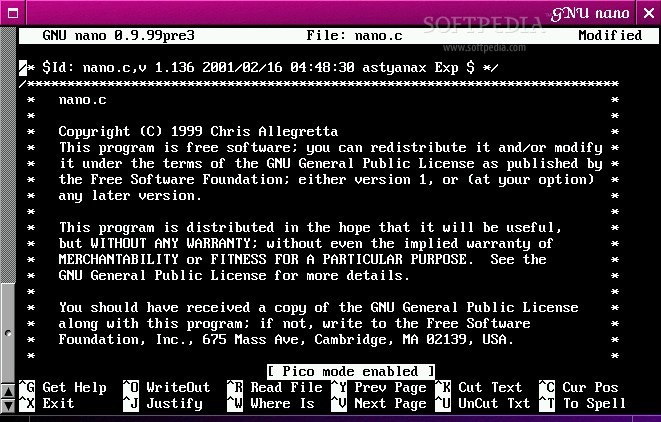
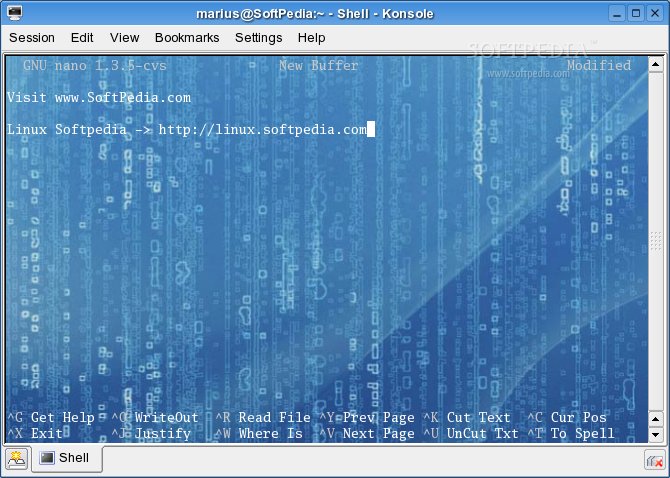
GNU nano is an open source command-line software that helps users to edit text files on the Linux shell. The project was originally started as a replacement of the easy-to-use and user-friendly Pico text editor. It is an official GNU package and it aims to solve the problems users had with the Pico text editor, as well as to add extra functionality.
Key features include customizable key bindings, 'soft' line wrapping, full undo and redo support, pager support, abortable searching, faster syntax highlighting for complicated regular expressions, warnings for non-writable files, as well as more syntax highlighting examples, including Fortran, OCaml, objC, and Makefiles.
First of all, we should mention that numerous distributions of Linux come preinstalled with the GNU nano program, because it is a very important piece of software that must be used when editing system configuration files when you don’t have access to the graphical environment.
To install and use the GNU nano program on your GNU/Linux operating system, you must first download the latest version from Softpedia, save the archive somewhere on your computer, and extract its contents with your favorite archive manager.
Now open a terminal emulator application, navigate to the location of the extracted archive files using the ‘cd’ command (e.g. cd /home/softpedia/nano-2.3.6), type the ‘./configure && make’ command to configure/optimize and compile the program, followed by the ‘make install’ or ‘sudo make install’ commands, depending if you are root or a user with root privileges, to install it system wide and make it available to all users on your machine.
GNU nano is written entirely in the C programming language, which means that it is slim and extremely fast. It has been successfully tested with both 32-bit and 64-bit instruction set architectures.
What's new in GNU nano 4.7:
- A < Tab > will indent a marked region only when mark and cursor are on different lines.
- Two indentations (any mix of tabs and spaces) are considered the same when they look the same (that is: indent to the same level).
- When using --breaklonglines or ^J, a line will never be broken in its leading whitespace or quoting.
- The keywords in nanorc files must be in lowercase.
GNU nano 4.7
 Softpedia Editor's Pick
add to watchlist
add to download basket
send us an update
REPORT
Softpedia Editor's Pick
add to watchlist
add to download basket
send us an update
REPORT
- runs on:
- Linux
- filename:
- nano-4.7.tar.gz
- main category:
- Text Editing&Processing
- developer:
- visit homepage
calibre 7.8.0

Zoom Client 6.0.0.37205

paint.net 5.0.13 (5.13.8830.42291)

Windows Sandbox Launcher 1.0.0

ShareX 16.0.1

4k Video Downloader 1.5.2.0077 Plus / 4.30.0.5655

Microsoft Teams 24060.2623.2790.8046 Home / 1.7.00.7956 Work

Bitdefender Antivirus Free 27.0.35.146

7-Zip 23.01 / 24.04 Beta

IrfanView 4.67

- Bitdefender Antivirus Free
- 7-Zip
- IrfanView
- calibre
- Zoom Client
- paint.net
- Windows Sandbox Launcher
- ShareX
- 4k Video Downloader
- Microsoft Teams