
Adobe Reader For Linux
A freely distributed application that allows everyone to read PDF files on Linux systems. #PDF reader #PDF viewer #Acrobat reader #Acrobat #Adobe #Reader
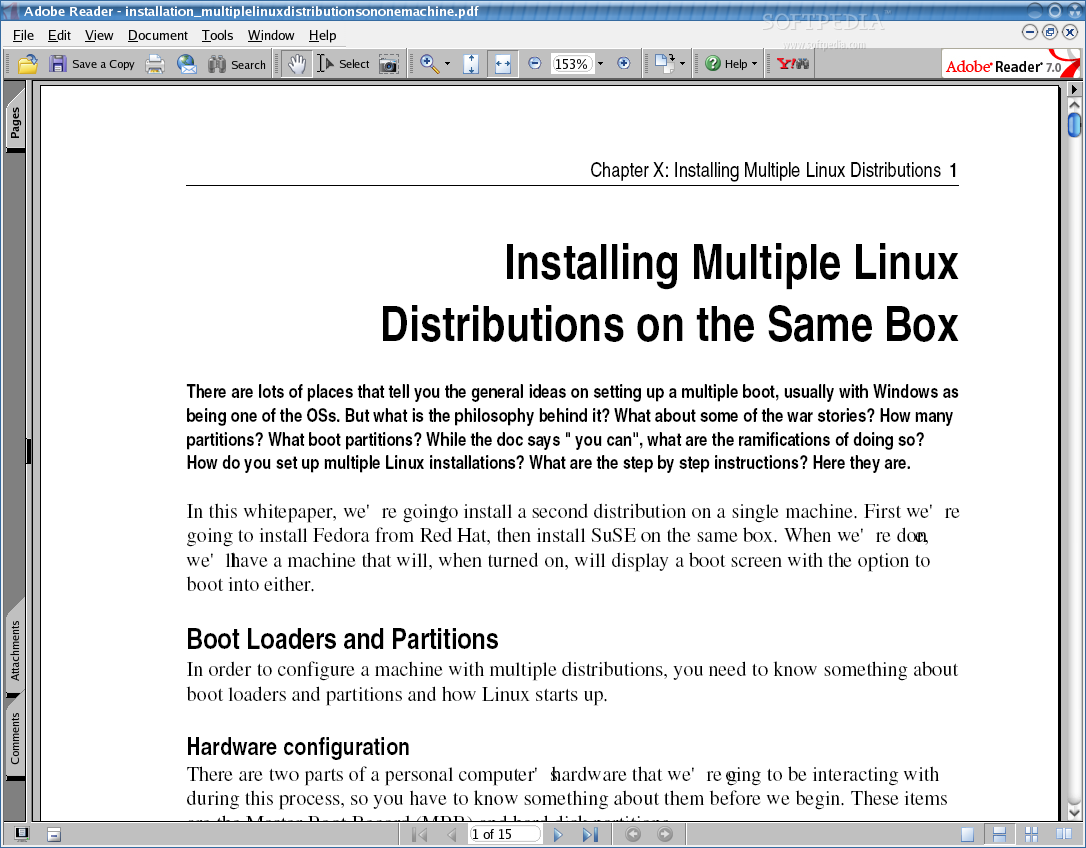
Adobe Reader is a free and portable application that allows users to view, search and print PDF (Portable Document Format) files on Linux distributions. It supports Linux, Mac OS X and Microsoft Windows operating systems.
As its developers stated, it is the only PDF viewer application that is capable of opening and interacting with all types of PDF content, including multimedia and forms. On Linux, it distributed as a binary file that can be installed from the command-line, as well as a native installer for 32-bit Ubuntu/Debian systems.
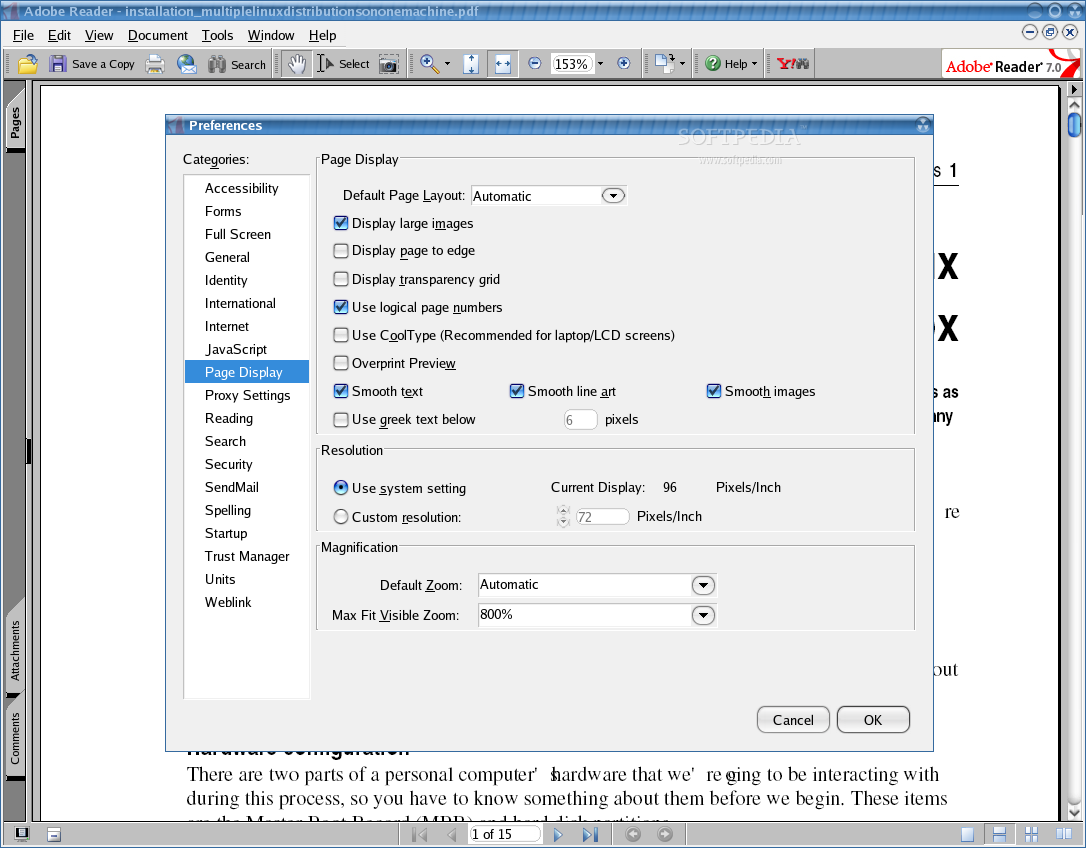
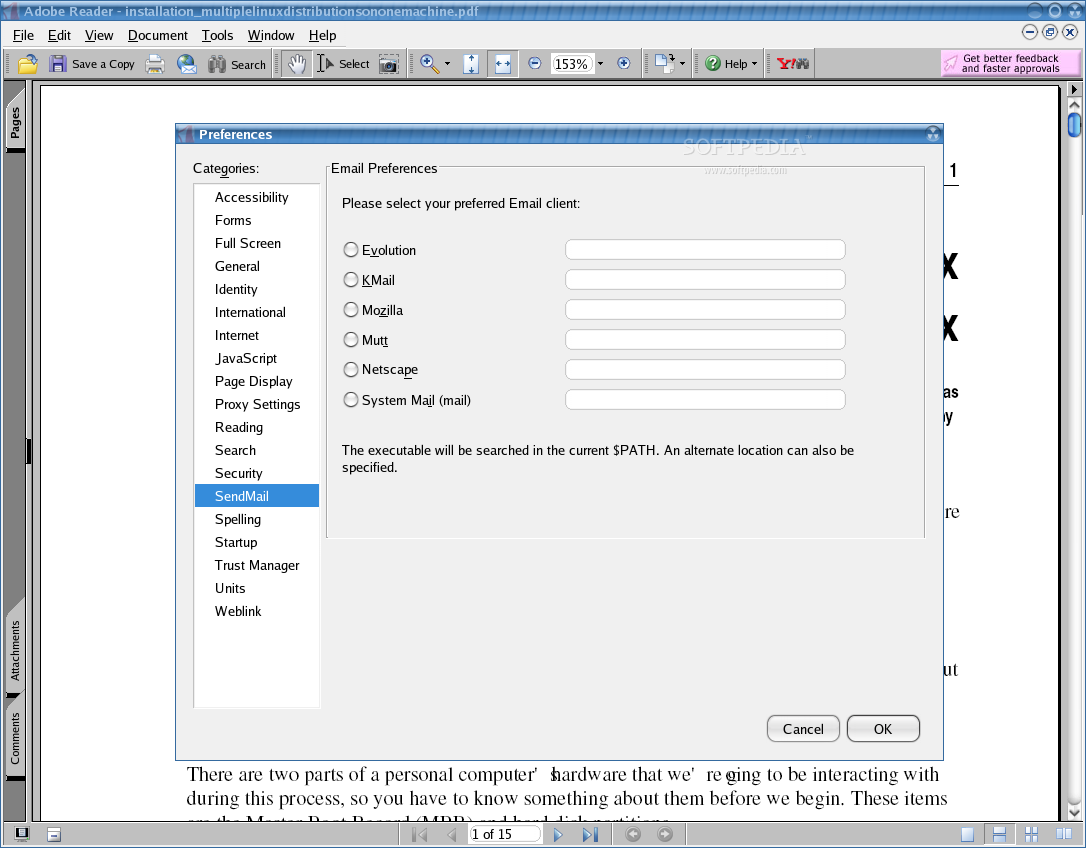
Key features include the ability to edit PDF documents, print them, send documents via email, as well as to work with forms. It provides users with a wide range of configuration options.
Officially supported Linux-based operating systems include Red Hat Linux WS 5, SUSE Linux Enterprise Desktop (SLED) 10 SP2 and Ubuntu 7.10. It is compatible with both GNOME and KDE desktop environments.
Under the hood, we can mention that the application requires 1GB of RAM, approximately 250MB free disk space, the GTK+ GUI toolkit version 2.6 or later, Mozilla Firefox, as well as the CUPS (Common UNIX Printing System) and OpenLDAP libraries.
The latest version of Adobe Reader for Linux is quite old and not even close to the current releases of the application for Windows and Mac OSes. Above that, it supports only the 32-bit hardware platform.
In conclusion, we have to say that Adobe Reader is not quite usable on modern Linux distributions. It will not even run on 64-bit platforms and most operating system don’t have the old versions of the libraries it requires.
Because of this, and because of the fact the Adobe turned its back to the Linux community by no longer supporting Adobe Flash Player, Adobe Air, and most probably Adobe Reader as well, we strongly recommend to use an open source PDF viewer, such as Evince on GNOME, or Okular on KDE.
Adobe Reader 9.5.5
 Softpedia Editor's Pick
add to watchlist
add to download basket
send us an update
REPORT
Softpedia Editor's Pick
add to watchlist
add to download basket
send us an update
REPORT
- runs on:
- Linux
- filename:
- AdbeRdr9.5.5-1_i486linux_enu.bin
- main category:
- Text Editing&Processing
- developer:
- visit homepage
Bitdefender Antivirus Free 27.0.35.146

4k Video Downloader 1.5.3.0080 Plus / 4.30.0.5655

7-Zip 23.01 / 24.04 Beta

Windows Sandbox Launcher 1.0.0

calibre 7.9.0

IrfanView 4.67

Microsoft Teams 24060.3102.2733.5911 Home / 1.7.00.7956 Work

ShareX 16.0.1

Context Menu Manager 3.3.3.1

Zoom Client 6.0.3.37634

- ShareX
- Context Menu Manager
- Zoom Client
- Bitdefender Antivirus Free
- 4k Video Downloader
- 7-Zip
- Windows Sandbox Launcher
- calibre
- IrfanView
- Microsoft Teams