
An Integrated Development Environment (IDE) used under the GNOME desktop environment. #IDE framework #Development environment #Integrated development environment #Anjuta #IDE #Framework
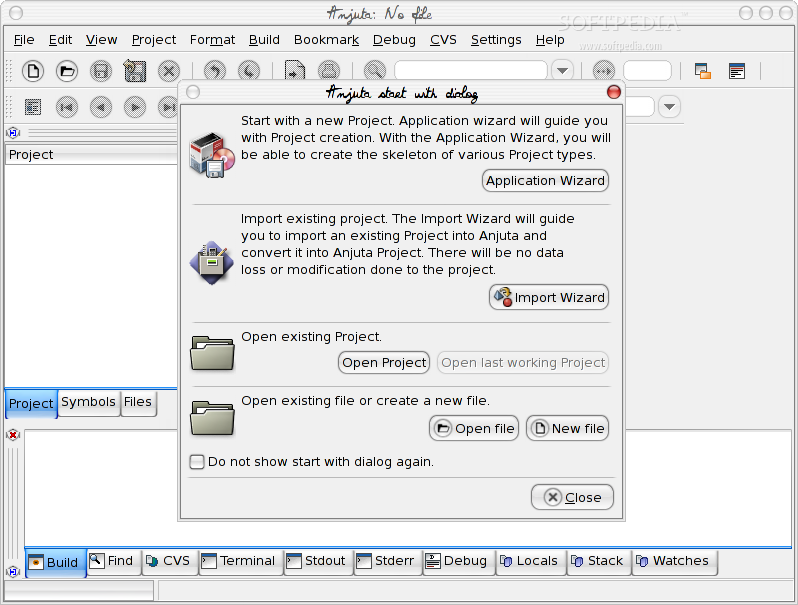
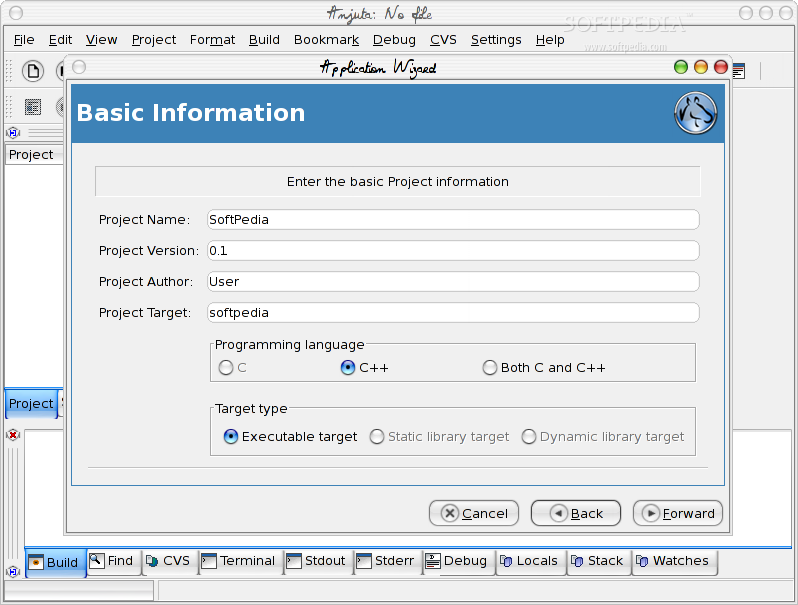
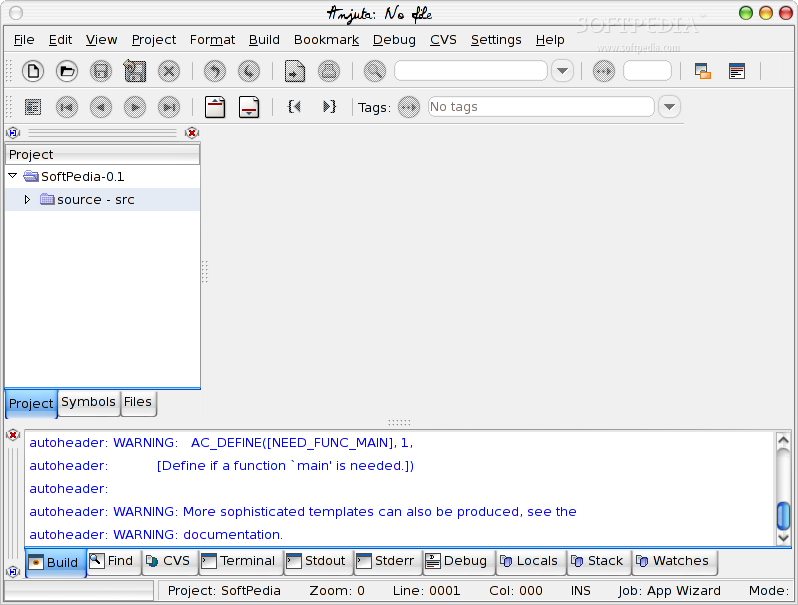
Anjuta is an open source and versatile IDE (Integrated Development Environment) for developing applications in the C and C++ programming languages under the GNU/Linux operating system. Also known as Anjuta DevStudio, the project has been written for the GTK+/GNOME ecosystem, but it can be used on any other desktop environment as a standalone application.
It provides a great number of features and advanced programming facilities, such as a fully customizable integrated editor, code folding and hiding, code autocompletion, automatic syntax highlighting, automatic code formatting, and text zooming.
The application’s beautiful and straightforward user interface displays line numbers and markers for the code, calltips for GNOME function prototypes, indentation guides, as well as automatic indentation. Users can also attach or detach basic windows.
Another interesting feature is the ability to operate each file in either windowed mode or paged mode. The Anjuta features interactive execution, manipulation of signal, watch, stack and breakpoint elements, as well as a highly interactive source-level debugger that is built on top of GDB (GNU Project Debugger).
With this sophisticated application you can build command-line and graphical (GTK+/GNOME) applications on-the-fly. It provides support for many other programming languages, including but not limited to Java, Perl, Pascal or Python.
We should also mention the fact that Anjuta IDE lets users to browse dynamic tags, manage tags for their projects, manage build files and complete projects, manage bookmarks, and provides them with function definitions, classes and structures, as well as an interactive messaging system.
By default, Anjuta IDE is distributed as part of the GNOME desktop environment. As mentioned before, it also supports other Linux DEs. We recommend this application to all GNOME or non-GNOME developers who are looking for a complex ADS (Application Development Studio) solution that supports numerous programming languages and modern Linux-based operating systems.
What's new in Anjuta IDE 3.34.0:
- Anders Jonsson (1)
- Update Swedish translation
- Andre Klapper (1)
Anjuta IDE 3.34.0
 Softpedia Editor's Pick
add to watchlist
add to download basket
send us an update
REPORT
Softpedia Editor's Pick
add to watchlist
add to download basket
send us an update
REPORT
- runs on:
- Linux
- main category:
- Text Editing&Processing
- developer:
- visit homepage
Zoom Client 6.0.3.37634

ShareX 16.0.1

7-Zip 23.01 / 24.04 Beta

Windows Sandbox Launcher 1.0.0

Microsoft Teams 24060.3102.2733.5911 Home / 1.7.00.7956 Work

Bitdefender Antivirus Free 27.0.35.146

Context Menu Manager 3.3.3.1

IrfanView 4.67

calibre 7.9.0

4k Video Downloader 1.5.3.0080 Plus / 4.30.0.5655

- IrfanView
- calibre
- 4k Video Downloader
- Zoom Client
- ShareX
- 7-Zip
- Windows Sandbox Launcher
- Microsoft Teams
- Bitdefender Antivirus Free
- Context Menu Manager