
An all-in-one and cross-platform solution for desktop remote access and support over the Internet #Remote access #Remote administration #Remote control #Remote #Control #VNC
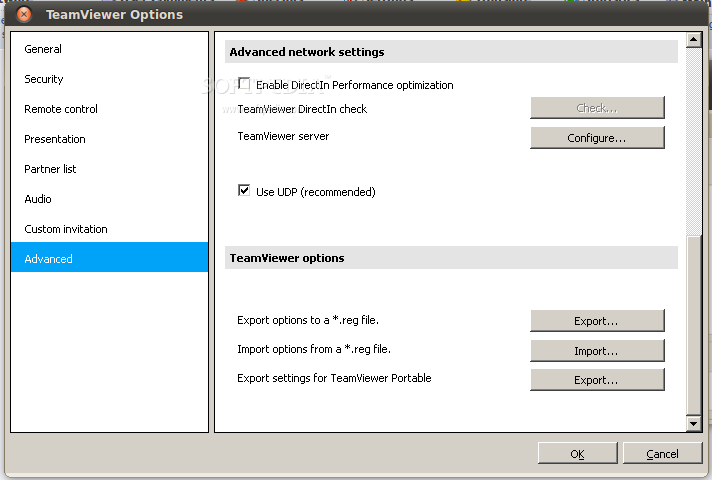
TeamViewer is a multi-platform and free project designed for end users and system administrators who are looking for an easy-to-use and efficient solution for remotely controlling computers, as if they were sitting right in front of it.
Key features include remote administration of unattended servers, file transfer, high security standard, online status updates, remote support without installation, as well as remote presentation of products, solutions and services. We can report that thee application works behind firewalls, provides users with browser-based access, it is very competitively priced, features an optimized performance, and is available for download as a free version.
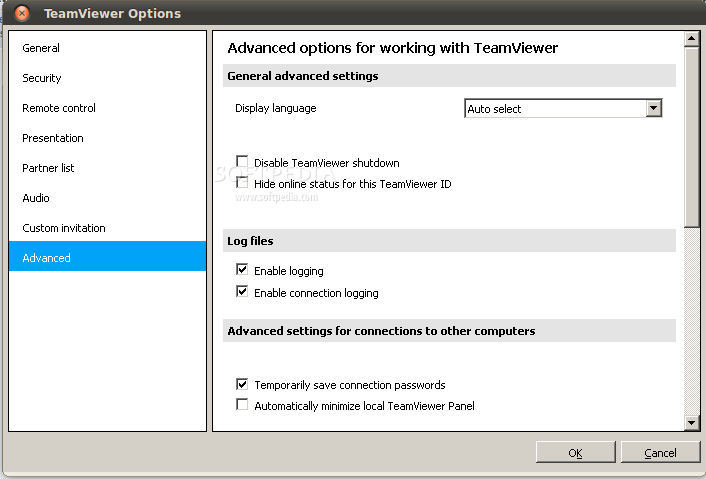
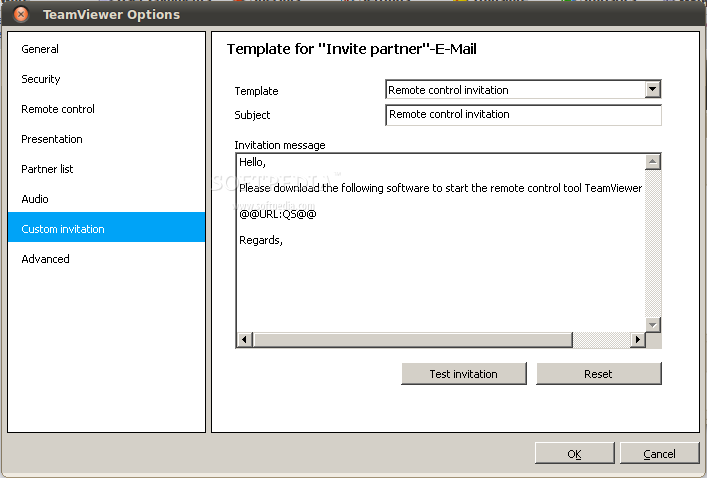
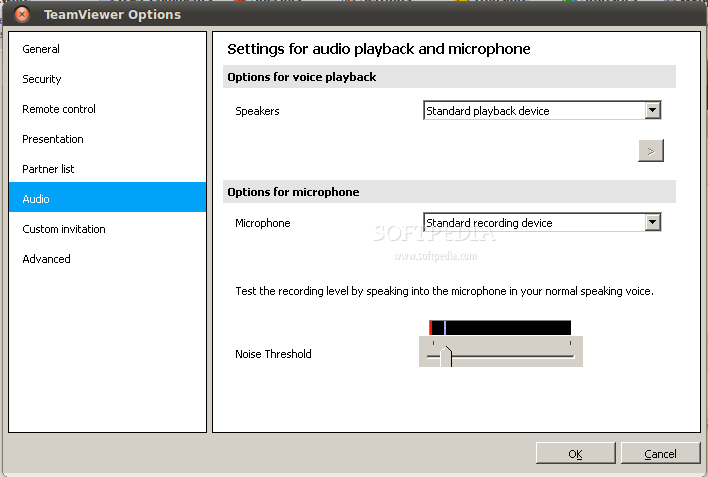
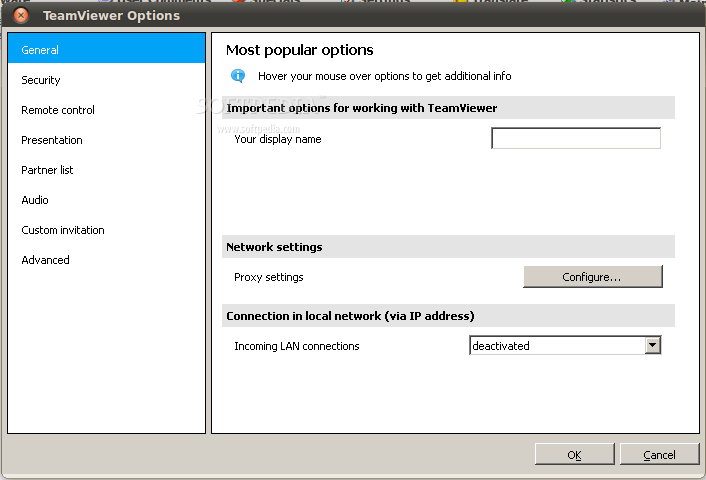
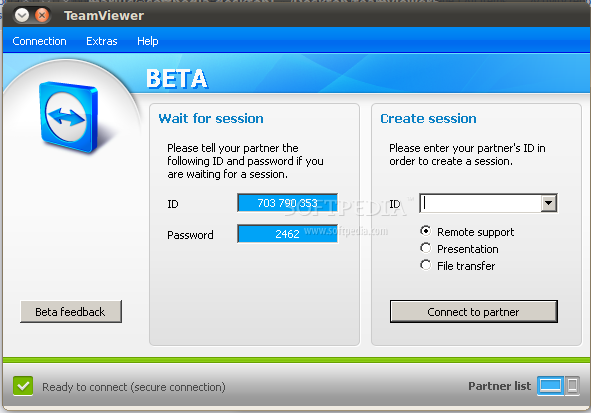
Its graphical user interface is quite modern, allowing users to quickly login into their TeamViewer account and connect to TeamViewer servers, in order to help your friends, colleagues or family with different computing tasks.
The application is distributed as binary archives in the DEB and RPM formats, supporting the Ubuntu, Debian GNU/Linux, Red Hat, SUSE, Fedora, CentOS, and many other RPM/DEB-based Linux distributions.
Being a cross-platform software, it also supports Mac OS X and Microsoft Windows, as well as Android, iOS and Windows Phone mobile operating systems. Both 32-bit and 64-bit architectures are supported at this time.
Unfortunately, the program is not a native Linux application, which means that it will make use of the well known Wine project.
Summing up, TeamViewer is a decent remote control software for the Mac OS X and Windows OSes, as well as for all the supported mobile platforms. On Linux, it is not so good as anyone would expect, especially because it requires Wine. Our suggestion is to use one of the many other open source remote control apps that not only run natively, but support a wider range of GNU/Linux platforms.
What's new in TeamViewer 14.2.2558:
- Solved some other issues which caused crashes
- Minor improvements and fixes
TeamViewer 14.2.2558
add to watchlist add to download basket send us an update REPORT- runs on:
- Linux
- filename:
- teamviewer_i386.deb
- main category:
- System
- developer:
- visit homepage
calibre 7.9.0

4k Video Downloader 1.5.3.0080 Plus / 4.30.0.5655

Windows Sandbox Launcher 1.0.0

Context Menu Manager 3.3.3.1

Zoom Client 6.0.4.38135

7-Zip 23.01 / 24.04 Beta

IrfanView 4.67

Microsoft Teams 24060.3102.2733.5911 Home / 1.7.00.7956 Work

ShareX 16.0.1

Bitdefender Antivirus Free 27.0.35.146

- Microsoft Teams
- ShareX
- Bitdefender Antivirus Free
- calibre
- 4k Video Downloader
- Windows Sandbox Launcher
- Context Menu Manager
- Zoom Client
- 7-Zip
- IrfanView