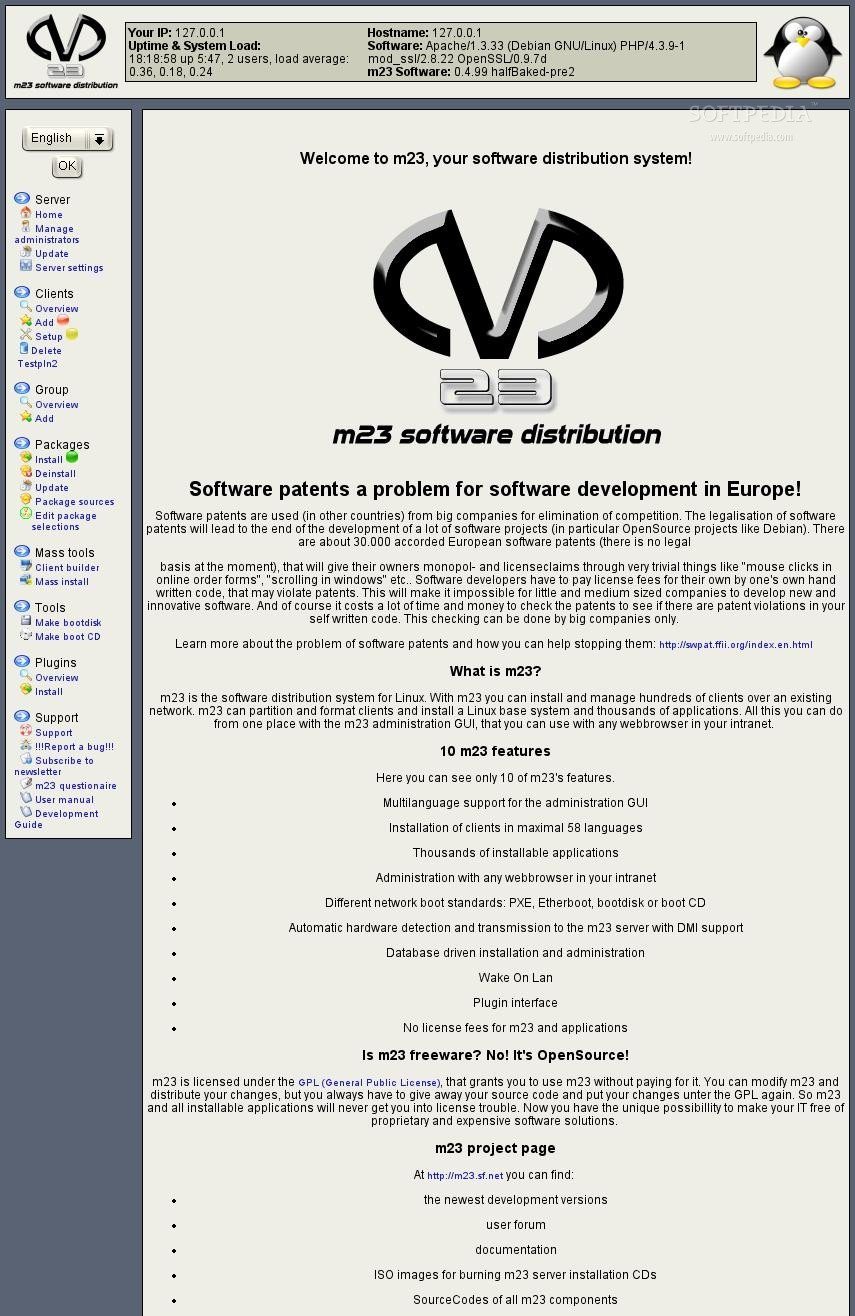
m23 is a free software distribution system licensed under the GPL, that installs and administrates clients with Debian, Ubuntu, Kubuntu, Xubuntu, CentOS, openSUSE, Fedora and Linux Mint.
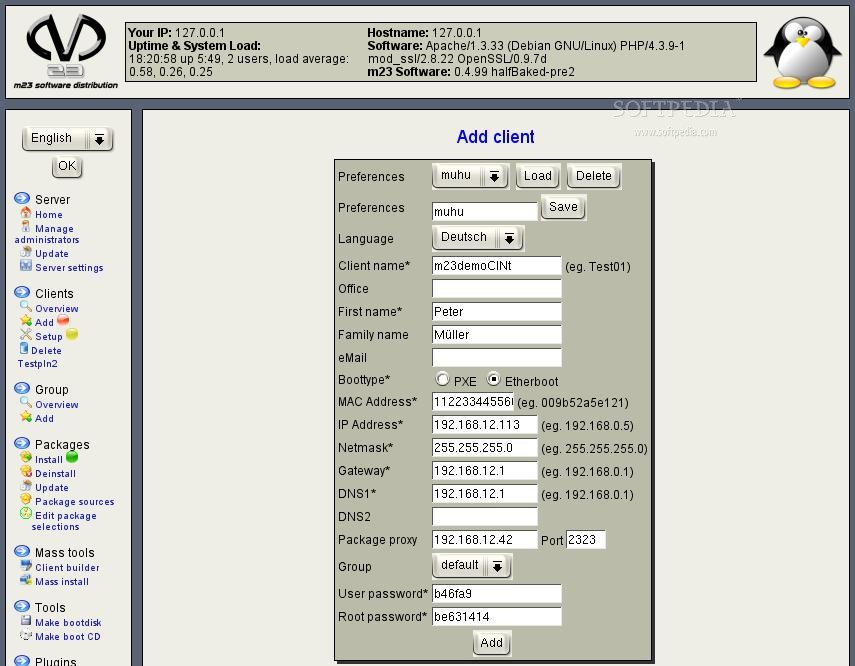
m23 is controlled via webbrowser. The installation of a new m23 client is done in three steps and the integration of existing clients is possible, too. Group functions and mass installation tools make managing a vast number of clients comfortable. Client backup and server backup are included to avoid data loss. With the integrated virtualisation software, m23 can create and manage virtual m23 clients, that run on real m23 clients or the m23 server. Scripts and software packages (for installation on the clients) can be created directly from the m23 web interface.
Product's homepage
Here are some key features of "m23":
· Administration via webbrowser
· Three steps to your complete client
· Integration of existing clients into m23
· Group functions
· Mass installation
· Client operating systems: Debian, Ubuntu, Kubuntu, Xubuntu, Fedora, Linux Mint, CentOS and openSUSE
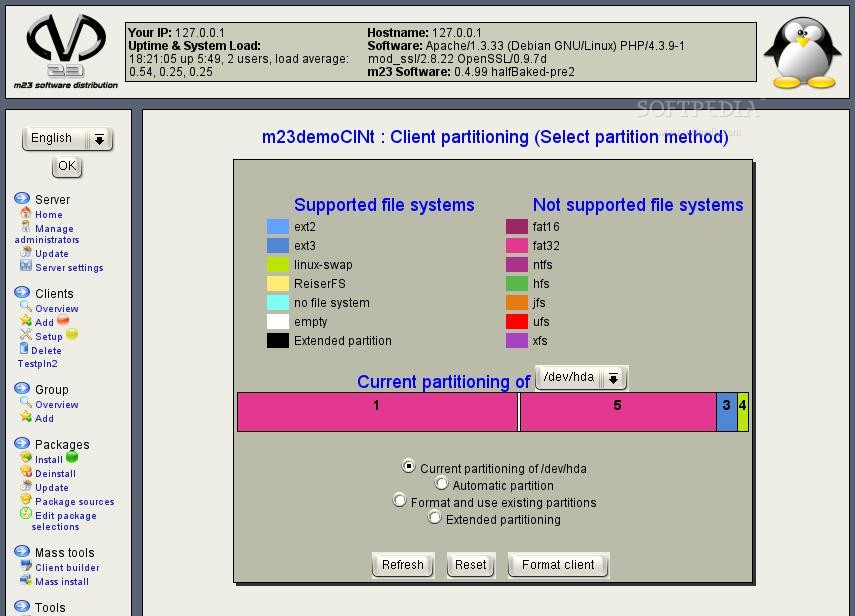
· Free partitioning and formatting
· Support for software RAIDs (RAID level 0, 1, 4, 5, 6 and 10)
· IP management
· User management with LDAP
· NFS for storing home directories
· Software packages installation, update and removal
· Free choice of software of different distributions
· Package dependency check
· Software package caching
· Pool builder to build your own package source
· Graphical desktops: KDE, Gnome, XFce or pure X11, or even without (for servers)
· Imaging: optionally installation using image files possible
· Client backup
· Client recovery
· Rescue system
· Client virtualisation
· Server backup
· Variable firewall
What's New in This Release: [ read full changelog ]
· With m23's new version 12.3 rock, you can now also install and administer Ubuntu 12.04 LTS. We also added different desktop environments which should suit everyone's taste. Ubuntu's new standard desktop environment Unity is included in its 3D and 2D variants. Those who do not like Unity, are confronted with the agony of choice and have to decide between a classical Gnome environment (which is optically based on Gnome 2), Xfce, KDE (now with a brighter theme), LXDE or the pure text mode ;-) . The new login manager LightDM accompanies the list of new desktop environments .
· In addition to the main feature Ubuntu, we made many changes and improvements: The first thing to notice is the output of the m23 client monitor in the client's realtime status of the web interface implemented with AJAX. This way, you can always keep your client in view, even without using an SSH direct connection. When adding a new client, m23 now automatically suggests an unused IP address, which saves you the work of the tedious trial-and-error method or the invention of an algorithm to find free IPs. For German-speaking administrators (or all those who would like to become one), there is now the integrated BAfH daily excuse, that conjurs a new, humourous excuse into your web browser every day, which provides a plausible and absolutely logical reason, why the user's problem (unfortunately, regrettably) cannot be solved right now ;-). Besides this really useful (and possibly life saving) tool, a simple calculator has also found its way into the interface.
· The internal, VirtualBox-based virtualisation of m23 was improved massively: Now the newer VirtualBox 4.x (as it is contained in Ubuntu 12.04 LTS) can be used as a basis and for the first time, the hardware acceleration (PAE, NX and "Nested Paging") of the processor is used (if available), to install 64-bit operating systems or to allow the operation of virtual guests in virtual machines. In a graphical VNC session, the restart (e.g. when restituting a client) or the shutdown of a virtual client work now. The boot method is now changed automatically after the installation of the operating system is finished, for example from network boot to boot from a virtual harddrive.
· For use with other virtualisation solutions like KVM, the script VirtualBox-networking-setup.sh (which was originally created for use with VirtualBox) for the creation of network bridges was modified to be able to run in Ubuntu 12.04.
· The m23-xorg-configurator for the setup of the graphic card was upgraded by the ability to run in Ubuntu 12.04, this ability also has benefits for other distros. New upstart scripts ensure that the m23-xorg-configurator is executed before the login manager and that no X11 session is running. Otherwise, problems with the detection and recognition of the hardware could occur. A correction now makes sure that the configuration made by XOrg is found in the correct directory.
· Some details of the m23 interface were improved to accelerate and facilitate your work processes. When searching for packages in Debian and Ubuntu, you can now choose if you would like to see the complete package descriptions and sizes or the faster short variant of the descriptions in the result.
· After preselecting packages for (de)installation, you can now still modify your selection by using the new comfort functions. The packages can now - in addition to the old single choice method - also be selected and deselected as a whole or the selection can be inverted. Besides discarding tasks, their priority can now be changed, for example to make sure that they are run in a specific order. These priorities can even be saved as a package selection, so that they can be deployed to many clients. When you want to install several packages during the base installation of the clients, you can now choose as many package selections as you like, which are then installed automatically after the installation of the operating system. Special packages are now listed in a sorted fashion and a correction ensures that the list also contains special packages which are symbolic links.
· Behind the scenes, there has also been a lot of change: For example, the access method for the MySQL database has been changed to permanent connection and the configuration of the network boot Linux kernel was adapted to be used with device names of the type /dev/sd* for IDE drives.
· The new version is available as update via the m23 interface, via APT, as ISO to burn the m23 server installation CD/DVD or as preinstalled virtual machine.