
Yet another Ubuntu-based, free Linux operating system designed for 64-bit computers. #Ubuntu Linux #Linux distribution #Operating system #Ubuntu #Linux #Distribution
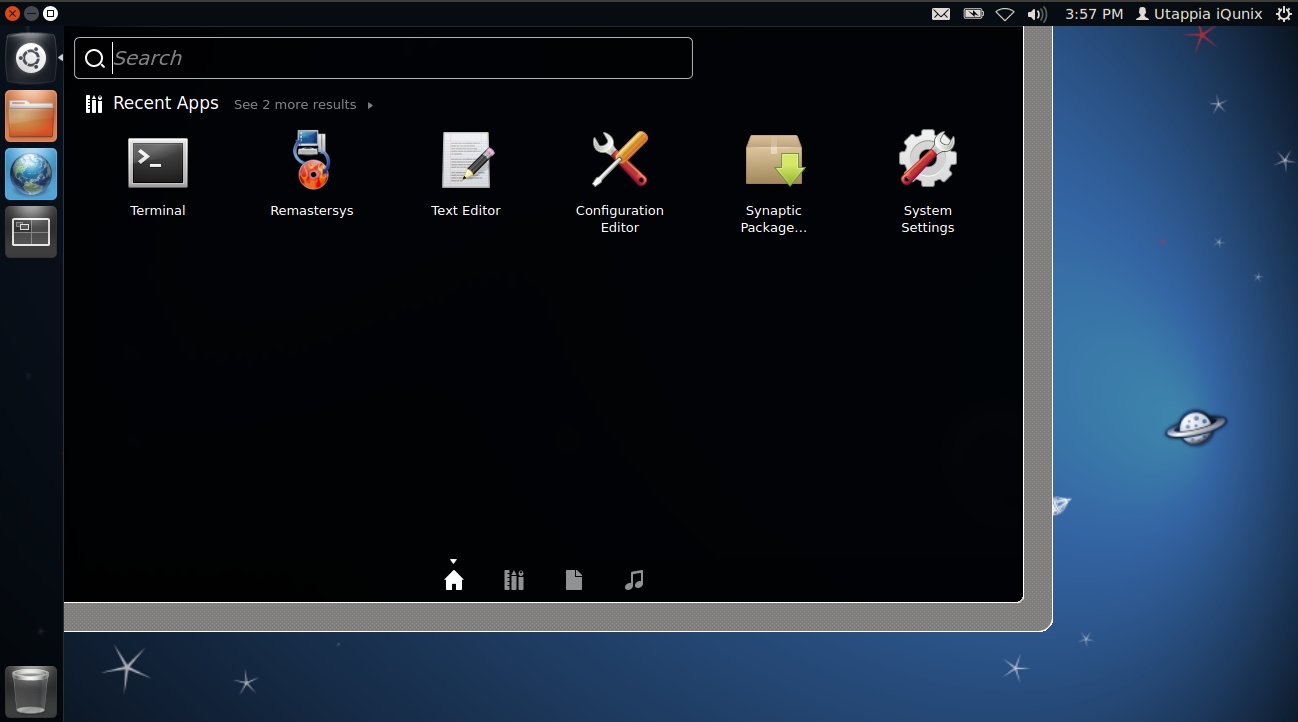
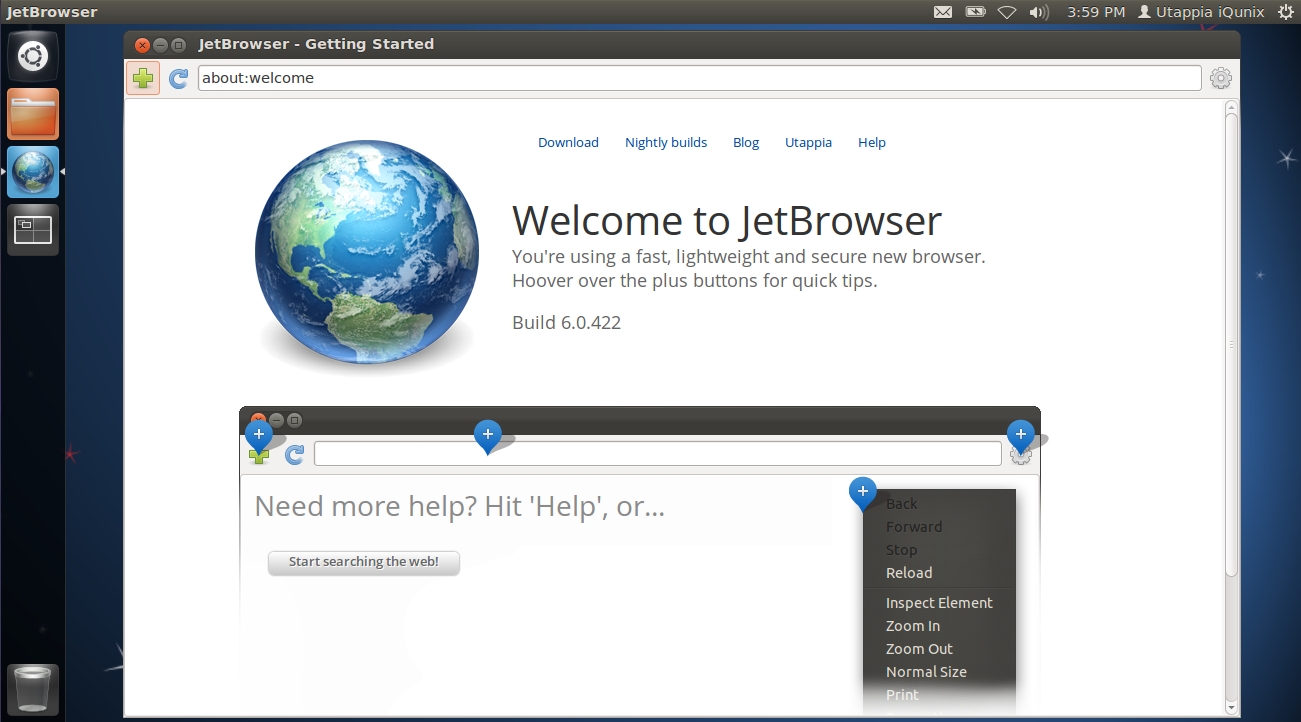
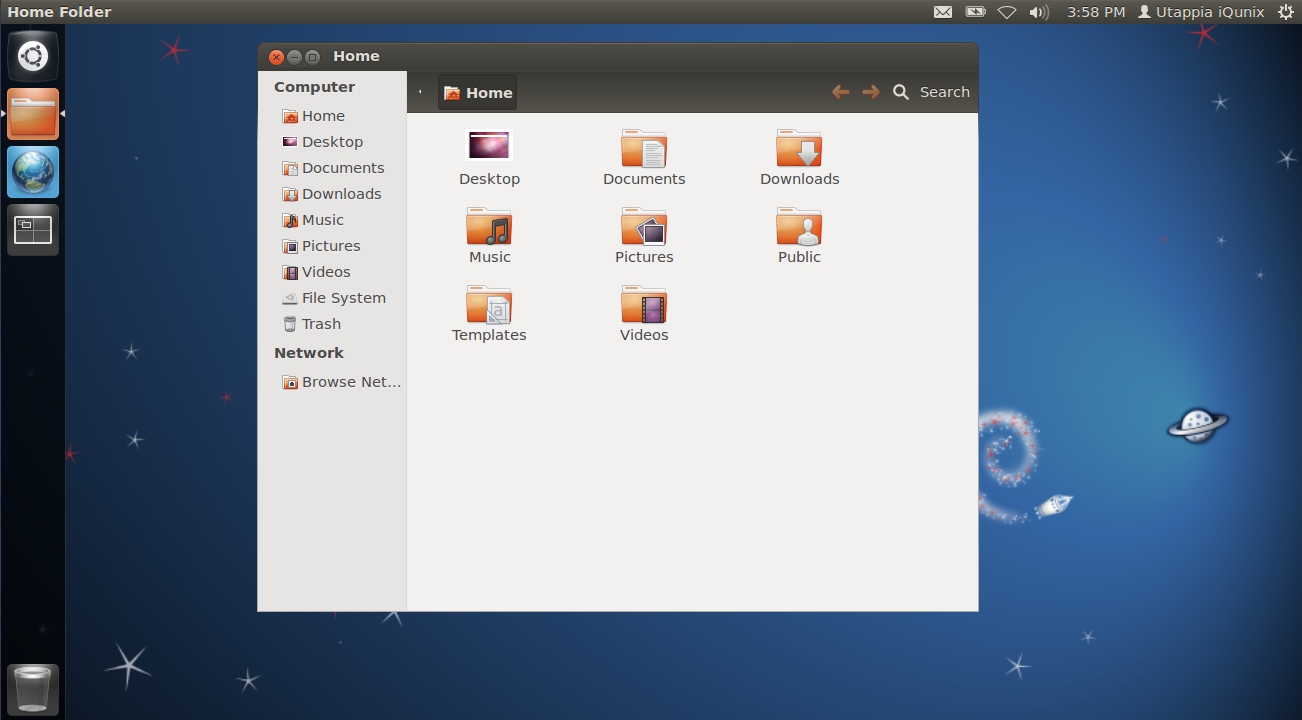
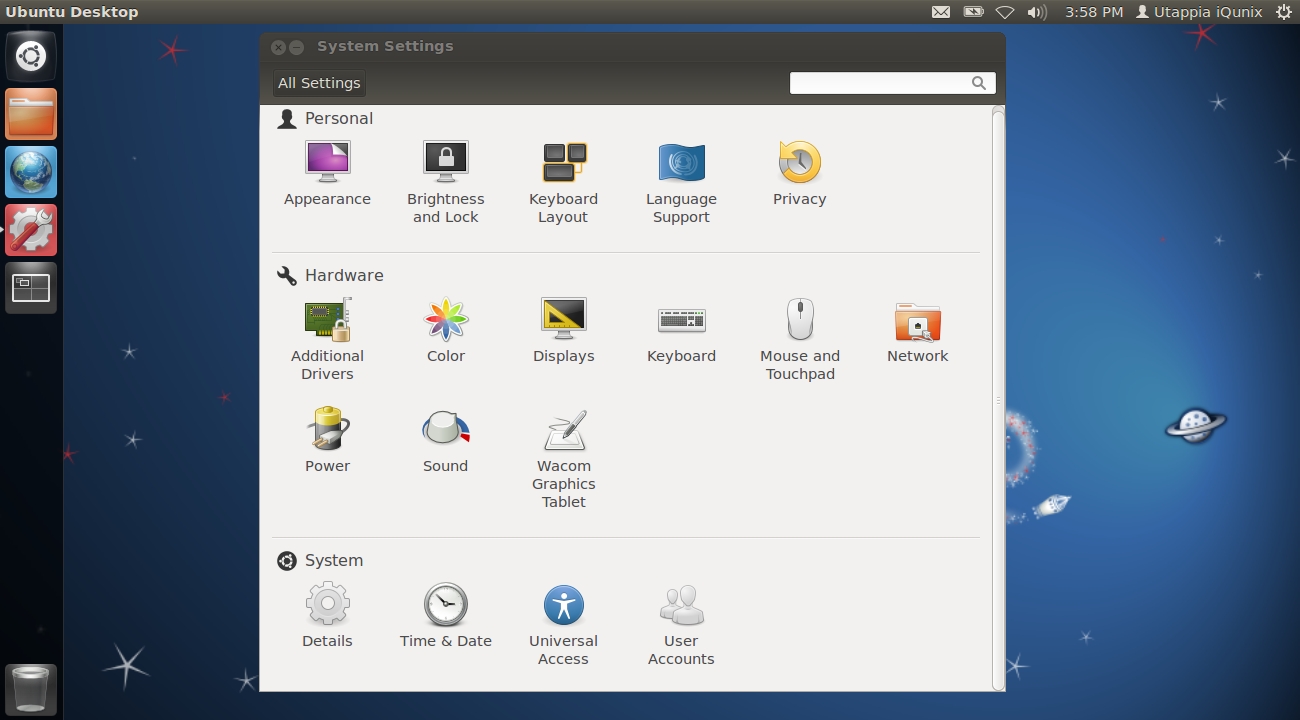
iQunix OS is an open-source and completely free distribution of Linux based on the world’s most popular free operating system and designed from the ground up to help you build your own software experience. It is built around the modern and productive Unity desktop environment.
iQunix OS is distribution as a Live CD ISO image of approximately 550MB in size, suitable only for modern computers that support the 64-bit (x86_64/amd64) instruction set architecture. The ISO image is hybrid, allowing the user to write it on either a CD disc or a USB thumb drive.
Being based on Ubuntu, iQunix OS provides users with a standard boot menu from where they can try the operating system without installing it. Default boot options include the ability to start the live system with default drivers or in safe graphics mode, start the installer directly, boot from the local drive or perform a system memory diagnostic test.
As mentioned, the main emphasis of iQunix OS is on allowing users to build their own software experience by installing all the packages that they need. Because of this, the distribution comes with no pre-installed applications.
Ubuntu’s Unity is in charge of the graphical desktop environment of iQunix OS, providing users with a modern and productive interface. However, it will look empty and ugly at a first glance, as the distribution doesn’t include any software packages.
Summing up, iQunix OS is the perfect choice for those who are looking for a bare-bone Ubuntu operating system that they can tweak and configure from nothing.
What's new in iQunix OS 12.04:
- From now on, iQunix is part of Utappia's (http://utappia.blogspot.com
- From now on, iQunix will only be based on LTS releases
- From now on, iQunix will have only 64 bit releases of the operating system
- Has migrated from Gnome 2.x to Unity
iQunix OS 12.04
add to watchlist add to download basket send us an update REPORT- runs on:
- Linux
- main category:
- Linux Distributions
- developer:
- visit homepage
Microsoft Teams 24060.3102.2733.5911 Home / 1.7.00.7956 Work

4k Video Downloader 1.5.3.0080 Plus / 4.30.0.5655

Context Menu Manager 3.3.3.1

calibre 7.9.0

7-Zip 23.01 / 24.04 Beta

Windows Sandbox Launcher 1.0.0

Bitdefender Antivirus Free 27.0.35.146

Zoom Client 6.0.3.37634

IrfanView 4.67

ShareX 16.0.1

- Zoom Client
- IrfanView
- ShareX
- Microsoft Teams
- 4k Video Downloader
- Context Menu Manager
- calibre
- 7-Zip
- Windows Sandbox Launcher
- Bitdefender Antivirus Free