Softpedia


LINUX CATEGORIES:


GLOBAL PAGES >>
NEWS ARCHIVE >>
SOFTPEDIA REVIEWS >>
MEET THE EDITORS >>
WEEK'S BEST
  • BackTrack 5 R2
  • Wine 1.4 / 1.5.5
  • Mozilla Firefox 12...
  • Ubuntu 11.04
  • Angry Birds 1.1.2.1
  • Ubuntu 10.04.4 LTS
  • Linux Kernel 3.4
  • Ubuntu Manual 10.10
  • Adobe Flash Player...
  • Pidgin 2.10.4
  • Home > Linux > System > Operating Systems > Linux Distributions

    UberStudent 1.0 Cicero

    Download button

    Downloads: 914  View global page NEW!  Tell us about an update
    User Rating:
    Rated by:
    Fair (2.0/5)
    2 user(s)
    Developer:

    License / Price:

    Last Updated:

    Category:
    UberStudent | More programs
    GPL / FREE
    July 22nd, 2010, 07:10 GMT
    ROOT / System / Operating Systems / Linux Distributions

     Read user reviews (0)  Refer to a friend  Subscribe

    UberStudent description

    Ubuntu-based OS for higher education and emerging-generation high school students

    ÜberStudent is a free Ubuntu-based Linux distribution for higher education and emerging-generation high school students, those who wish to learn to excel at the tasks and habits of top students and researchers, and anyone who can benefit from easy-to-use yet powerful computing. Like Ubuntu, ÜberStudent is a complete operating system with programs for everyday computing tasks, but comes with an additional core of expertly configured programs, and many user-friendly extras, designed to increase your academic success. It's onboard tools for obtaining additional software enable you to easily extend ÜberStudent still further for specific academic disciplines, and it doesn't stop there. Music and movie lovers, gamers, budding graphic designers, and those who insist on an aesthetically eye-popping user interface will also be very pleased.

    We welcome you into this global collaboration between educators, top graduates and students, and programmers. ÜberStudent can be tested from its Live DVD before you decide to install it with its easy installer, and you can even keep your current operating system as a boot option. People who have made the switch have called ÜberStudent "truly fantastic," among other accolades. We hope that you, too, discover it to be an easy-to-use productivity powerhouse for überstudents, and those seeking the help they need to become one.


    Product's homepage

    Here are some key features of "UberStudent":

    System:
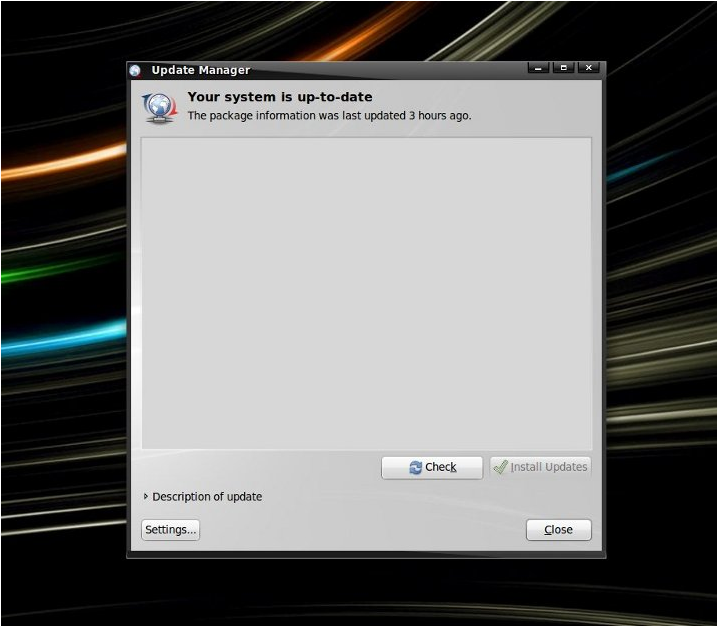
    · Built upon compatibility with the latest distribution of Ubuntu (version 9.10), the world's dominant open source operating system. With ÜberStudent, you can be confident that you are computing from both strength and stability.
    · Free to download, install, use and share. And when the next version comes out, it too will be free. You'll no longer have to lay out painful cash every few years just to keep updated.
    · Works "out-of-the-box" on nearly every manufacturer's computer, both new and older, and tools and guides are right onboard to get your hardware going for the rare instances otherwise. Give ÜberStudent a test run from its Live DVD! When you're ready to install, you can do it side-by-side with your current configured operating system and choose between them at boot time.
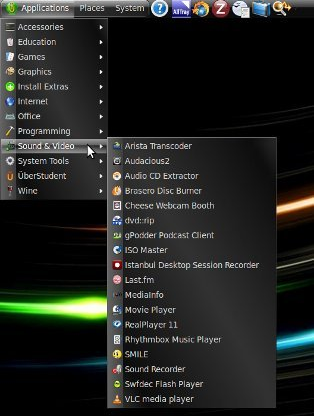
    · Fully multimedia-ready in mere seconds. Just go to the Extras Menu in the Main Menu ("Start Button"), click the appropriate icons, and you're all set.
    · High-yield quick-help guides, example program usages, and templates for academic work by top educators and students (but approved by educators) are on-board in ÜberStudent, and their number is growing. You'll save time and very quickly become productive by doing.
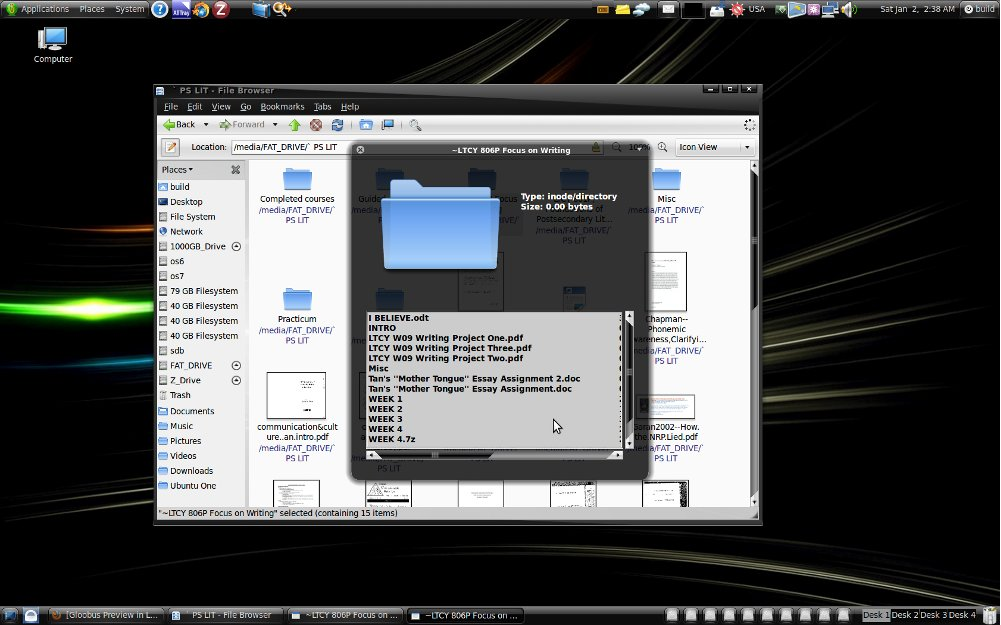
    · ÜberStudent is blazingly fast, much faster than the operating system with which you are probably accustomed. It boots much faster, and programs both load and respond faster—no more clicking and constant waiting! And when you search for files, you'll have results in an instant. You can even preview the contents of files by simply highlighting the file (clicking on it once) and hitting the space bar.
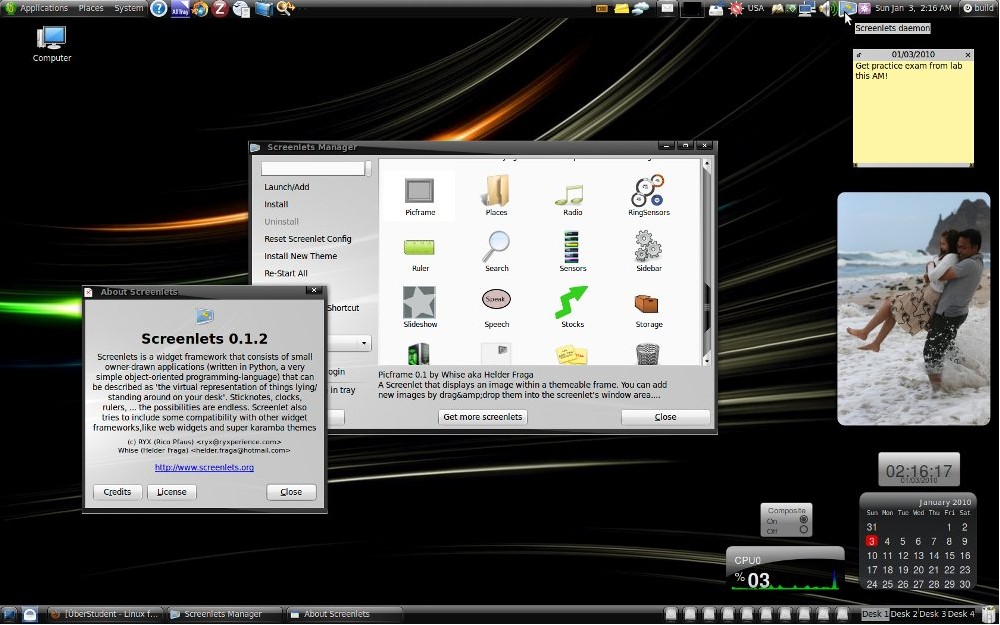
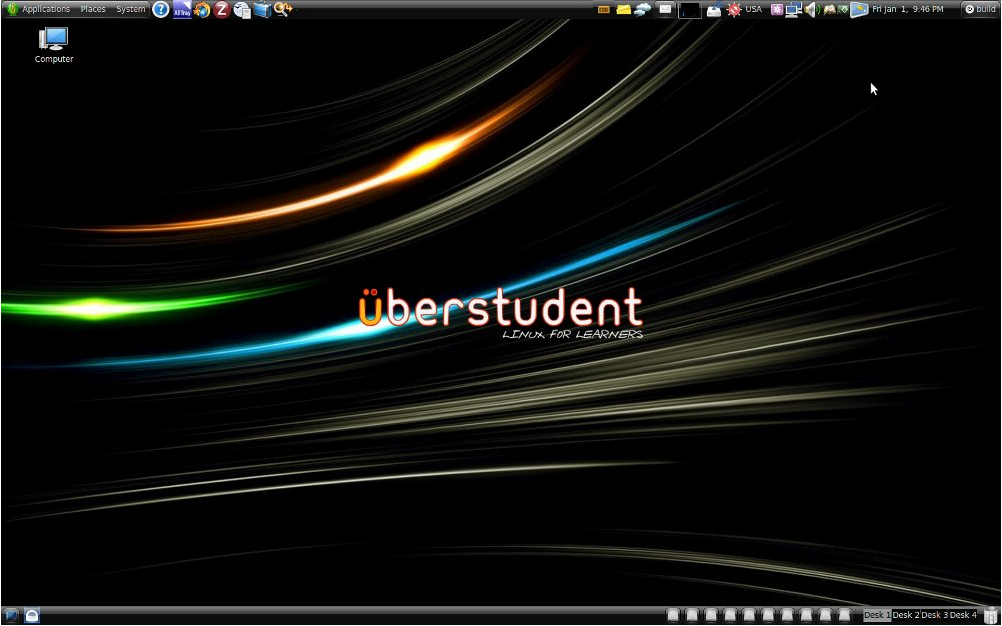
    · An eye-popping user interface comes default on ÜberStudent, as expected of a next-generation operating system. With just a few clicks you can additionally enable a Mac-like dock, and on higher end computers you can easily install free proprietary drivers and enable amazing window animations that are at the utter pinnacle of the desktop computing world.
    · Easily accesible power-user extras that won't get in the way of those who aren't looking for them. For example, just hit F12 to call up Guake Terminal, from which you'll find the most commonly used command line programs are ready to go.
    · More!

    Core Programs:
    · In addition to a full array of programs befitting a complete operating system, ÜberStudent comes with a customized selection of expertly configured core programs common to students of all academic disciplines.

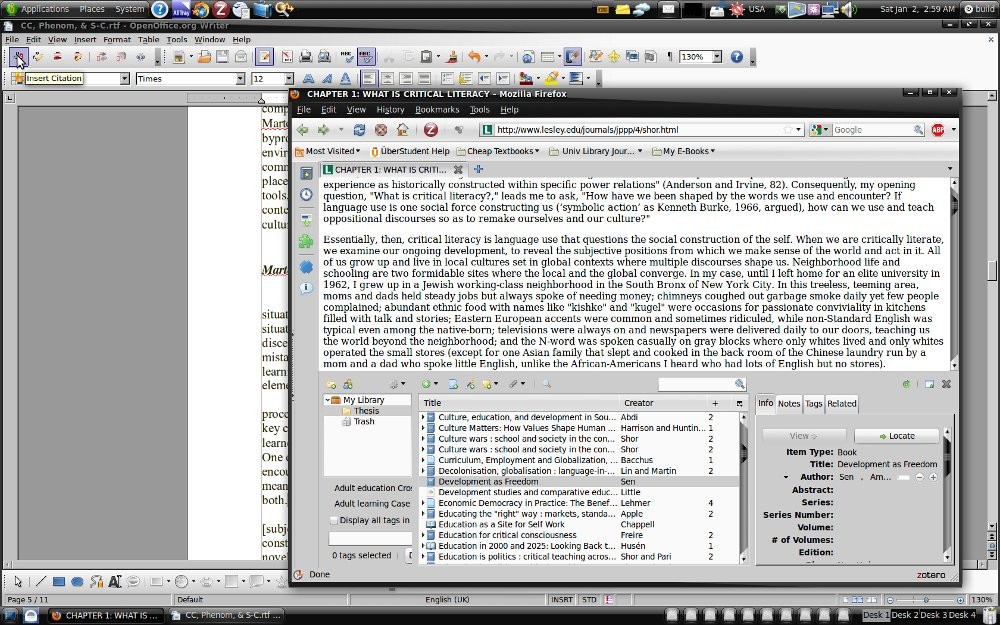
    · Zotero configured to cite your sources into Open Office Writer, a full-featured word-processor similar to and compatible with Microsoft Word. Our customized Zotero turns the popular Firefox browser into a powerful, easy-to-use research tool that helps you gather, organize, cite, and analyze sources, and then share the results of your research online or through a network. Our Firefox browser itself comes with numerous customizations to immediately boost your academic productivity.
    · Google Plus Search, our Firefox extension that unobtrusively adds links to additional searches, seeded with your Google search term(s). ÜberStudent can work with your learning institution to customize it to display search links to library catalog and subscription resources, e.g., EBSCO and JSTOR, so links to high quality academic resources display right within most students' first stop for information, Google.
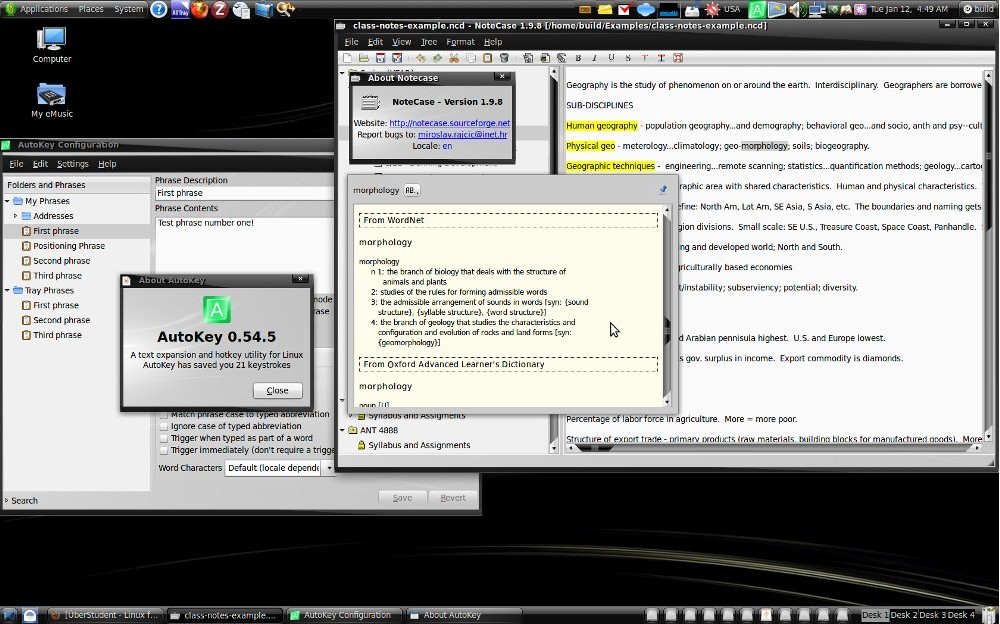
    · NoteCase Notes Manager, a hierarchical note manager (outliner) that helps students and researchers take and organize notes into logically-arranged tree-like structures (each note can have sub-notes). Fire up your laptop and one of our NoteCase templates first thing when you arrive to class! See our on-board example usages—you'll kick yourself for ever trying to get along with paper and pen; plus, when it comes time to write papers, you'll find you already have them partly written! We recommend you take notes from articles for research papers within Zotero, however.
    · AutoKey, a program in which you can easily key in an unlimited number of keyboard abbreviations to reduce the need to type out frequently written words or phrases. Just key an abbreviation for a word or phrase, and then every time you type the abbreviation it is instantly replaced by the word or phrase. AutoKey works literally everywhere you can type in ÜberStudent, but it is especially amazing coupled with NoteCase Notes Manager. You'll have clearer class notes, and more of them, than ever before.
    · Semantik, a mind-mapping tool to visually help students study and write texts such as dissertations, theses, research papers, essays, and even screenplays.
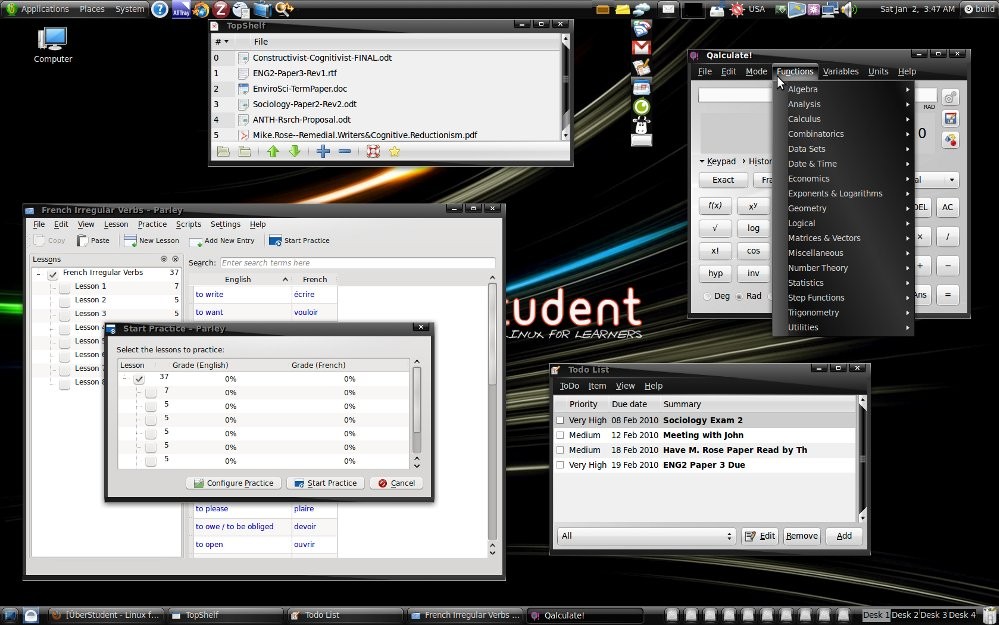
    · Parley, a program to help you memorize any material on any subject. Create virtual flashcards from your class notes taken in NoteCase, or download pre-made sets and increase those available by uploading your own.
    · Golden Dictionary, a full-featured multi-lingual dictionary, thesaurus, translator, and word-pronouncer that works with literally every program in ÜberStudent at just the touch of a key. Goodbye clunky dictionary.com!
    · GNOME Do, inspired by Apple's Quicksilver, enables you to quickly search for items on your computer or the web, and perform useful actions on those items.
    · Gloobus Preview, like Apple’s Quicklook, enables you to quickly glance at the contents of your files and folders. Just highlight the file or folder, hit the space bar, and have a look!
    · Top Shelf, a handy program to help you organize and track drafts of papers.
    · Cloud Menu with the speed of Prism brings the ease of Cloud Computing to your desktop. Google Calendar and Google Docs sync through Google Gears for both on- and off-line use. Building your network with Facebook has never been simpler and faster, nor has Gmail. Remember The Milk! helps you keep organized and syncs with Google Calendar. And just in case, EyeOS, a full-featured opensource online operating system, is available with just a click.
    · Mozilla Thunderbird with Lightning Calendar, which can automatically sync with Google Calendar, iCalendar and others.
    · KMyMoney, to help ensure that your finances are kept in correct order.
    · Mendeley, like iTunes for research papers.
    · ÜberStudent's Extras Menu provides easy access to additional drivers, software, and other extras.
    · More!

    Other Program Highlights:
    · We realize it's counterproductive to only study, and that you'll want to keep contact with friends and family. That's why we've included some of the very best play-ready games, everything you need to rip and burn CDs, programs to make your music sound amazing and handle nearly every video format ever invented, and well-chosen messaging programs. We've done this without uneccesary program redundancy.

    Games:
    · A full range of games, from 3D chess, to flash pinball, to card games, to a Space Invaders clone and the utterly hilarious Potato Guy and more, are onboard in ÜberStudent—and more. Let off stress with the fast-paced first-person 3D shooter game, Warsow, or try your hand in the World of Goo, an amazing Wii-like physics-based puzzle/construction game.

    Messaging:
    · Every major (and some minor) Instant Messaging service is ready-to-go within one program, Pidgin, in ÜberStudent. As well, Skype is on board for voice calls. In addition, we've include a microblogging client to help you keep current on Twitter, Jaiku, Identi.ca, Facebook, Flickr, Digg, and RSS. There's even a super-simple IRC program, and one that hooks into your webcam to enable you to send personalized messages.

    Multimedia:
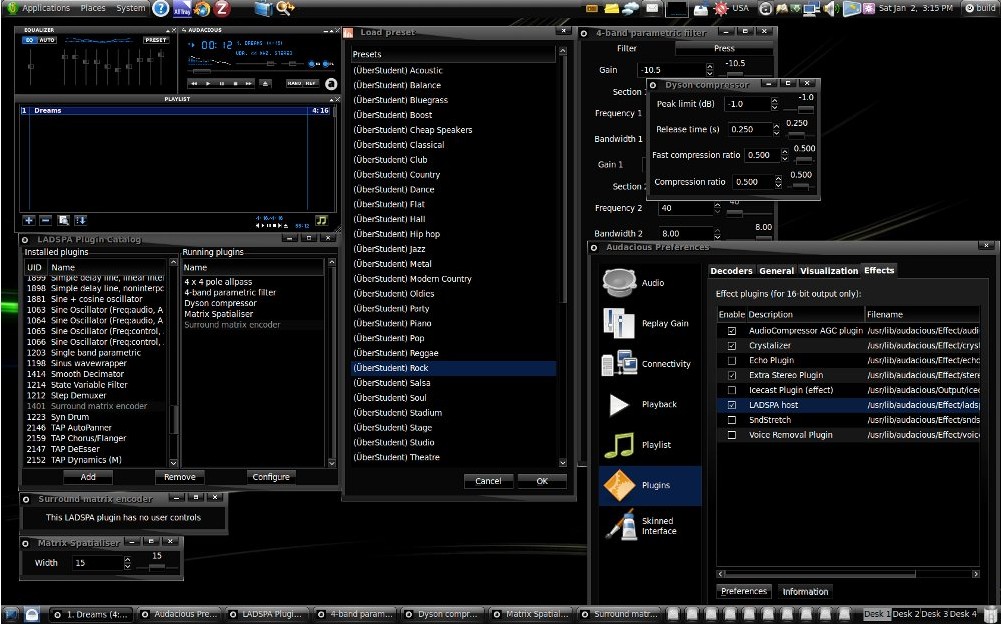
    · ÜberStudent comes with everything you need to download, rip, and burn media disks, and programs to handle nearly every audio and video format ever invented, including DVDs and all the formats you'll encounter everyday on the Internet. Use eMusic Remote to tap over 7-million top songs and albums at half the price of iTunes, and play them in Audacious Music Player, where our expert plugin and equalizer settings (over thirty) will make them sound amazing!


    TAGS:

    Linux distribution | operating system | Ubuntu Linux | Ubuntu | Linux | distribution


    HTML code for linking to this page:


    Go to top

    WindowsGamesDriversMacLinuxScriptsMobileHandheldNews

    SUBMIT PROGRAM   |   ADVERTISE   |   GET HELP   |   SEND US FEEDBACK   |   RSS FEEDS   |   UPDATE YOUR SOFTWARE   |   ROMANIAN FORUM