
A free, minimal and low on resources Live CD distribution derived from OpenSolaris. #Solaris Nevada #Solaris distribution #Operating system #Nevada #Solaris #UNIX
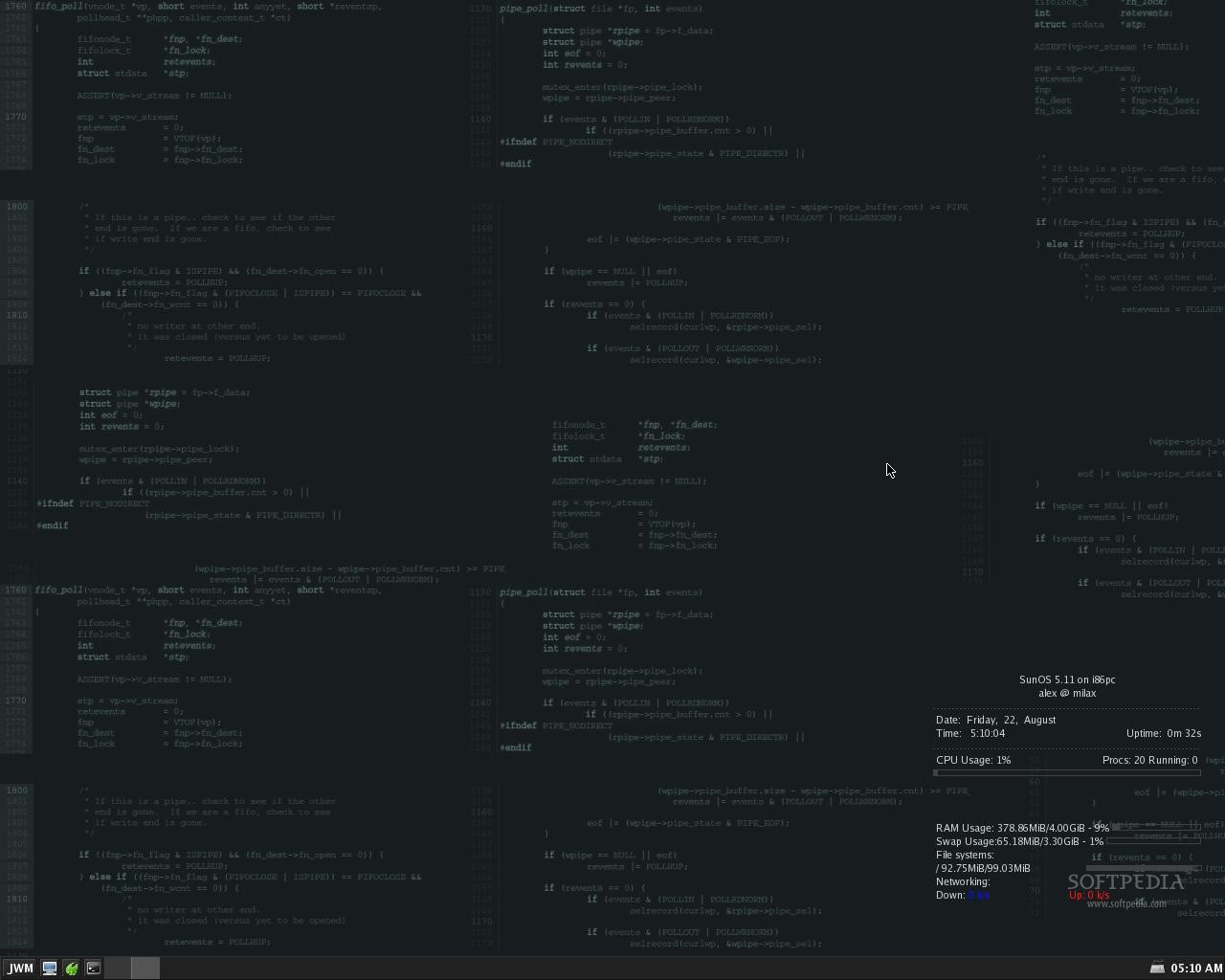
MilaX (formerly Damn Small Solaris) is an open source and freely distributed desktop-oriented Live distribution derived from the OpenSolaris operating system. It has been designed to allow users to take full advantage of all OpenSolaris tehcnologies, such as ZFS, DTrace and BrandZ. It is built around the JWM window manager.
This unique OpenSolaris distribution can be downloaded from Softpedia or its official website as a Live CD ISO image that contains software packages optimized only for 32-bit hardware platforms. It can be used on 64-bit and SPARC machines too.
The Live CD boot menu is powered by GRUB and allows the user to start the live system with normal configuration, in text only mode or in RAM by copying the contents of the ISO image and ejecting the bootable medium. It is also possible to boot an existing OS from the local drive.
Being designed from the offset to be as low on resources as possible, MilaX uses JWM (Joe's Window Manager) for the default graphical desktop environment. JWM has been tweaked with a dark theme and uses a single panel located on the bottom edge of the screen, from where you can navigate the main menu, launch apps, cycle between the two virtual workspaces, as well as to interact with opened programs and system tray functions.
The operating system comes pre-loaded with useful software packages, such as the Beaver and Vim advanced text editors, Midnight Commander two-pane file manager, emelFM file manager, XMMS audio player, Xpdf PDF document viewer, VNC viewer remote desktop viewer, Rdesktop remote connection manager, AxyFTP file transfer client, Irssi IRC client, fbxkb keyboard indicator and switcher, as well as Torsmo system monitoring utility.
What's new in MilaX 0.5:
- Based on OpenSolaris snv128a.
- JWM as WM, system monitor – conky, keyboard layout switcher – SCIM.
- Now with fastest browser Midori – Twitter, Facebook and other sites is working well.
- Fast start: boot LiveCD (LiveUSB), configure network (Menu ->Setup->Net Setup),
MilaX 0.5
add to watchlist add to download basket send us an update REPORT- runs on:
- Linux
- main category:
- System
- developer:
- visit homepage
4k Video Downloader 1.5.3.0080 Plus / 4.30.0.5655

ShareX 16.0.1

Windows Sandbox Launcher 1.0.0

Bitdefender Antivirus Free 27.0.35.146

7-Zip 23.01 / 24.04 Beta

IrfanView 4.67

Microsoft Teams 24060.3102.2733.5911 Home / 1.7.00.7956 Work

Zoom Client 6.0.3.37634

Context Menu Manager 3.3.3.1

calibre 7.9.0

- Zoom Client
- Context Menu Manager
- calibre
- 4k Video Downloader
- ShareX
- Windows Sandbox Launcher
- Bitdefender Antivirus Free
- 7-Zip
- IrfanView
- Microsoft Teams