
The Ultimate Linux operating system, based on Ubuntu and Debian, build around LXQt. #Ubuntu Linux #Debian Linux #LXQt desktop #Ubuntu #Debian #LXQt
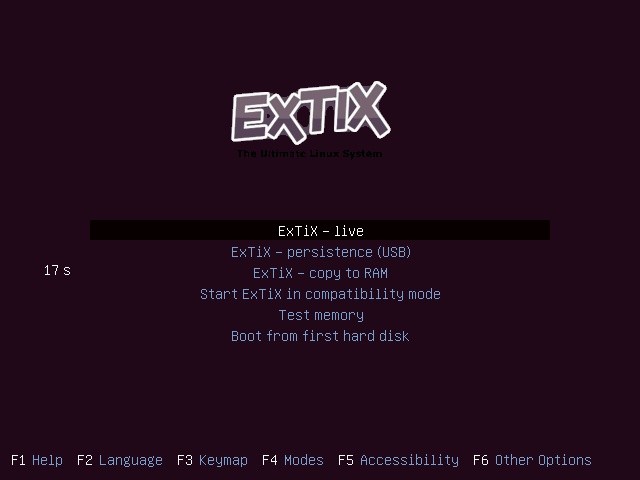
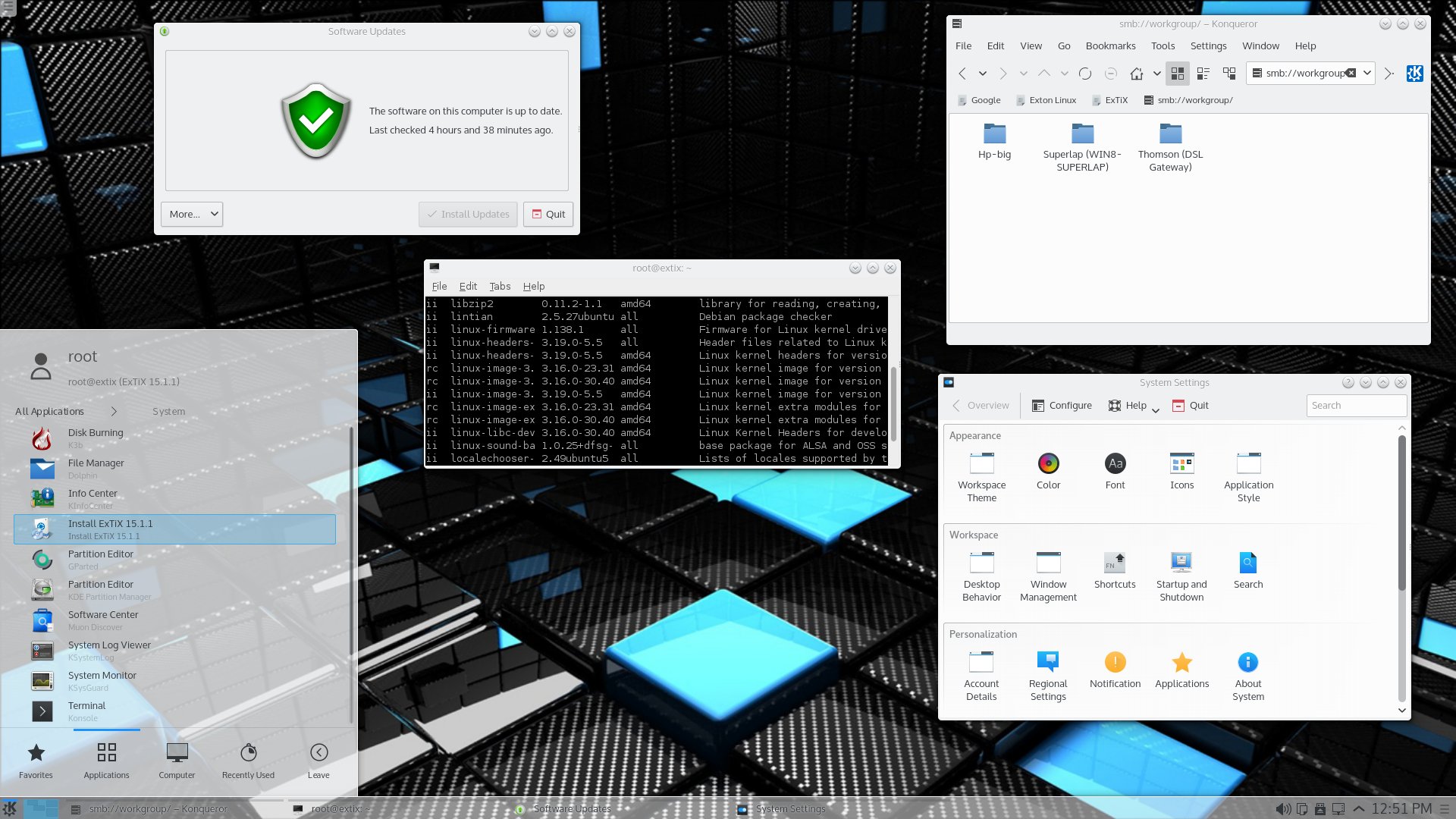
ExTiX is an open source and free distribution of GNU/Linux based on the Ubuntu and Debian GNU/Lin operating systems, built around the minimal and very lightweight LXQt desktop environment, which is written in the Qt programming language. The distribution is powered by the latest Linux 4.1 kernel and includes a wide range of useful open source applications. An extra KDE edition is also available for download.
The ExTiX project is designed to be used by end-users who need a modern and handy desktop system for their daily tasks. Unfortunately for some of you, the operating system supports only the 64-bit CPU architecture, mainly because it’s designed to be used on high-end computers. If this is an issue for you, we suggest to search our website for another Linux operating system that supports 32-bit hardware platforms (for low-end computers).
The Live mediums offer a few useful options, such as the ability to use the operating system in persistence mode, which means that you can save some system settings and other files on the USB disk drive from where you boot the distro, and continue your work next time you use the live environment. The Copy to RAM option will allow users to copy the entire live environment to the machine’s physical memory (RAM) and remove the bootable medium from the USB port or CD-ROM.
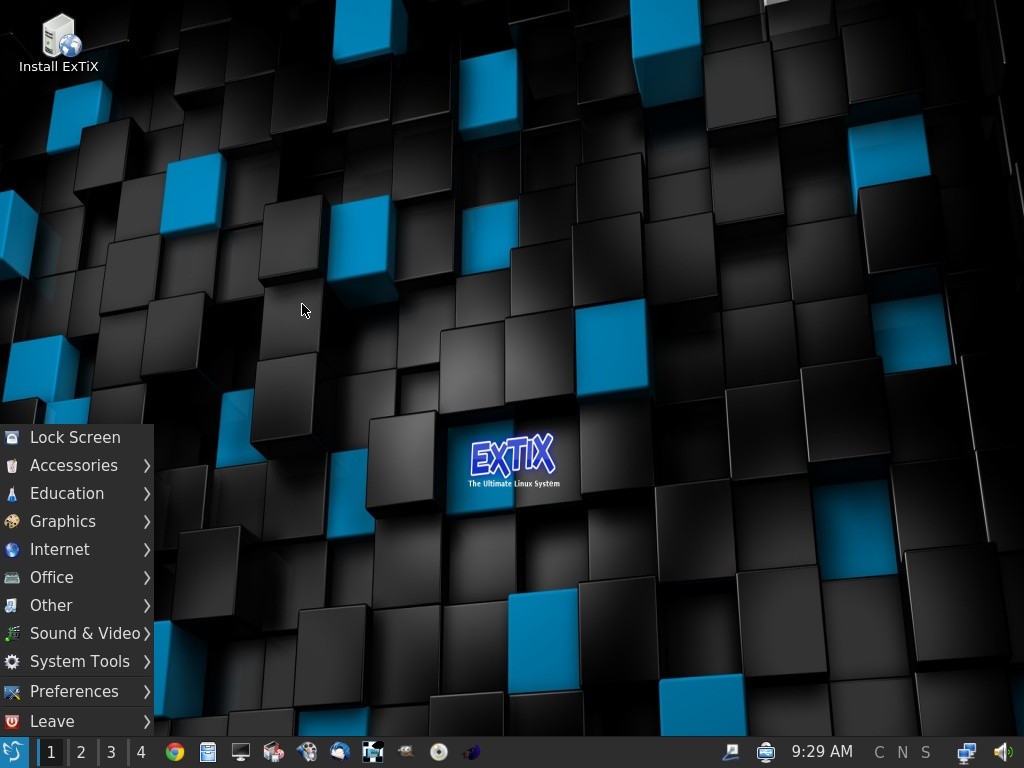
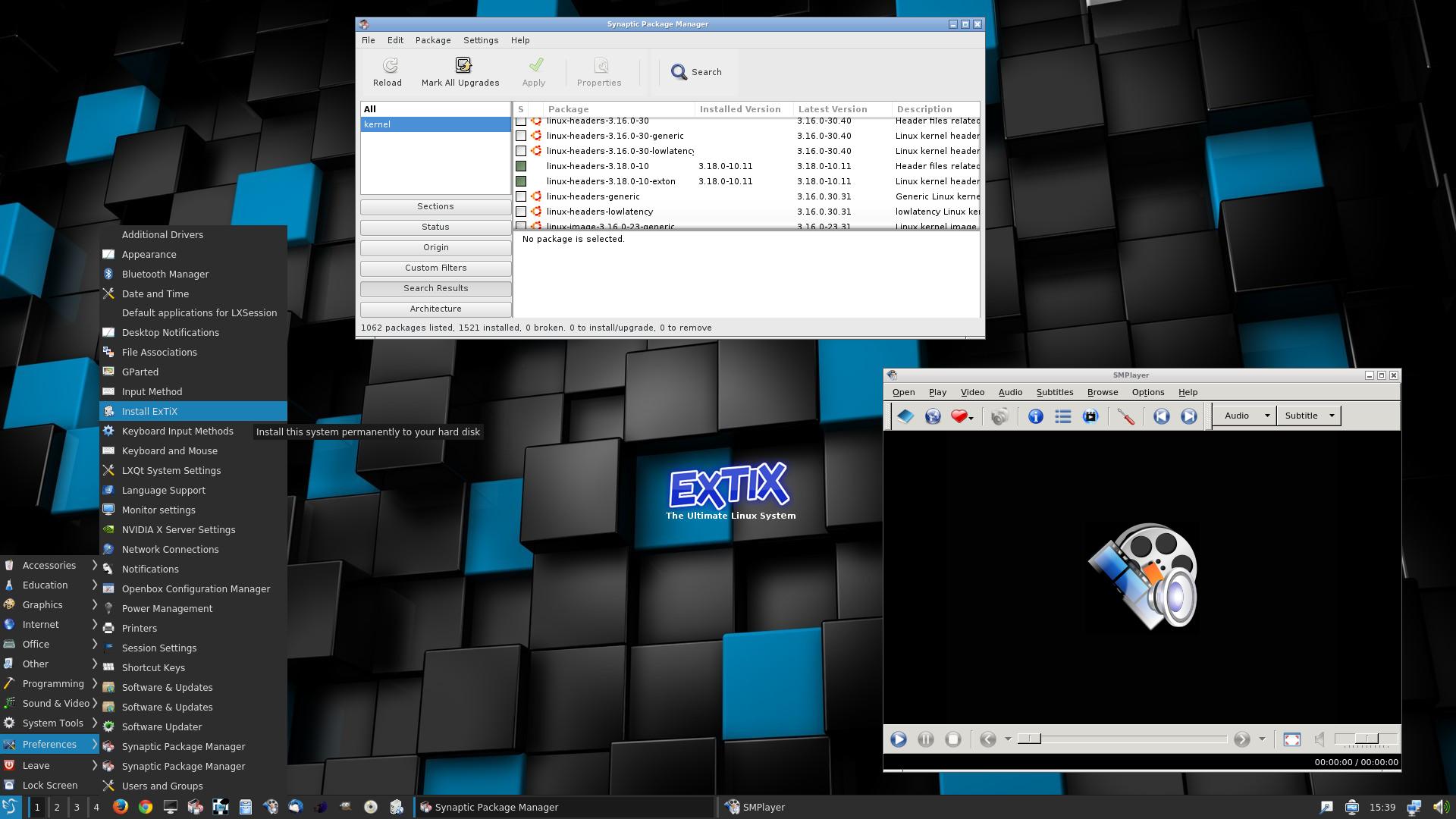
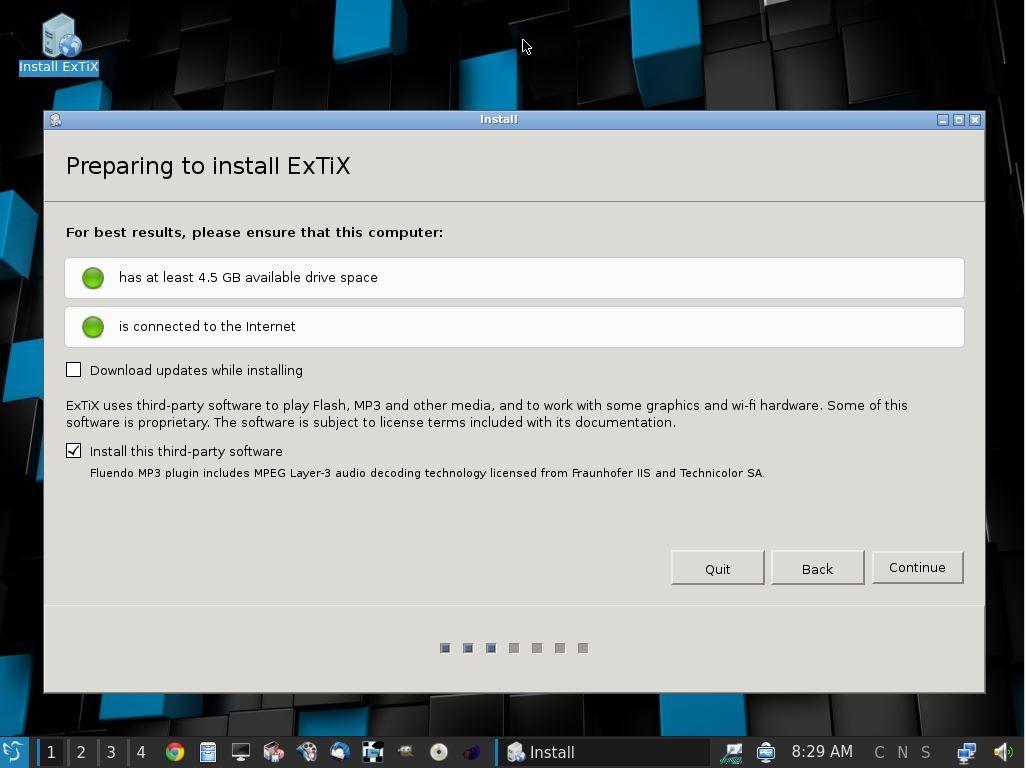
Users can install ExTiX on their computers using the dedicated installer application found under the System Tools category of the Start Menu. The default language is English, and a specially crafted Ubuntu kernel, based on the upstream Linux kernel 4.1, is used. ExTiX was also one of the first projects to adopt recent Linux kernel series.
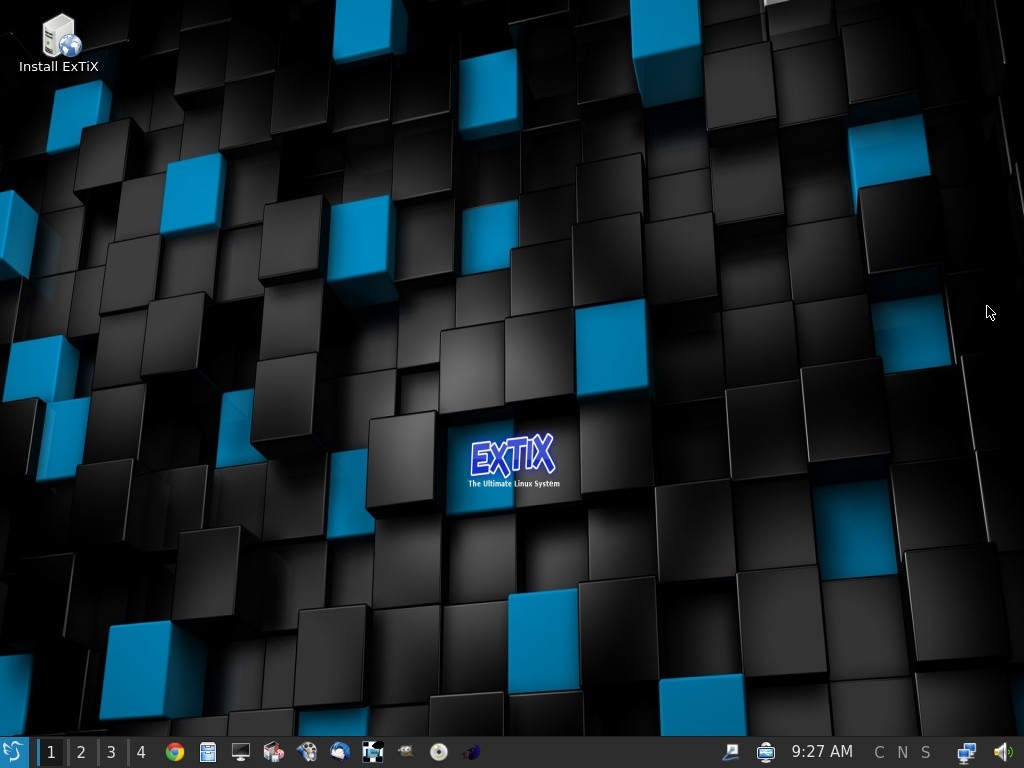
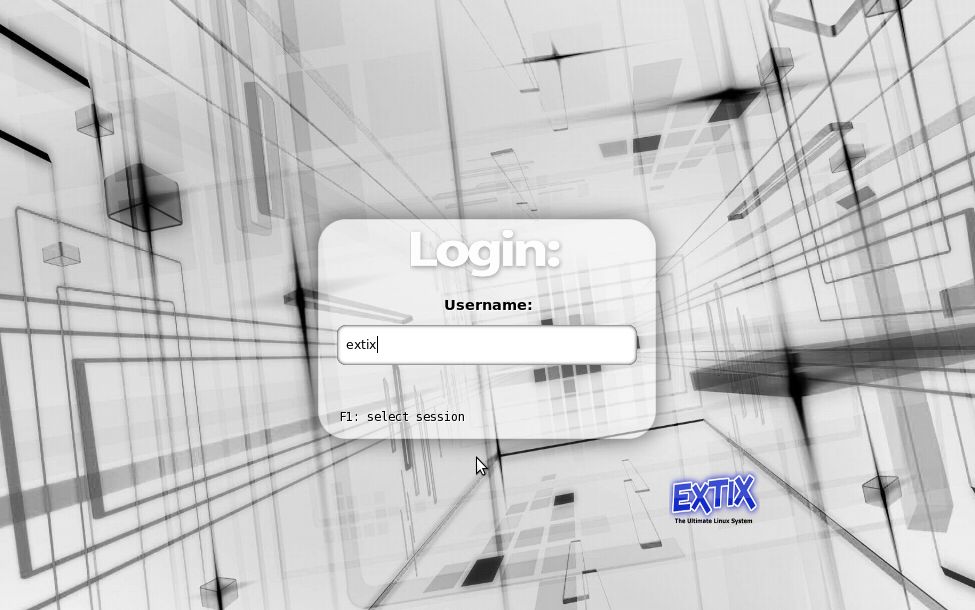
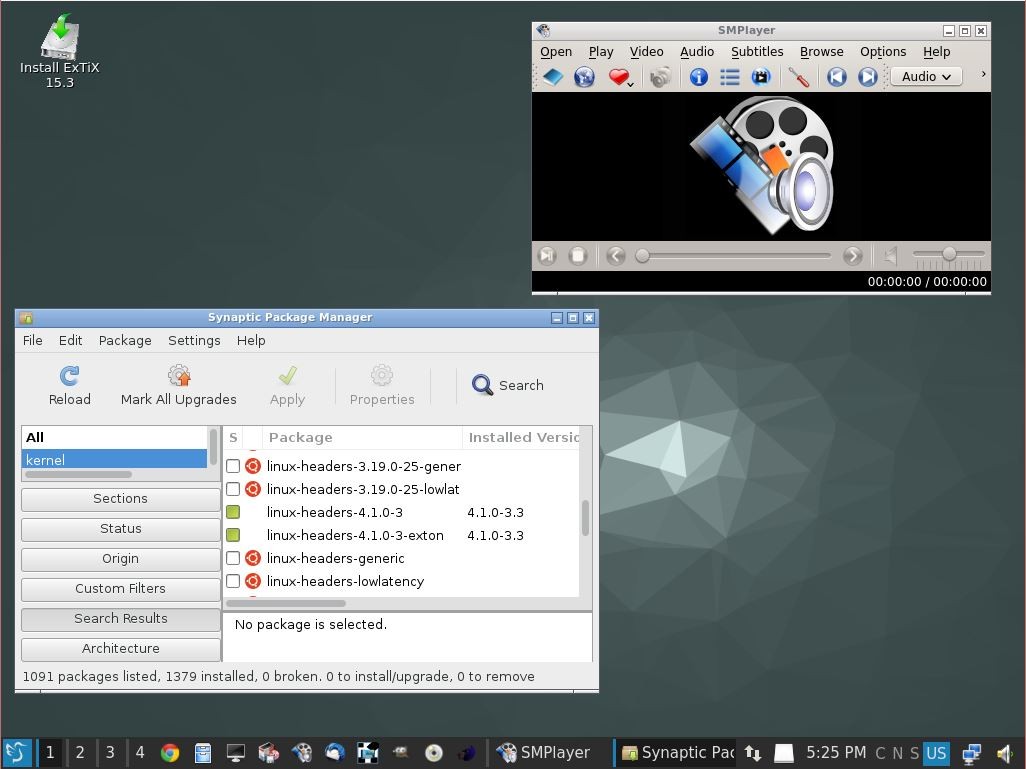
As mentioned, the distribution is built around the LXQt desktop environment, which provides users with a clean and simple interface to do their daily computing tasks. It consist of a single panel located on the bottom edge of the screen, allowing users to access the Start Menu, launch applications, cycle between multiple workspaces, interact with running apps and essential system functions that reside in the system tray area. Keep in mind to use the 'extix' username (without a password) at the login prompt.
ExTiX includes a handful of open-source applications on both editions, including the PCManFM as the default file manager, Google Chrome as the default web browser, Mozilla Thunderbird as the default email and news client, the LibreOffice office suite for creating word and excel documents, Brasero for burning CD/DVDs, JuffEd and Leadpad text editors, LXImage image viewer, GIMP for editing image files, SMplayer for watching movies, BlueGriffon HTML editor, QTerminal, XTerm and UXTerm as terminal emulators, and Synaptic Package Manager, which is used for installing additional apps.
ExTiX 20.1
add to watchlist add to download basket send us an update REPORT- runs on:
- Linux
- main category:
- Linux Distributions
- developer:
- visit homepage
Context Menu Manager 3.3.3.1

calibre 7.9.0

IrfanView 4.67

7-Zip 23.01 / 24.04 Beta

Windows Sandbox Launcher 1.0.0

ShareX 16.0.1

4k Video Downloader 1.5.3.0080 Plus / 4.30.0.5655

Bitdefender Antivirus Free 27.0.35.146

Zoom Client 6.0.3.37634

Microsoft Teams 24060.3102.2733.5911 Home / 1.7.00.7956 Work

- Bitdefender Antivirus Free
- Zoom Client
- Microsoft Teams
- Context Menu Manager
- calibre
- IrfanView
- 7-Zip
- Windows Sandbox Launcher
- ShareX
- 4k Video Downloader