
A minimalist, desktop-oriented Linux distribution based on the Ubuntu operating system. #Linux distribution #Ubuntu Linux #Live CD #Debris #Linux #Distribution
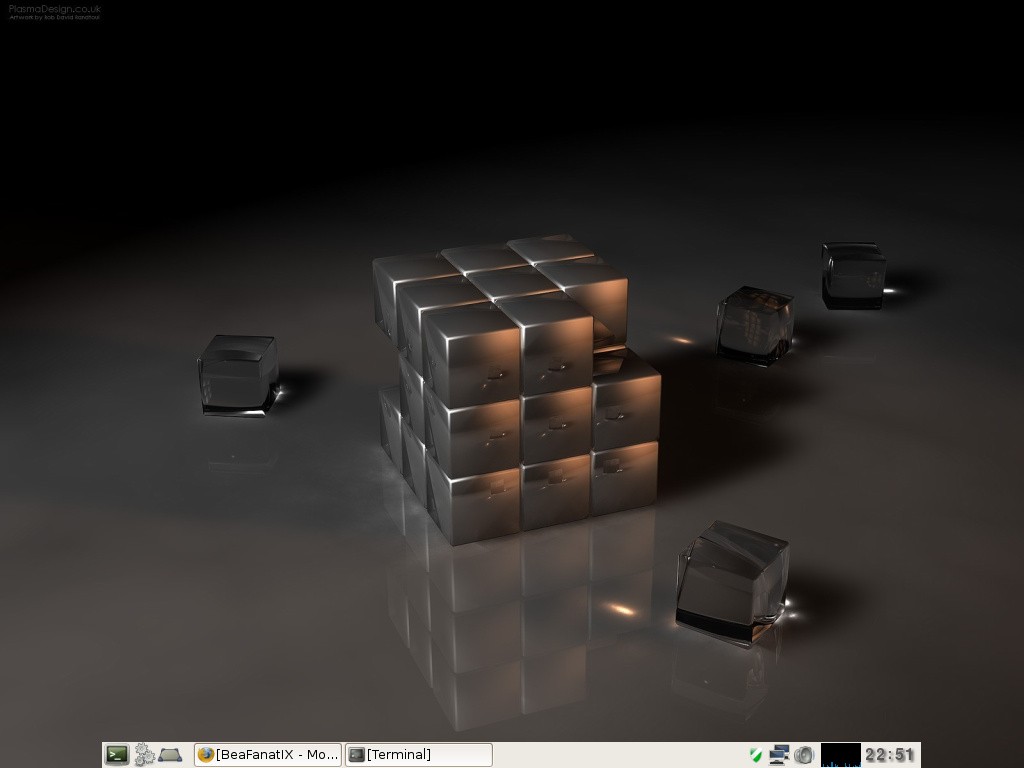
Debris Linux is an open source, minimal, low on resources and clean distribution of Linux derived from the world’s most popular free operating system, Ubuntu, and built around the GNOME desktop manager and the Openbox window manager. It is a desktop-oriented operating system suitable for computers from 10+ years ago.
The distro is available for download as a dual-arch Live CD ISO image, which means that it can boot on computers supporting either of the 64-bit (x86_64) or 32-bit (x86) instruction set architecture. It has approximately 200MB in size and can be written to either a CD disc or a USB flash drive of 512MB or higher capacity.
Debris Linux features a complex Live CD boot menu that instructs users to press the C key and enter the cat /bc command for a list of boot cheats. The menu is scrollable and allows the user to run the live system with the Aeryn desktop environment, which comprised of GNOME and Openbox, a lightweight session powered only by the Openbox window manager or a traditional session with GNOME and Metacity. All three boot entries can be ran with a specific screen resolution.
Among the pre-installed applications, we can mention the Mozilla Firefox web browser, AbiWord word processor with support for importing and exporting ODF and PDF files, Gnumeric spreadsheet editor with ODF import/export support, Evolution email, groupware and PIM (Personal Information Manager) client and Pidgin multi-protocol instant messenger.
The Audacious audio player, gFTP file transfer client, GParted partition editor, NDISwrapper Microsoft Wireless driver manager, ePDFViewer document viewer, GQView image viewer, Leafpad text editor, Firestarter firewall manager, NetworkManager network connections manager are also installed.
What's new in Debris Linux 2.0:
- Fixed the clipboard issue.
- New feature: build-fstab will also update the swap partition's UUID used for hibernation resume.
- Updated Firefox 3.0.15.
- Ubuntu security updates.
Debris Linux 2.0
add to watchlist add to download basket send us an update REPORT- runs on:
- Linux
- filename:
- debris-2.0.iso
- main category:
- Linux Distributions
- developer:
- visit homepage
4k Video Downloader 1.5.3.0080 Plus / 4.30.0.5655

Microsoft Teams 24060.3102.2733.5911 Home / 1.7.00.7956 Work

Windows Sandbox Launcher 1.0.0

Bitdefender Antivirus Free 27.0.35.146

Context Menu Manager 3.3.3.1

calibre 7.9.0

Zoom Client 6.0.3.37634

ShareX 16.0.1

IrfanView 4.67

7-Zip 23.01 / 24.04 Beta

- ShareX
- IrfanView
- 7-Zip
- 4k Video Downloader
- Microsoft Teams
- Windows Sandbox Launcher
- Bitdefender Antivirus Free
- Context Menu Manager
- calibre
- Zoom Client