
A Linux Distribution that focuses on beauty and minimalism, powered by Ubuntu Linux. #Ubuntu Linux #Linux distribution #Operating system #Ubuntu #Linux #Distribution
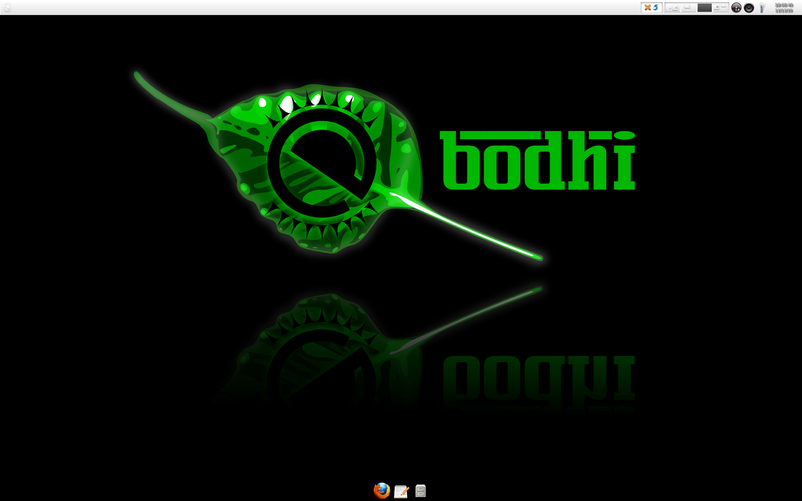
Bodhi is an open source Linux distribution built around the Enlightenment desktop environment and based on the world’s most popular free operating system, Ubuntu Linux. It is a customizable and minimalistic distribution that combines the beauty of the Enlightenment desktop with a great collection of applications and package management utilities.
The system is distributed as Live CD ISO images that can be used to deploy the computing environment on any 64-bit and 32-bit machine. The boot medium is designed to automatically start the live environment in ten seconds. However, users can use it to directly install the distribution, boot the live environment in safe graphics mode, boot the operating system that is currently installed on the first disk, and test the system memory for errors.
Bodhi is well known for providing users with the latest builds of the lightweight and elegant Enlightenment desktop environment. The desktop is comprised only of a dock, which is placed on the upper part of the screen. The dock can be used to quickly switch between virtual workspaces, change the system locale, access the network connections, modify the volume, update the system, or access the applications and settings.
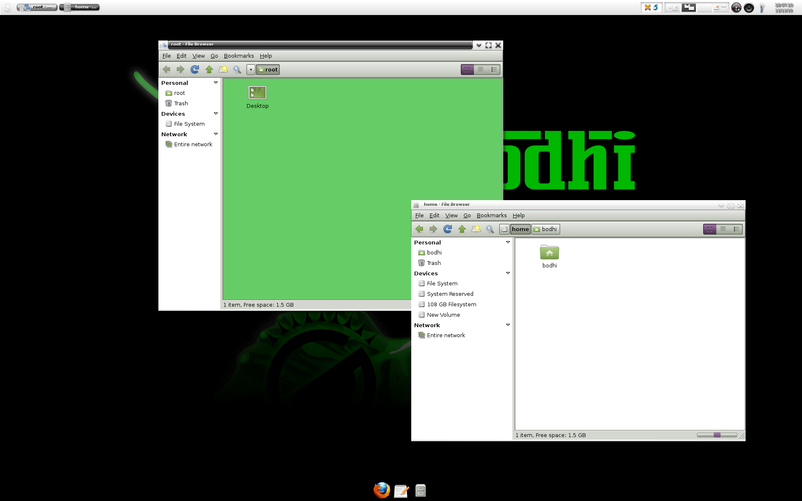
The main menu can be accessed using the left mouse click on the desktop. It can be used to open pre-installed applications, navigate the file system, run a certain command, set the virtual desktops, manage shelfs, change desktop widgets, wallpapers and themes.
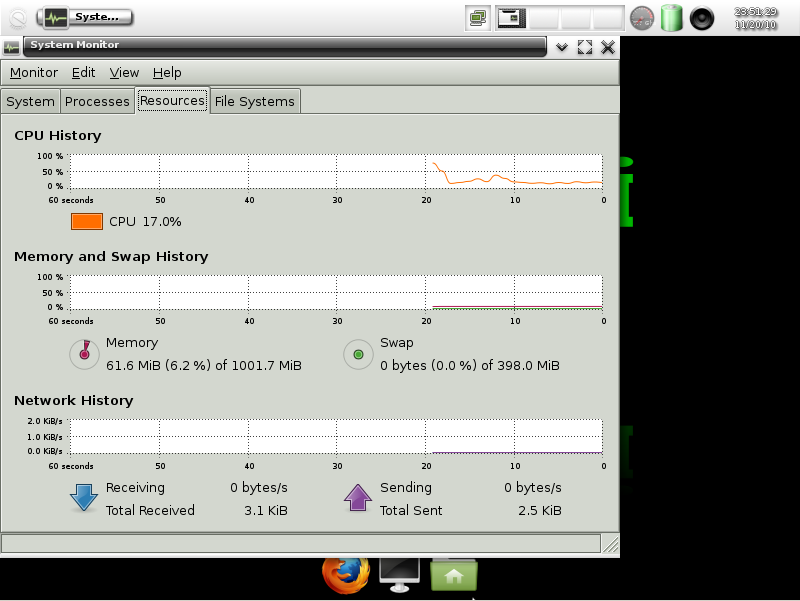
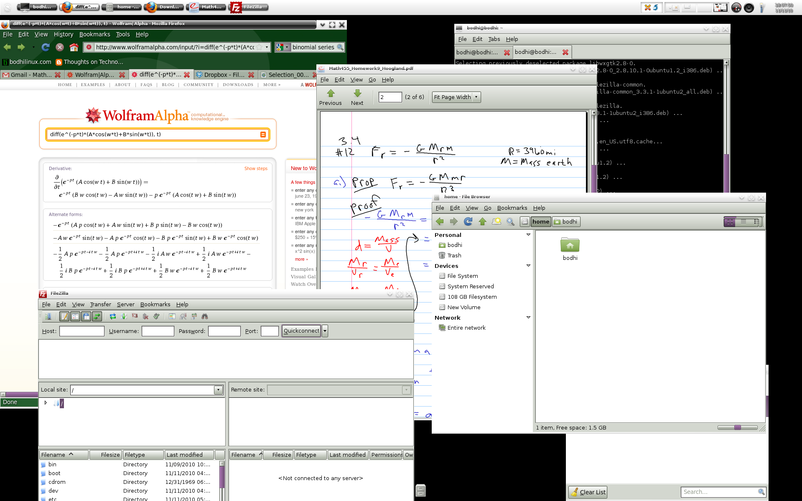
Default applications include only the Midori web browser, Leafpad text editor, Synaptic Package Manager, and EConnMan connection manager. There are also various Enlightenment applications, such as the powerful and complex Terminology terminal emulator, Enlightenment file manager, eDeb package installer, eCcess system tool, eSudo and a screenshot utility.
We recommend this operating system to all Ubuntu fans who are looking for a stable computing environment powered by Enlightenment. It runs well on low-end machines and old hardware.
Bodhi 5.0.0
add to watchlist add to download basket send us an update REPORT- runs on:
- Linux
- main category:
- Linux Distributions
- developer:
- visit homepage
calibre 7.8.0

Microsoft Teams 24060.3102.2733.5911 Home / 1.7.00.7956 Work

paint.net 5.0.13 (5.13.8830.42291)

IrfanView 4.67

Windows Sandbox Launcher 1.0.0

7-Zip 23.01 / 24.04 Beta

Zoom Client 6.0.0.37205

4k Video Downloader 1.5.3.0080 Plus / 4.30.0.5655

ShareX 16.0.1

Bitdefender Antivirus Free 27.0.35.146

- 4k Video Downloader
- ShareX
- Bitdefender Antivirus Free
- calibre
- Microsoft Teams
- paint.net
- IrfanView
- Windows Sandbox Launcher
- 7-Zip
- Zoom Client