
An Open Source and GTK+ based remote desktop client for Linux-based operating systems. #Remote desktop #Remote connection #VNC client #Remote #RDP #VNC
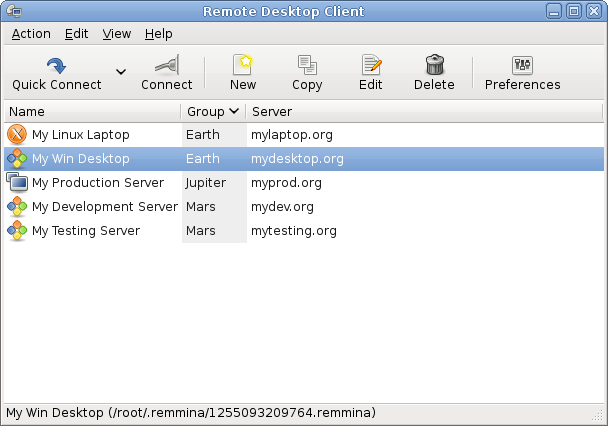
Remmina is an open source and freely distributed software project that has been designed from the offset to act as a complex, powerful and easy-to-use remote desktop client application aimed for system administrators and people on the move.
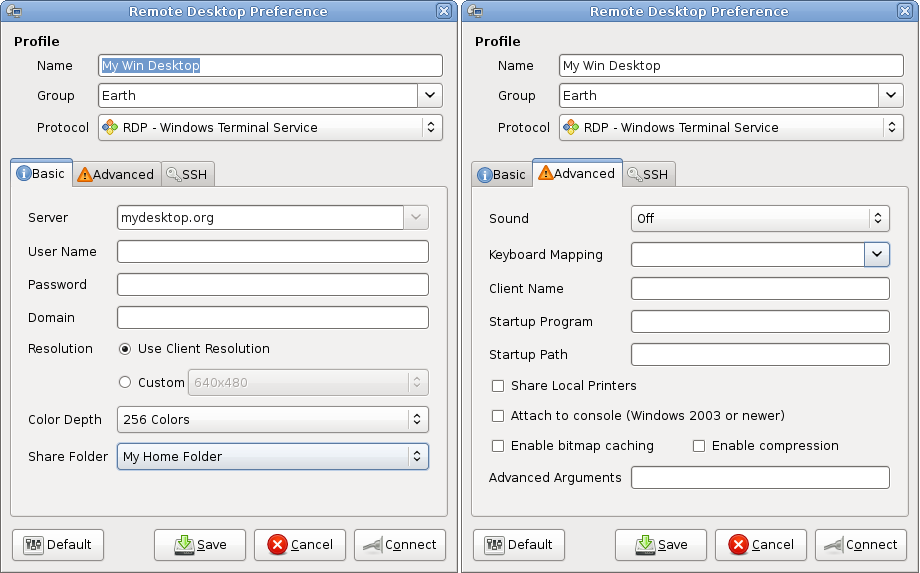
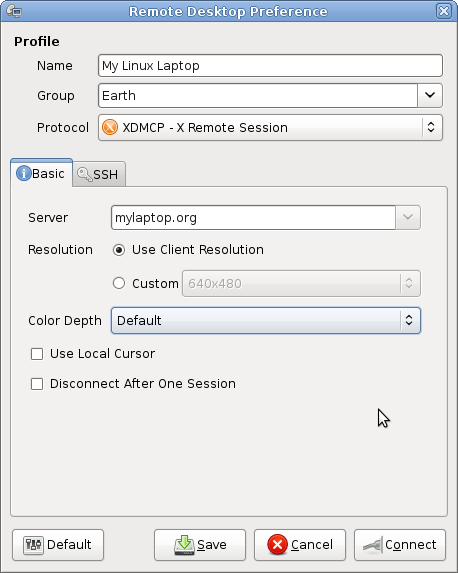
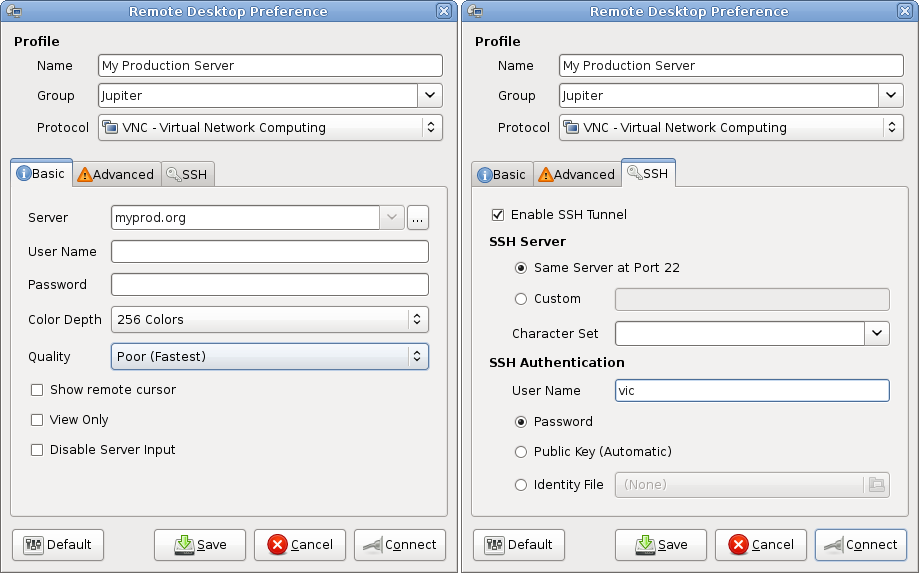
Dubbed “The GTK+ Remote Desktop Client,” the project is comprised of two separated packages, the main GTK+ application called remmina, and remmina-plugins, a set of add-ons for the Remmina application. Key features include a consistent and integrated graphical user interface, as well as supports multiple network protocols, including VNC, RDP, NX, SSH, Telepathy and XDMCP.
Among other features, we can mention a tabbed interface, very useful floating toolbar in fullscreen mode, viewport full screen mode, support for high resolutions, scrolling and scaling support, Avahi-powered automatic service discovery, support for connection profiles, which can be organized in groups, quick connection support, system tray area support, drop-down applet menu, and support for the GNOME and Xfce desktop environments.
It is very important to mention here that the floating toolbar functionality integrated in full screen mode will help users to easily toggle keyboard grabbing, cycle between different modes, as well as to minimize the main window with a single mouse click.
The application is written entirely in the C programming language and uses the cross-platform GTK+ GUI toolkit for its graphical user interface. It is available for download only as a universal sources archive, requiring users to manually configure and compile the project prior to installation.
Remmina is a GNU/Linux application, which means that it has been engineered to work on any GNU/Linux operating system where all of its runtime dependencies are available (check the requirements section below for details). It was successfully tested on both 32-bit and 64-bit hardware platforms.
Remmina 1.3.10
add to watchlist add to download basket send us an update REPORT- runs on:
- Linux
- filename:
- v1.3.10.tar.gz
- main category:
- System
- developer:
- visit homepage
Zoom Client 6.0.0.37205

paint.net 5.0.13 (5.13.8830.42291)

ShareX 16.0.1

Microsoft Teams 24060.3102.2733.5911 Home / 1.7.00.7956 Work

Windows Sandbox Launcher 1.0.0

4k Video Downloader 1.5.3.0080 Plus / 4.30.0.5655

Bitdefender Antivirus Free 27.0.35.146

calibre 7.9.0

IrfanView 4.67

7-Zip 23.01 / 24.04 Beta

- calibre
- IrfanView
- 7-Zip
- Zoom Client
- paint.net
- ShareX
- Microsoft Teams
- Windows Sandbox Launcher
- 4k Video Downloader
- Bitdefender Antivirus Free