
A simple tool for monitoring signal levels, traffic, and network latency of x86 machines. #Monitoring signal levels #Traffic monitoring #Network latency #ROSInfo #Monitoring #Signal
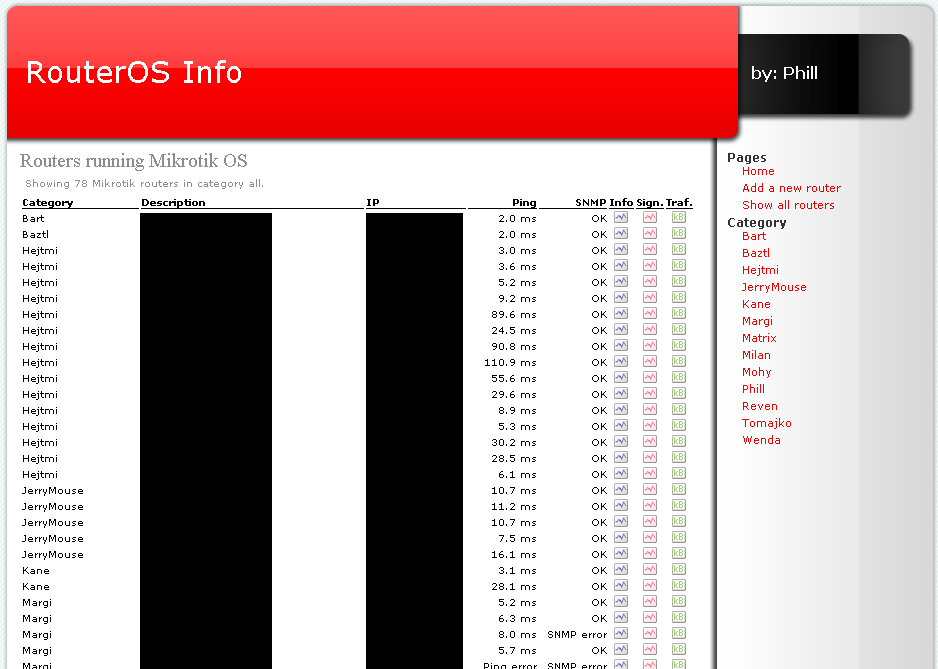
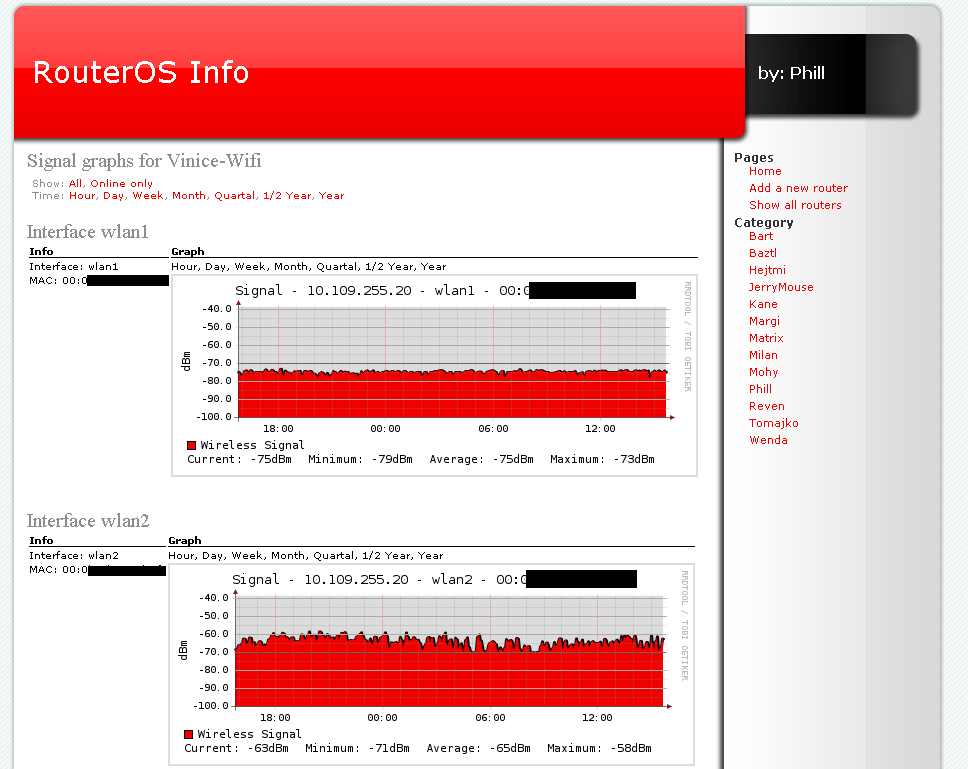
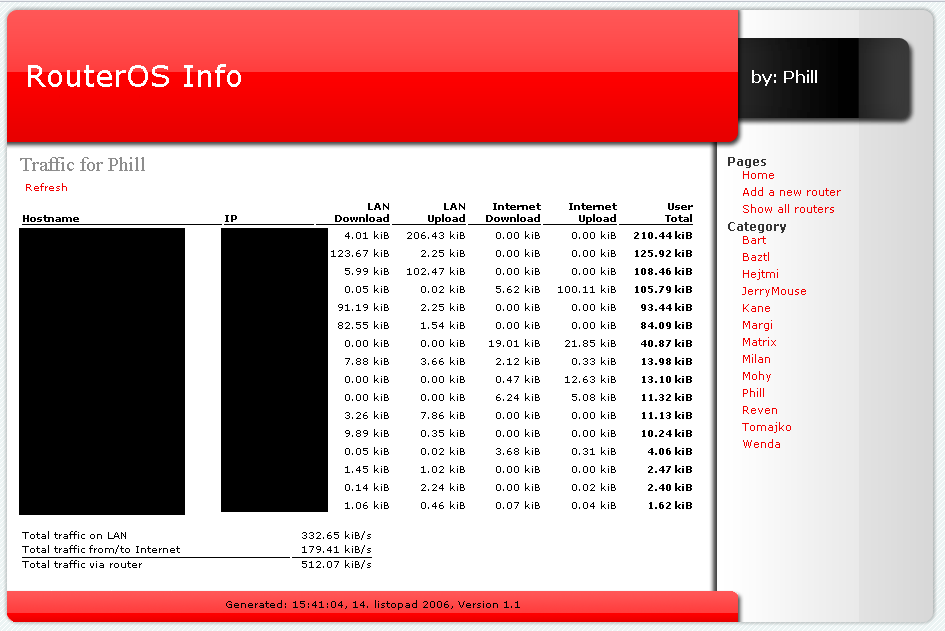
ROSInfo is a simple tool for monitoring signal levels, traffic, and network latency of x86 machines, RouterBoards, and other devices running Mikrotik RouterOS.
The project was designed to be used with Mikrotik RouterOS 2.9 and is being developed and tested on a large network with many Mikrotik routers.
Currently supported and tested are all versions of Mikrotik RouterOS 2.9.
Requirements:
- Apache - PHP5 with support for snmp - RRDTool 1.2 - php-rrdtool (not mandatory) - SNMP utilities - Cron or another scheduling daemon
- Unpack the tarball to a directory accessible by Apache. - Make sure, that the ./rrd directory and it's subdirectories are writable by Apache. Use chown and chmod to achieve this. - Open file ./include/config.inc and change the contents to fit your needs. - Setup cron to start the fetchexec.php file every 5 minutes.
You can use the following statement placed in /etc/crontab. Make sure you correct the path to the file fetchexec.php and php binary.
*/5 * * * * www-data /usr/bin/php /path/to/rosinfo/fetchexec.php > /dev/null 2>&1
New routers can be added in file include/config.inc. Adjust the variable $systems to fit your needs. Note that the link "Add a new router" on www pages only instructs your network administrators what to do.
Do not start the fetchexec.php file manualy unless you are logged in as a user under which Apache is running. You can use something like su www-data and then start the fetchexec.php.
If you want to see some debug information from the fetchexec process, uncomment the line $debug=1; in file config.inc. The output will be saved in a few logfiles.
ROSInfo 1.30
add to watchlist add to download basket send us an update REPORT- runs on:
- Linux
- main category:
- System
- developer:
- visit homepage
calibre 7.9.0

Bitdefender Antivirus Free 27.0.35.146

ShareX 16.0.1

Context Menu Manager 3.3.3.1

Microsoft Teams 24060.3102.2733.5911 Home / 1.7.00.7956 Work

Zoom Client 6.0.3.37634

Windows Sandbox Launcher 1.0.0

7-Zip 23.01 / 24.04 Beta

IrfanView 4.67

4k Video Downloader 1.5.3.0080 Plus / 4.30.0.5655

- 7-Zip
- IrfanView
- 4k Video Downloader
- calibre
- Bitdefender Antivirus Free
- ShareX
- Context Menu Manager
- Microsoft Teams
- Zoom Client
- Windows Sandbox Launcher