
Snes9x emulator ported to GTK.. #Snes9x emulator #Nintendo emulator #Super Nintendo #Snes9x #Nintendo #Emulator
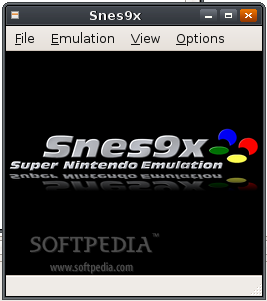
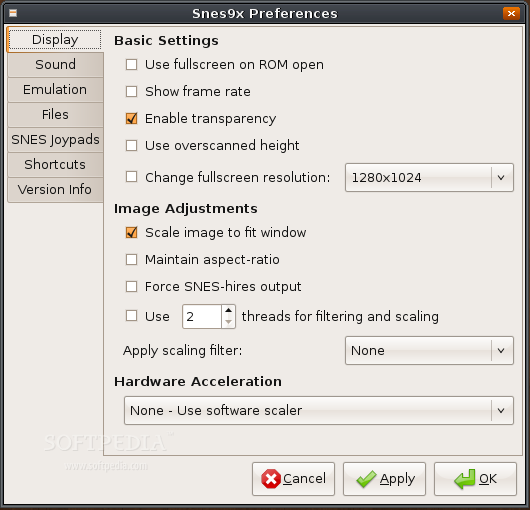
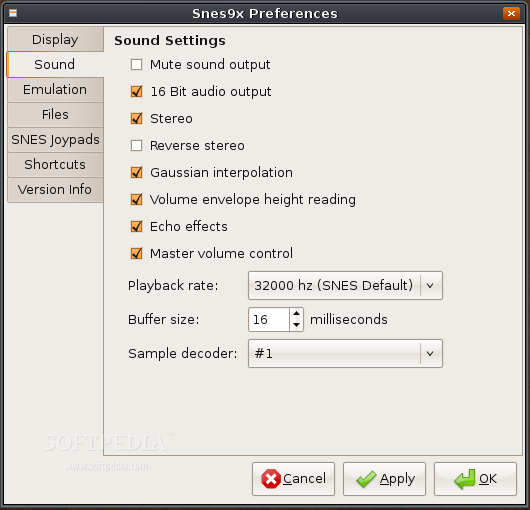
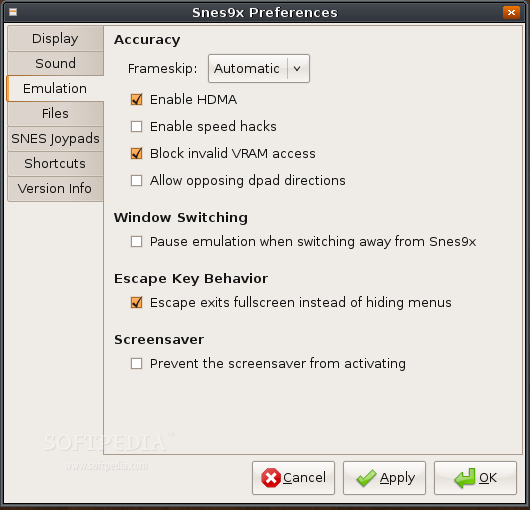
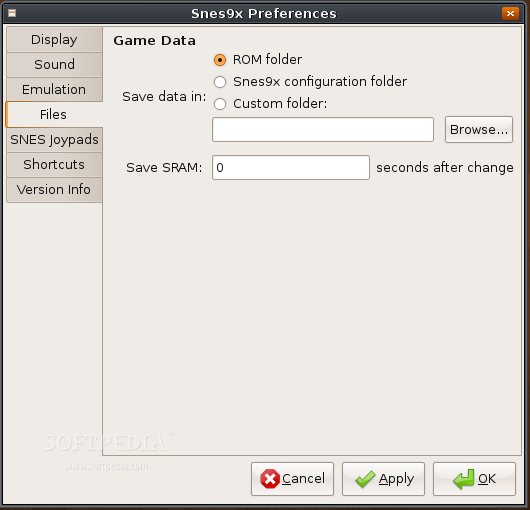
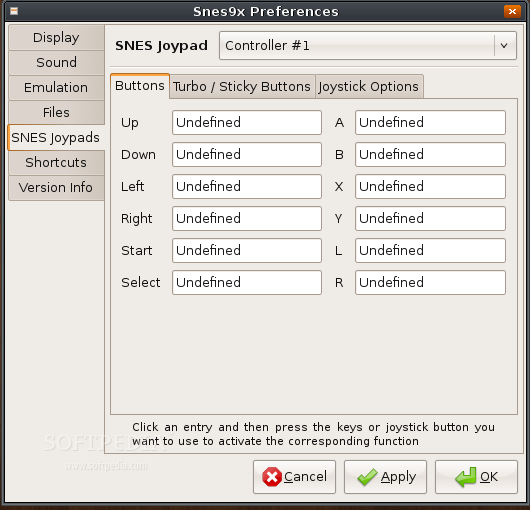
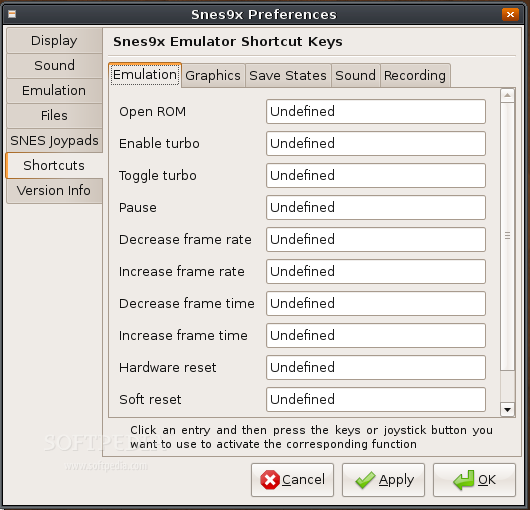
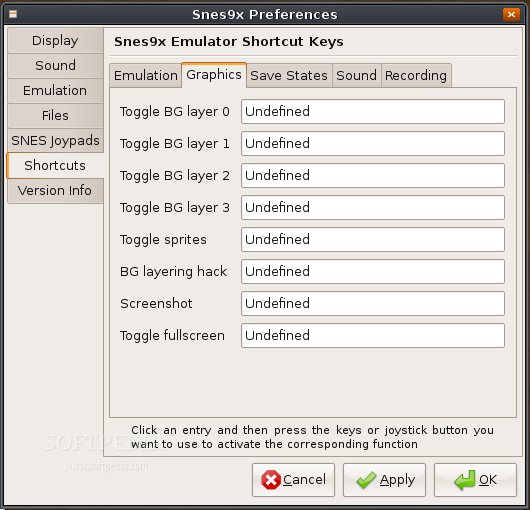
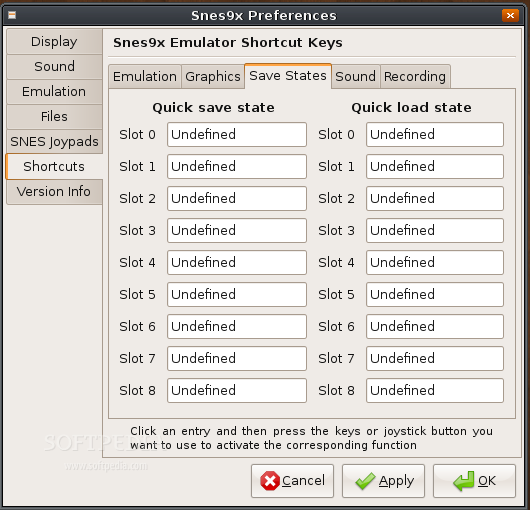
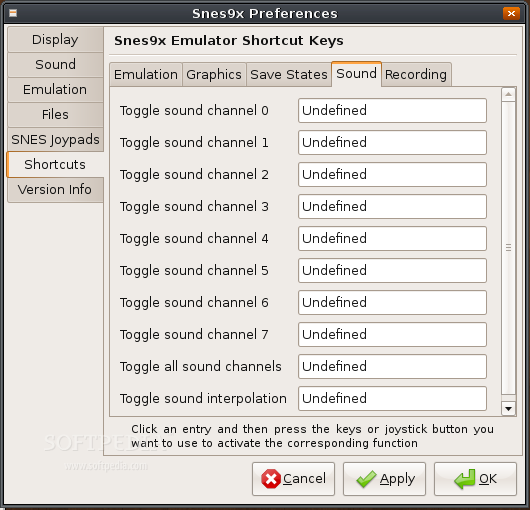
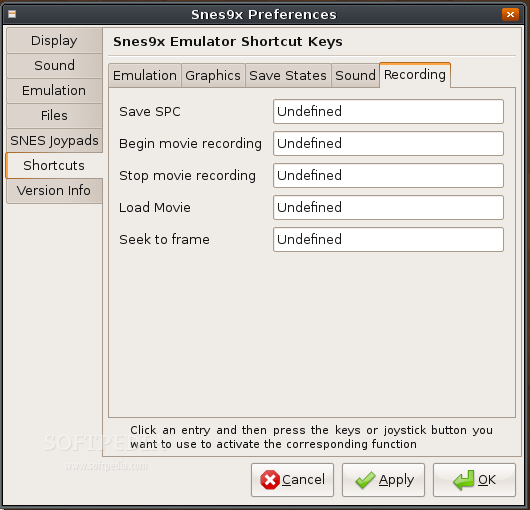
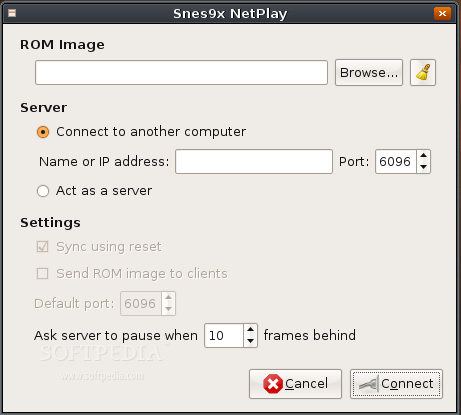
snes9x-gtk is a GTK port of the Super Nintendo Emulator, Snes9x. It has a full featured GUI, working netplay, controller support, OpenGL or Xvideo rendering plus much more.
Building from Patch
Extract the patch tarball over your extracted copy of the Snes9x source. Then from the source directory run:
snes9x-1.51-src$ patch -p1 < snes9x-gtk.diff snes9x-1.51-src$ autoconf
Continue building from source.
Building from Source
Run the configure script from the source directory with the --with-gtk flag. If you want OpenGL support, also add the --with-opengl flag. For example:
snes9x-1.51-src$ ./configure --prefix=/usr --with-gtk --with-opengl
You can also add whatever other flags you like.
Depending on where your OS puts certain things, and if you've built some dependencies from source, you may need to specify some pkg-config paths. If you experience errors, use a configure command like this instead:
snes9x-1.51-src$ PKG_CONFIG_PATH="/usr/lib/pkgconfig:/usr/local/lib/pkgconfig" ./configure --with-gtk --with-opengl
Then run 'make'
snes9x-1.51-src$ make
This'll produce a snes9x-gtk executable file in the source directory. Copy it, run it, whatever. If you want to install everything, execute the following with super-user privileges:
snes9x-1.51-src# make install
Notes:
Generally, it works like Snes9x does. If you can't find an option in the relatively simple GUI, you can use the same command-line arguments as you normally would in, for example, the unix port.
OSS/ALSA issue with PortAudio
If PortAudio is built with ALSA support, ALSA will need to be installed to function. If you use OSS only and have removed some ALSA packages from your system, you will need to make sure PortAudio isn't compiled with ALSA support. See http://www.snes9x.com/phpbb2/viewtopic.php?t=3703&start=141.
Joystick Support
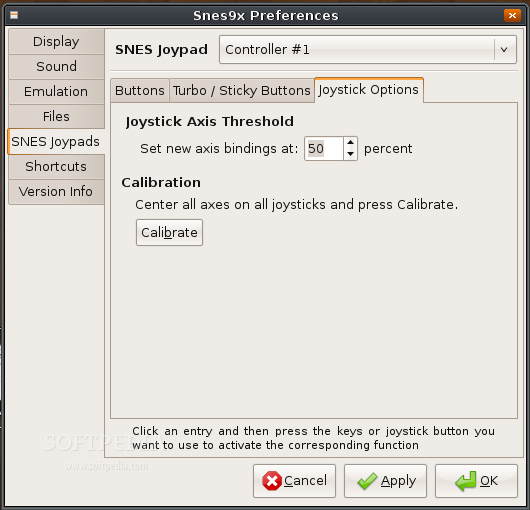
Previously, this port used libjsw for joystick support. As it turns out, libjsw supports very few operating systems, so I switched to SDL. libjsw will mess with your kernel joystick calibration on Linux, so you'll probably need to restart if you've calibrated on your current boot.
System requirements
- GTK 2.10 or greater
- PortAudio
- gtkglext
- SDL 1.2.12 or greater
What's new in snes9x-gtk 81:
- Rebuilt IRQ handling.
- Improved overall timings.
- Improved screen interlace and sprite interlace supports.
- Fixed Hi-Res pixel plotter.
snes9x-gtk 81
add to watchlist add to download basket send us an update REPORT- runs on:
- Linux
- main category:
- System
- developer:
- visit homepage
IrfanView 4.67

Windows Sandbox Launcher 1.0.0

Bitdefender Antivirus Free 27.0.35.146

7-Zip 23.01 / 24.04 Beta

4k Video Downloader 1.5.3.0080 Plus / 4.30.0.5655

Zoom Client 6.0.3.37634

calibre 7.9.0

Microsoft Teams 24060.3102.2733.5911 Home / 1.7.00.7956 Work

ShareX 16.0.1

Context Menu Manager 3.3.3.1

- Microsoft Teams
- ShareX
- Context Menu Manager
- IrfanView
- Windows Sandbox Launcher
- Bitdefender Antivirus Free
- 7-Zip
- 4k Video Downloader
- Zoom Client
- calibre