
Xe is an emulator for many old game systems.. #Game emulator #Arcade emulator #Console emulator #Game #Arcade #Console
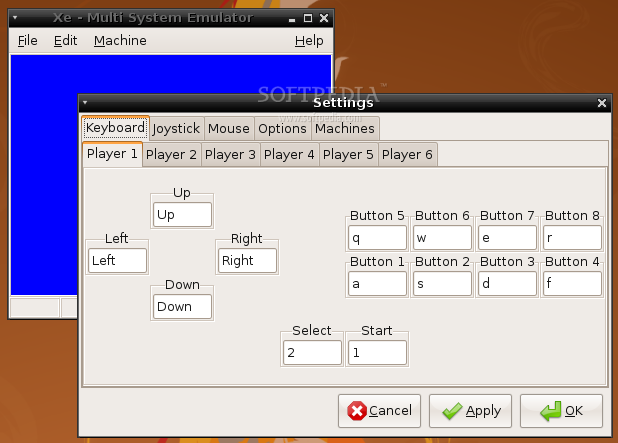
Xe is an emulator for many old game systems.
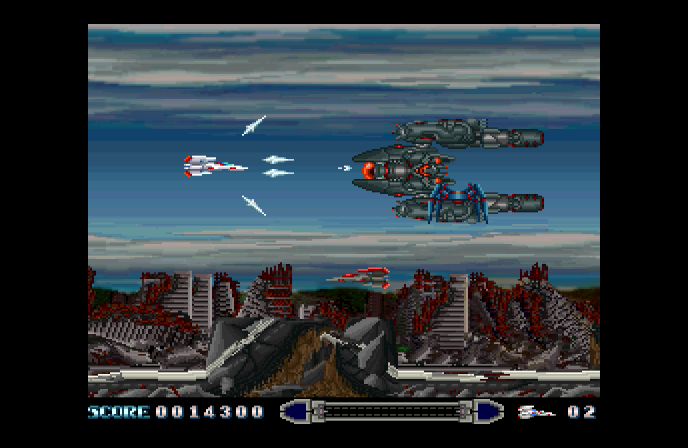
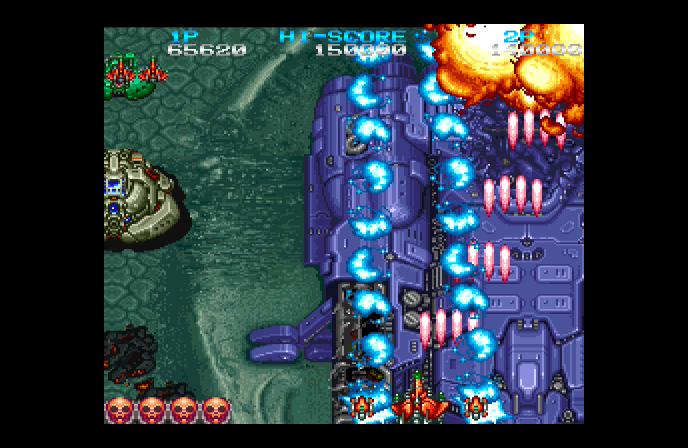
Xe is a multi system emulator for Windows and Linux that emulates many console and handheld video game systems of the past. Xe is an original emulator written from scratch by one person. It is not a port or collection of other emulators.
It currently supports the following systems:
� SG-1000 � Famicom & Famicom Disk System / NES � Mark III / Master System � PC Engine & PC Engine CD-ROM2 / Turbo Grafx 16 & Turbo Grafx CD � Mega Drive & Mega CD / Genesis & Sega CD � Super Famicom / SNES � Neo Geo � Neo Geo CD � CPS Changer � FM Towns Marty � Game Boy & Game Boy Color � Game Gear � Neo Geo Pocket & Neo Geo Pocket Color � Wonder Swan & Wonder Swan Color
Install to system directory:
1. login as root 2. 'make' to link the software 3. 'make install' will install it to the system directory
Install to system directory:
1. login as root 2. 'make' to link the software 3. 'mkdir /usr/local/lib/xe' to create system directory 4. 'mv xe rc modules manual.html /usr/local/lib/xe' to move files to system directory 5. 'ln -sf /usr/local/lib/xe/xe /usr/local/bin/xe' to link binary into system path
Install to user directory:
1. 'make' to link the software 2. 'mkdir ~/.xe' to create local directory 3. 'mv xe rc modules manual.html ~/.xe' to move file to local directory 4. link or move ~/.xe/xe' to your local bin directory
System requirements
- GTK >= 2.10.11
- BIOSs of the systems, some replacements are available as download.
What's new in Xe 2.16.2:
- [Xe] Interface key mapping change.
- [Xe] Added option "Auto Fill".
- [Xe] Added option "Horizontal Overscan".
- [Xe] Added aspect "Zoom".
Xe 2.16.2
add to watchlist add to download basket send us an update REPORT- runs on:
- Linux
- main category:
- System
- developer:
- visit homepage
Bitdefender Antivirus Free 27.0.35.146

Zoom Client 6.0.3.37634

4k Video Downloader 1.5.3.0080 Plus / 4.30.0.5655

Context Menu Manager 3.3.3.1

calibre 7.9.0

Microsoft Teams 24060.3102.2733.5911 Home / 1.7.00.7956 Work

7-Zip 23.01 / 24.04 Beta

ShareX 16.0.1

IrfanView 4.67

Windows Sandbox Launcher 1.0.0

- ShareX
- IrfanView
- Windows Sandbox Launcher
- Bitdefender Antivirus Free
- Zoom Client
- 4k Video Downloader
- Context Menu Manager
- calibre
- Microsoft Teams
- 7-Zip