
A virtualization software that allows you to run virtual machines of Linux, Windows and Mac OSes. #Virtual machine #Virtualization software #Machine emulator #VMWare #Virtual #Machine
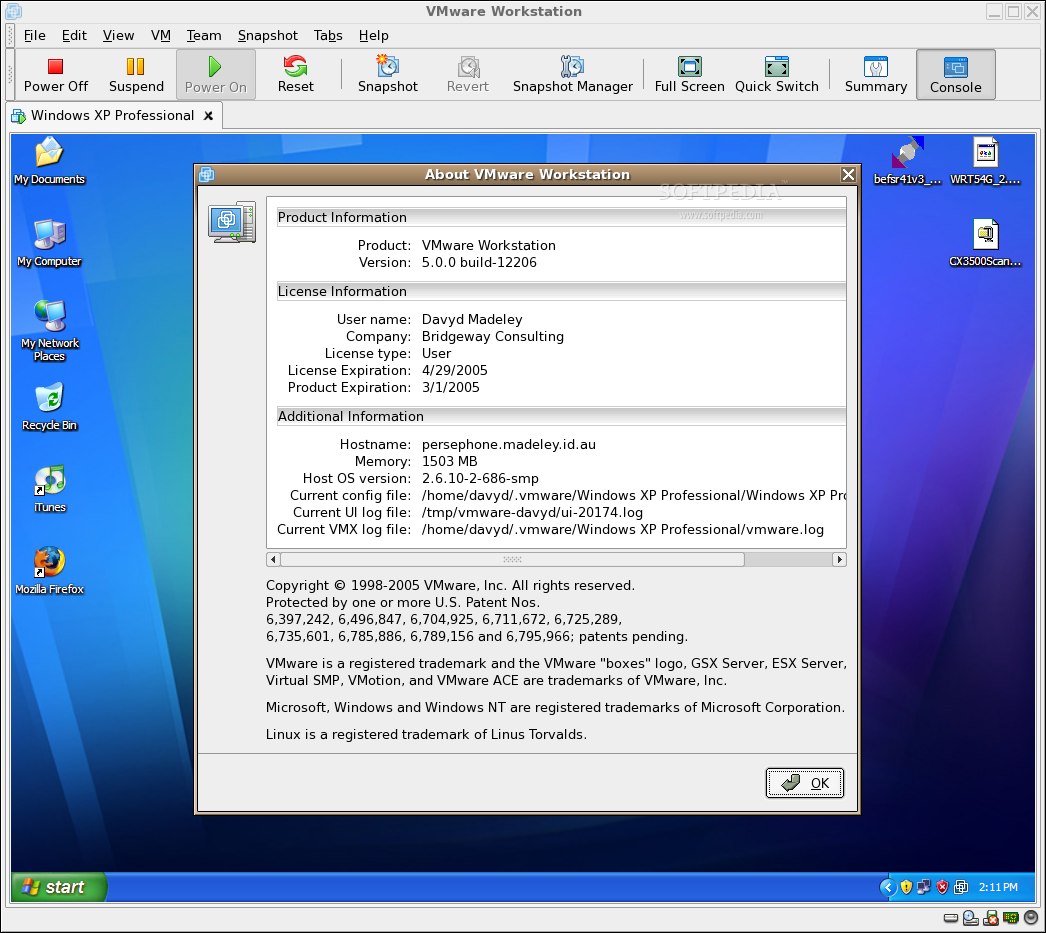
The VMware Workstation software allows users to run multiple x86/x86_64-based operating systems, including Linux, Windows, Mac OS X and NetWare, on a single hardware platform. It has been engineered to run multi-tiered and 3D applications simultaneously on a single computer, using fully portable and networked virtual machines that require no hard drive partitioning.
The program has been specifically tailored for IT professionals, including software developers and testers, who are looking for a stable, reliable and advanced virtualization solution that allows them to effortlessly integrate development, testing and deployment of platform-independent software applications in their enterprise.
Key features include the ability to drag and drop virtual machines from PC to cloud or vSphere, remote connections to existing virtual machines from virtually anywhere, clone and snapshot functionality, 256-bit AES encryption, as well as support for Apache’s OpenStack and VMware’s Micro Cloud Foundry cloud infrastructures.
The application also features streamline software development and testing operations, improved team collaboration, enhanced productivity for IT professionals, as well as introduction of virtual infrastructure for your enterprise.
Technical details include support for creating virtual machines with up to 16 virtual processors or cores with virtualization extensions, 64GB of RAM, 8TB disks, HD audio with 7.1 surround sound, IDE, SATA and SCSI disk controllers, USB 3.0, as well as bluetooth, gyroscope, accelerometer, and magnetometer functions.
It is a powerful, yet commercial desktop virtualization software that runs on both GNU/Linux and Microsoft Windows operating systems, supporting the 64-bit and 32-bit hardware platforms. Emulated OSes include Linux, BSD, Solaris, IBM OS/2, Mac OS X, Windows, QNX, DOS, and many other.
However, the truth is that these days similar projects exist on the market, offering almost the same functionality, such as Oracle’s award winning and highly acclaimed VirtualBox virtualization software, which we recommend over the expensive VMware Workstation application.
What's new in VMWare Workstation 15.5.1:
- Workstation 15.5.1 Pro addresses an out-of-bounds write vulnerability in the e1000e virtual network adapter. The Common Vulnerabilities and Exposures project (cve.mitre.org) has assigned the identifier CVE-2019-5541 to this issue. For more information, see VMSA-2019-0021.
- Workstation 15.5.1 Pro addresses an information disclosure vulnerability in vmnetdhcp. The Common Vulnerabilities and Exposures project (cve.mitre.org) has assigned the identifier CVE-2019-5540 to this issue. For more information, see VMSA-2019-0021.
- Workstation 15.5.1 Pro addresses a denial-of-service vulnerability in the RPC handler. The Common Vulnerabilities and Exposures project (cve.mitre.org) has assigned the identifier CVE-2019-5542 to this issue. For more information, see VMSA-2019-0021.
- Workstation 15.5.1 Pro resolves TSX Asynchronous Abort (TAA), a speculative-execution vulnerability identified by CVE-2019-11135. For more information, see section 3b in VMSA-2019-0020.
VMWare Workstation 15.5.1
 Softpedia Editor's Pick
add to watchlist
add to download basket
send us an update
REPORT
Softpedia Editor's Pick
add to watchlist
add to download basket
send us an update
REPORT
- runs on:
- Linux
- main category:
- System
- developer:
- visit homepage
4k Video Downloader 1.5.3.0080 Plus / 4.30.0.5655

IrfanView 4.67

Zoom Client 6.0.2.37566

paint.net 5.0.13 (5.13.8830.42291)

Windows Sandbox Launcher 1.0.0

calibre 7.9.0

ShareX 16.0.1

Bitdefender Antivirus Free 27.0.35.146

Microsoft Teams 24060.3102.2733.5911 Home / 1.7.00.7956 Work

7-Zip 23.01 / 24.04 Beta

- Bitdefender Antivirus Free
- Microsoft Teams
- 7-Zip
- 4k Video Downloader
- IrfanView
- Zoom Client
- paint.net
- Windows Sandbox Launcher
- calibre
- ShareX