
A powerful desktop virtualization solution. #System emulator #Virtual machine #Multiple workstations #System #Emulator #Virtual
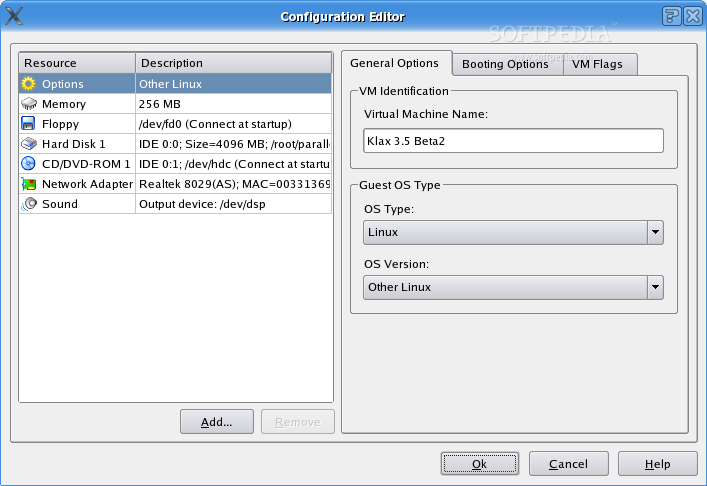
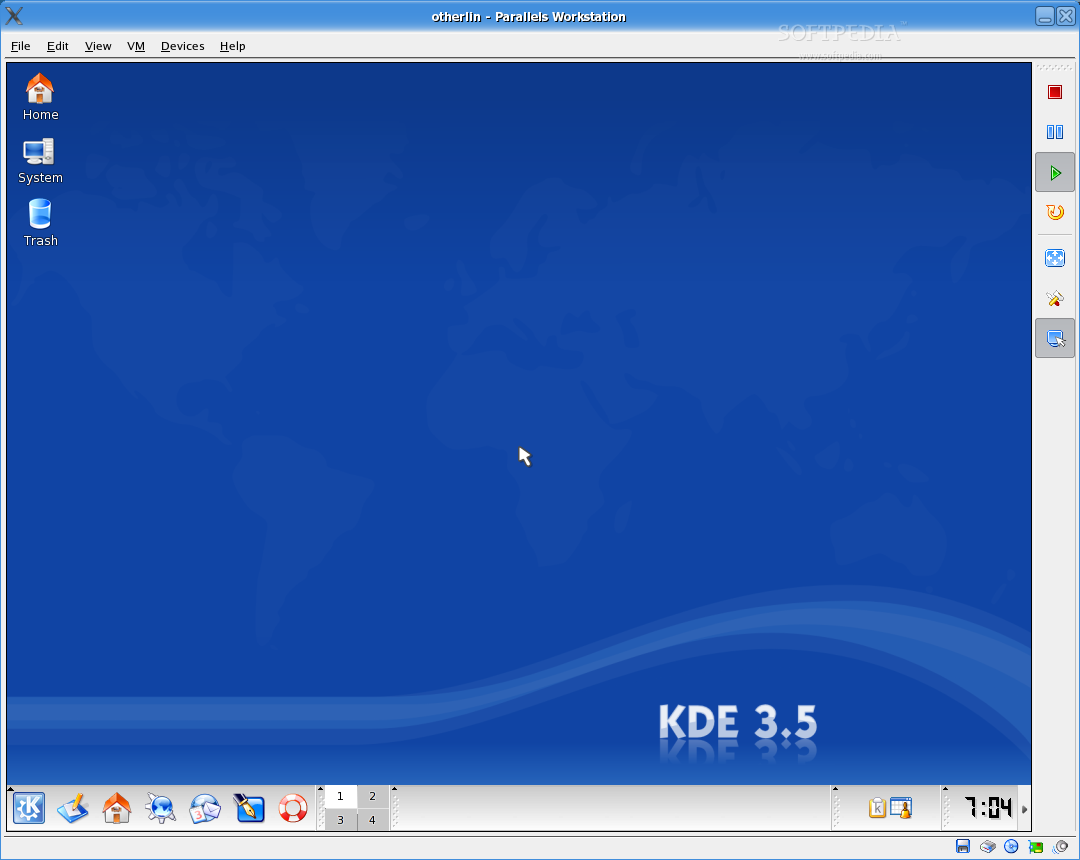
Parallels Workstation is a powerful, easy to use, cost effective desktop virtualization solution that empowers PC users with the ability to create completely networked, fully portable, entirely independent virtual machines on a single physical machine.
Parallels Workstation is the ideal solution to accelerate software development, reduce hardware costs, improve IT efficiency, present complex demostrations on a laptop and create student-friendly teaching environments.
Here are some key features of "Parallels Workstation":
· Strong OS Support: A sophisticated virtual machine engine that offers a broad support of x86-based operating systems, including the entire Windows family from 3.1 to XP and Server 2003, virtually all Linux distributions, FreeBSD, and "legacy" operating systems like OS/2, eComStation and MS-DOS. · Efficient: A small program footprint maximizes hardware efficiency for both the host machine and guest virtual machines. · Easy to Use: An easy to use wizard helps users create virtual machines in seconds. A user-friendly management console ensures hassle free control of virtual machines. · Economical: Parallels Workstation is the most cost effective virtualization solution available in this field today.
· The computer to be used for installing and running Parallels Workstation should meet the following hardware requirements: · 400 MHz or faster processor which supports the Pentium II instruction set. 1,5 GHz or faster is recommended. · 32bit platform. 64bit platforms are experimentally supported in Linux host OS. · Memory to run the host OS (for example, 128 Mb for Windows XP) plus memory required for each guest operating system and its applications. · Hard disk with 20 Mb of free disk space is required for product installation. Disk space required for Virtual Machines should be estimated according to volume of data you suppose to store on virtual hard disks. · Any SVGA video card with an 8-bit display adapter supported by the host (Windows GUI, Linux X-Server, etc.). 16 bit color depth or higher is recommended. · Optional: a 3.5" floppy drive, CD-ROM drive, DVD-ROM drive. · If you intend to access Internet in Virtual Machine, you should have Ethernet adapter installed on your computer that is supported by your host OS: Windows NT/2000/XP/2003 or Linux. The adapter should provide the promiscuous mode and supporting network features for a VM. At present, almost every 10/100/1000 Ethernet card can support the promiscuous mode. · Optional: serial port, parallel port.
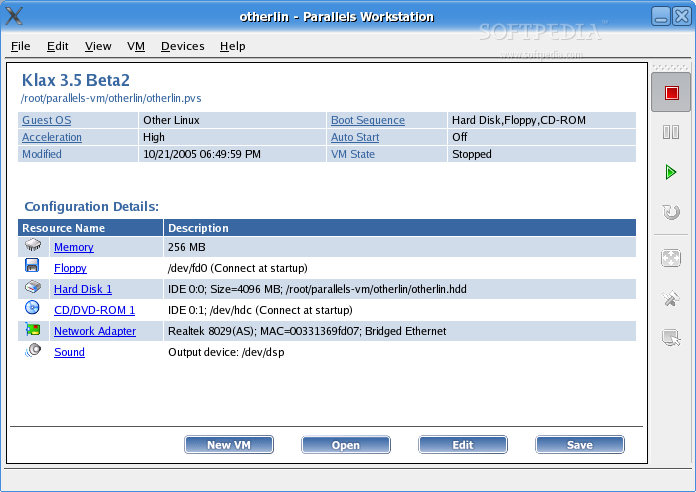
· Parallels Workstation virtualizes a full set of the standard PC hardware including: · CPU Pentium II or AMD Duron; · Generic motherboard compatible with Intel i815 chipset; · RAM up to 1500 Mb; · VGA and SVGA with VESA 3.0 support; · 1.44 Mb floppy drive (mapped to a physical drive or to an image file); · Up to four IDE devices, that may be either virtual hard drives (from 20 Mb up to 128 Gb each, mapped to image file), or CD/DVD-ROM drives (mapped to physical drive or to image file), or both hard drives and CD/DVD-ROM drives; · Up to four serial (COM) ports (mapped to real port, to pipe or to output file); · Up to three bi-directional parallel (LPT) ports (mapped to real port, to printer or to output file); · Ethernet virtual network card compatible with RTL8029; Generic Parallels Virtual network card; · AC97 compatible sound card; · 104-key Windows enhanced keyboard; · PS/2 wheel mouse.
Parallels Workstation 4.0.6630 Build 449744
 Softpedia Editor's Pick
add to watchlist
add to download basket
send us an update
REPORT
Softpedia Editor's Pick
add to watchlist
add to download basket
send us an update
REPORT
- runs on:
- Linux
- main category:
- System
- developer:
- visit homepage
ShareX 16.0.1

calibre 7.9.0

Bitdefender Antivirus Free 27.0.35.146

4k Video Downloader 1.5.3.0080 Plus / 4.30.0.5655

7-Zip 23.01 / 24.04 Beta

Context Menu Manager 3.3.3.1

Windows Sandbox Launcher 1.0.0

Microsoft Teams 24060.3102.2733.5911 Home / 1.7.00.7956 Work

IrfanView 4.67

Zoom Client 6.0.3.37634

- Microsoft Teams
- IrfanView
- Zoom Client
- ShareX
- calibre
- Bitdefender Antivirus Free
- 4k Video Downloader
- 7-Zip
- Context Menu Manager
- Windows Sandbox Launcher