
The best Linux GUI tool for SSH, Telnet, SFTP, RDesktop, VNC, Remote-TTY, or FTP #SSH connections #Telnet connections #Putty replacement #Telnet #SSH #Connections
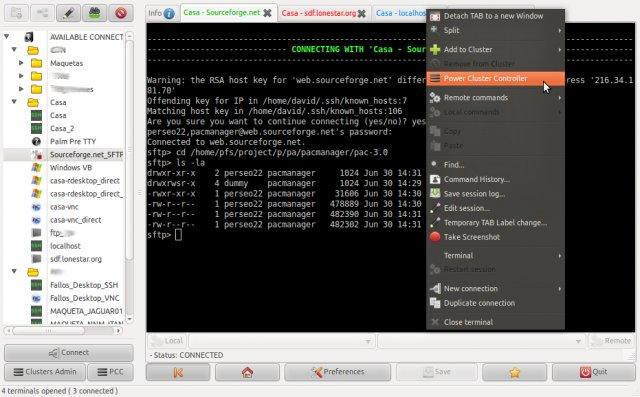
PAC (or PAC Manager) is a freely distributed and open source graphical software project built with GTK+ and Perl, and designed from the ground up as a drop-in replacement for the powerful and popular PUTTY or SecureCRT applications.
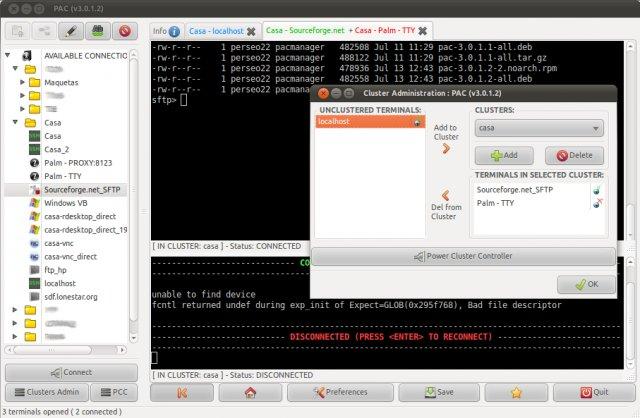
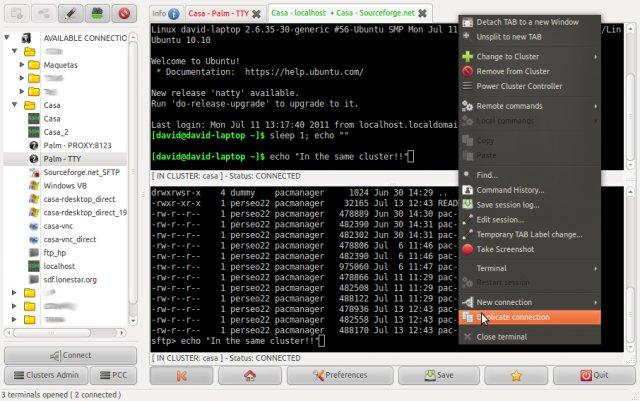
Key features include support for remote and local macros, support for cluster connections (connections on same cluster share keystrokes), scripting support via Perl code, as well as Serial/TTY connections via cu, tip and remote-tty connections.
The software supports pre/post connections, offers tab-based navigation for connections or standalone windows, supports proxies, integrates with KeePass, and supports Wake On LAN capabilities.
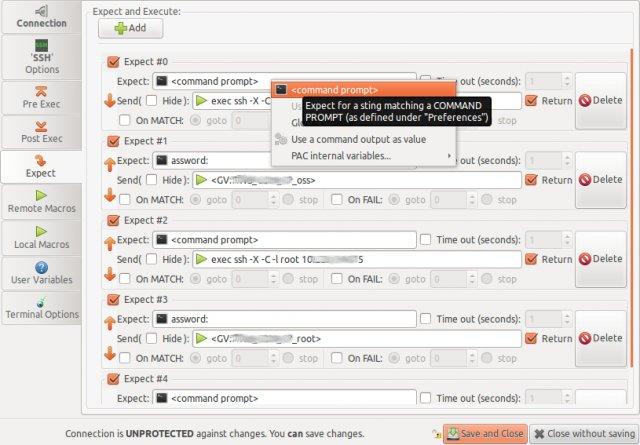
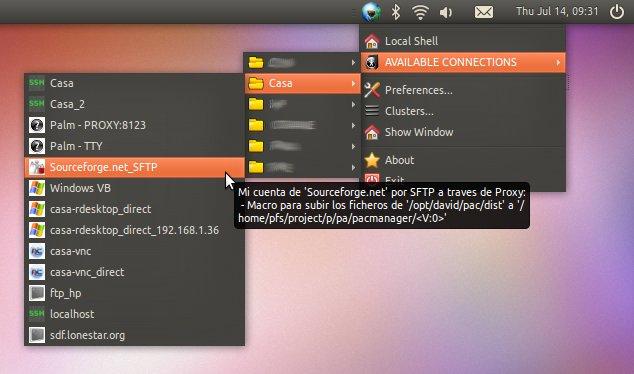
With PAC, users will be able to remotely send commands with EXPECT regular expressions, split terminals in the same tab, quickly access configured connections via tray menu icon. It is the best Linux tool for SSH, Telnet, SFTP, RDesktop, VNC, Remote-TTY, and FTP connections.
The application is fully compatible with several GNU/Linux operating systems, officially supporting DEB and RPM-based distributions with native installers. A source package is also available for download for those who want to install it on other distributions that do not use the DEB or RPM package management systems.
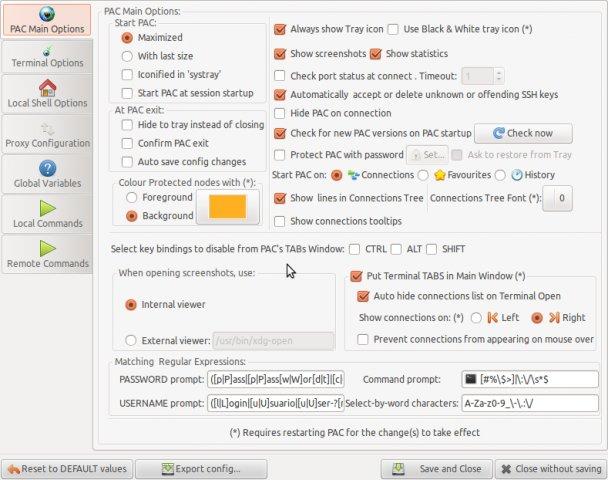
Another strong point of this software is its graphical user interface (GUI), which is very easy-to-use and intuitive. This means that anyone will be able to use the program to make new connections by introducing all the necessary data, as well as to connect to them. It’s as easy as pie.
Being designed in GTK+, the GUI integrates well with various open source desktop environments that use GTK+, such as GNOME, MATE, Cinnamon, Xfce and LXDE. PAC has been successfully tested with major GNU/Linux distributions, supporting both 64 and 32-bit computer platforms.
What's new in PAC 4.5.5:
- Fixed a behaviour that could lead to show VNC passwords on status bar tooltip
- Fixed a bug that made main PAC window move on every new terminal creation
- Changed behavior to not take a screenshot if "show screenshots" checkbox is unselected
- Added support (libraries) for Perl 5.20, in both 32 and 64 bit
PAC 4.5.5.7
add to watchlist add to download basket send us an update REPORT- runs on:
- Linux
- main category:
- Security
- developer:
- visit homepage
ShareX 16.0.1

Microsoft Teams 24060.3102.2733.5911 Home / 1.7.00.10152 Work

Bitdefender Antivirus Free 27.0.35.146

calibre 7.10.0

Windows Sandbox Launcher 1.0.0

4k Video Downloader 1.6.0.0085 Plus / 4.30.0.5655

Context Menu Manager 3.3.3.1

IrfanView 4.67

7-Zip 23.01 / 24.04 Beta

Zoom Client 6.0.4.38135

- IrfanView
- 7-Zip
- Zoom Client
- ShareX
- Microsoft Teams
- Bitdefender Antivirus Free
- calibre
- Windows Sandbox Launcher
- 4k Video Downloader
- Context Menu Manager