
Easily display, analyze and edit biological pathways with this cross-platform utility. #Biological pathway #Draw pathway #Pathways editor #Biological #Pathway #Drawing
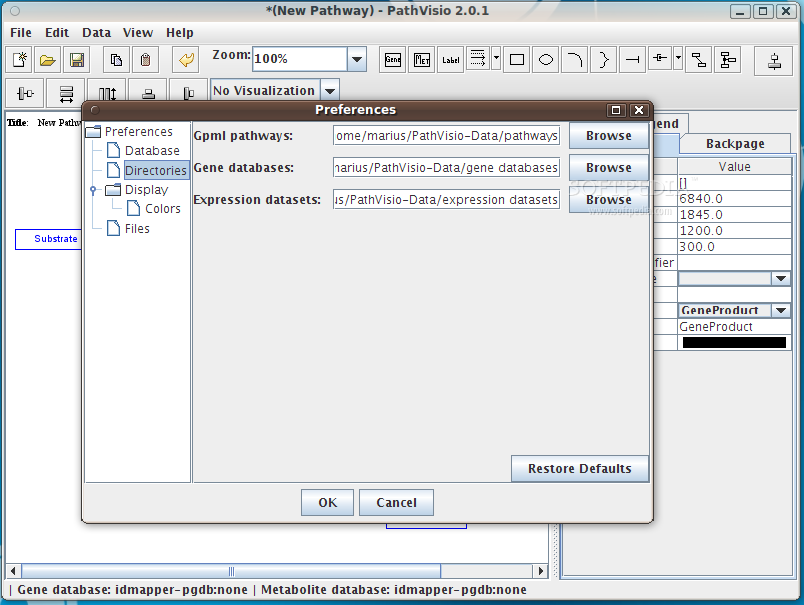
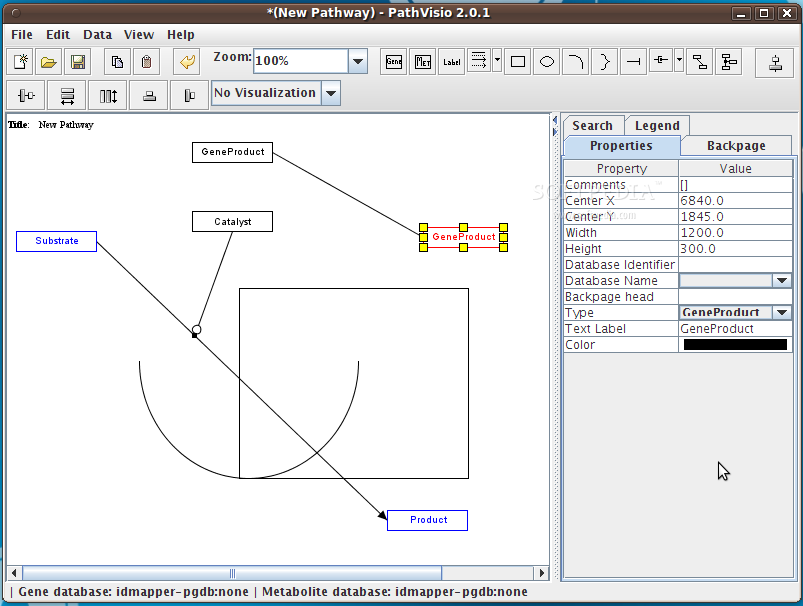
PathVisio is an open source and completely free graphical application implemented in the Java programming language and designed from the ground up to be used for displaying, analyzing and editing biological pathways under a GNU/Linux operating system.
The software lets users to draw pathways, link biological entities (proteins or genes) to biological data, using database identifiers, edit pathways, as well as to analyze pathways. With PathVisio you will also be able to map experimental data, such as microarray data, and visualize it on top of the existing pathway drawing.
You will be able to select a gene database, select a metabolic database, view statistics, import expression data, select expression dataset, search pathways, view legend, manipulate objects, import projects, as well as to install and manage plugins, which can add additional functionality to the app.
The application can be used without installing it on your GNU/Linux operating system. All you have to do is to download the binary package from Softpedia, save the archive on a location of your choice, extract it using an archive manager utility, open the extracted directory, and double click on the pathvisio.jar file.
While taking a quick look under the hood of the PathVisio software, we’ve noticed that the application is written entirely in the Java programming language, and that its graphical user interface is designed with the latest Java Swing technologies. We’ve successfully tested the application on computers supporting either of the 32 or 64-bit CPU architectures.
Being written in the Java programming language, PathVisio can be declared a platform-independent application that supports GNU/Linux, Microsoft Windows, Mac OS X, BSD, Solaris, and any other operating system where the latest Java technologies are supported.
What's new in PathVisio 3.1.3:
- January 31 2014: Bug fix release
- GeneOntology terms are now removed from Search results for annotations
- DataNodes need to be annotated with ID and Datasource or nothing (saving data nodes with only ID or datasource is not allowed anymore)
PathVisio 3.1.3
add to watchlist add to download basket send us an update REPORT- runs on:
- Linux
- filename:
- pathvisio_bin-3.1.3-r3968.tar.gz
- main category:
- Science and Engineering
- developer:
- visit homepage
IrfanView 4.67

Windows Sandbox Launcher 1.0.0

ShareX 16.0.1

calibre 7.9.0

Bitdefender Antivirus Free 27.0.35.146

Context Menu Manager 3.3.3.1

Zoom Client 6.0.3.37634

7-Zip 23.01 / 24.04 Beta

Microsoft Teams 24060.3102.2733.5911 Home / 1.7.00.7956 Work

4k Video Downloader 1.5.3.0080 Plus / 4.30.0.5655

- 7-Zip
- Microsoft Teams
- 4k Video Downloader
- IrfanView
- Windows Sandbox Launcher
- ShareX
- calibre
- Bitdefender Antivirus Free
- Context Menu Manager
- Zoom Client