
A GitX clone and a Git repository viewer targeting the GTK+ and GNOME 3 projects. #Git repository #Repository viewer #GitX clone #GitX #Git #Repository
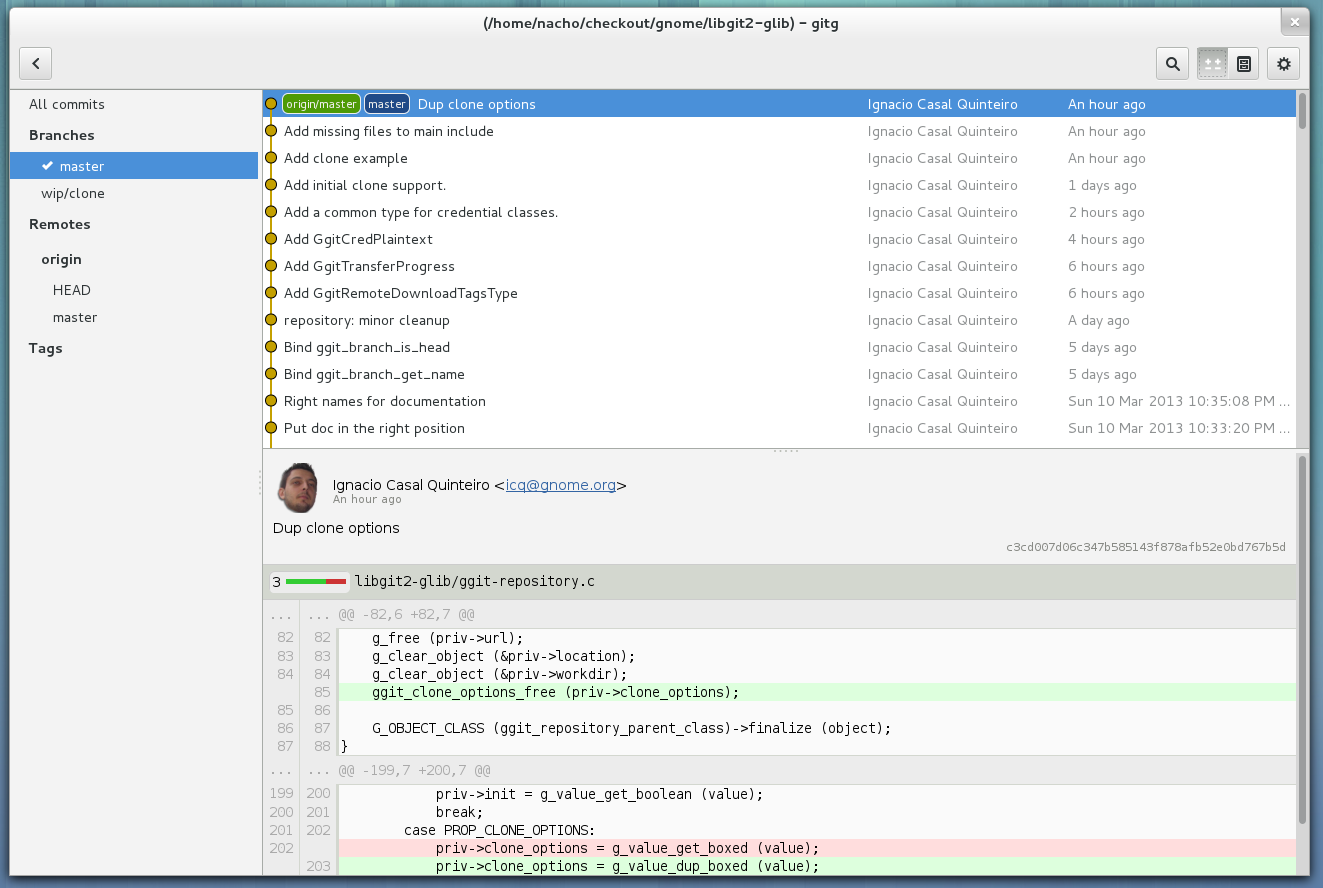
GitG is a great application for the GNOME desktop environment, allowing users to view and browser Git software repositories with ease. It’s an open source, small and fast graphical application, a clone of the GitX software project.
The application has been designed from the offset to be used as a viewer of Git actions and Git history for GNOME applications hosted on the well-known GitHub website. Today, anyone can use GitG to view and edit the source files of an application or project hosted on Git.
With GitG, you will be able to browse revision history, handle large repositories, commit changes, stage or unstage individual hunks, revert changes, display colorized diff of changes in Git revisions, as well as to browse the tree for a given Git revision.
GitG lets users to easily and quickly export parts of the tree for a given Git revision, supply any refspec readable by commands like 'git log' to built the revision history. It allows users to display and switch between different Git branches in the history view.
GitG’s graphical user interface is written with the powerful and popular GTK+ GUI toolkit. It requires the libgit2 and libgit2-glib libraries to work properly. Officially supported GNU/Linux operating systems include all Debian- and Red Hat Linux-based distributions.
Besides GNOME, the application can be easily installed on any other open source graphical desktop environment, as long as all its dependencies are properly installed. Users can install it via the source archive or directly from the default software repositories of their Linux distributions. It currently runs on 32-bit and 64-bit platforms.
What's new in GitG 3.32.1:
- Bugs fixed:
- Support repository being null
- Allow copying file names
GitG 3.32.1
add to watchlist add to download basket send us an update REPORT- runs on:
- Linux
- main category:
- Programming
- developer:
- visit homepage
ShareX 16.0.1

Windows Sandbox Launcher 1.0.0

Context Menu Manager 3.3.3.1

IrfanView 4.67

4k Video Downloader 1.5.3.0080 Plus / 4.30.0.5655

Zoom Client 6.0.3.37634

Bitdefender Antivirus Free 27.0.35.146

calibre 7.9.0

7-Zip 23.01 / 24.04 Beta

Microsoft Teams 24060.3102.2733.5911 Home / 1.7.00.7956 Work

- calibre
- 7-Zip
- Microsoft Teams
- ShareX
- Windows Sandbox Launcher
- Context Menu Manager
- IrfanView
- 4k Video Downloader
- Zoom Client
- Bitdefender Antivirus Free