
Your one stop shop for all your media! This is the original XBMC software for Linux operating systems. #XBMC Media Center #Home Theater #Media Center #XBMC #Medi #Center
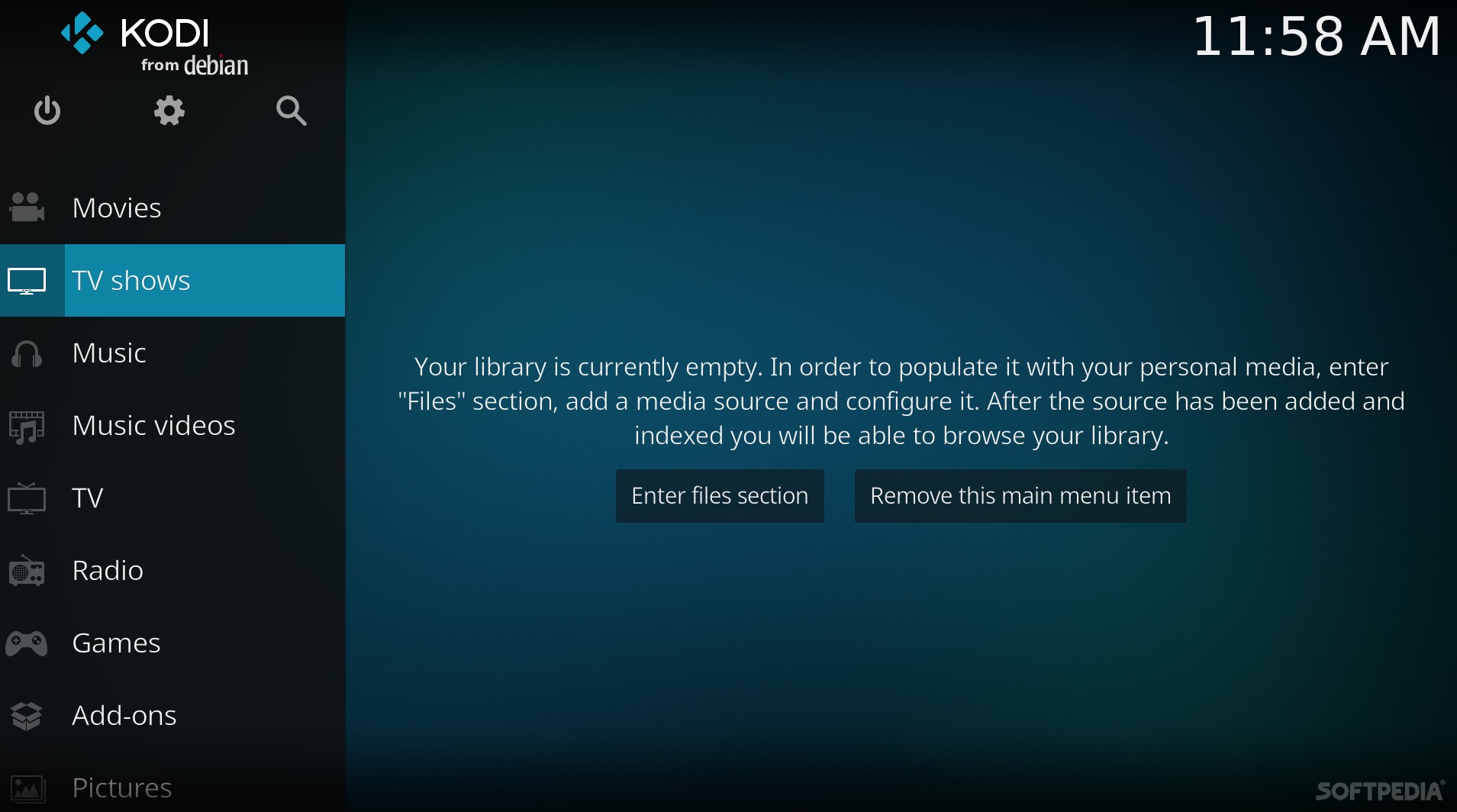
Kodi (formerly XBMC Media Center) is an open source and very powerful project that provides all the necessary tools for transforming your regular PC into a bona fide HTPC, which if used in conjunction a big screen TV and a Hi-Fi audio system, will transform your living room into a veritable home theater.
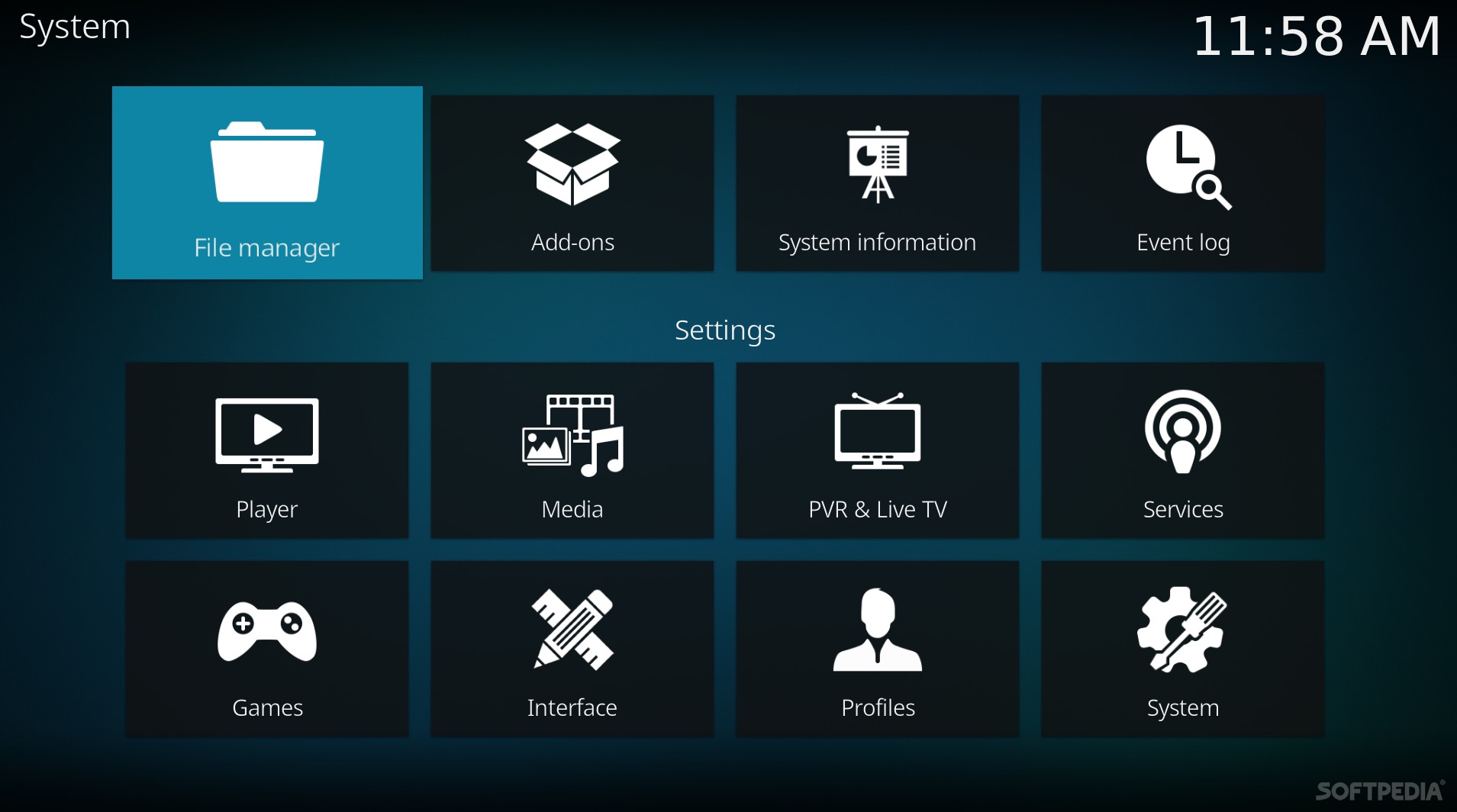
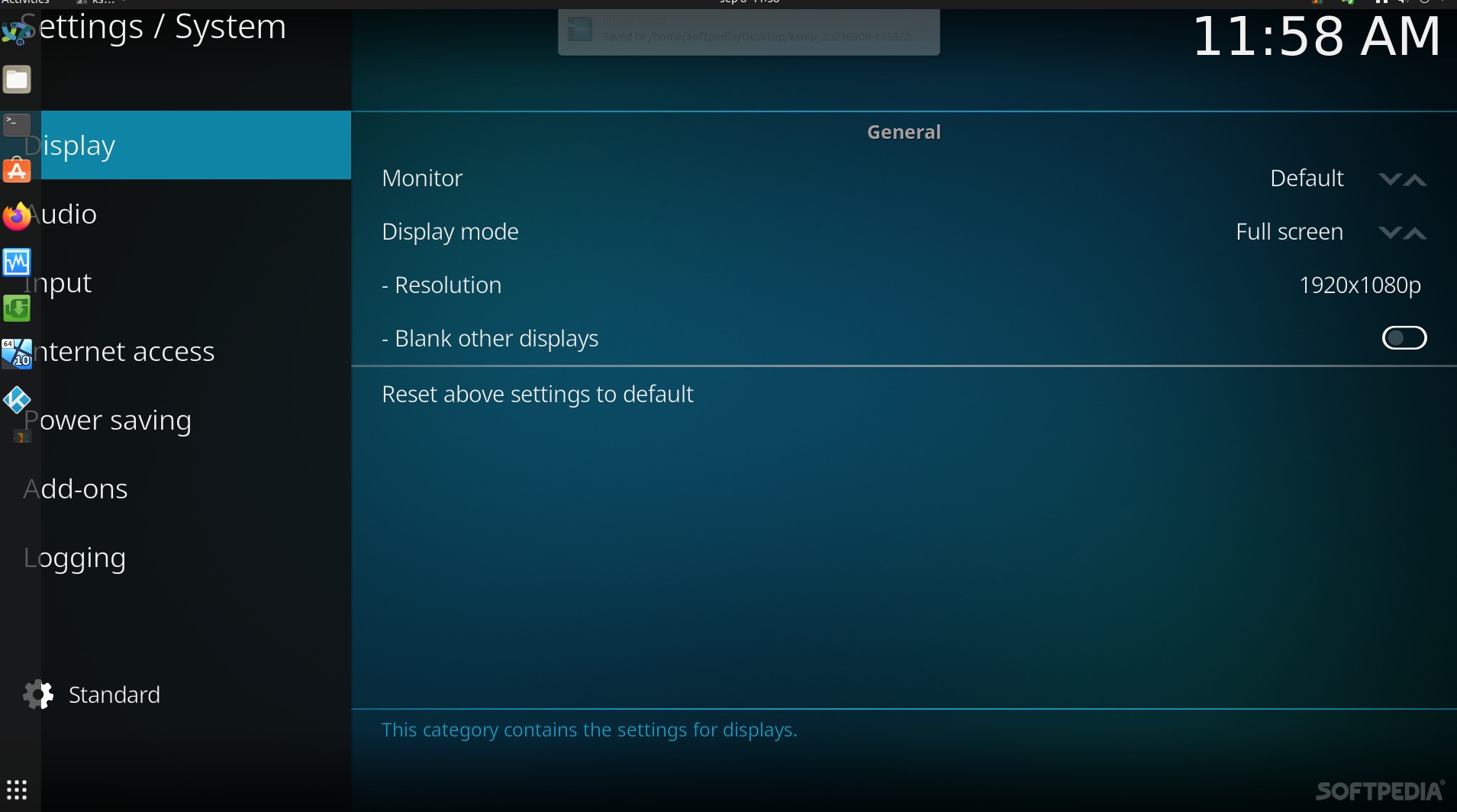
Key features include powerful media management capabilities, a fluid Interface, plug-ins that allow for great extensibility, cinematic effects and visualizations, built-in multimedia codecs, themes, and much more. The application can play your entire collection of music files, supporting all the popular formats like MP3, FLAC, WAV, WMA or OGG. It also provides support for cue sheets, audio tagging and smart playlists.
Your entire video collection can also be played by Kodi, supporting all the major video formats like AVI, MP4, DivX, XviD, DVD Video, MKV, and many more. It includes support for Internet streams. The program provides support for organizing and viewing your favorite TV shows, which will be sorted by episodes and seasons. Moreover, Kodi can be used to display an entire collection of digital photos.
The PVR (Personal Video Recorder) functionality will help you to record and watch live TV. It supports the MythTV, MediaPortal, Tvheadend and NextPVR backends. The software supports hundreds of CEC-compatible TVs and remote controls, and includes UPnP (Universal Plug and Play) support for streaming multimedia content to any UPnP-compatible devices.
Be it music, videos, online streams, pictures, online radios or optical discs, Kodi can handle them all. Besides the fact that it’s totally free, it can also run on Linux, Android, Microsoft Windows, Mac OS X and iOS operating systems, supporting both 64-bit and 32-bit architectures. If you want to make your own home theater, be sure to download and install the Kodi software today, as it might become your only media player and/or entertainment hub.
What's new in Kodi 21.0:
- WHAT'S CHANGED:
- Complete list of changes can be viewed at 20.0-Nexus...21.0-Omega
- [guilib][EditControl] Improved rendering of label texts by @CastagnaIT in #22691
- SavestateFlatBuffer: Remove forward declararion of FlatBufferBuilder by @neo1973 in #23332
Kodi 21.0
 Softpedia Editor's Pick
add to watchlist
add to download basket
send us an update
REPORT
Softpedia Editor's Pick
add to watchlist
add to download basket
send us an update
REPORT
- runs on:
- Linux
- filename:
- 21.0-Omega.tar.gz
- main category:
- Multimedia
- developer:
- visit homepage
Microsoft Teams 24060.3102.2733.5911 Home / 1.7.00.7956 Work

ShareX 16.0.1

Bitdefender Antivirus Free 27.0.35.146

4k Video Downloader 1.5.3.0080 Plus / 4.30.0.5655

Zoom Client 6.0.3.37634

Context Menu Manager 3.3.3.1

Windows Sandbox Launcher 1.0.0

IrfanView 4.67

calibre 7.9.0

7-Zip 23.01 / 24.04 Beta

- IrfanView
- calibre
- 7-Zip
- Microsoft Teams
- ShareX
- Bitdefender Antivirus Free
- 4k Video Downloader
- Zoom Client
- Context Menu Manager
- Windows Sandbox Launcher