
An easy-to-use-and-configure image viewer application for the GNOME desktop environment. #Image viewer #Photo viewer #Picture viewer #Photo #Image #Viewer
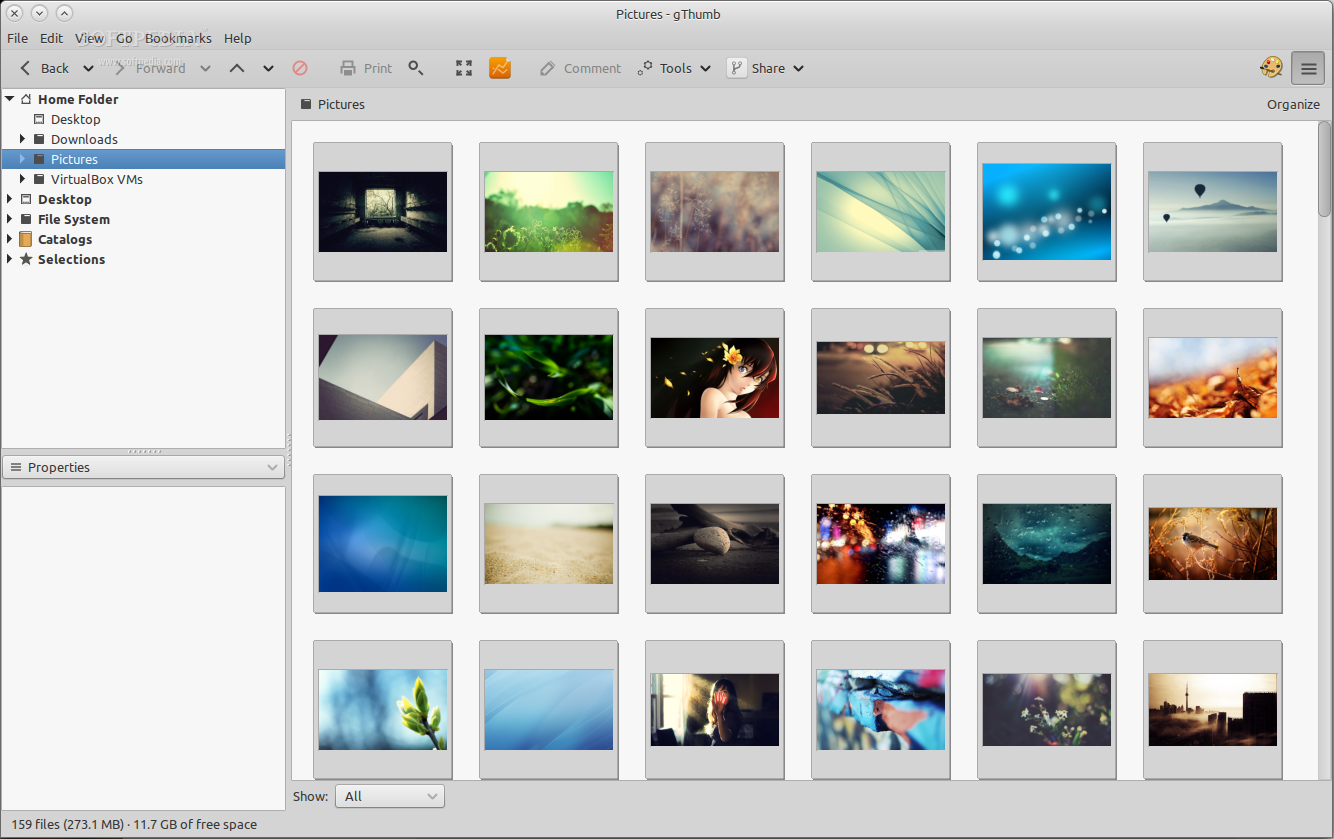
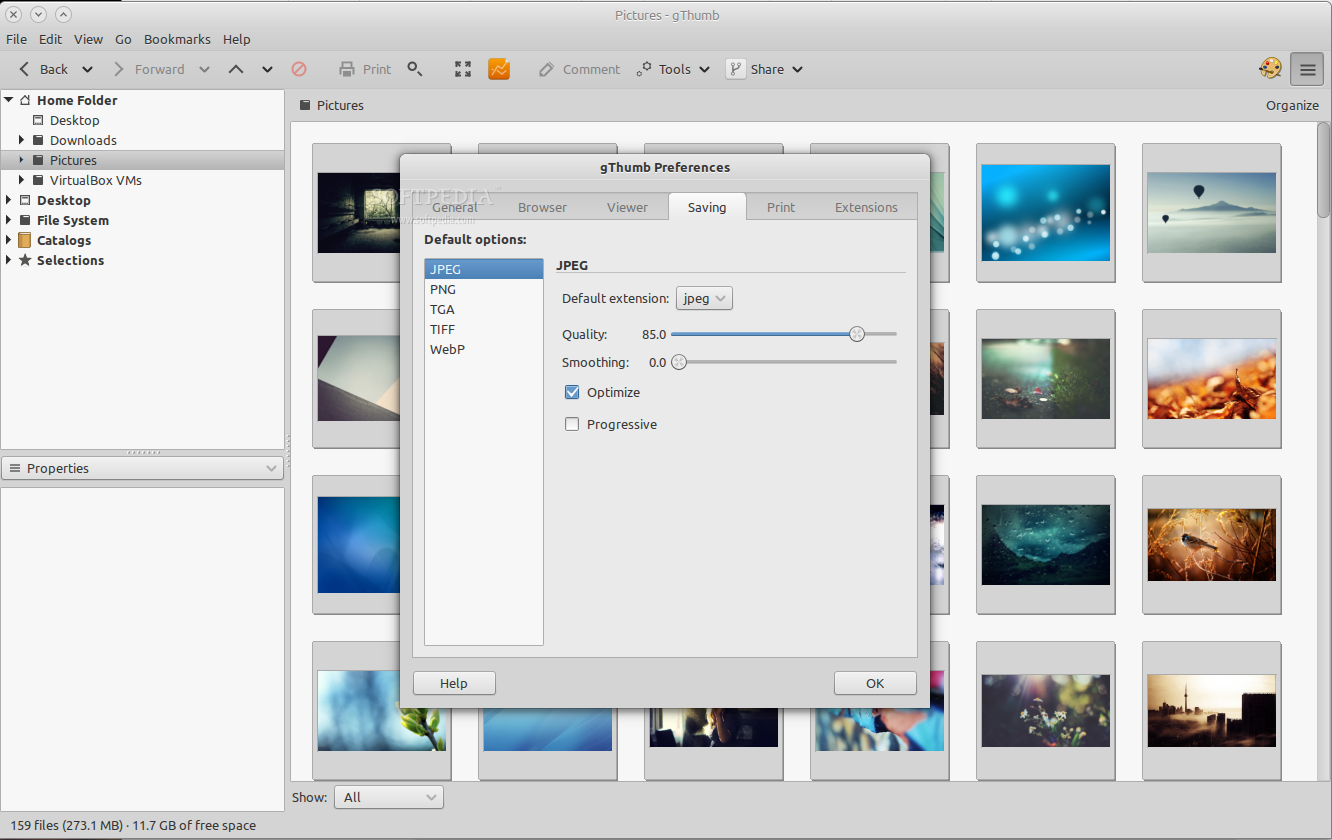
gThumb is an open source project that provides users with a complex image viewer, organizer, browser and editor application specifically designed for the GNOME desktop environment.
The application is distributed as part of the GNOME project and allows users to easily and quickly browse a large photo collection, displaying thumbnails for all image files found on their computer.
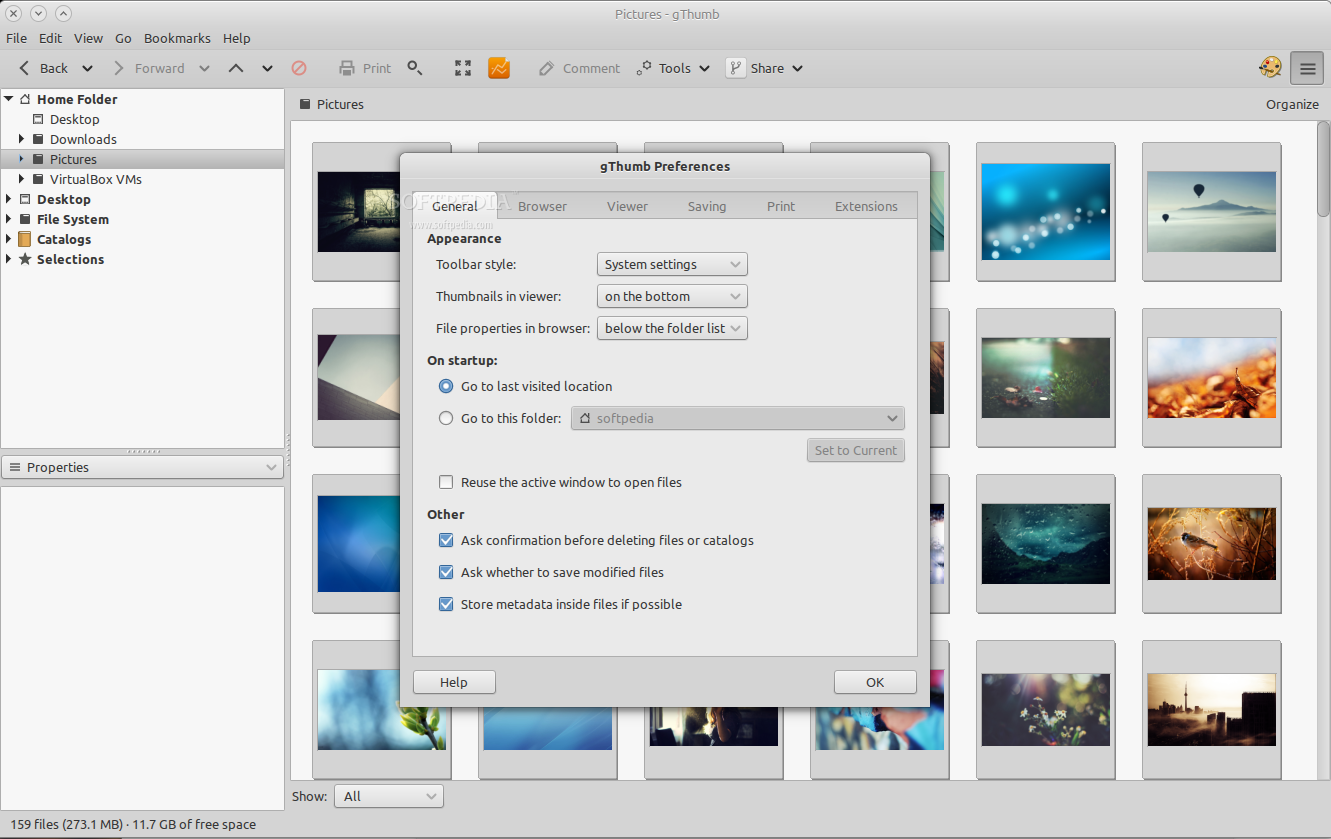
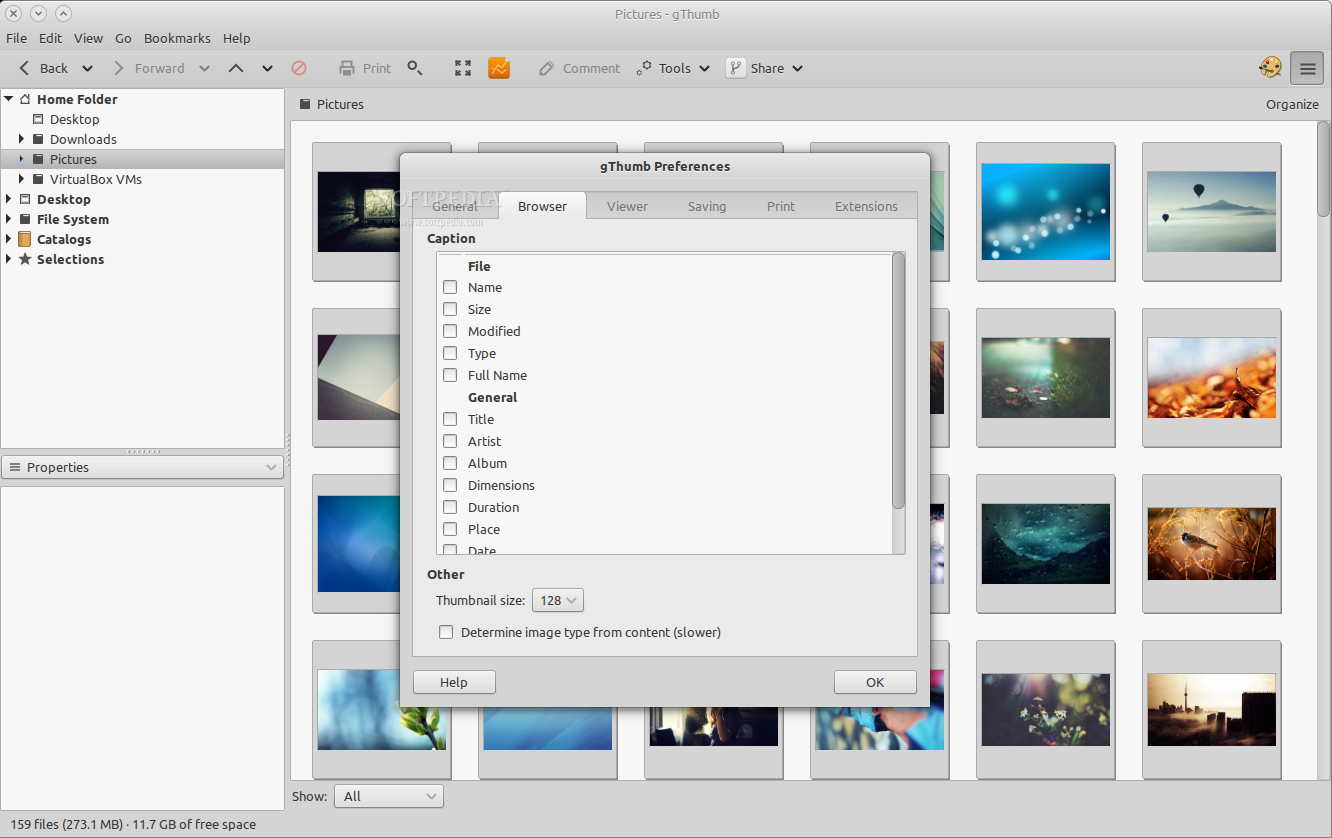
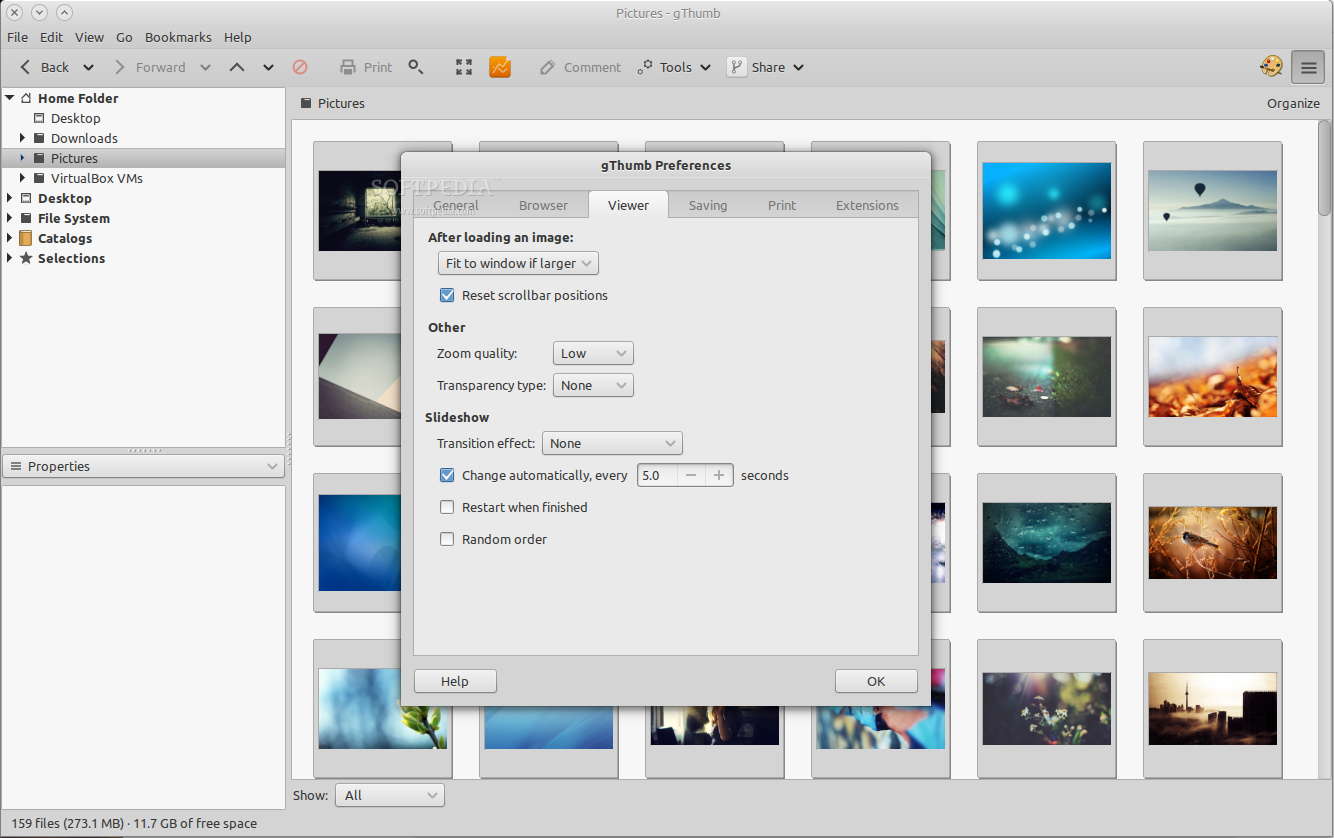
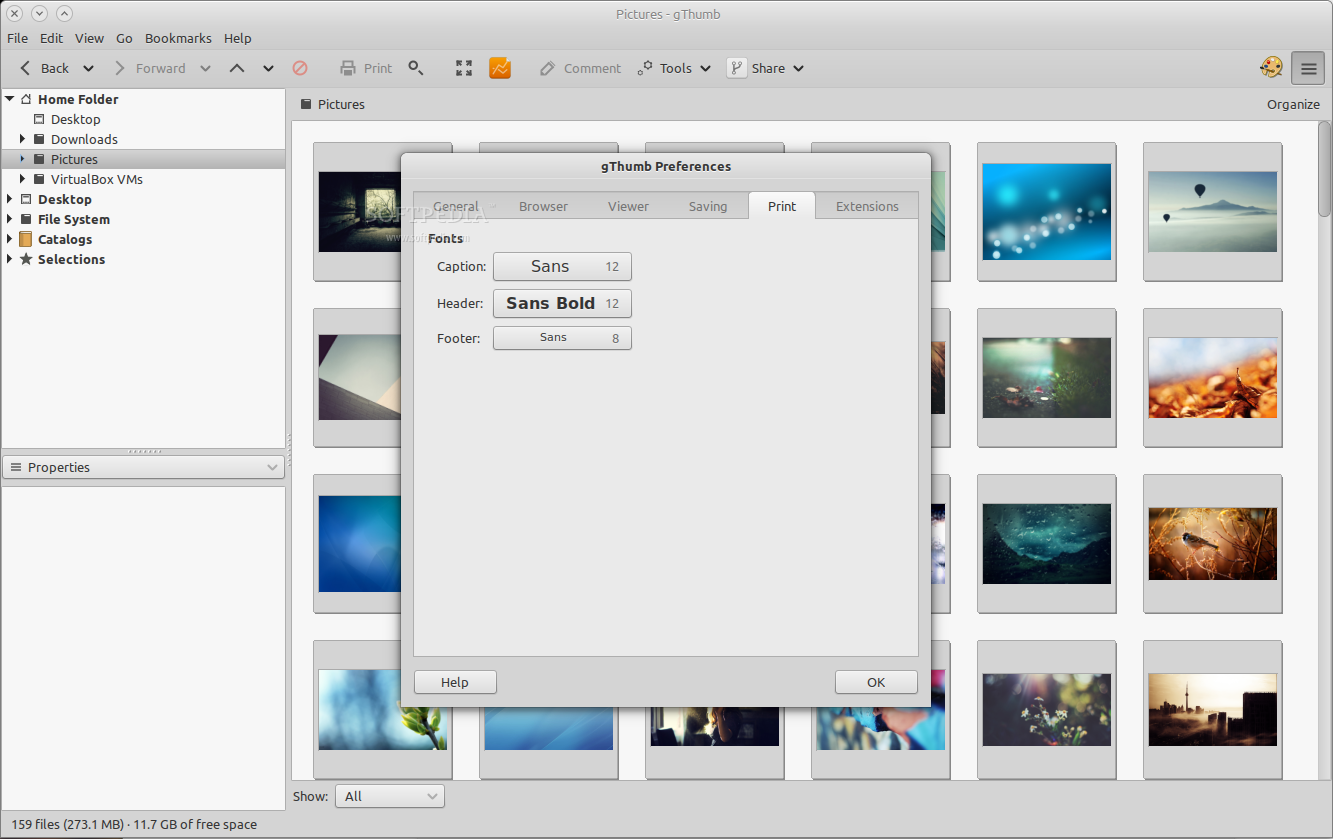
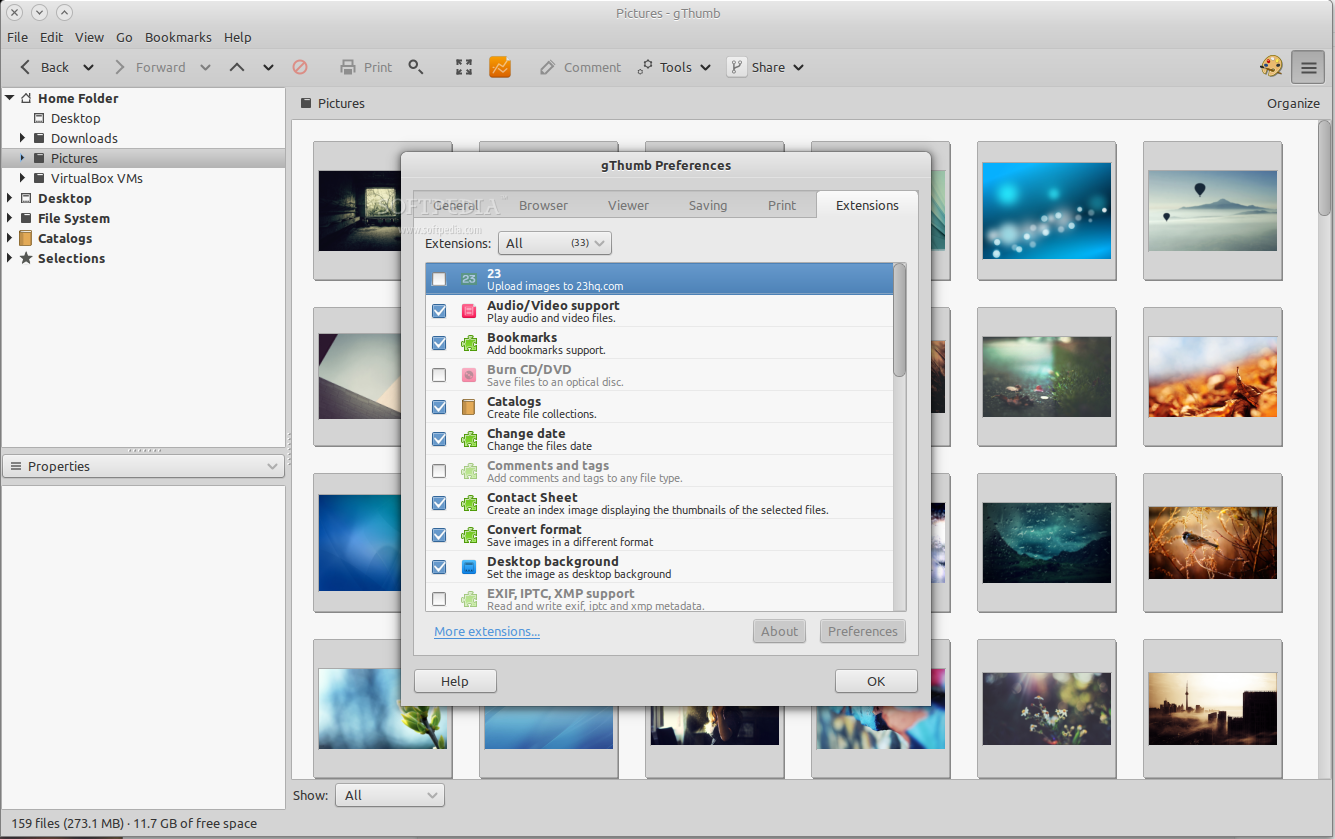
It also allows user to import photos from digital cameras, as well to view single image files, organize images in catalogs, print photos, view slideshows, set images as desktop backgrounds, add and edit bookmarks, and much more.
The user interface is familiar and easy to use. It looks pretty much like the Shotwell image viewer and organizer application, with the main view area, as well as a sidebar that acts as a file system navigator and image properties viewer (including a histogram).
When fired up for the first time, the application will automatically display all the image files that are stored on the predefined Pictures folder located on your Home directory. It gives users instant access to the Videos, Documents and Desktop folders, as well as the Home directory and the entire file system.
Users will also be able to effortlessly sort, filter and organize images by date, time, dimensions, path, size, or tags. All images files can be organized in catalogs, which will be easily accessible from the sidebar.
It is available for download only as a source archive, enabling experienced users to configure, compile and install the application on any open source operating system. Novices can easily install it from the default software channels of their Linux distribution.
Overall, gThumb is a popular image viewer and organizer application, used by default on several Linux-based operating systems. It supports any GTK+-based desktop environment or window manager, such as Xfce, MATE, Cinnamon, Openbox or Fluxbox.
What's new in gThumb 3.8.3:
- Bugs fixed:
- App icons: name the app icons with the application id (!77)
- Jpeg loader: crash when the original size is too big for a cairo surface.
gThumb 3.8.3
 Softpedia Editor's Pick
add to watchlist
add to download basket
send us an update
REPORT
Softpedia Editor's Pick
add to watchlist
add to download basket
send us an update
REPORT
- runs on:
- Linux
- main category:
- Multimedia
- developer:
- visit homepage
7-Zip 23.01 / 24.04 Beta

Windows Sandbox Launcher 1.0.0

ShareX 16.0.1

Bitdefender Antivirus Free 27.0.35.146

Microsoft Teams 24060.3102.2733.5911 Home / 1.7.00.7956 Work

IrfanView 4.67

Zoom Client 6.0.3.37634

4k Video Downloader 1.5.3.0080 Plus / 4.30.0.5655

Context Menu Manager 3.3.3.1

calibre 7.9.0

- 4k Video Downloader
- Context Menu Manager
- calibre
- 7-Zip
- Windows Sandbox Launcher
- ShareX
- Bitdefender Antivirus Free
- Microsoft Teams
- IrfanView
- Zoom Client