
A graphical user interface for scrot, a command-line application for creating screenshots. #Capture screenshots #Scrot GUI #Scrot interface #Scrot #GUI #Interface
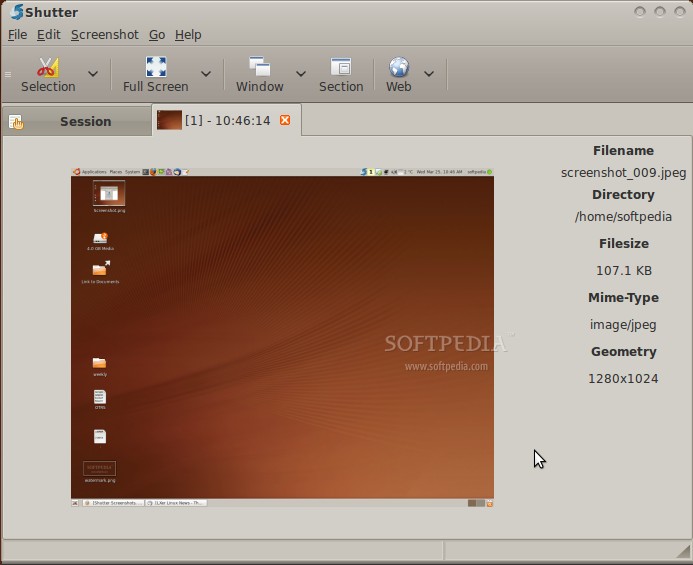
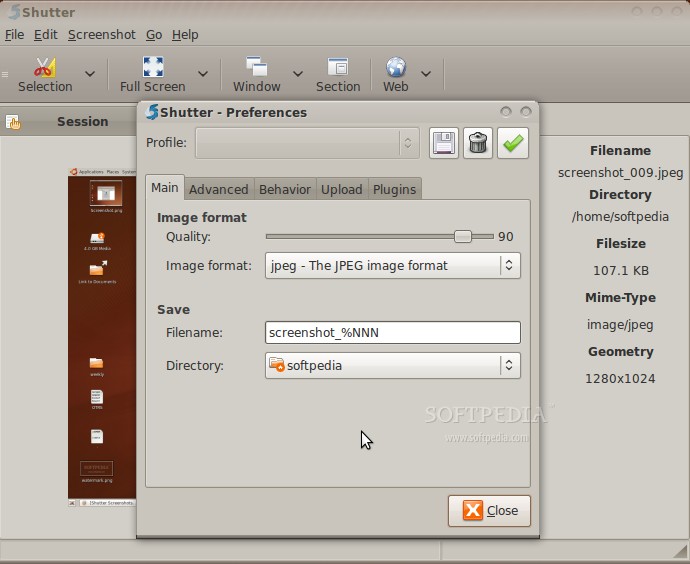
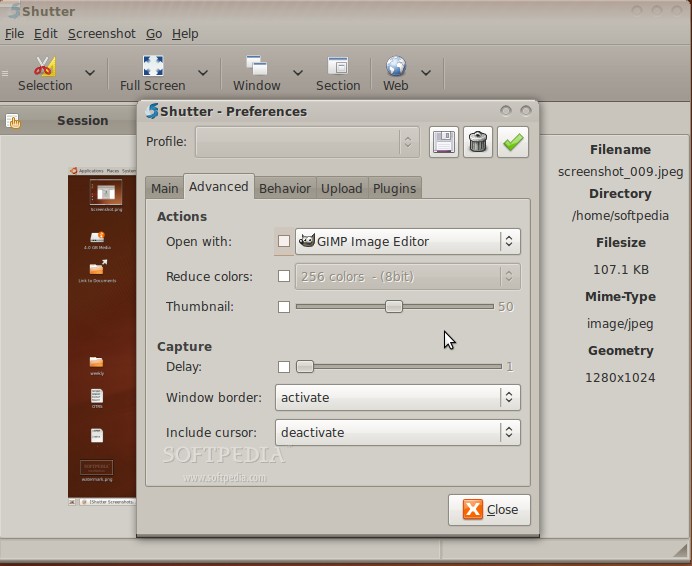
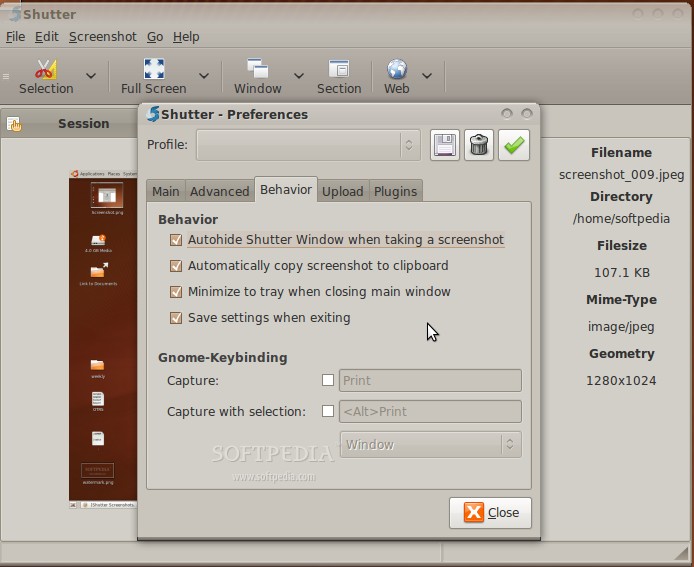
Shutter (formerly GScrot) is an open source piece of software that allows you to take screenshots of your Linux desktop in style, using a modern and straightforward graphical user interface that works across multiple desktop environments.
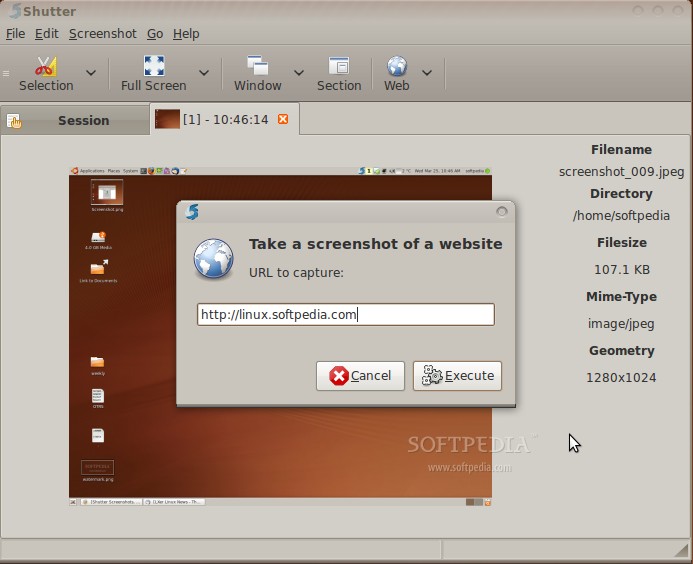
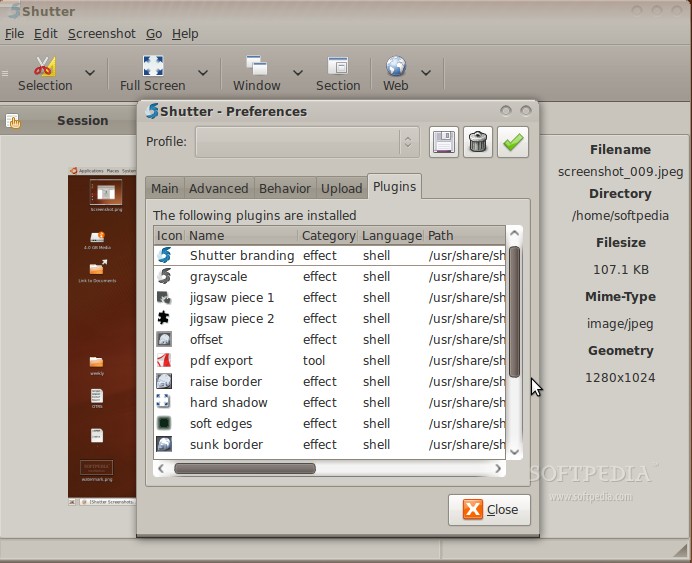
Key features include the ability to create, edit and share screenshots, capture a specific area, capture your entire desktop, capture a window, capture a tooltip or menu, capture a website, add text, rectangles, arrows, ellipses and other elements to screenshots, as well as to crop screenshots.
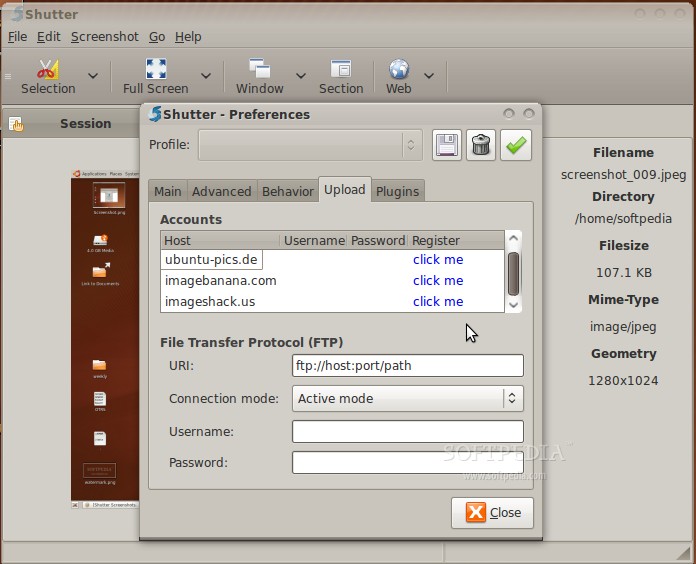
The application allows the user to censor or pixelize certain areas of the screenshot in order to hide your private data. The built-in share functions will allow you to easily post screenshots to forums or Wikis, and the system tray integration and built-in keyboard shortcuts helps you to quickly take many screenshots in a shortest time as possible.
A quick look under the hood will show that the program has been written entirely in the Perl programming language, which means that several Perl modules are required for it to function properly. Its graphical user interface uses the cross-platform GTK+ GUI toolkit.
The appllication can be downloaded via Softpedia or from the project's website as binary packages for the Arch Linux, Debian GNU/Linux, Ubuntu, Bodhi Linux, Fedora, Linux Mint, Frugalware Linux, Gentoo, Mandriva, Mageia, openSUSE, PCLinuxOS, CentOS, Scientific Linux, Red Hat Enterprise Linux, Slackware, and aptosid operating systems.
Summing up, Shutter seams to be a decent application for creating screenshots in style on your GNU/Linux operating system, but only for those of you who want to edit or share the screenshots. If you're looking for a dead simple application to take screenshots, we strongly suggest to use the default screenshot utility of you desktop environment, such as GNOME Screenshot on GNOME.
What's new in Shutter 0.94.3:
- Bugs fixed:
- New File::Glob does not export glob, shutter does not start
- shutter asks to "Authorize with Imgur" for each upload to account Imgur OAuth
Shutter 0.94.3
add to watchlist add to download basket send us an update REPORT- runs on:
- Linux
- filename:
- shutter-0.94.3.tar.gz
- main category:
- Multimedia
- developer:
- visit homepage
Zoom Client 6.0.3.37634

4k Video Downloader 1.5.3.0080 Plus / 4.30.0.5655

ShareX 16.0.1

7-Zip 23.01 / 24.04 Beta

IrfanView 4.67

Context Menu Manager 3.3.3.1

Bitdefender Antivirus Free 27.0.35.146

calibre 7.9.0

Microsoft Teams 24060.3102.2733.5911 Home / 1.7.00.7956 Work

Windows Sandbox Launcher 1.0.0

- calibre
- Microsoft Teams
- Windows Sandbox Launcher
- Zoom Client
- 4k Video Downloader
- ShareX
- 7-Zip
- IrfanView
- Context Menu Manager
- Bitdefender Antivirus Free