
Semi-Batched-Image-Editor program is an image editor for Linux.. #Image editor #Graphics editor #Batch editor #Semi-Batched-Image-E #Image #Batch
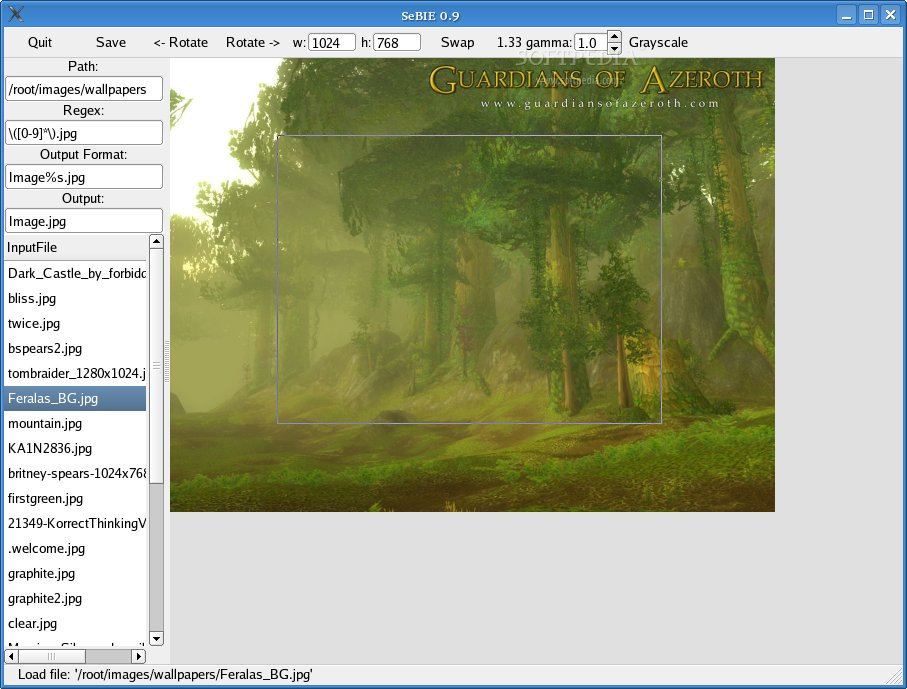
Semi-Batched-Image-Editor program is an image editor for Linux.
The problem: Got a huge amount of scanned pictures (from your digital camera, or as Picture-CD from your favorite lab)? Want to rotate some of them to the right orientation? Select a good detail? Scale to a given output format? Want to do this with as less as possible mouseclicks?
The solution: SeBIE - the Semi-Batched-Image-Editor.
Here are some key features of "Semi Batched Image Editor":
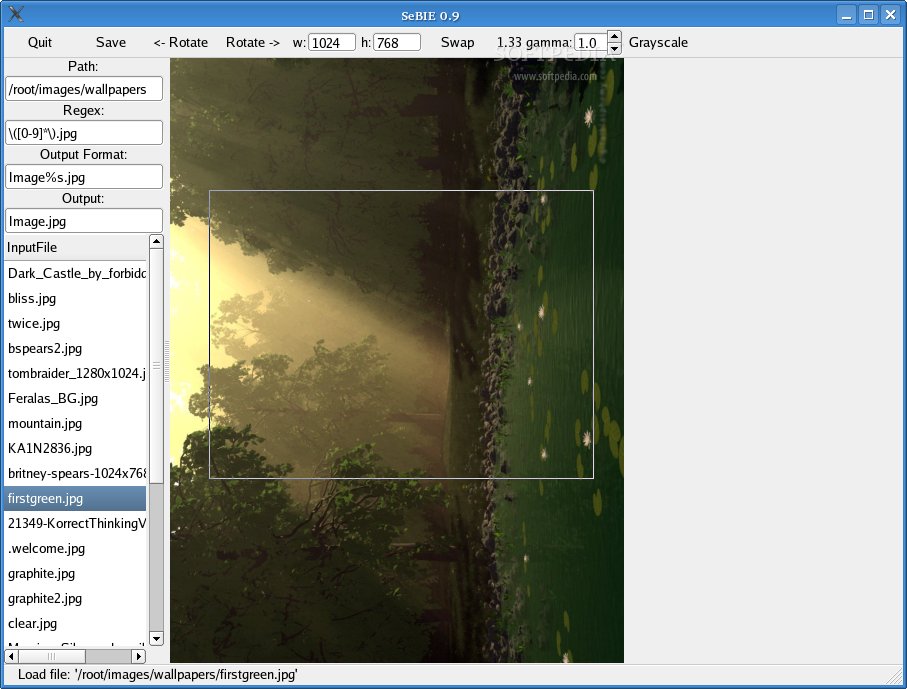
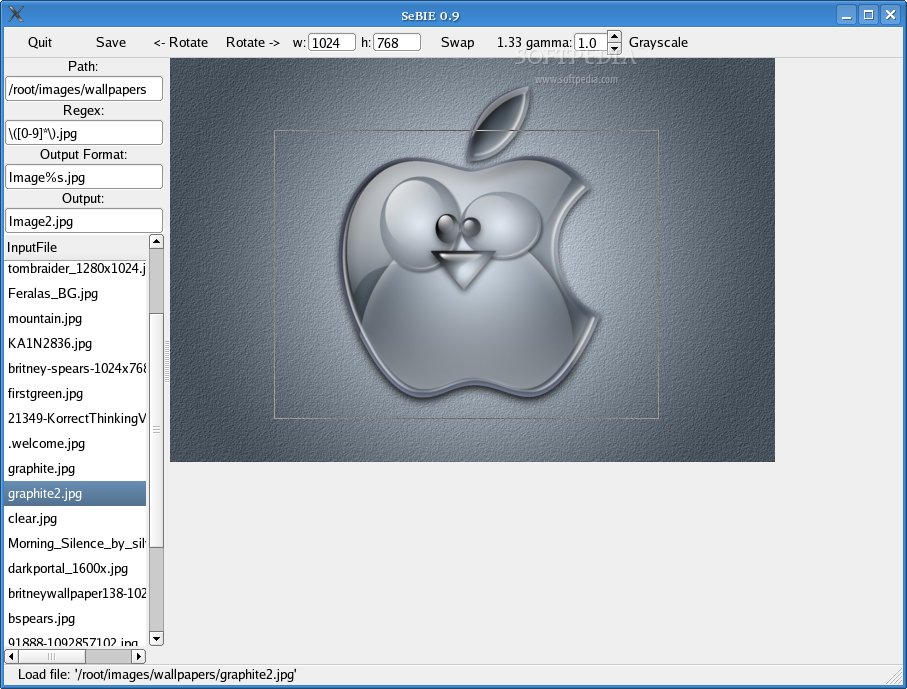
· Input filename selection via regular expressions. · Create output filename via regular expression and substitution. · Select image details with a given proportion. · Scale to a given output format when saving. · Apply some color correction (at the moment only gamma curve correction is possible).
Why Semi-Batched? Because SeBIE is not fully batch processing. A rest of user interaction is still needed (and wanted).
SeBIE is written in C using the gdk/gtk (glib-2.0.7/gtk+-2.0.9) toolkit.
Get the source distribution from the download page and unpack:
tar -xvzf sebie-0.9.tar.gz
Change to the sebie source directory:
cd sebie-0.9
Run the configure script:
./configure
Build the executable:
make all
And install it as 'root:
make install
Start the application using the command 'sebie'....
What's New in This Release:
· Add events delete_event and destroy to main window. · Handling resizable drawing area.
Semi-Batched-Image-Editor 0.9
add to watchlist add to download basket send us an update REPORT- runs on:
- Linux
- filename:
- sebie-0.9.tar.gz
- main category:
- Multimedia
- developer:
- visit homepage
Context Menu Manager 3.3.3.1

7-Zip 23.01 / 24.04 Beta

calibre 7.9.0

Microsoft Teams 24060.3102.2733.5911 Home / 1.7.00.7956 Work

Zoom Client 6.0.3.37634

4k Video Downloader 1.5.3.0080 Plus / 4.30.0.5655

ShareX 16.0.1

Bitdefender Antivirus Free 27.0.35.146

Windows Sandbox Launcher 1.0.0

IrfanView 4.67

- Bitdefender Antivirus Free
- Windows Sandbox Launcher
- IrfanView
- Context Menu Manager
- 7-Zip
- calibre
- Microsoft Teams
- Zoom Client
- 4k Video Downloader
- ShareX