
A powerful photo downloader application specifically designed for Linux operating systems. #Photo downloader #Image downloader #Image backup #Picture #Photo #Downloader
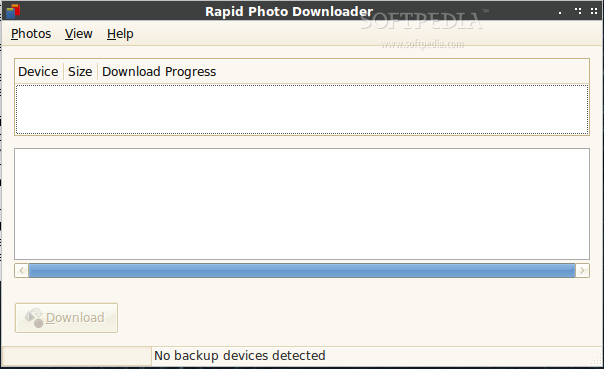
As its name suggests, Rapid Photo Downloader is a photo downloader application. It provides users with a user-friendly interface written with the GTK+ toolkit and compatible mainly with the GNOME desktop environment.
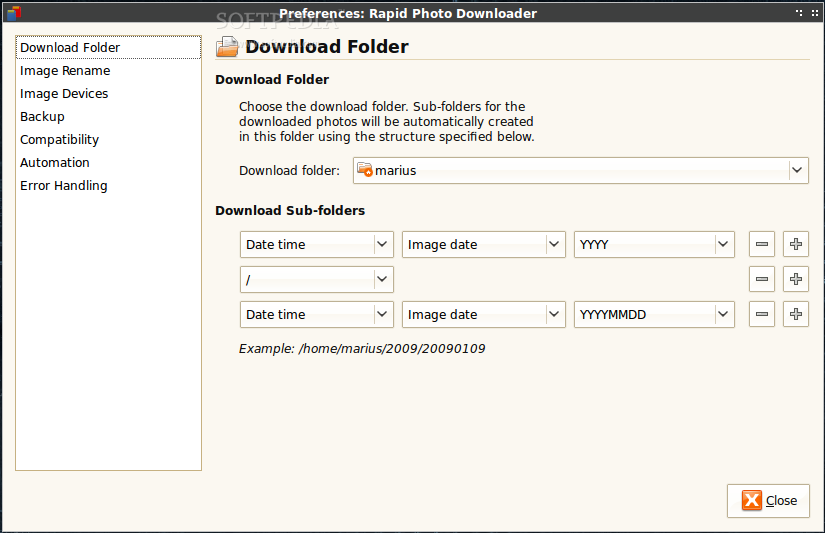
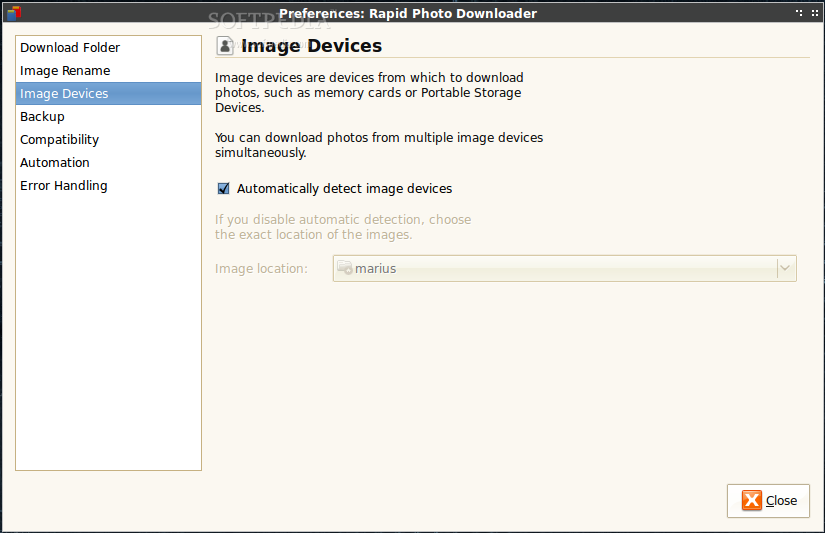
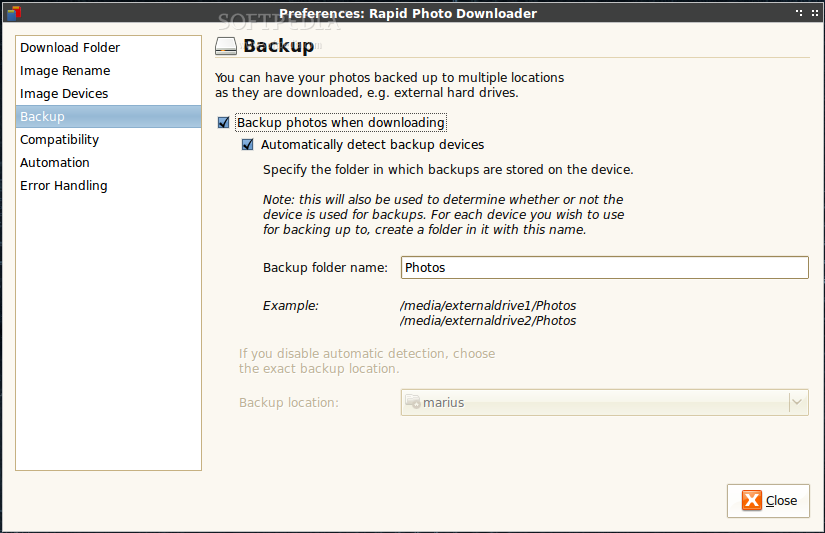
Its top features are the ability to download recorded videos and images from multiple devices at the same time, download and backup images simultaneously, as well as to generate user-configurable and human readable folder and file names.
At the moment it supports a wide range of image formats, including CR2, NEF, RAW, ARW, CRW, DNG, DCR, MEF, MRW, MOS, PEF, ORF, RAF, RW2, SRW, and SR2. A vast amount of video formats are supported, such as 3GP, AVI, MPG, M2T, MP4, MOV, MPEG, MOD, TOD, and MTS.
Being translated in over 30 languages, the application is very well documented, easy to configure and use, fas, and supported on a wide range of open source desktop environments, including KDE, LXDE and Xfce.
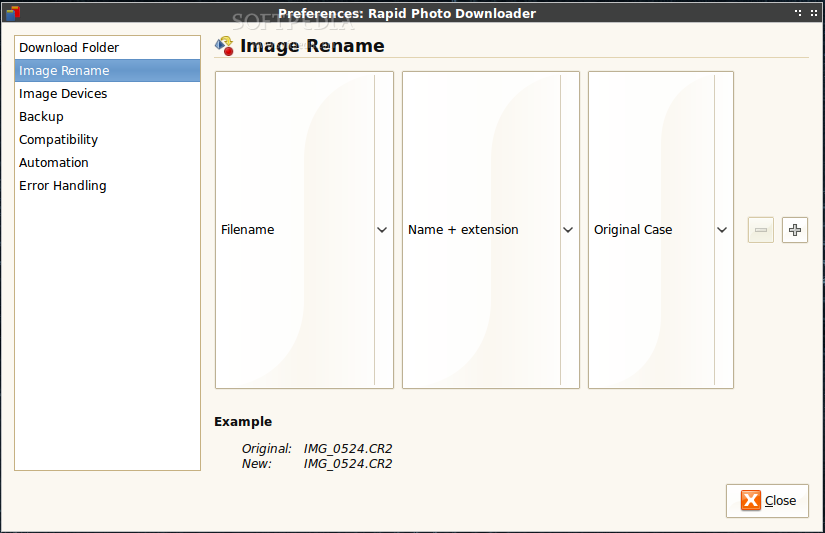
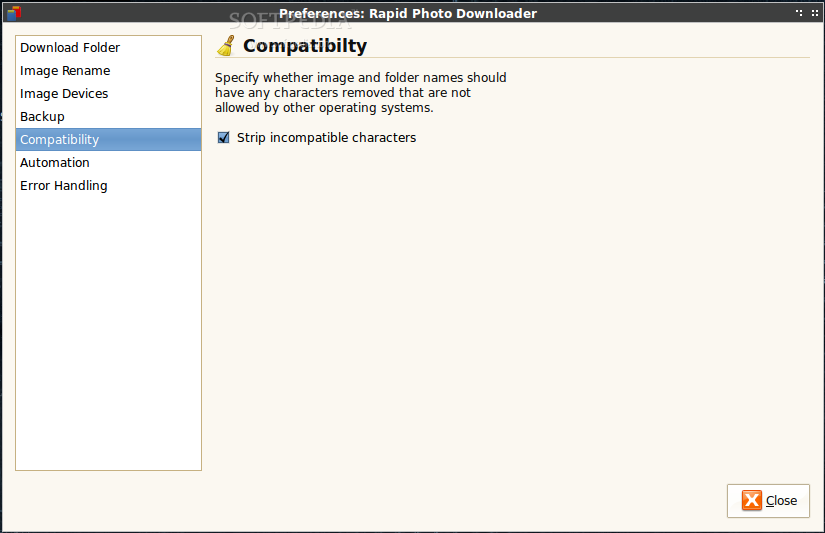
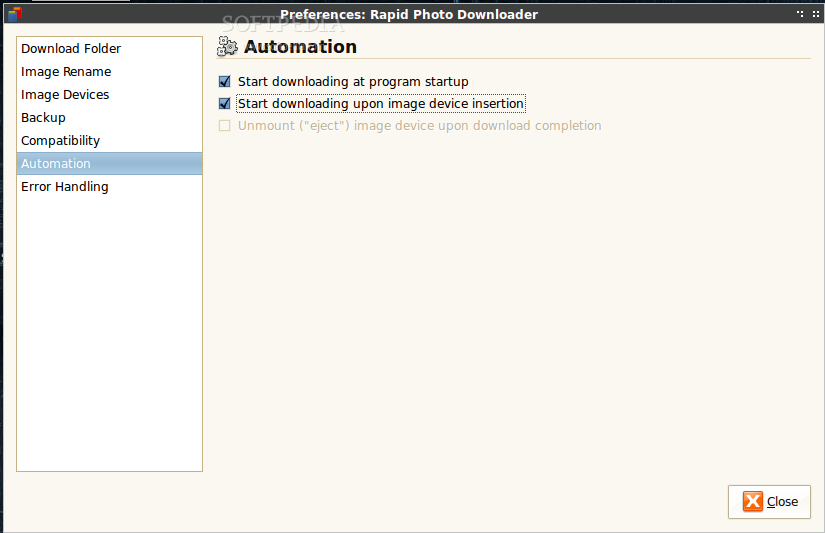
As the developer describes, the application’s main goal is to become one of the best photo and video downloader software for Linux-based operating systems. It can automatically generate metadata for image and video files, including date, time, shutter speed, aperture and codec, allows users to rename camera generated file names, and automagically creates folders for downloaded files.
Another interesting feature is the ability to synchronize the sequence numbers of both RAW and JPEG files (only available for cameras that support this function). The truth is that there aren’t many open source applications in this category, which makes Rapid Photo Downloader the perfect tool for professional and amateur photographers alike. You should definitely download and install this application if your main hobby happens to be photography.
What's new in Rapid Photo Downloader 0.9.18:
- This release contains an important run-time bug fix and a new translation for Turkish.
Rapid Photo Downloader 0.9.18
add to watchlist add to download basket send us an update REPORT- runs on:
- Linux
- filename:
- rapid-photo-downloader-0.9.18.tar.gz
- main category:
- Multimedia
- developer:
- visit homepage
4k Video Downloader 1.5.3.0080 Plus / 4.30.0.5655

Zoom Client 6.0.0.37205

IrfanView 4.67

calibre 7.9.0

ShareX 16.0.1

paint.net 5.0.13 (5.13.8830.42291)

7-Zip 23.01 / 24.04 Beta

Microsoft Teams 24060.3102.2733.5911 Home / 1.7.00.7956 Work

Bitdefender Antivirus Free 27.0.35.146

Windows Sandbox Launcher 1.0.0

- Microsoft Teams
- Bitdefender Antivirus Free
- Windows Sandbox Launcher
- 4k Video Downloader
- Zoom Client
- IrfanView
- calibre
- ShareX
- paint.net
- 7-Zip