
JDraw is a pixel oriented graphics editor designed especially for small to medium-sized pictures used to decorate web pages.. #Pixel-oriented editor #Image editor #Graphic editor #Java #Drawing #Image
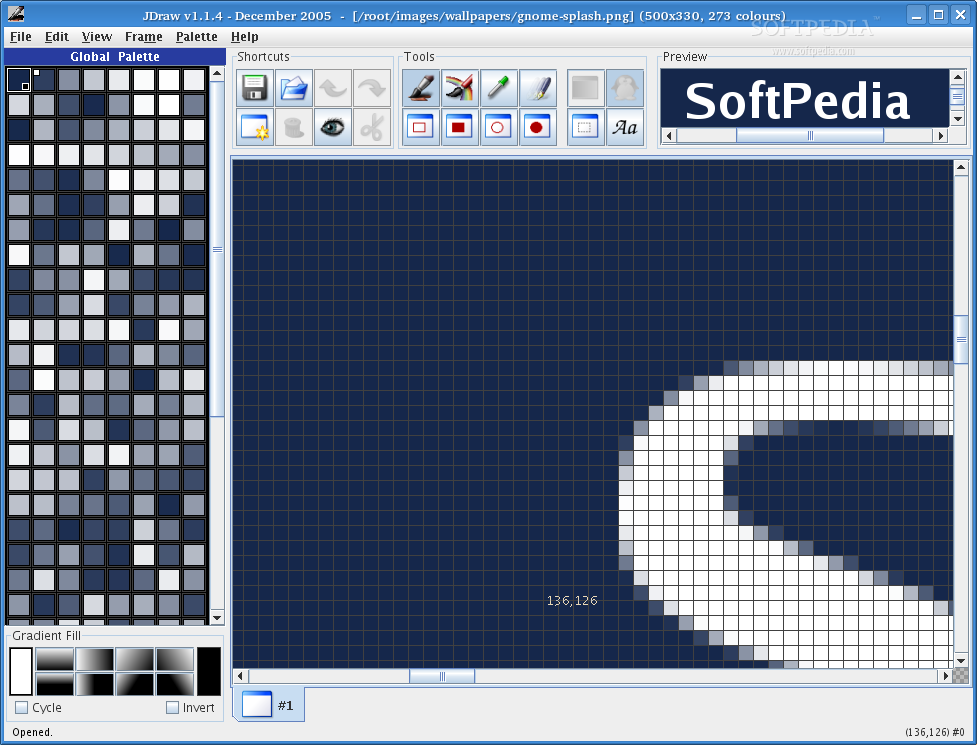
JDraw is a pixel oriented graphics editor designed especially for small to medium-sized pictures used to decorate web pages.
JDraw image editor is completely written in Java, simple to use and saves (animated) GIFs, ICOs and PNGs.
I started writing this tool because it took me ages to do little things like changing a couple of pixels, making a colour transparent, adjusting some RGB values. Most graphic tools irritate with hundreds of sexy filters but have steep learning curves or just don't care about simple pixels.
So it's high time for a good old pixel editor. Programming language: JDraw is entirely written in Java. Originally written for JDK 1.4 it now supports JDK 1.3 as well.
Supported Platforms: So far I developed and tested JDraw under Windows XP and SuSe Linux 8.1.
Here are some key features of "JDraw":
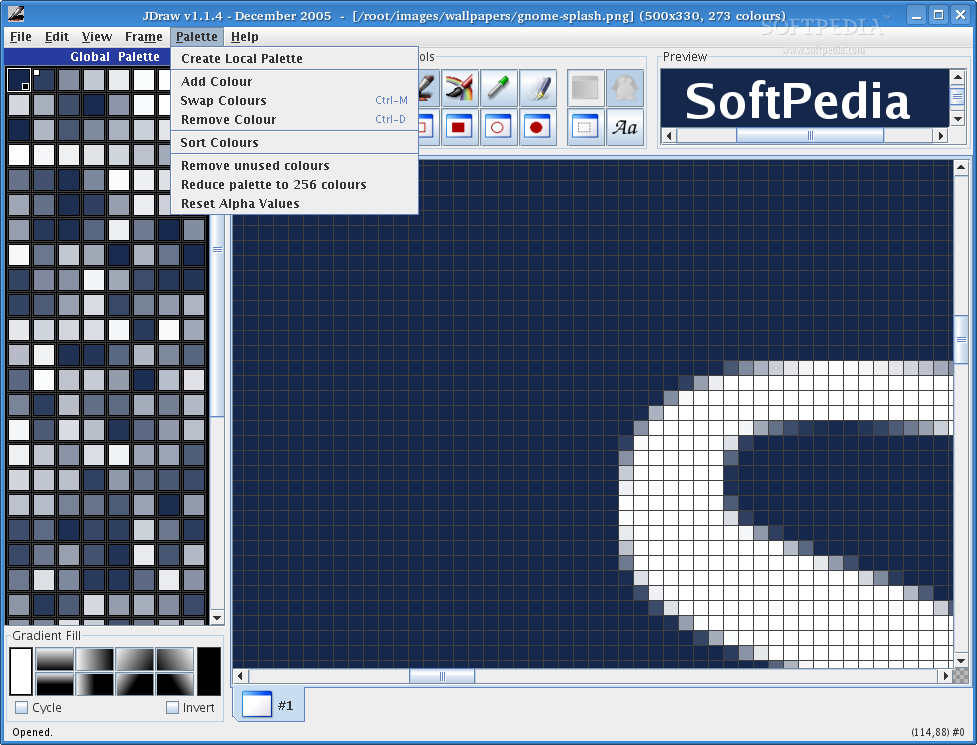
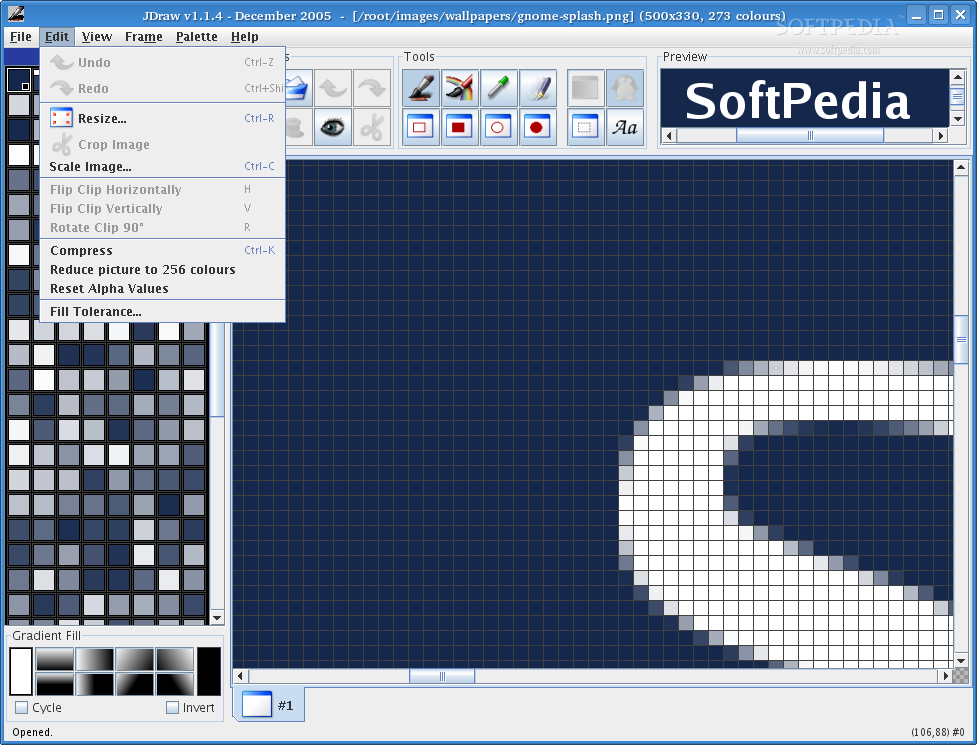
� plain, filled and gradient filled rectangles � plain, filled and gradient filled ovals � plain and gradient filled text � colour picking, cropping, filling � image scaling (since v1.2beta) � image rotation (since v1.2.1beta) � copying/moving clips � rotating/flipping clips (since v1.2.2beta) � save animated GIFs (interlaced/not interlaced) � save PNGs (interlaced/not interlaced) � save ICOs (true colour, 32 bit) (since v1.1.3) � save JPEGs of configurable quality (since v1.1.4) � read all image formats supported by Java � colour reduction, colour replacing, colour swapping � grayscaling (since v1.2.2beta) � image browser (since v1.3beta) � tolerant fill tool (since v1.3beta) � palette operations like editing RGB colours, alpha values � configuration of the Look&Feel to use (since v.1.1.3)
Requirements:
� Java 1.4.2 or later
What's New in This Release:
� Menu "File -> Last files..." added for reopening image files � Open and save directory are stored between sessions to reduce browsing � Window size and location are stored between sessions � Plastic3DLookAndFeel is default Look&Feel, if available. (see: http://www.jgoodies.com/freeware/looks/index.html) The command line option -lf takes precedence though. � Moved "Edit->FillTolerance" into "File->Settings" � Plastic jar (JDraw including Plastic3D Look&Feel) added to release files. � Unsaved changes are indicated by an asterisk (*) in JDraw's window title. � "Lose changes?" dialog added. � Global/local palette bugs fixed. � GIFReader: transparent colour bug fixed.
JDraw 1.1.5
 Softpedia Editor's Pick
add to watchlist
add to download basket
send us an update
REPORT
Softpedia Editor's Pick
add to watchlist
add to download basket
send us an update
REPORT
- runs on:
- Linux
- filename:
- jdraw_v1.1.5.jar
- main category:
- Multimedia
- developer:
- visit homepage
ShareX 16.0.1

Windows Sandbox Launcher 1.0.0

4k Video Downloader 1.5.3.0080 Plus / 4.30.0.5655

7-Zip 23.01 / 24.04 Beta

Zoom Client 6.0.0.37205

Bitdefender Antivirus Free 27.0.35.146

Microsoft Teams 24060.2623.2790.8046 Home / 1.7.00.7956 Work

calibre 7.8.0

IrfanView 4.67

paint.net 5.0.13 (5.13.8830.42291)

- calibre
- IrfanView
- paint.net
- ShareX
- Windows Sandbox Launcher
- 4k Video Downloader
- 7-Zip
- Zoom Client
- Bitdefender Antivirus Free
- Microsoft Teams