
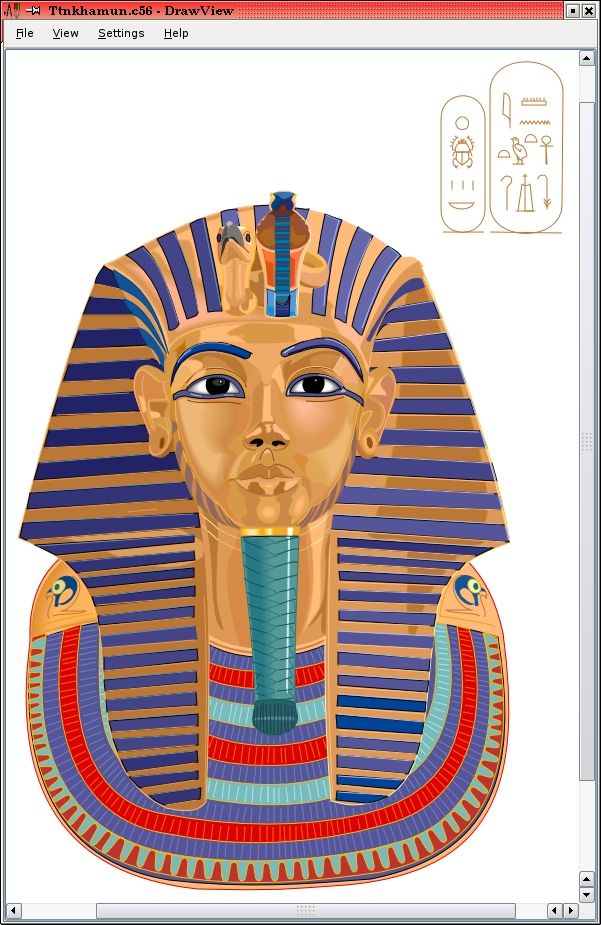
DrawView displays Draw files created by the "Draw" RISC OS application and other compatible applications.. #Draw to PostScript #Export drawing #Draw to PDF #DrawView #Export #Drawings
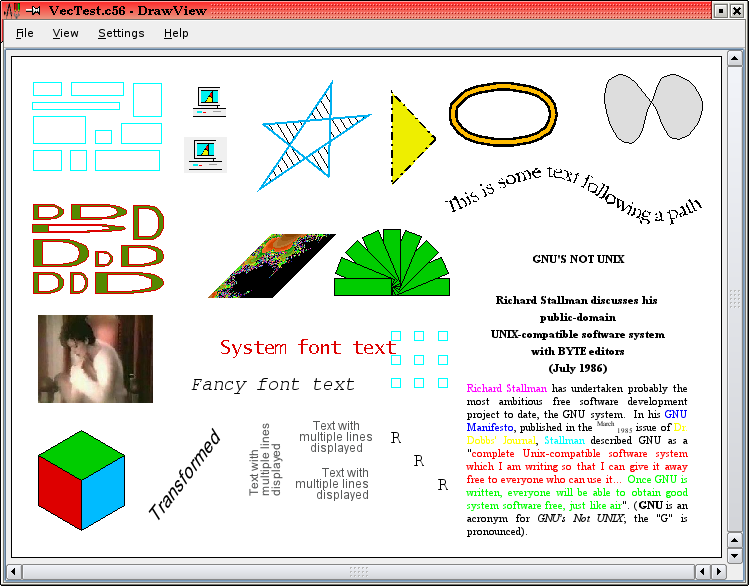
DrawView displays Draw files created by the "Draw" RISC OS application and other compatible applications.
Drawings can be exported to PDF or PostScript format for printing or use in other applications.
DrawView is built and installed in the same way as most other open-source applications. First of all, download and install the Qt 4 library if it is not already available on your system.
Then, after unpacking the source archive and changing to the source directory, configure and install the application by doing:
$ ./configure [OPTIONS...] $ make $ su root -c 'make install'
Some useful OPTIONS that it may be necessary to give to 'configure' are:
--prefix=DIRECTORY Base DIRECTORY for the installation, default is /usr/local. --with-qt4=LOCATION The LOCATION where the Qt 4 library is installed (containing the bin, include and lib subdirectories). If not specified, this is searched for on PATH, in /usr/qt/4 and /usr/lib/qt4, and in prefix. --with-kde=yes Install KDE desktop integration (application, icons and MIME types); this is the default if its kde-config program is found on PATH. Specify --with-kde=LOCATION to install to a different place, or --with-kde=no to not install anything. --with-desktop=yes Install freedesktop/GNOME desktop integration (application and icons); this is the default if the KDE integration is not installed. Specify --with-desktop=LOCATION to install to a different place (the default is /usr/share), or --with-desktop=no to not install anything.
There are some other, less useful, options; use 'configure --help' to list them.
Requirements:
� QT 4.1.0 or later
What's New in This Release:
� Qt library detection was fixed to work on Gentoo and Ubuntu.
>
DrawView 1.03
add to watchlist add to download basket send us an update REPORT- runs on:
- Linux
- main category:
- Multimedia
- developer:
- visit homepage
Context Menu Manager 3.3.3.1

7-Zip 23.01 / 24.04 Beta

Zoom Client 6.0.3.37634

ShareX 16.0.1

Bitdefender Antivirus Free 27.0.35.146

Microsoft Teams 24060.3102.2733.5911 Home / 1.7.00.7956 Work

IrfanView 4.67

calibre 7.9.0

Windows Sandbox Launcher 1.0.0

4k Video Downloader 1.5.3.0080 Plus / 4.30.0.5655

- calibre
- Windows Sandbox Launcher
- 4k Video Downloader
- Context Menu Manager
- 7-Zip
- Zoom Client
- ShareX
- Bitdefender Antivirus Free
- Microsoft Teams
- IrfanView