
Wordpress Blogging JumpBox is a JumpBox with a self-contained version of Wordpress.. #Blogging platform #Wiki engine #Virtual appliance #Wordpress #Blogging #JumpBox
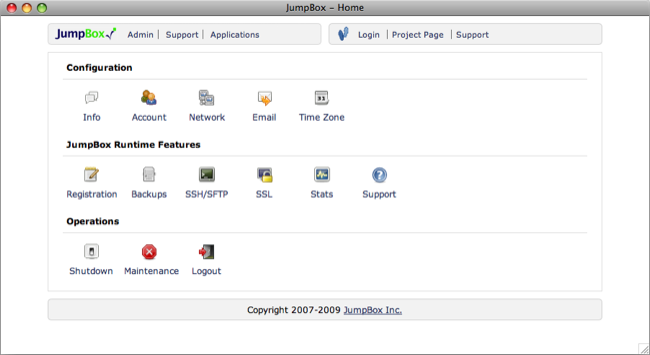
Wordpress project is the leading open source blogging platform that has rocketed to popularity thanks to its open design and powerful features. This JumpBox includes Wordpress version 2.5.
It's Simple
Open Source applications are great. The applications are powerful, inexpensive and get the job done. But installing and configuring those applications can be a pain. A JumpBox delivers Open Source applications in a way that makes them simple to try, run and operate.
It's Quick
Actually downloading a JumpBox will take the most time. Once that's done, you're just a few minutes from having a working application that can serve multiple users.
It's Portable
A JumpBox collects the application, application dependencies and all application data into a single bundle that can easily be moved from one computer to another. This allows you to start running the application on your desktop and then as usage grows move it to a server without needing to reinstall or reconfigure. Plus with support for Mac OS X, Windows and Linux you can even move the application between platforms with little effort.
It's Safe
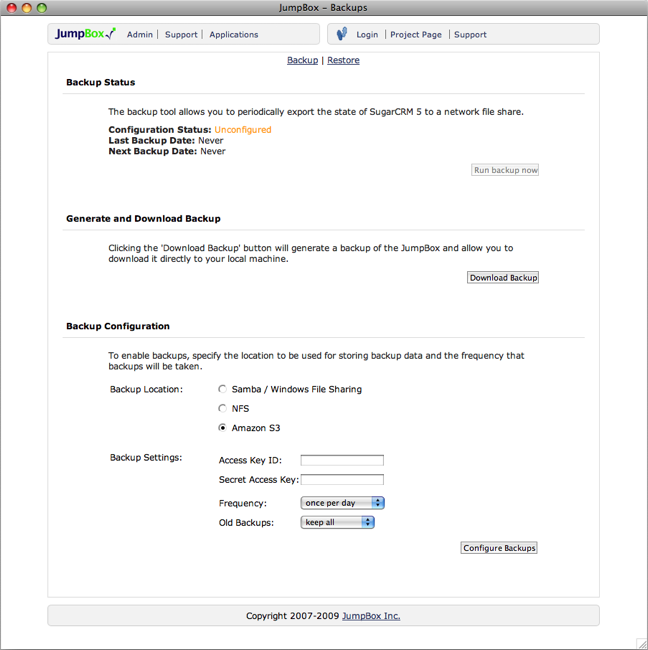
Manually installing Open Source applications not only takes a lot of time and effort, but when you're done it's still left to you to figure out how to protect the data the application manages. With a JumpBox it's easy to add automatic backups of the entire state of the application.
It's Virtual
A JumpBox application is a virtual appliance that bundles the open source application and all its runtime dependencies into a single package that runs on top of virtualization software from VMWare, Parallels or Xen. This means all JumpBox applications automatically gain the benefits of traditional server virtualization and can be dropped into existing virtualization infrastructure when available.
It's Comfortable
JumpBox provides a consistent runtime environment for all applications that we bundle. The applications may differ considerably, but their installation and operation will be familiar no matter which JumpBox you choose.
Requirements:
� Virtualization software. Either VMWare, Xen or Parallels. If you don't have virtualization software already you can also download the free VMWare player. � 3GB Free disk space � Minimum 1GB System RAM (Virtual Machine uses 256MB)
Wordpress Blogging JumpBox 1.8.0
add to watchlist add to download basket send us an update REPORT- runs on:
- Linux
- filename:
- wordpress-1.1.5.zip
- main category:
- Internet
- developer:
- visit homepage
paint.net 5.0.13 (5.13.8830.42291)

ShareX 16.0.1

Microsoft Teams 24060.2623.2790.8046 Home / 1.7.00.7956 Work

IrfanView 4.67

calibre 7.8.0

7-Zip 23.01 / 24.04 Beta

4k Video Downloader 1.5.2.0077 Plus / 4.30.0.5655

Bitdefender Antivirus Free 27.0.35.146

Zoom Client 6.0.0.37205

Windows Sandbox Launcher 1.0.0

- Bitdefender Antivirus Free
- Zoom Client
- Windows Sandbox Launcher
- paint.net
- ShareX
- Microsoft Teams
- IrfanView
- calibre
- 7-Zip
- 4k Video Downloader