
Google Chrome For Linux
Browse the Internet in a fast, secure, and easy way with Google's popular browser that boasts sublime integration with all other Google products. #Google Browser #Web Browser #Web Navigator #Google #Browser #Explorer

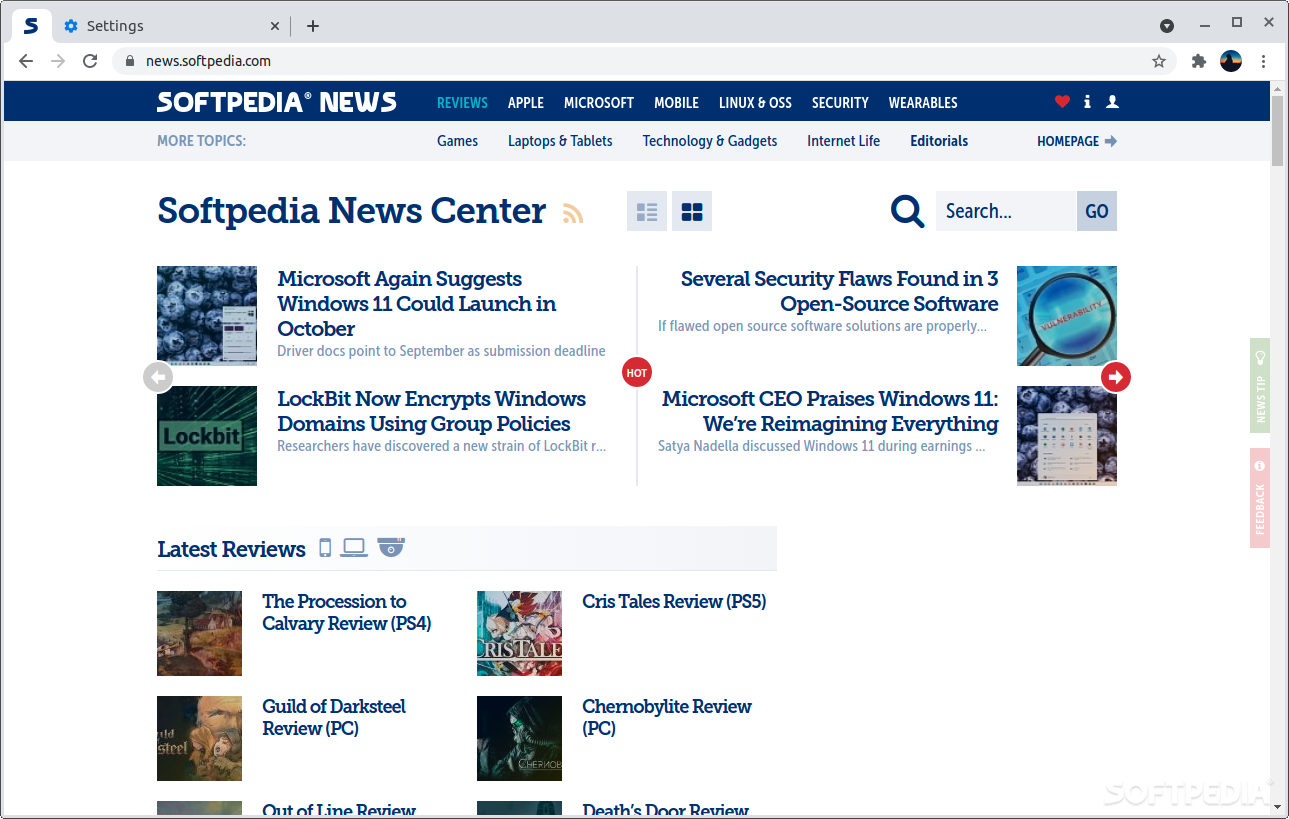
Loved by most, not revered by some, Google Chrome is still arguably the most successful web browser of the decade with a staggering market share of well over 60%.
Its success stems from a broad spectrum of factors, starting with Google being a generally trusted company and ending with just how good their products actually are, Chrome included.
By now, no matter who and where you are, if you've ever used a Windows PC, a Mac, or a computer running Linux, there's a very good chance you've at least heard about Google Chrome.
Ultimately, choosing the perfect web browser is a very personal thing. Nevertheless, there's no denying the fact that Google Chrome's biggest strength is more about the whole package and less about the browser itself.
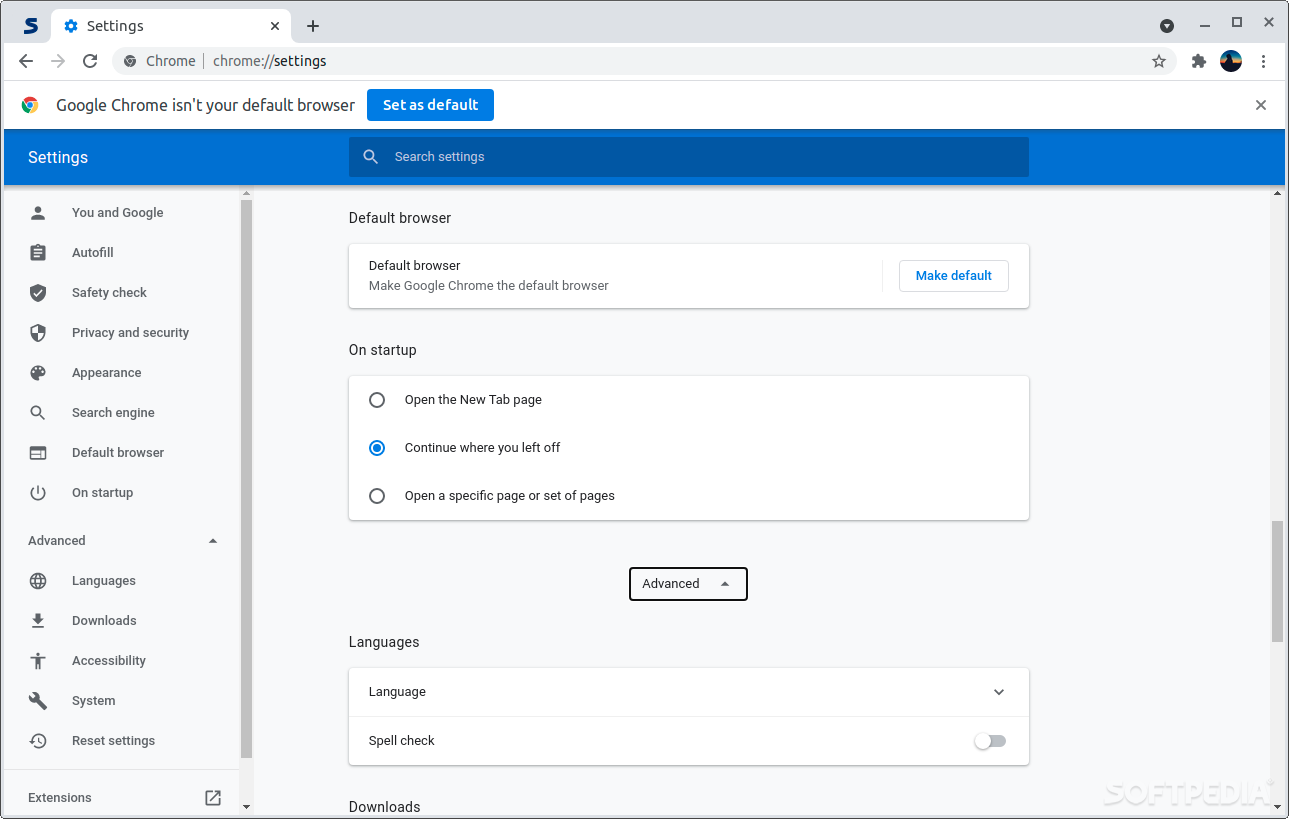
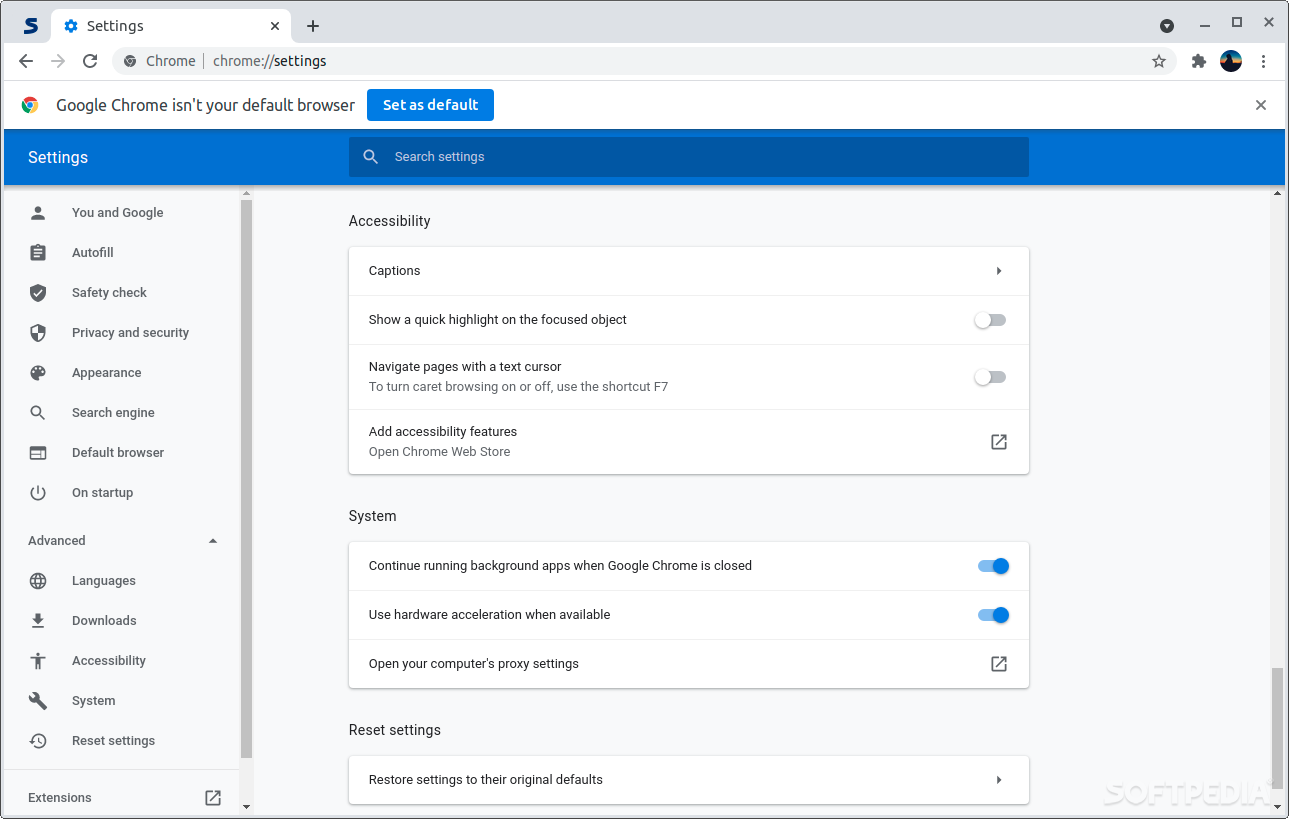
Google Chrome has a very sleek design (straying away from classic menu items), it's fast and very secure (auto-update works like a dream, warns you about unsecured websites, and is capable of blocking malicious sites and activities).
In terms of bookmarking, tab management, inbuilt features, and overall user experience, Google Chrome is pretty much on par if not better (depending on your point of view and taste) than other browsers.
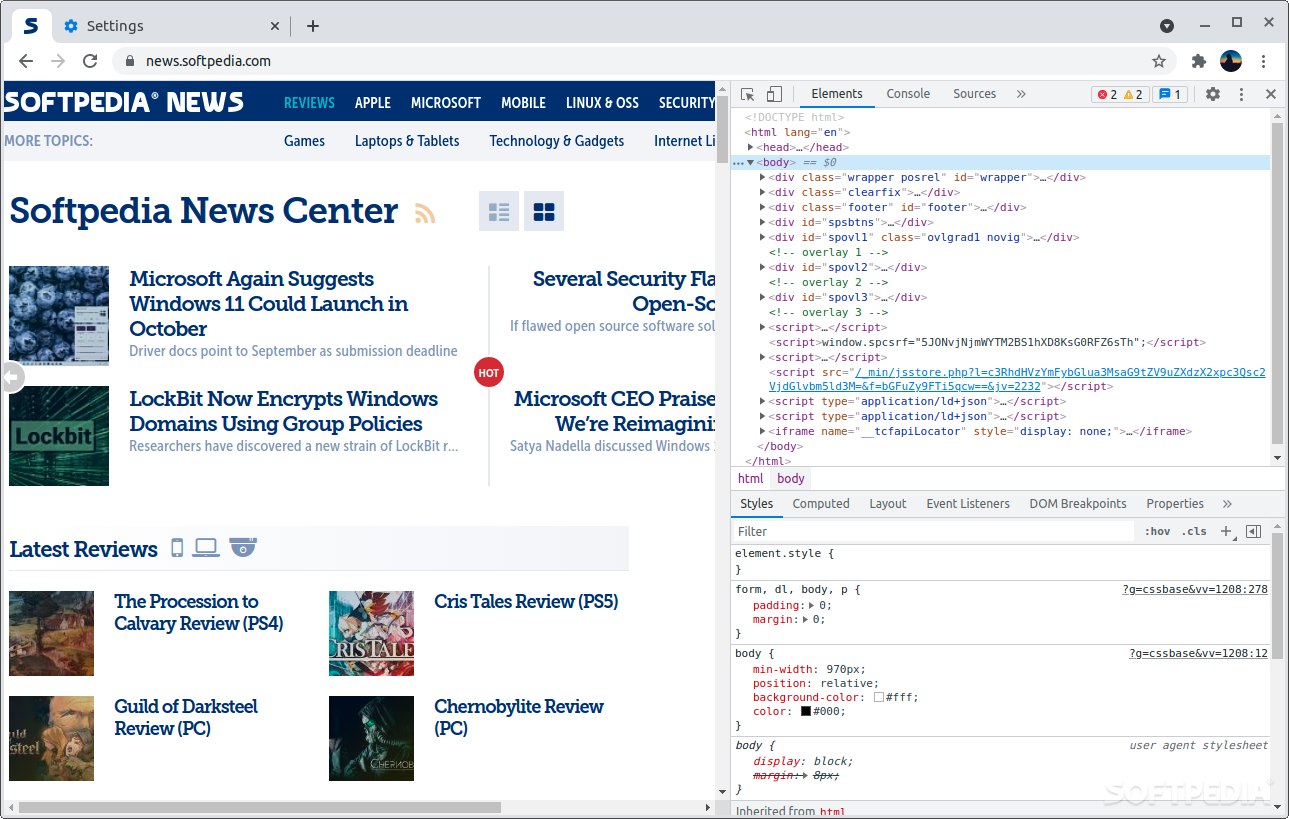
Speaking of inbuilt features, the Developer Console is as powerful as they get. It allows you to view the source code of websites, adjust the design, as well as monitor network bandwidth and so much more.
Thanks to its incredible extension base (via the Chrome Web Store), and the fact that it works on Windows, macOS, Linux distributions, and mobile devices, Chrome has the potential to bring a lot of value to a broad spectrum of users.
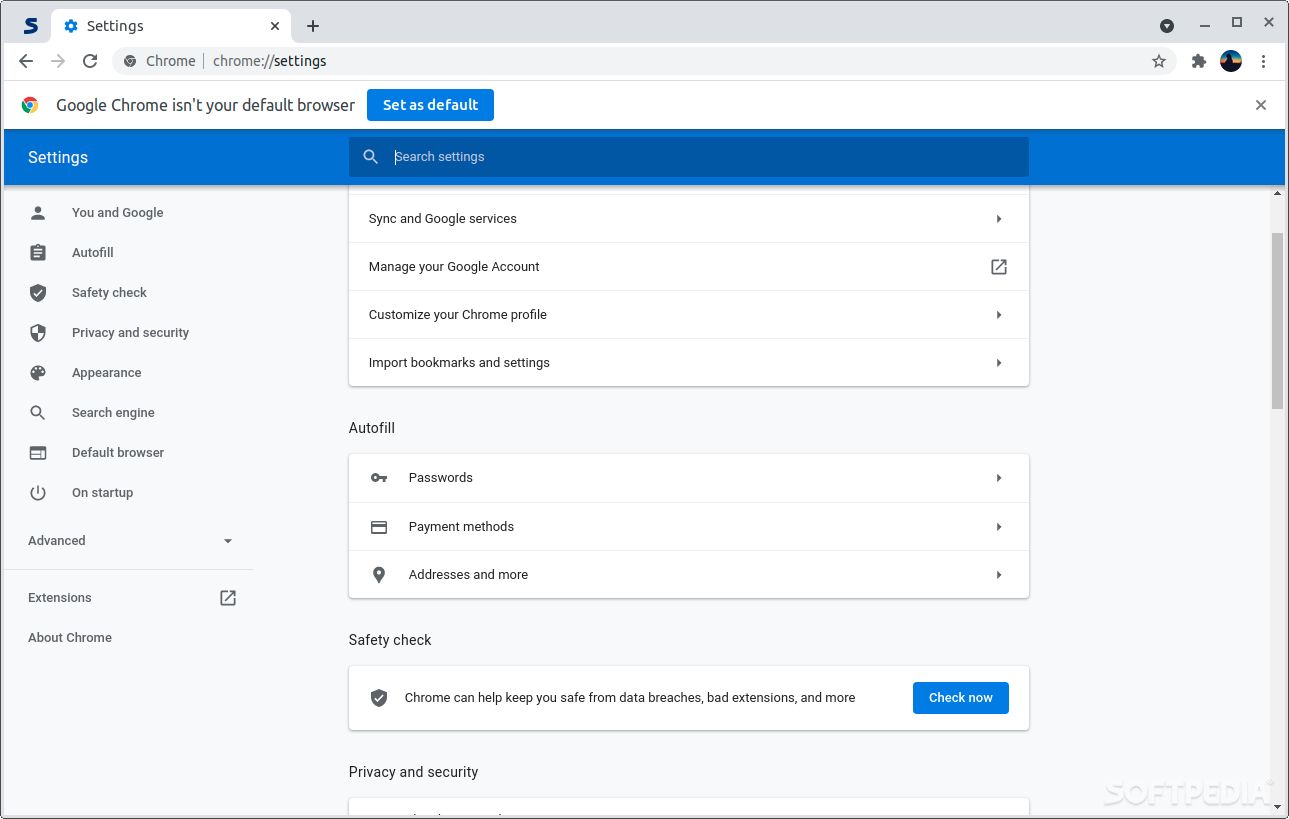
The icing on the cake is definitely Chrome's integration with Google Apps. Just by using your Google account, you can not only synchronize everything across your devices, but you can also use Google's ubiquitous services such as Gmail, AdSense, Ads, Analytics, Drive, Photos, Keep, and Docs.
For some, it might be, for others not so much. The main reason why some users don't like Chrome is the fact that it has various Google-specific tracking elements bundled within (even though it's based on Chromium).
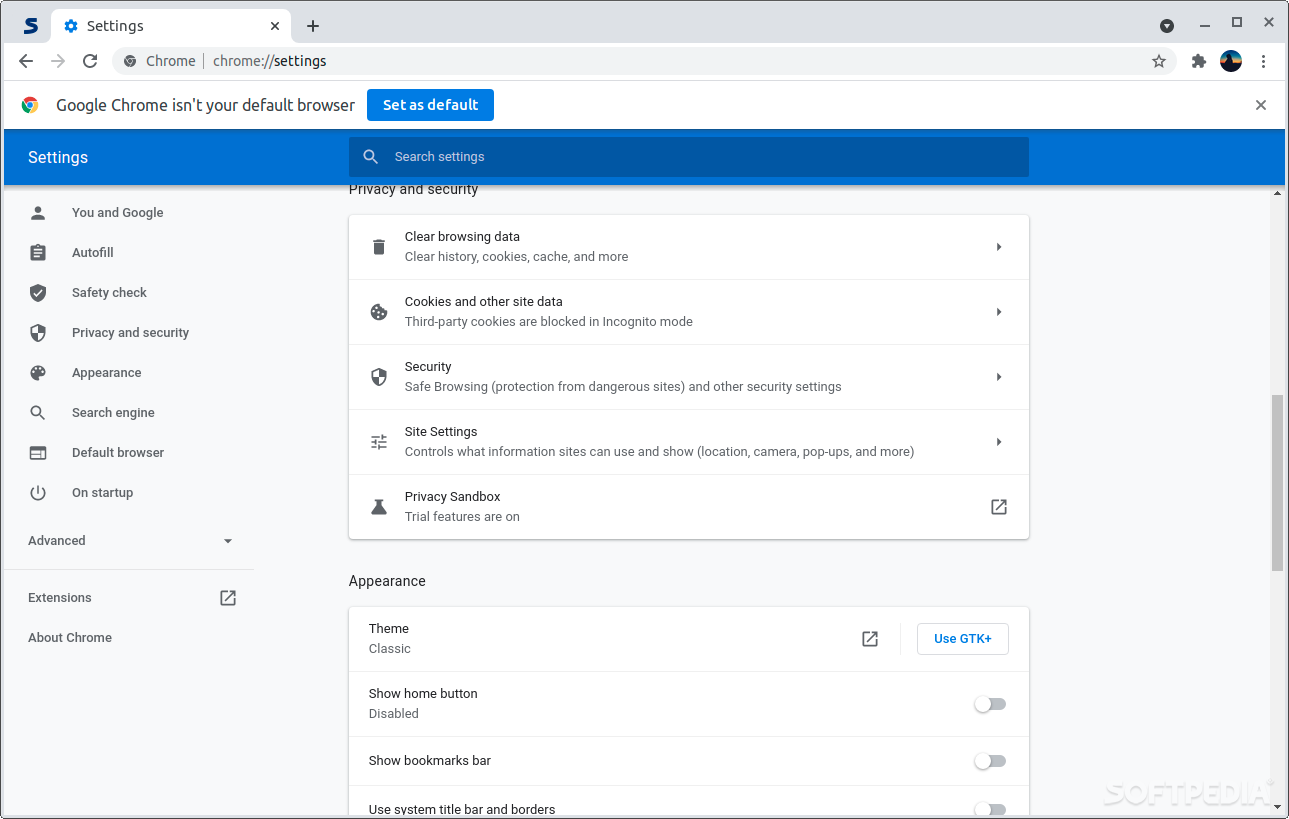
All that "power" and advantages don't come without some other drawbacks. For example, it's a known fact that Google Chrome is not exactly the most resource-friendly browser out there. It uses a lot of RAM (and CPU power in some cases). Despite having the biggest extension market by its side, Chrome is also not the most flexible browser when it comes to customization.
Then, Google Chrome: an incredible product with royalty status in today's browser world that has stood the test of time valiantly and will most probably continue to do so for the next decade as well.
The success of Google Chrome proves a lot of things, but one thing in particular. It proves that most users want a dependable and flexible browser and the backing of a huge corporation like Google, despite various privacy-related aspects, high resource consumption, and a lack of customization options.
Google Chrome 124.0.6367.60 / 125.0.6422.14 Beta / 126.0.6423.2 Dev
 Softpedia Editor's Pick
add to watchlist
add to download basket
send us an update
REPORT
Softpedia Editor's Pick
add to watchlist
add to download basket
send us an update
REPORT
- runs on:
- Linux
- filename:
- google-chrome-beta_current_amd64.deb
- main category:
- Internet
- developer:
- visit homepage
Context Menu Manager 3.3.3.1

Microsoft Teams 24060.3102.2733.5911 Home / 1.7.00.7956 Work

Bitdefender Antivirus Free 27.0.35.146

Zoom Client 6.0.3.37634

IrfanView 4.67

ShareX 16.0.1

calibre 7.9.0

Windows Sandbox Launcher 1.0.0

4k Video Downloader 1.5.3.0080 Plus / 4.30.0.5655

7-Zip 23.01 / 24.04 Beta

- Windows Sandbox Launcher
- 4k Video Downloader
- 7-Zip
- Context Menu Manager
- Microsoft Teams
- Bitdefender Antivirus Free
- Zoom Client
- IrfanView
- ShareX
- calibre