
Serv-U For Linux
A powerful, easy-to-use, award-winning FTP server. #FTP server #File transfer #FTP #Server #Transfer #Secure
Serv-U is an easy-to-use, powerful, award-winning FTP server created by Rob Beckers. An FTP server uses the FTP protocol to share files across the Internet.
Serv-U is not only 100% compliant with the current FTP standard, but also includes numerous features unique to Serv-U that make it a perfect file sharing solution for virtually everyone.
After downloading the Serv-U Linux installer, permissions need to be set in order to run the installer. To do this: 1) Start a shell. 2) Navigate to the directory where the installer is stored:
cd ~/Downloads
3) Change to root (su) since the installer requires root access. 4) Change the permissions of the file to allow execution:
chmod 777 "Serv-U-11.0-Linux-x86_64-Install"
5) Running the installer:
With a GUI (GNOME or KDE):
./Serv-U-11.0-Linux-x86_64-Install
With a console only:
./Serv-U-11.0-Linux-x86_64-Install --mode console
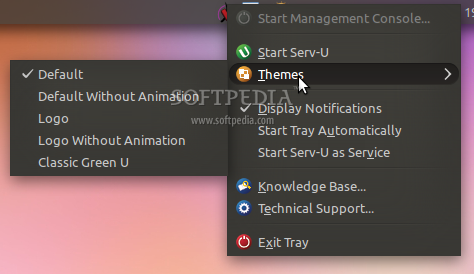
1) Select the "Applications | Serv-U | Serv-U Tray" option. 2) Click on the tray application in the system tray, select "Start Serv-U". 3) To configure Serv-U, click on the tray application, select "Start Management Console" or simply double click on the tray icon.
1) Navigate to the installation directory:
cd /usr/local/Serv-U
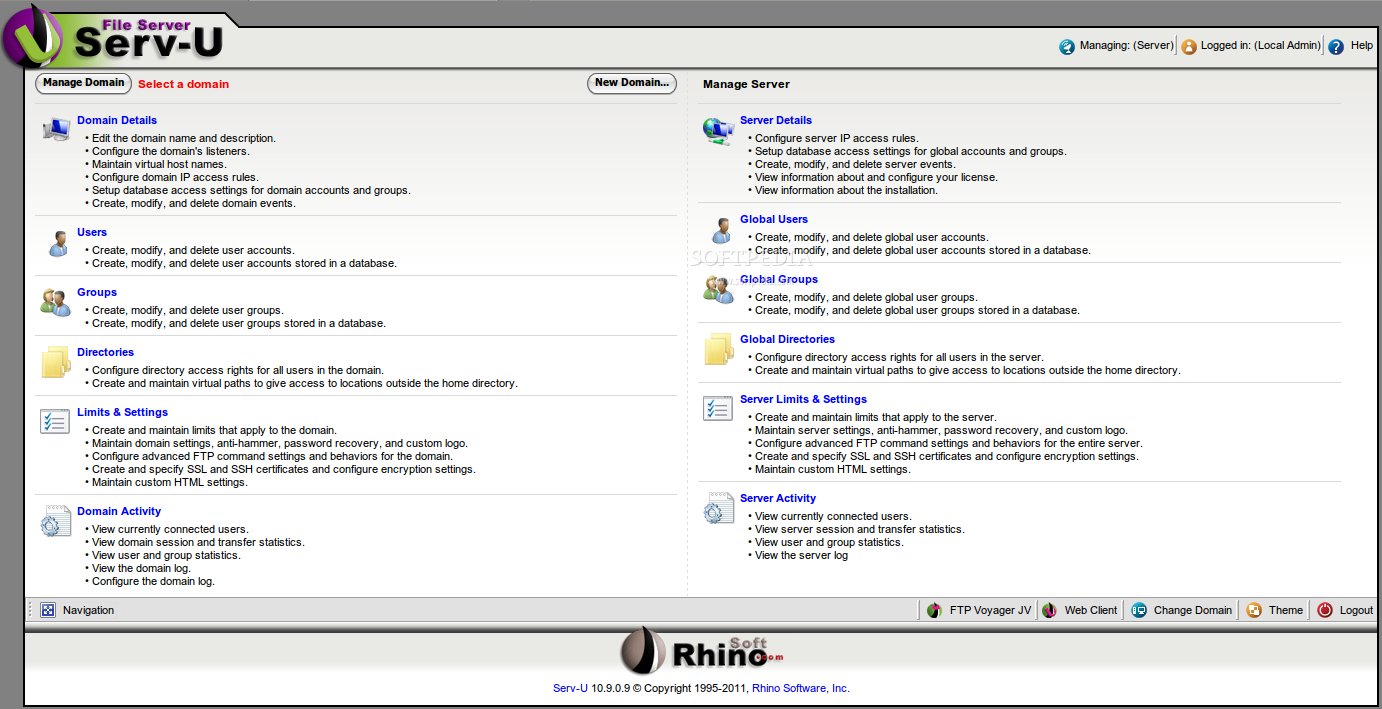
2) Change permissions to root (with su). 3) Start Serv-U: "./Serv-U" 4) To configure Serv-U (if installed with "--mode console") connect to the server with a web browser on port 8080.
user: admin password: admin
5) Setup / configure your domain, create an admin account, delete the "Admin Domain" for security purposes.
Limitations in the unregistered version
- 30-day trial
What's new in Serv-U 12.0.0.2:
- Features:
- Added Serv-U Gateway; providing a secure gateway that allows FTP, FTPS, SSH, and web (HTTP/HTTPS) clients to safely access a Serv-U file server deployed behind a firewall.
- Added Serv-U Platinum edition to include FTP Voyager JV and Serv-U Gateway in addition to all Serv-U Gold features.
Serv-U 12.0.0.2
add to watchlist add to download basket send us an update REPORT- runs on:
- Linux
- filename:
- ServUSetupLinux1.bin
- main category:
- Internet
- developer:
- visit homepage
4k Video Downloader 1.5.3.0080 Plus / 4.30.0.5655

IrfanView 4.67

ShareX 16.0.1

Bitdefender Antivirus Free 27.0.35.146

paint.net 5.0.13 (5.13.8830.42291)

Microsoft Teams 24060.2623.2790.8046 Home / 1.7.00.7956 Work

7-Zip 23.01 / 24.04 Beta

calibre 7.8.0

Zoom Client 6.0.0.37205

Windows Sandbox Launcher 1.0.0

- calibre
- Zoom Client
- Windows Sandbox Launcher
- 4k Video Downloader
- IrfanView
- ShareX
- Bitdefender Antivirus Free
- paint.net
- Microsoft Teams
- 7-Zip