
The ultimate media organizer and media cataloger software for Linux operating systems. #Media organizer #Movie catalog #Music cataloger #Media #Organizer #Cataloger
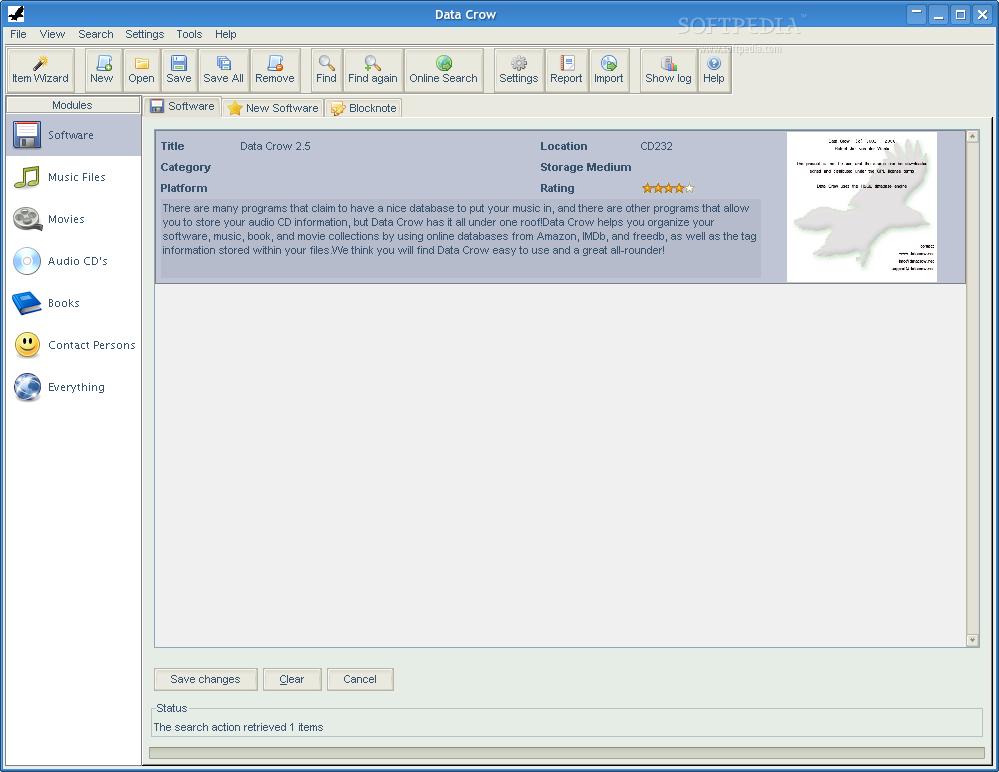
Data Crow is an open source, free, completely portable and multiplatform graphical software implemented in Java and designed from the offset to allow users to create a huge database containing all their collected items.
The Data Crow application is capable of retrieving detailed information about your movies from the Web, including front covers, screenshots, as well as links to a respectable online movie information database, such as IMDB.
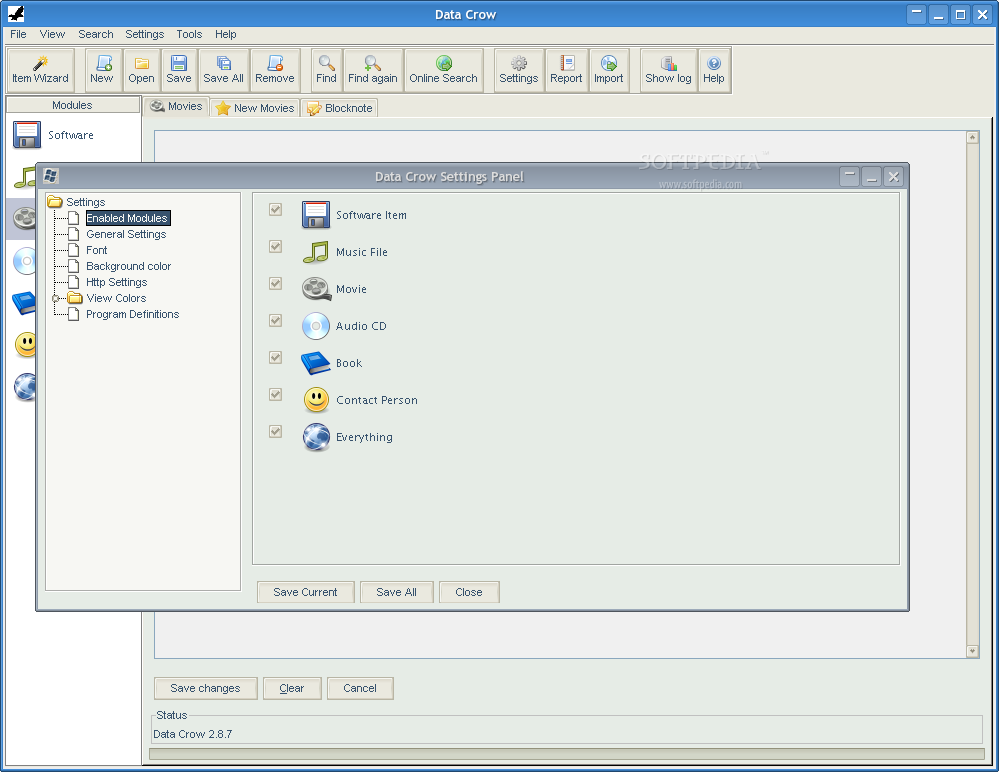
Key features include an easy-to-use, nice-looking and skinnable user interface, an internal help system, software registration, Audio CD registration, music files registration, movie registration, book registration, internal HSQL database, SQL query tool, reporting tool (HTML, PDF, Plain Text), Amazon.com support, IMDb support, and Musicbrainz support.
Another interesting feature is that it imports information from image files (JPG, PNG, GIF, SVG), movie files (MKV, XviD, DivX, ASF, OGM, MOV, RIFF, IFO, VOB, MPEG) and music files (OGG, FLAC, APE, MP3) from CD discs or hard disk drives (HDD). It also comes with a standalone application server that is available for download separately.
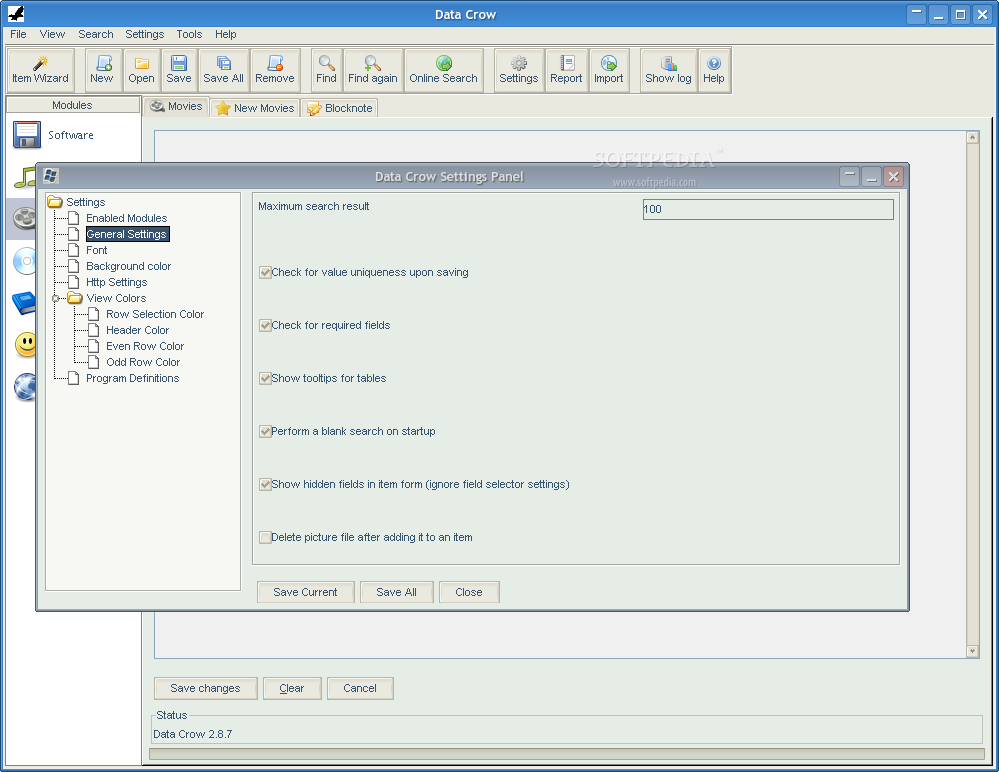
The program’s graphical user interface (GUI) is highly customizable, which means that the user will be able to design his/her own quick view, item form, module and hide fields, in order to create their own reports in the XSLT file format. It is possible to create your very own collection of modules, as well as to modify existing ones.
Users will be able to keep track of loans, rename any text field within the software, configure the look and feel my using a different skin or modifying the fonts, rename files based on the information provided by the application, add you own fields, create new modules, as well as to access advanced user configuration, such as module and field access or access rights.
Being written in the Java programming language, Data Crow works on all GNU/Linux distributions, as well as on Microsoft Windows, Mac OS X, and any other operating systems where the Java Runtime Environment (JRE) technology is available. Supported hardware architectures include 64-bit and 32-bit.
What's new in Data Crow 4.2.2:
- Fixed:
- File Importer did not always find a correct match when using an online service. The match checker has been improved.
- Changed:
Data Crow 4.2.2
 Softpedia Editor's Pick
add to watchlist
add to download basket
send us an update
REPORT
Softpedia Editor's Pick
add to watchlist
add to download basket
send us an update
REPORT
- runs on:
- Linux
- main category:
- Information Management
- developer:
- visit homepage
Bitdefender Antivirus Free 27.0.35.146

Context Menu Manager 3.3.3.1

7-Zip 23.01 / 24.04 Beta

calibre 7.9.0

4k Video Downloader 1.5.3.0080 Plus / 4.30.0.5655

IrfanView 4.67

Zoom Client 6.0.3.37634

Microsoft Teams 24060.3102.2733.5911 Home / 1.7.00.7956 Work

Windows Sandbox Launcher 1.0.0

ShareX 16.0.1

- Microsoft Teams
- Windows Sandbox Launcher
- ShareX
- Bitdefender Antivirus Free
- Context Menu Manager
- 7-Zip
- calibre
- 4k Video Downloader
- IrfanView
- Zoom Client