
Cedega allows hundreds of Windows games to run on Linux seamlessly and transparently, right out of the box. #Games emulation #Emulate games #Need for speed #Cedega #Game #Simulation
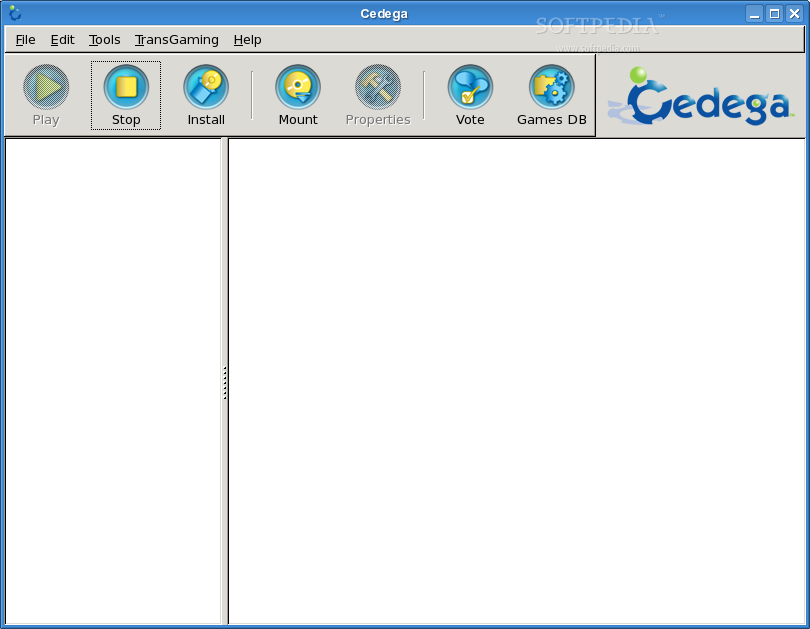
Cedega, TransGaming's flagship Linux portability product, allows hundreds of Windows games to run on Linux seamlessly and transparently, right out of the box. With Cedega installed on a computer running Linux, users can simply insert their favorite Windows game CD, then install and play that game just as they would on a Windows system. Cedega can run hundreds of top tier titles on Linux, including blockbuster hits such as BattleField 2, Dungeon Siege 2, Madden 2006, Half Life 2, World of WarCraft, City of Villains, WarCraft III and Star Wars Galaxies, just to name a few.
Cedega works by directly loading a Windows program into memory on a Linux system and linking it to a Linux-optimized version of the Win32 APIs. TransGaming's Cedega implements common multimedia Windows APIs such as Direct3D, DirectInput, DirectSound and many others by mapping them to Linux equivalents like OpenGL, X11, and the OSS or ALSA sound APIs. Cedega is the culmination of many years of effort on these APIs. The TransGaming Teams knowledge of APIs such as DirectX is probably second only to Microsoft's.
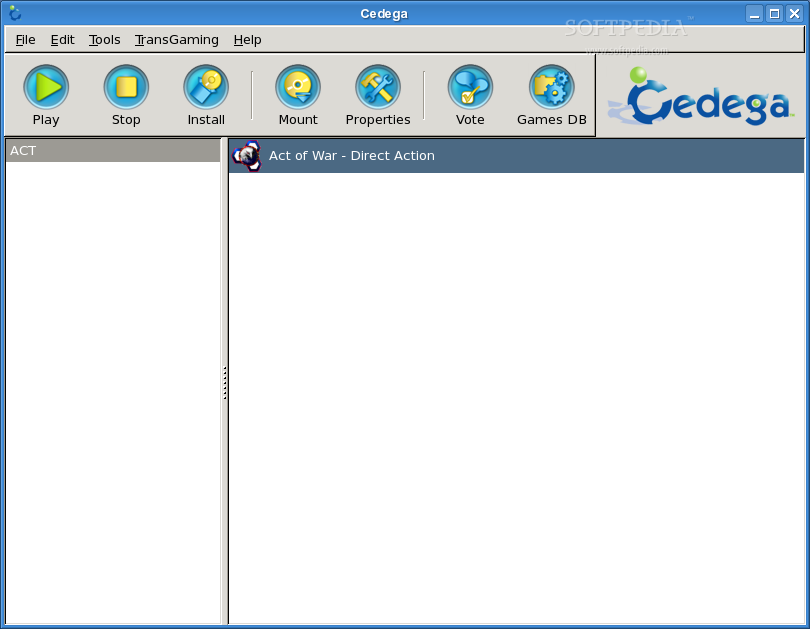
Cedega also provides an easy to use interface to manage the games installed on a Linux system, as well as the options that can be selected for each title. Unlike how games are installed on a Windows system, Cedega installs each game into its own separate environment, thereby ensuring that the new game can never interfere with previously installed titles. Removing a game is just as easy - instead of a complex and error prone uninstall process, the game environment can simply be deleted without affecting other installed games.
Also unlike Windows, Cedega allows the user to specify that a game should run in its own Window, instead of taking over the whole screen. Want to keep a window open on your favorite massively multiplayer game while you search the web? With Cedega, doing so is just a click away!
Cedega is available on a subscription basis through TransGaming's website. Subscribers get access to the latest Cedega releases including regular hotfixes and updates, access to both email and web-based support from TransGaming's professional staff, posting access to TransGaming's user forum, and the right to vote on what TransGaming's Cedega team should work on for future releases.
TransGaming pioneered the concept of customers having a direct and regular influence on our development work through a regular monthly vote. Each month, TransGaming subscribers are asked to vote on development topics raised for discussion on our website.
TransGaming's staff uses the results of this polling to choose the most important games and technologies that we should work on for the following month, and provides a development status update detailing the engineering work that took place the previous month.
Click here to subscribe and get immediate access to Cedega, and tell us what games you want to see working next on Linux!
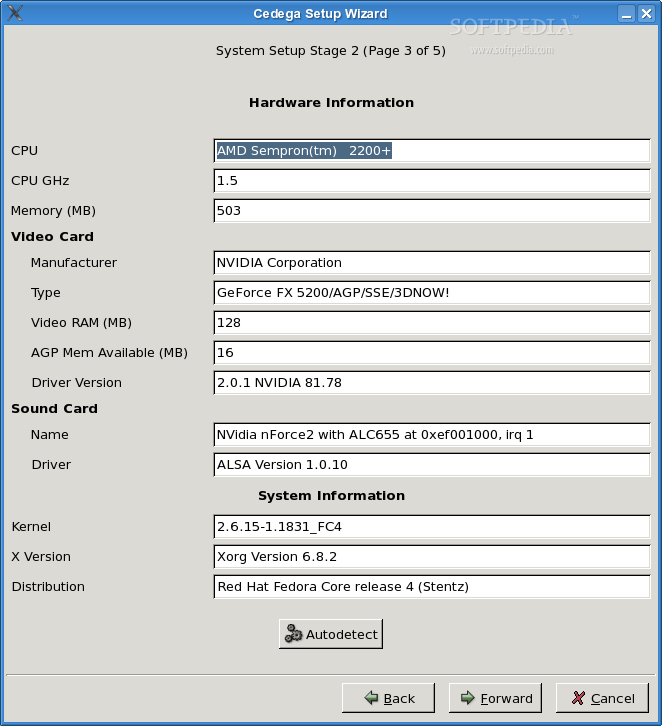
Due to superior Linux driver support, TransGaming currently recommends that you use Cedega with an NVIDIA GeForce class video card. Pixel shaders are only available on NVIDIA FX class cards and above.
Cedega will also work with ATI Radeon 8500 or better cards using the proprietary drivers available from ATI. Please note that due to their relatively recent involvement in the Linux community, the ATI drivers may have bugs or be missing features in some core functionality, causing some games to simply not work with Cedega. Some users have also experienced setup problems with ATI cards on 64 bit machines. Please refer to the Release Notes for issues with ATI cards, 64 bit machines and setup instructions.
Other on-board video cards such as Intel and S3 video cards will run some games through Cedega, but many will not run or crash due to bugs or missing functionality in the drivers.
Older cards such as the TNT, TNT2, Radeon 7500, Rage Pro, Voodoo or Matrox cards are not recommended for use with Cedega.
Remember: the better your video card, the better your gaming experience.
The Cedega Time Demo can be installed in one of two ways: system wide for all users or on a per user basis. In either case, games will be installed to: /PATH_TO_INSTALLATION/.cedega_timedemo. Be sure that the Time Demo is installed into a location with enough space for games.
Shared System Wide Installation
As root run the installation package using:
# sh /PATH_TO_INSTALLER/cedega_timedemo_installer
When installing on a system wide basis all users will have the ability to run the Time Demo, install and play games. All installed games will be available to all users on the system.
Per User Basis
As a non-root user run the installation package using:
$ sh /PATH_TO_INSTALLER/cedega_timedemo_installer
When installing the Time Demo as a non-root ,the files may only be installed into a location that the user has write permissions to. Only the user that installs the Time Demo will be able to run it and have access to games installed through Cedega. The default location for the installation is the users home directory.
Post Installation
After the installation is complete users will need to register the Time Demo. Fill in the registration form and press submit (a live Internet connection is required for this step). Shortly after submitting the registration information an email will be sent back to the user containing a registration key. Enter the registration key to connect to a server and start the Time Demo (a live Internet connection is required for this step).
System Wide (Using Default Installation Settings)
Using the default installation settings the Time Demo can simply be started using:
$ cedega_timedemo
or using
$ /usr/local/bin/cedega_timedemo
Per User Basis (Using Default Installation Settings)
Using the default installation settings the Time Demo can simply be started using:
$ ~/cedega_timedemo
System requirements
- Linux Kernel 2.4 or higher
- XFree86 4.0 or higher (4.3 is recommended) or Xorg
- glibc 2.2 or higher
- 32-bit Linux environment
- Live Internet connection is required for registration
Limitations in the unregistered version
- 14 days limited DEMO
What's new in Cedega 7.3.2:
- atch-fix release designed to provide improved functionality for updating and patching World of Warcraft
Cedega 7.3.2
add to watchlist add to download basket send us an update REPORT- runs on:
- Linux
- main category:
- Games
- developer:
- visit homepage
calibre 7.9.0

IrfanView 4.67

Windows Sandbox Launcher 1.0.0

4k Video Downloader 1.5.3.0080 Plus / 4.30.0.5655

Context Menu Manager 3.3.3.1

Bitdefender Antivirus Free 27.0.35.146

ShareX 16.0.1

Microsoft Teams 24060.3102.2733.5911 Home / 1.7.00.7956 Work

7-Zip 23.01 / 24.04 Beta

Zoom Client 6.0.4.38135

- Microsoft Teams
- 7-Zip
- Zoom Client
- calibre
- IrfanView
- Windows Sandbox Launcher
- 4k Video Downloader
- Context Menu Manager
- Bitdefender Antivirus Free
- ShareX