
brickshooter is a small puzzle game where you'll have to clear the central area from different colored bricks.. #Puzzle game #Brick shooter #Arcade game #Brick #Shooter #Arcade
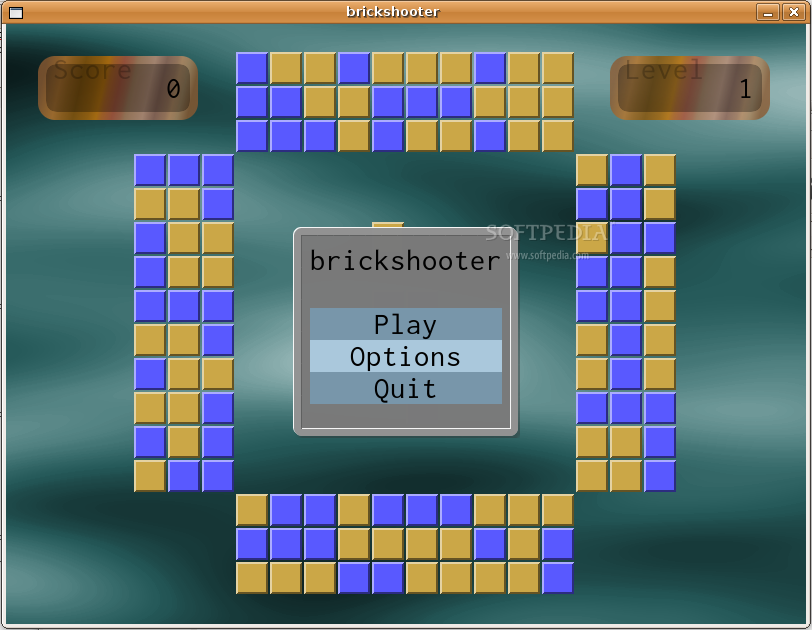
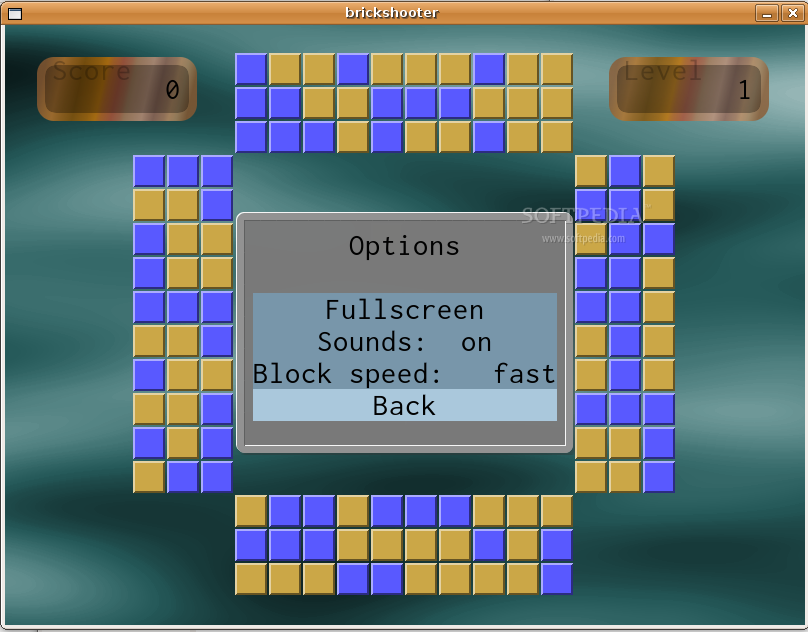
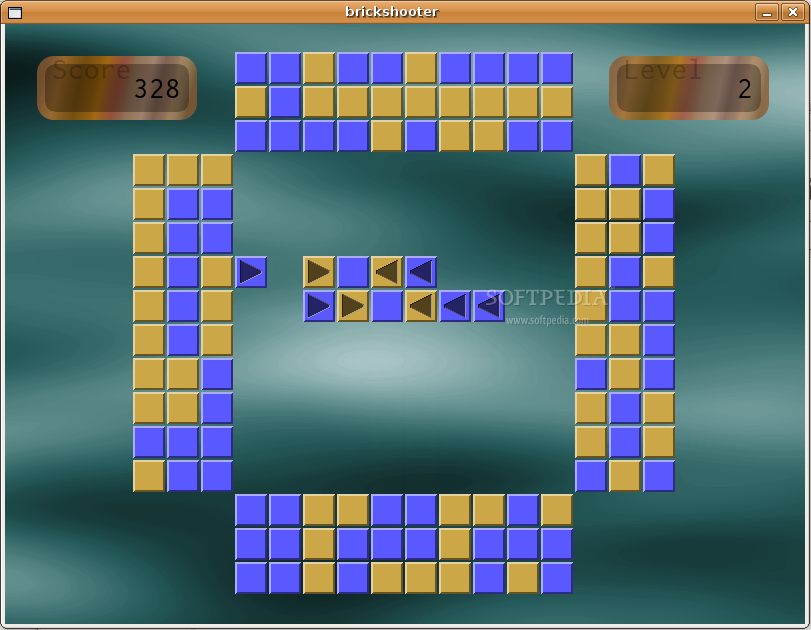
brickshooter is a small puzzle game where you'll have to clear the central area from different colored bricks. Three or more same colored bricks that touch will vanish. You can shoot bricks into the playing field from the fringes.
You can control the game with either the mouse or the keyboard.
Cursor keys, 'Z' and 'X' change the selected brick, and space will throw that brick into the playing field.
This is a clone of a windows game with the same name, though there are some small differences.
brickshooter also accepts some commandline parameters:
--help or -h Shows the commandline options. --level=N Start playing from level number N. --levelset=NAME Load a set of levels from file NAME. --debug=N Sets debugging output level to N. --fullscreen Turn on fullscreen mode. --random=N Play a randomly generated levelset of N levels. --nosound Disable sound effects.
System requirements
- SDL
- SDL_image
- SDL_mixer
brickshooter 0.04
add to watchlist add to download basket send us an update REPORT- runs on:
- Linux
- filename:
- brickshooter-0.04.tar.gz
- main category:
- Games
- developer:
- visit homepage
ShareX 16.0.1

4k Video Downloader 1.5.3.0080 Plus / 4.30.0.5655

Windows Sandbox Launcher 1.0.0

7-Zip 23.01 / 24.04 Beta

paint.net 5.0.13 (5.13.8830.42291)

Bitdefender Antivirus Free 27.0.35.146

IrfanView 4.67

calibre 7.9.0

Microsoft Teams 24060.3102.2733.5911 Home / 1.7.00.7956 Work

Zoom Client 6.0.0.37205

- calibre
- Microsoft Teams
- Zoom Client
- ShareX
- 4k Video Downloader
- Windows Sandbox Launcher
- 7-Zip
- paint.net
- Bitdefender Antivirus Free
- IrfanView