
Design-based puzzle game. #Puzzle game #Space puzzle #Design #Puzzle #Game #Space
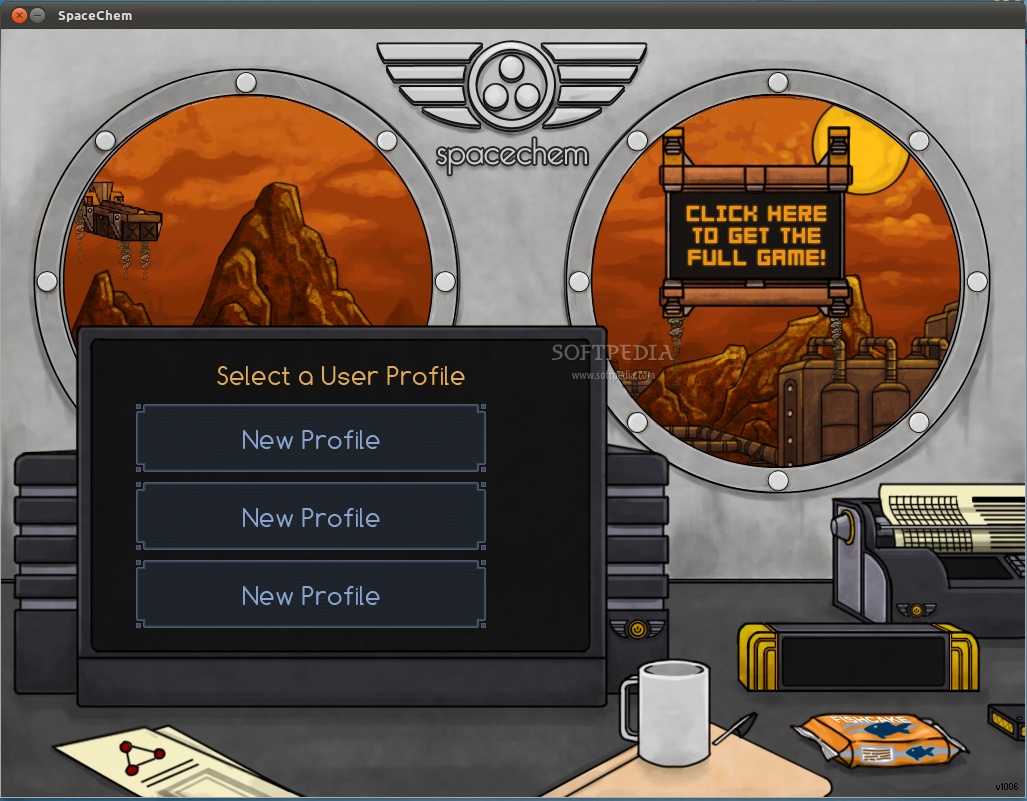
Zachtronics Industries is back with an ambitious new design-based puzzle game.
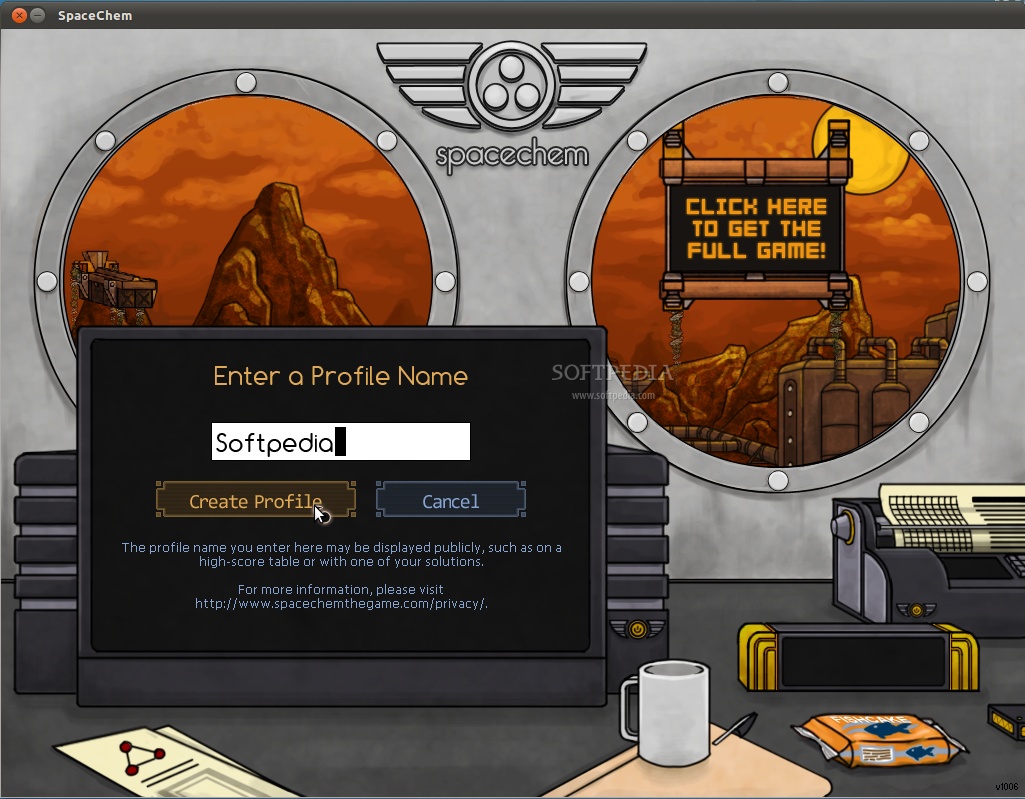
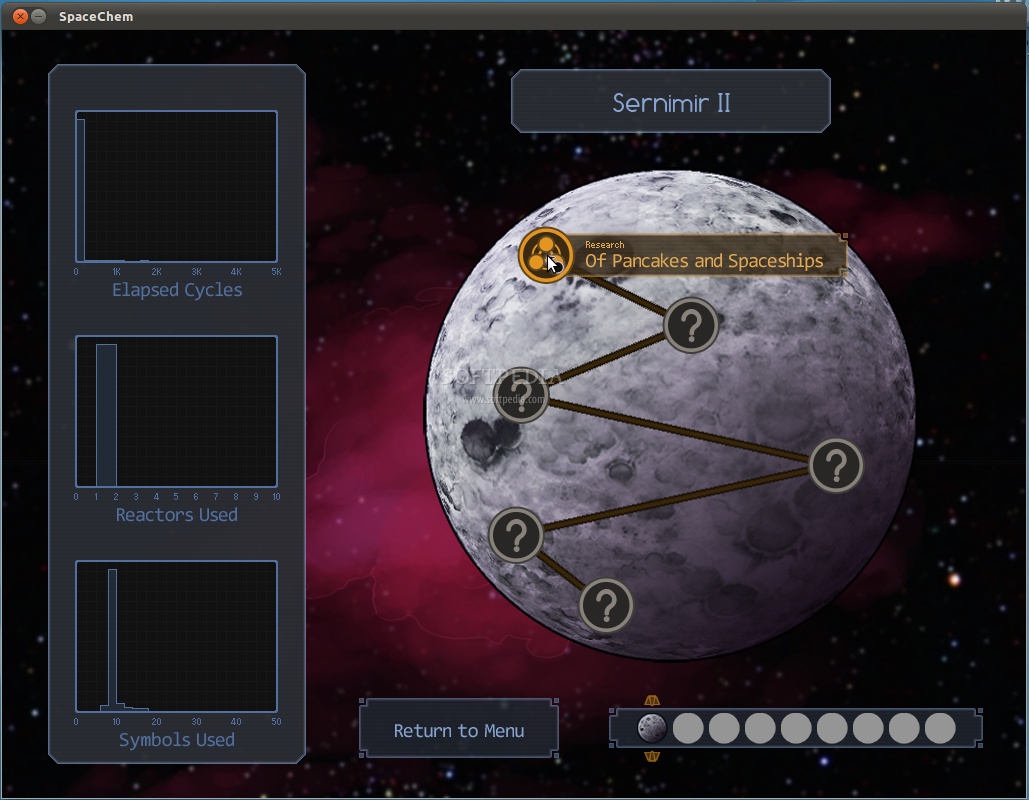
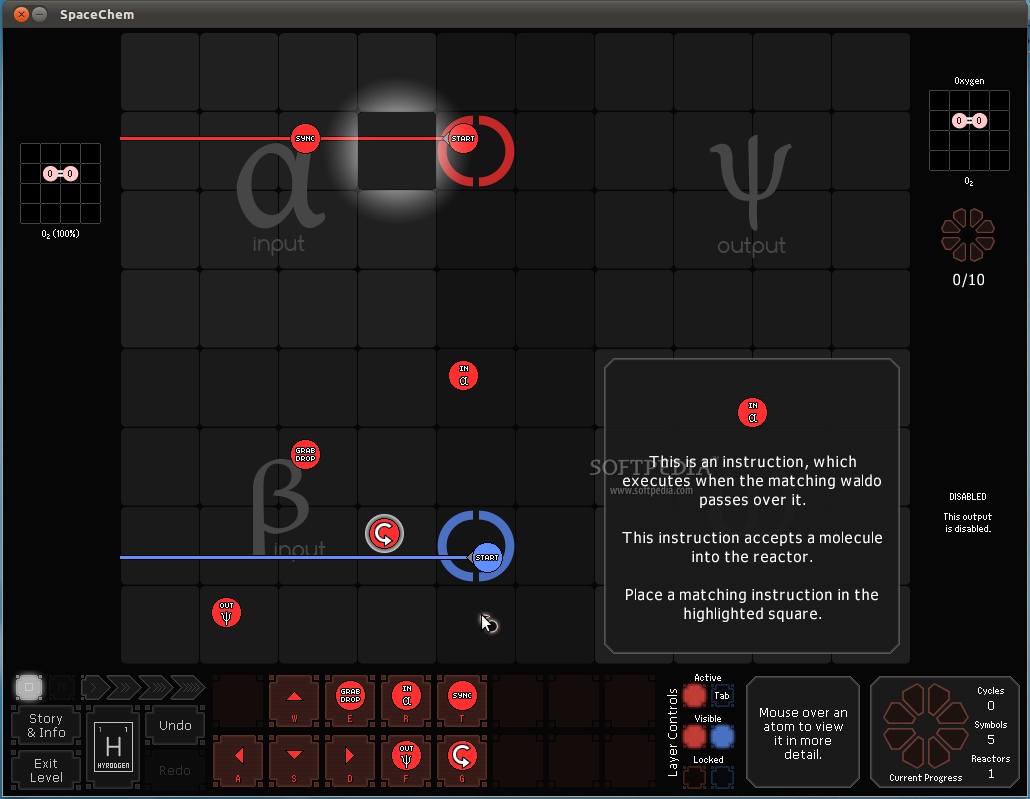
In this game you will take on the role of a Reactor Engineer working for SpaceChem, the leading chemical synthesizer for frontier colonies. Construct elaborate factories to transform raw materials into valuable chemical products!
Streamline your designs to meet production quotas and survive encounters with the sinister threats that plague SpaceChem.
* Wait for the package to finish downloading. * Extract the SpaceChem-XXXX.tar.gz archive. * In the extracted folder, open the correct Debian package for your platform by double-clicking on it. Don't worry, Ubuntu won't let you install the wrong one! o If you are on an i386 (32 bit) platform, select the “SpaceChem-i386.deb” package. o If you are on an amd64 (64 bit) platform, double-click the “make-amd64-package.sh” script. When it completes, select the “SpaceChem-amd64.deb” package. * Click the “install” button in the package installation program.
If you cannot install the Debian package successfully, you can manually extract and run SpaceChem. First, you need the following libraries installed:
* SDL * SDL_mixer * SDL_image * Mono 2.0 * Mono WCF 3.0 library (Debian package "libmono-wcf3.0-cil") * Mono WinForms library (Debian package "libmono-winforms2.0-cil") * xclip
Next, from bash or a similar command-line interface:
* Copy SpaceChem.deb or SpaceChemDemo.deb into a temporary directory. * Extract the game files from the Debian package. * ~$ mkdir temp * ~$ cd temp * ~/temp$ cp ~/Downloads/SpaceChem.deb . * ~/temp$ ar x SpaceChem.deb * ~/temp$ tar xf data.tar.gz * ~/temp$ mv opt/zachtronicsindustries/spacechem/ . * Now you can delete everything in the temporary directory but the spacechem folder, which contains the game.
To launch SpaceChem, change directories to inside spacechem and launch it through Mono:
* ~/temp$ cd spacechem * ~/temp/spacechem$ mono SpaceChem.exe
You can move the SpaceChem folder anywhere you want, but it must be launched from within the spacechem directory.
System requirements
SpaceChem 1012
add to watchlist add to download basket send us an update REPORT- runs on:
- Linux
- filename:
- SpaceChemDemo-1012.tar.gz
- main category:
- Games
- developer:
- visit homepage
paint.net 5.0.13 (5.13.8830.42291)

Zoom Client 6.0.2.37566

7-Zip 23.01 / 24.04 Beta

IrfanView 4.67

Microsoft Teams 24060.3102.2733.5911 Home / 1.7.00.7956 Work

4k Video Downloader 1.5.3.0080 Plus / 4.30.0.5655

Bitdefender Antivirus Free 27.0.35.146

Windows Sandbox Launcher 1.0.0

ShareX 16.0.1

calibre 7.9.0

- Windows Sandbox Launcher
- ShareX
- calibre
- paint.net
- Zoom Client
- 7-Zip
- IrfanView
- Microsoft Teams
- 4k Video Downloader
- Bitdefender Antivirus Free