
A free and multi-platform tool to generate and manipulate maps that display your thoughts. #View Your Mind #Generate map #Manipulate map #Generate #Manipulate #Map
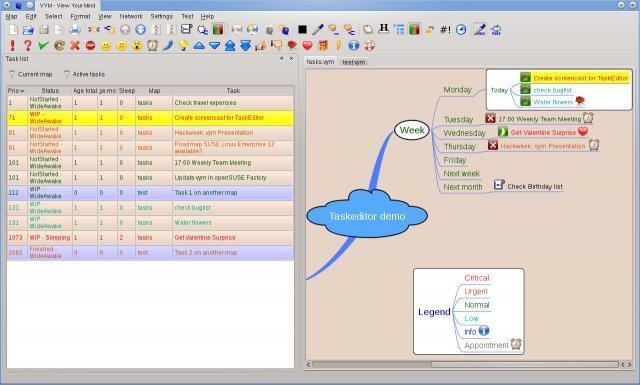
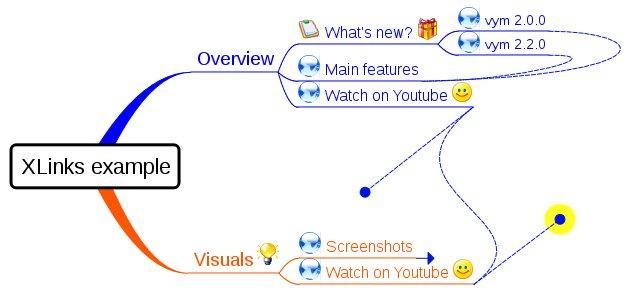
VYM (View Your Mind) is an open source, multiplatform and free graphical utility that lets users to effortlessly generate and manipulate maps that contain thoughts, your thoughts. With VYM, users will be able to improve their effectivity and creativity, as the app allows them to generate mind maps that can be used for sorting ideas, organizing tasks, manage time, as well as to analyze intricate contexts.
Keep in mind that VYM is not a drawing application, as it allows you to store and manipulate information in a unique and intuitive way. Although, in order to be able to structure your thoughts, you can draw maps by hand on paper or by using a flip chart.
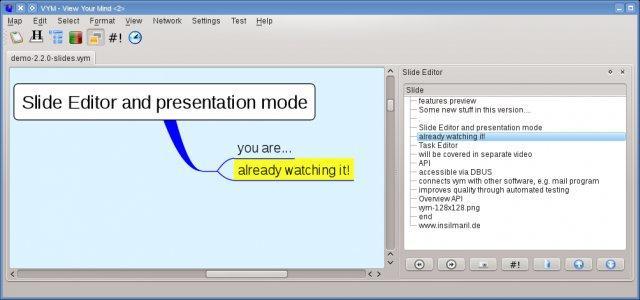
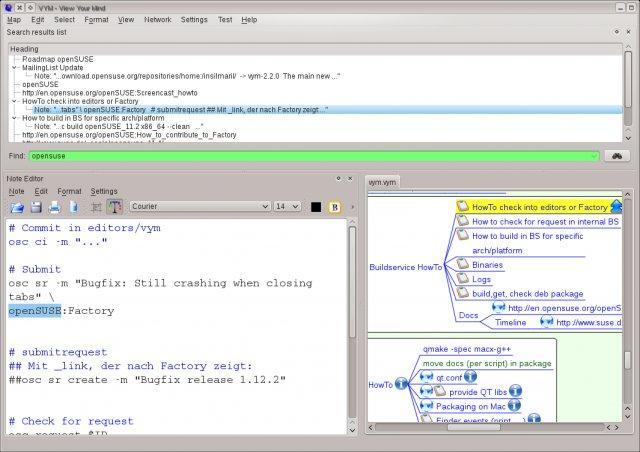
Its graphical user interface (GUI) in easy to use and intuitive, allowing the user to create a new map from the get-to. You will be able to create center maps or branches as childs. A wide range of buttons spread across two toolbars, will help you to quickly create maps or edit existing ones.
It is possible to sort children forward or backwards, scroll branches, hide maps in exports, toggle tasks, set colors for branches and subtrees, as well as to add various symbols, such as important, work in progress, not started, good, bad, time critical, important, very important, unimportant, very unimportant, dangerous, etc.
Looking under the hood of the VYM application, we can immediately notice that the C++ and Ruby programming languages have been used to write the code, and the cross-platform Qt GUI toolkit has been used to design the graphical user interface.
The application officially supports Linux, FreeBSD, Microsoft Windows and Mac OS X operating systems, and has been successfully installed on computers supporting either of the 32-bit or 64-bit instruction set architectures.
For GNU/Linux, is it available for download as native installers for operating system that use either of the DEB or RPM package managers, as well as a universal source tarball for all other distributions.
VYM 2.5.0
add to watchlist add to download basket send us an update REPORT- runs on:
- Linux
- main category:
- Education
- developer:
- visit homepage
calibre 7.9.0

ShareX 16.0.1

Windows Sandbox Launcher 1.0.0

Microsoft Teams 24060.3102.2733.5911 Home / 1.7.00.7956 Work

7-Zip 23.01 / 24.04 Beta

4k Video Downloader 1.5.3.0080 Plus / 4.30.0.5655

Zoom Client 6.0.3.37634

IrfanView 4.67

Context Menu Manager 3.3.3.1

Bitdefender Antivirus Free 27.0.35.146

- IrfanView
- Context Menu Manager
- Bitdefender Antivirus Free
- calibre
- ShareX
- Windows Sandbox Launcher
- Microsoft Teams
- 7-Zip
- 4k Video Downloader
- Zoom Client