
icon folder lets you choose a different icon for a specific folder in Konqueror by right-clicking on it.. #Color folders #Color icons #Service menu #Iconfolder #Color #Folder
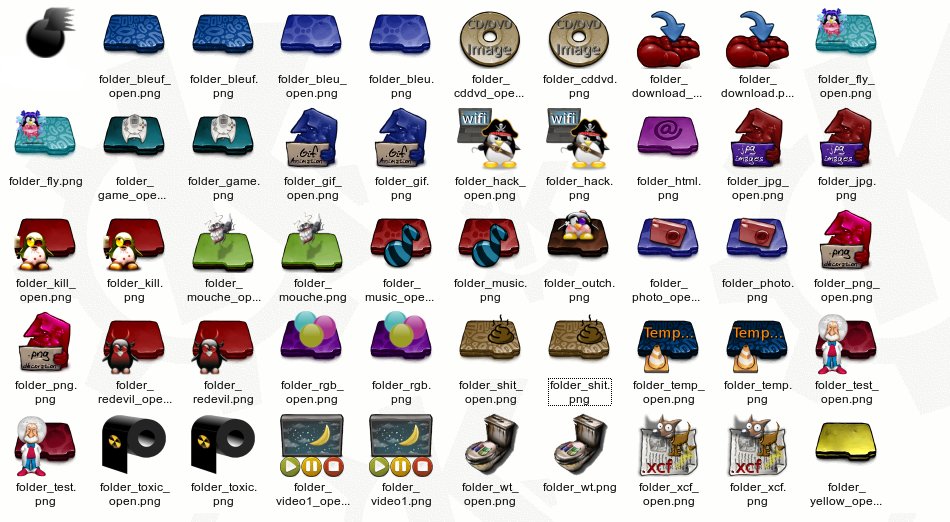
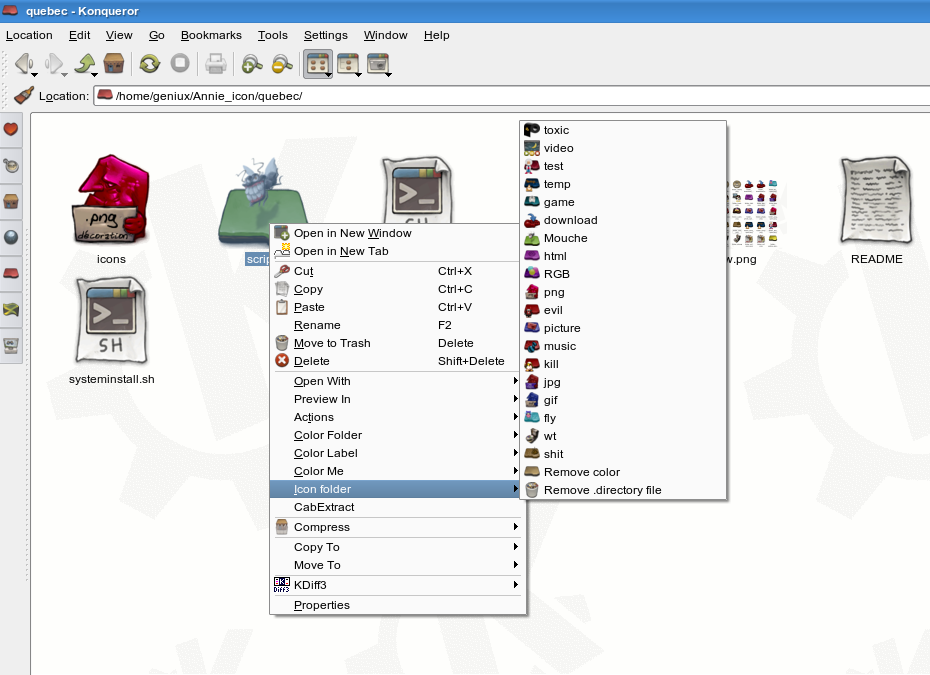
icon folder lets you choose a different icon for a specific folder in Konqueror by right-clicking on it (right click on a folder and in the menu you will see a "icon folder" submenu and a "color me" submenu wich contans different sets
This package is a remake of coloricon wich is a remake of colorfolder.
It's purpose is to let a user select a icon for a folder in konqueror, this package comes with a set of icons that should not overwrite any icons on your system (no waranties). It also contains a script (folderduQuebec) that needs to be in your PATH and two konqueror actionscript that needs to be in the konqueror's servicemenus folder.
There is an installer script made for gentoo that can install either for a specific user only or systemwide, the installer should work for any system as long as you have kde 3.5 in user mode but the systemwide fuction has been made for gentoo with kde3.5 only no waranties if the installer will work for you in systemwide mode (there is acctualy no garanties that it will work at all but chances are that it should in user mode)
create a folder
unpack the package to a folder
open a konsole terminal and run...
cd /where/you/unpacked/the/files ./install.sh
There should be a kdialog that pops up to ask for systemwide or user choose the mode user and voila (if you choose system it might not work unless your kde basedir is /usr/kde/3.5/)
scripts/folderduQuebec ---> $HOME/bin (Make shure your /home/yourname/bin is in your PATH) scripts/colorme.desktop ---> $HOME/.kde/share/apps/konqueror/servicemenus scripts/iconfolder.desktop ---> $HOME/.kde/share/apps/konqueror/servicemenus icons/* ---> $HOME/.kde/share/icons/(YOUR CURRENT ICONSET)
For a user manuall install unpack the files to a folder in a root terminal go where you unpacked the files and copy :
scripts/folderduQuebec ---> /usr/bin scripts/colorme.desktop ---> (KDE BASEDIR)/share/apps/konqueror/servicemenus scripts/iconfolder.desktop ---> (KDE BASEDIR)/share/apps/konqueror/servicemenus icons/* ---> (KDE BASEDIR)/share/icons/(YOUR CURRENT ICONSET)
System requirements
- KDE 3.5.x
icon folder 0.1
add to watchlist add to download basket send us an update REPORT- runs on:
- Linux
- filename:
- folderduquebec.tar.gz
- main category:
- Desktop Environment
- developer:
- visit homepage
calibre 7.9.0

Context Menu Manager 3.3.3.1

Windows Sandbox Launcher 1.0.0

Bitdefender Antivirus Free 27.0.35.146

7-Zip 23.01 / 24.04 Beta

Zoom Client 6.0.3.37634

4k Video Downloader 1.5.3.0080 Plus / 4.30.0.5655

IrfanView 4.67

ShareX 16.0.1

Microsoft Teams 24060.3102.2733.5911 Home / 1.7.00.7956 Work

- IrfanView
- ShareX
- Microsoft Teams
- calibre
- Context Menu Manager
- Windows Sandbox Launcher
- Bitdefender Antivirus Free
- 7-Zip
- Zoom Client
- 4k Video Downloader