
Enables your GNOME desktop to have different wallpapers for different workspaces or virtual desktops. #Wallpaper tool #Desktop wallpaper #Wallpaper configuration #Wallpapoz #Desktop #Wallpaper
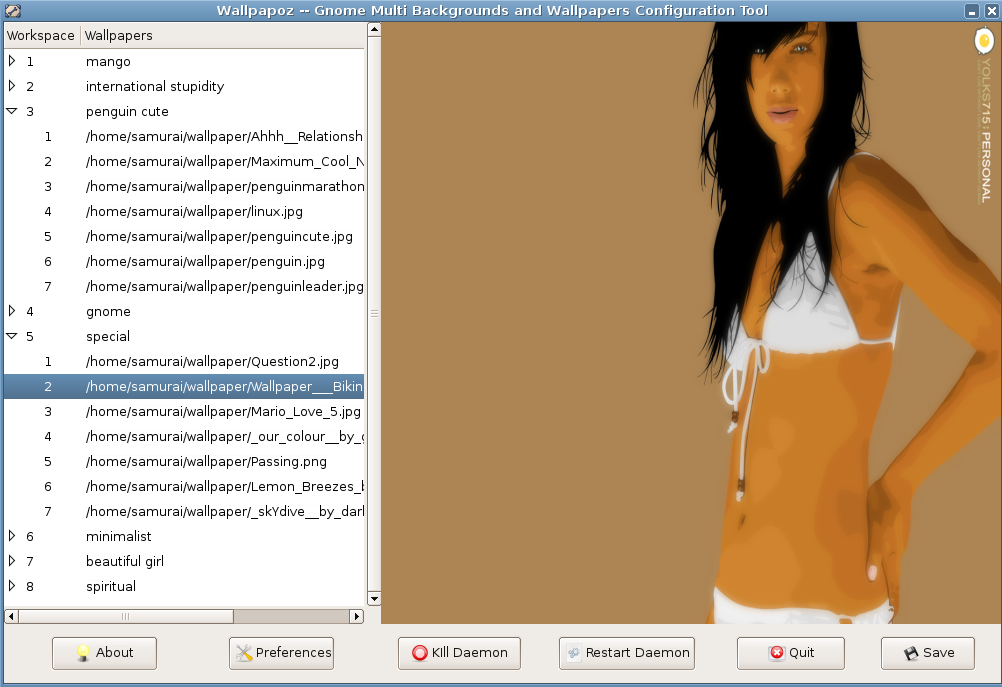
Wallpapoz tool enables your Gnome desktop to have different wallpapers for different workspaces or virtual desktops. It offers quick orientation cues where you are. The other reason is to increase eye candy. In this version, it support randomization.
It means you can group your wallpapers into spesific workspaces. You can manage it so that your cartoon wallpapers will be randomize for certain times in workspace one, your nature wallpapers in workspace two, your adult wallpapers in workspace three and your Gnome wallpapers in workspace four.
There are two programs. One is the daemon that will monitor your desktop continuously. So when you change workspace or specified time has passed, the daemon wil change your desktop wallpaper.
The daemon it self reads your wallpapers list and preferation then acts according to that. The configuration file is written in xml format. Of course you can edit with any text editor but that is not convenient.
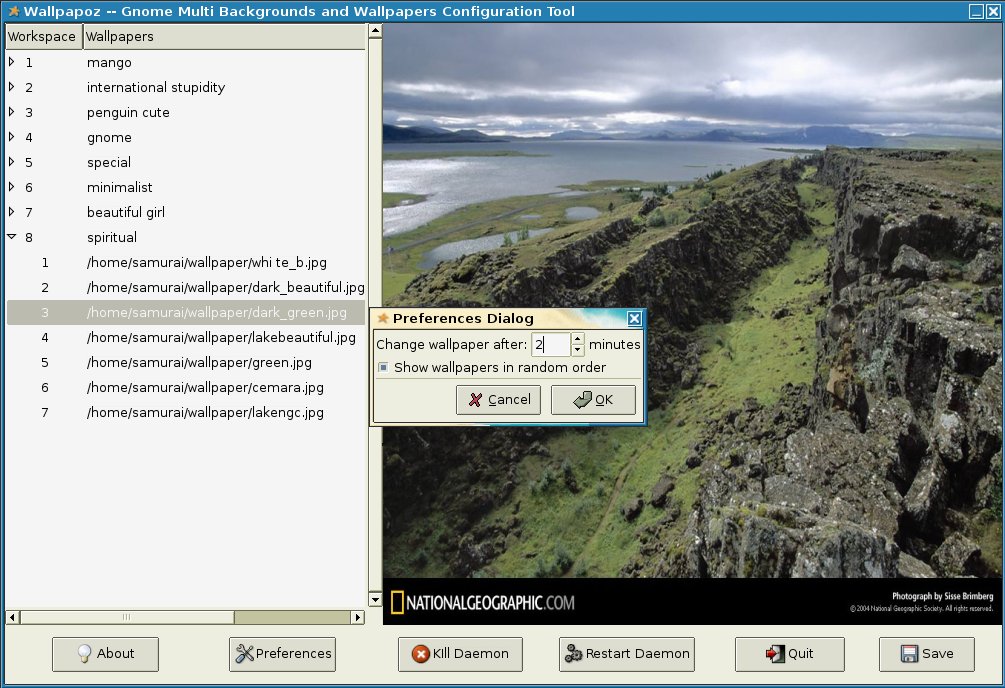
To make it easy, there is another program to edit this configuration file. Click the button, find the wallpapers that you would like to put into spesific workspace. Please see the screenshot to see how it works.
The daemon program name is daemon_wallpapoz.py. You need to add this program into Gnome start up programs list if you want every time you log into Gnome session, your Gnome desktop will have the ability to have different wallpapers for different workspaces. But first you need to make the configuration file by using program that called wallpapoz.py.
System requirements
- PyGTK
- python-glade2
What's new in Wallpapoz 0.5:
- It has more translations (Hungarian, Germany, Russian, Italian, Czech, Spanish, and Portuguese).
- It has official icon.
- The randomization bug is fixed.
Wallpapoz 0.5
add to watchlist add to download basket send us an update REPORT- runs on:
- Linux
- main category:
- Desktop Environment
- developer:
- visit homepage
7-Zip 23.01 / 24.04 Beta

Context Menu Manager 3.3.3.1

calibre 7.9.0

Zoom Client 6.0.3.37634

4k Video Downloader 1.5.3.0080 Plus / 4.30.0.5655

IrfanView 4.67

Windows Sandbox Launcher 1.0.0

ShareX 16.0.1

Bitdefender Antivirus Free 27.0.35.146

Microsoft Teams 24060.3102.2733.5911 Home / 1.7.00.7956 Work

- ShareX
- Bitdefender Antivirus Free
- Microsoft Teams
- 7-Zip
- Context Menu Manager
- calibre
- Zoom Client
- 4k Video Downloader
- IrfanView
- Windows Sandbox Launcher