
Animated wallpaper for your GNOME desktop. #Animated wallpaper #GNOME background #GNOME #Animated #Wallpaper #Background
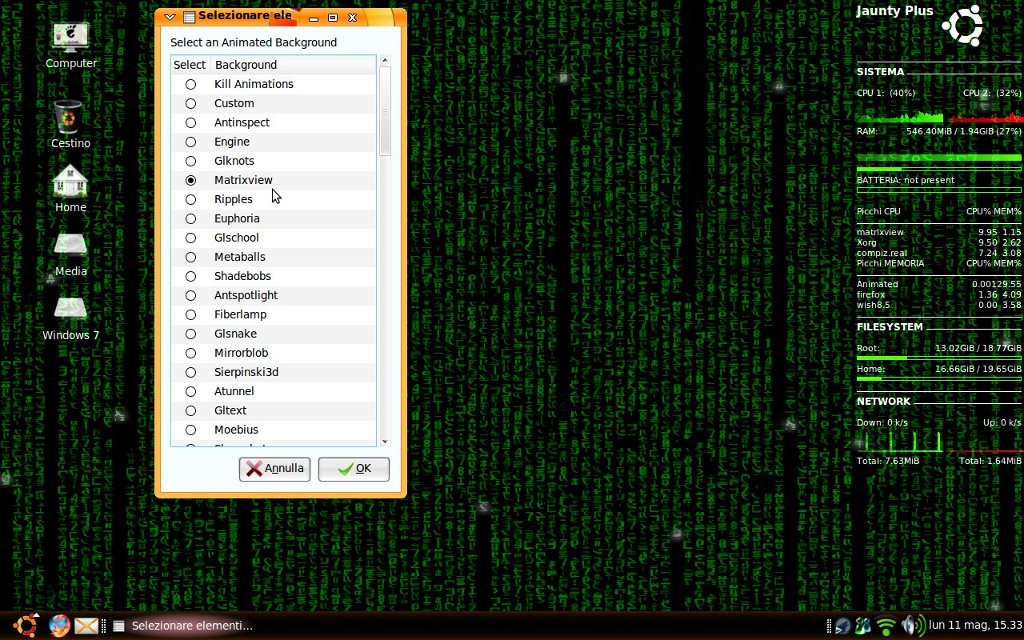
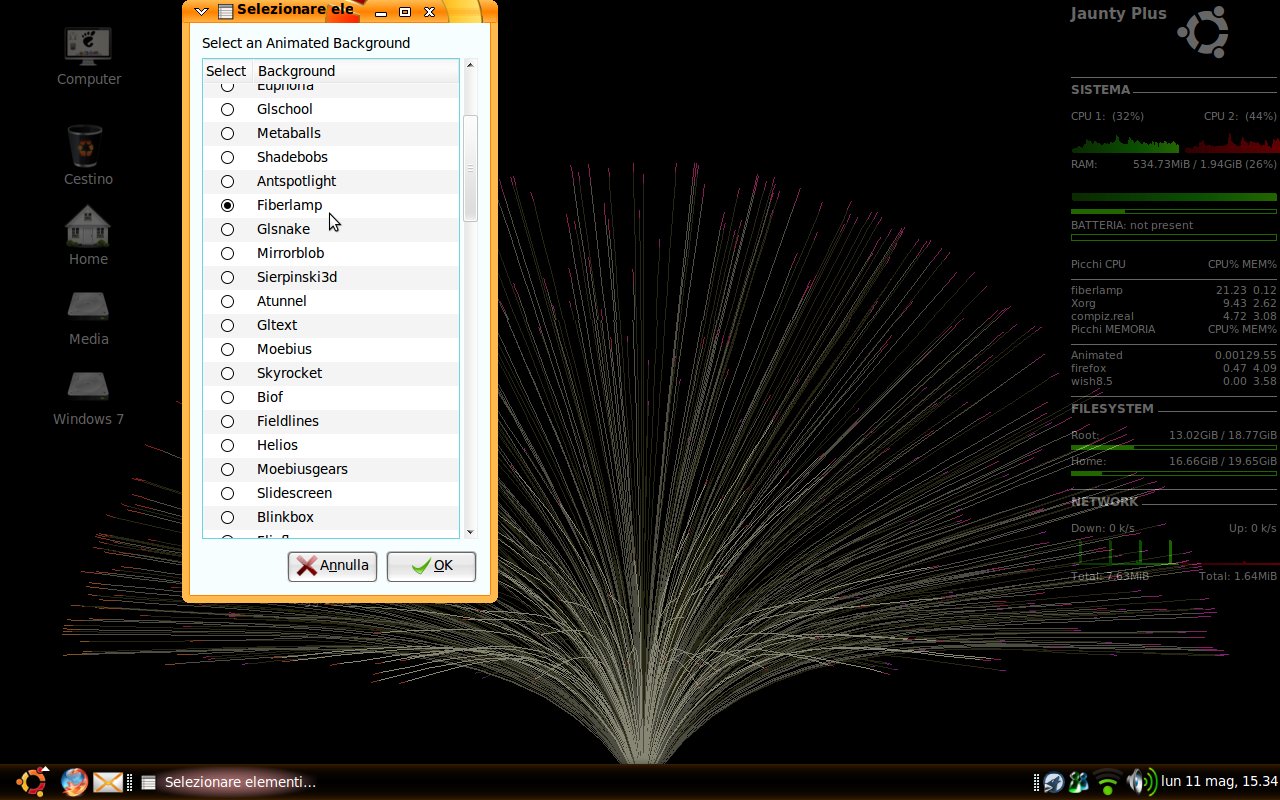
Animated Desktop (With XWINWRAP) is a Nautilus script that offers you a lot of cool animated wallpapers for the GNOME desktop environment.
First update your sistem: sudo apt-get install
Next install those packages: sudo apt-get install xorg-dev build-essential libx11-dev x11proto-xext-dev libxrender-dev libxext-dev cvs -y
Now download and install this package:
For 64 bit: wget http://www.getdeb.net/download/3640/0
For 32 bit: wget http://www.getdeb.net/download/3639/0
Last steps:
Install packages with: sudo dpkg -i xwin*.deb
Then make a link with:
sudo ln -s ~/xwinwrap/xwinwrap /usr/bin/
- Extract the folder - Copy the content of the Italiano/English sub folder to /home/your_name/.gnome2/nautilus-script - Open a terminal and give those commands: sudo mkdir /usr/share/twd sudo chmod 777 -R /usr/share/twd (This will create a full of access folder in /usr/share) - Copy the sub folder "xwinwrap" in the new created folder (/usr/share/twd)
Right click wherever you want > Script > Animated Desktop (Desktop Animato) Then select: Kill Animation (Termina tutto) > Kills every xwinwrap animation Custom (Personalizzato) > Select a custom video to be played on your screen Custom Animations > Select among 75 custom animations
To set an animation as default on startup: Go to: System > Preferences > Startup Programs (or something named similar) Create a new startup item in this way:
Name: NAME OF THE SELECTED ANIMATION Command: sh /usr/share/twd/xwinwrap/NAME_OF_THE_ANIMATION Description: Whatever you want
Animated Desktop (With XWINWRAP) 1.01
add to watchlist add to download basket send us an update REPORT- runs on:
- Linux
- filename:
- 104598-Animated Desktop.tar.gz
- main category:
- Desktop Environment
- developer:
- visit homepage
calibre 7.8.0

7-Zip 23.01 / 24.04 Beta

Windows Sandbox Launcher 1.0.0

Bitdefender Antivirus Free 27.0.35.146

paint.net 5.0.13 (5.13.8830.42291)

Microsoft Teams 24060.2623.2790.8046 Home / 1.7.00.7956 Work

4k Video Downloader 1.5.3.0080 Plus / 4.30.0.5655

ShareX 16.0.1

IrfanView 4.67

Zoom Client 6.0.0.37205

- ShareX
- IrfanView
- Zoom Client
- calibre
- 7-Zip
- Windows Sandbox Launcher
- Bitdefender Antivirus Free
- paint.net
- Microsoft Teams
- 4k Video Downloader