
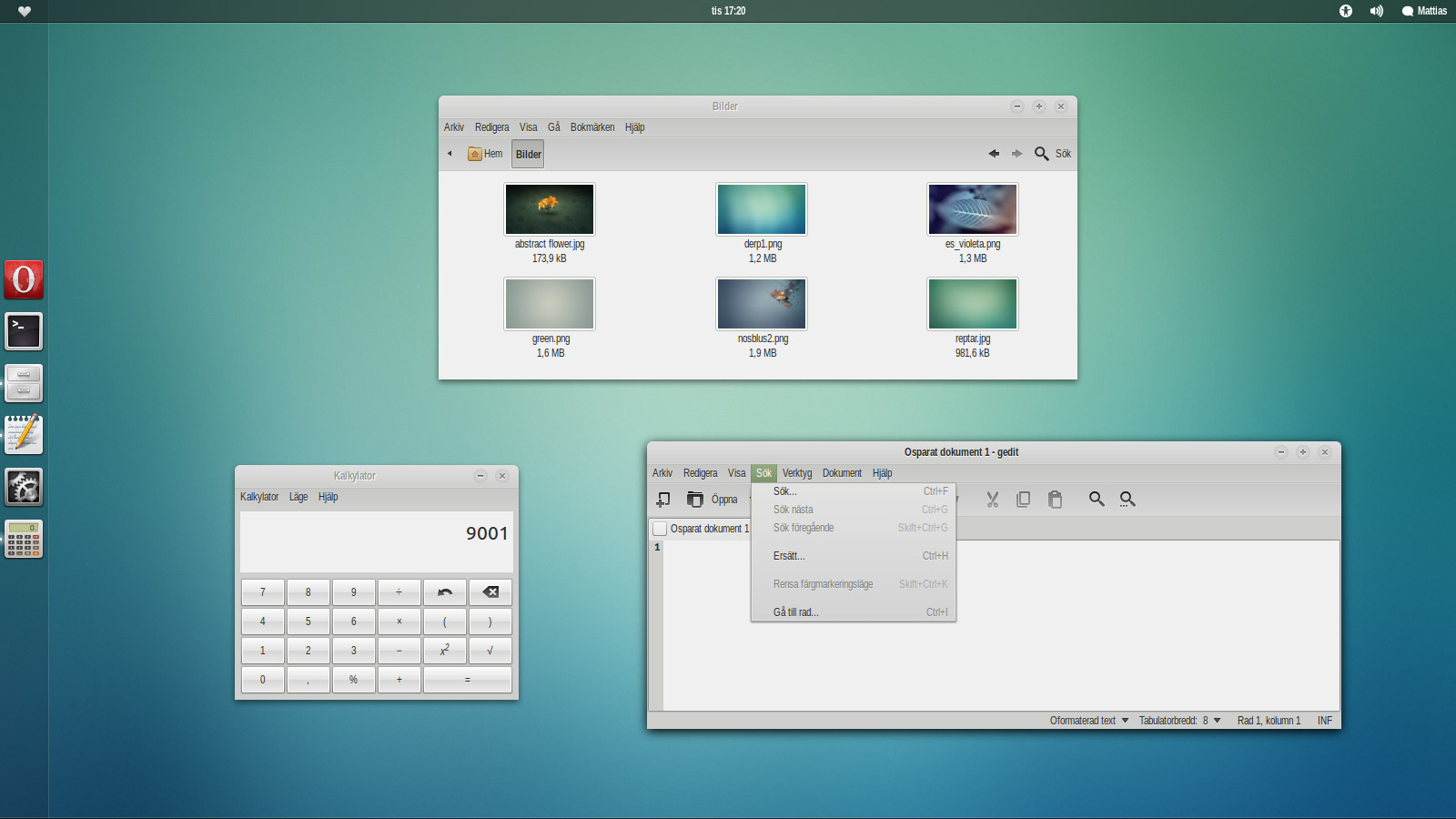
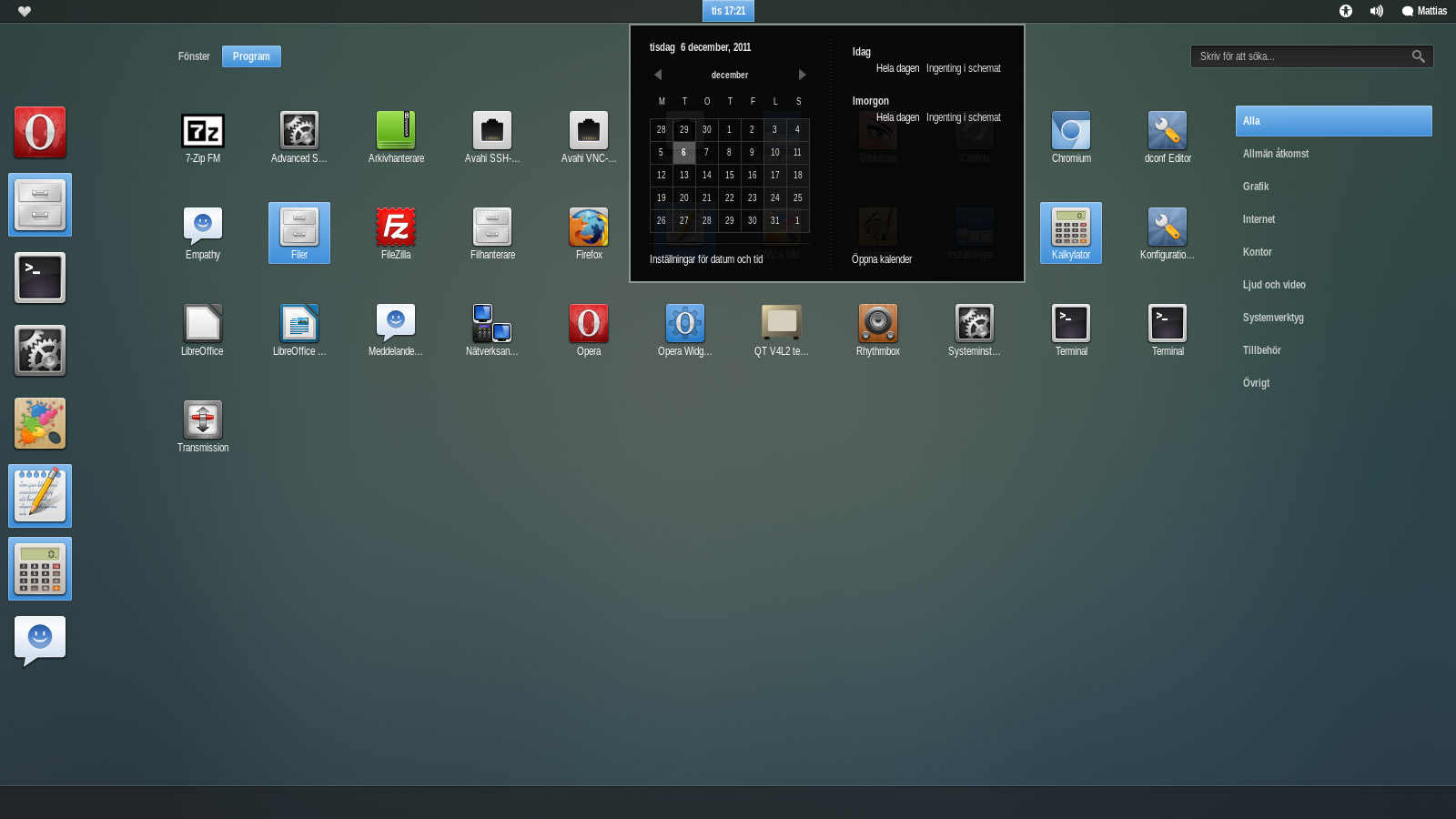
A beautiful theme for your GNOME 3 desktop. #GNOME theme #GTK style #GNOME #GTK3 #Theme #Unico
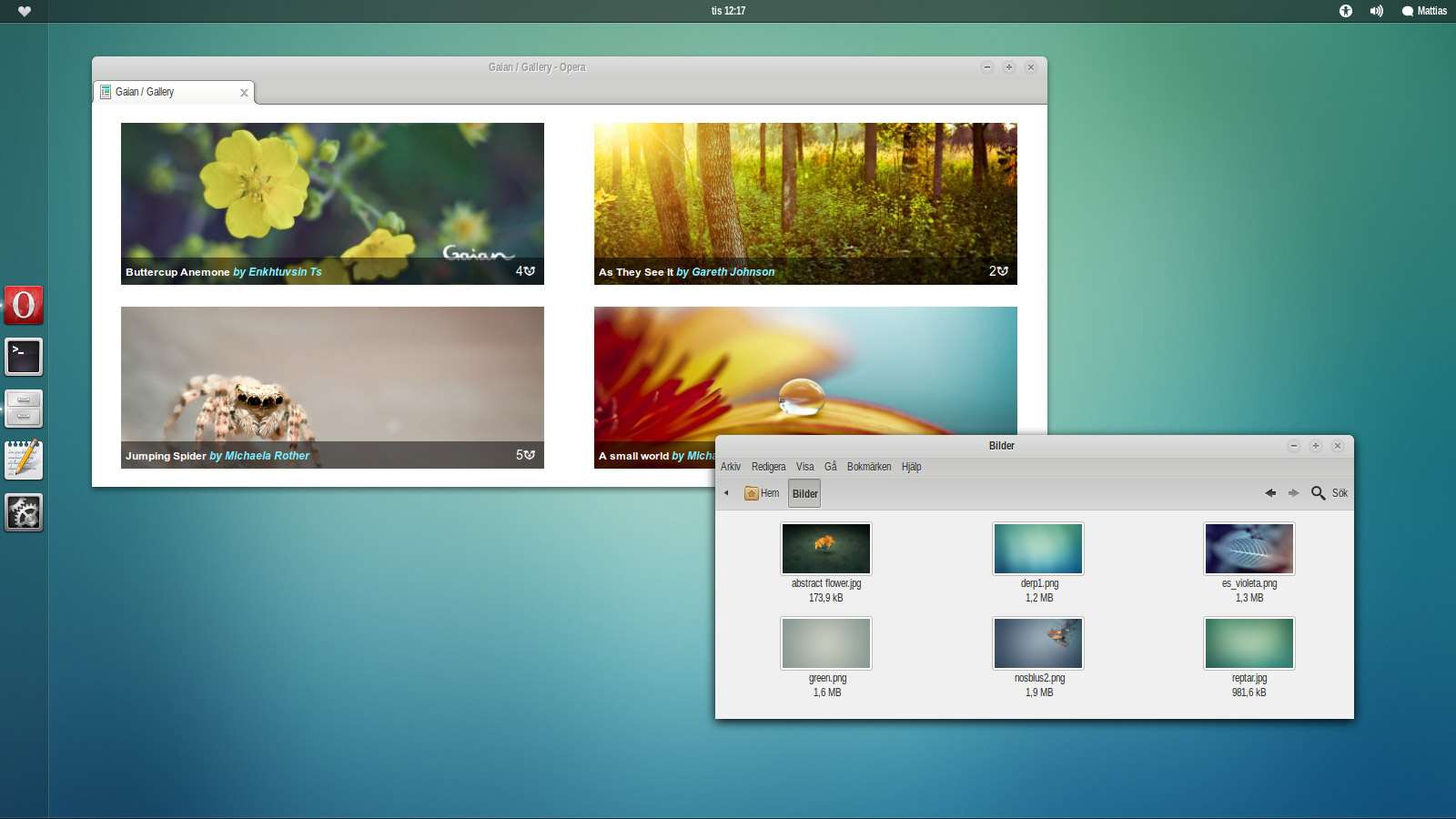
The Zukini theme is designed around GNOME 3.2 and the 1.0.1 version of the Unico engine. Any later versions included with any development releases may break the theme.
http://news.softpedia.com/news/How-to-Install-GNOME-Themes-in-Ubuntu-11-10-231213.shtml
GNOME is an international effort to build a complete desktop environment—the graphical user interface which sits on top of a computer operating system—entirely from free software. This goal includes creating software development frameworks, selecting application software for the desktop, and working on the programs which manage application launching, file handling, and window and task management.
GNOME is part of the GNU Project and can be used with various Unix-like operating systems, most notably Linux, and as part of Java Desktop System in Solaris.
The name originally stood for GNU Network Object Model Environment, though this acronym is deprecated. The GNOME project puts heavy emphasis on simplicity, usability, and making things “just work”.
System requirements
Limitations in the unregistered version
- In some flavors of Gnome 2.32 the right-click menu on some panel applets have a white text and uses the pixmap hover effect. There is no known fix for this.
- Earlier versions of Libreoffice has missing scrollbars. An upgrade to Libreoffice 3.4 or later fixes it.
- Dialog windows in Gnome 3 fallback mode have weird borders. My current recommendation is that you detach them with gconf-editor. Open gconf-editor and untick this key: /desktop/gnome/shell/windows/attach_modal_dialogs.
- Legacy metacity theme is not borderless. (It does not look good.) Use gnome-shell to get anti-aliased rounded corners.
- The IDE software Eclipse/Aptana may have some strange color bugs. If you know of any fixes, please let me know.
What's new in Zukini 2012.08.17:
- GTK3: Gnome classic indicator applet fix.
- GTK3: Added support for slickpanel.
Zukini 2012.08.17
add to watchlist add to download basket send us an update REPORT- runs on:
- Linux
- filename:
- 147431-Zukini.zip
- main category:
- Desktop Environment
- developer:
- visit homepage
ShareX 16.0.1

IrfanView 4.67

calibre 7.9.0

Microsoft Teams 24060.3102.2733.5911 Home / 1.7.00.7956 Work

7-Zip 23.01 / 24.04 Beta

Context Menu Manager 3.3.3.1

Windows Sandbox Launcher 1.0.0

Zoom Client 6.0.3.37634

4k Video Downloader 1.5.3.0080 Plus / 4.30.0.5655

Bitdefender Antivirus Free 27.0.35.146

- Zoom Client
- 4k Video Downloader
- Bitdefender Antivirus Free
- ShareX
- IrfanView
- calibre
- Microsoft Teams
- 7-Zip
- Context Menu Manager
- Windows Sandbox Launcher