
A modern theme for GNOME. #Modern theme #GNOME theme #GTK style #GNOME #Modern #Theme
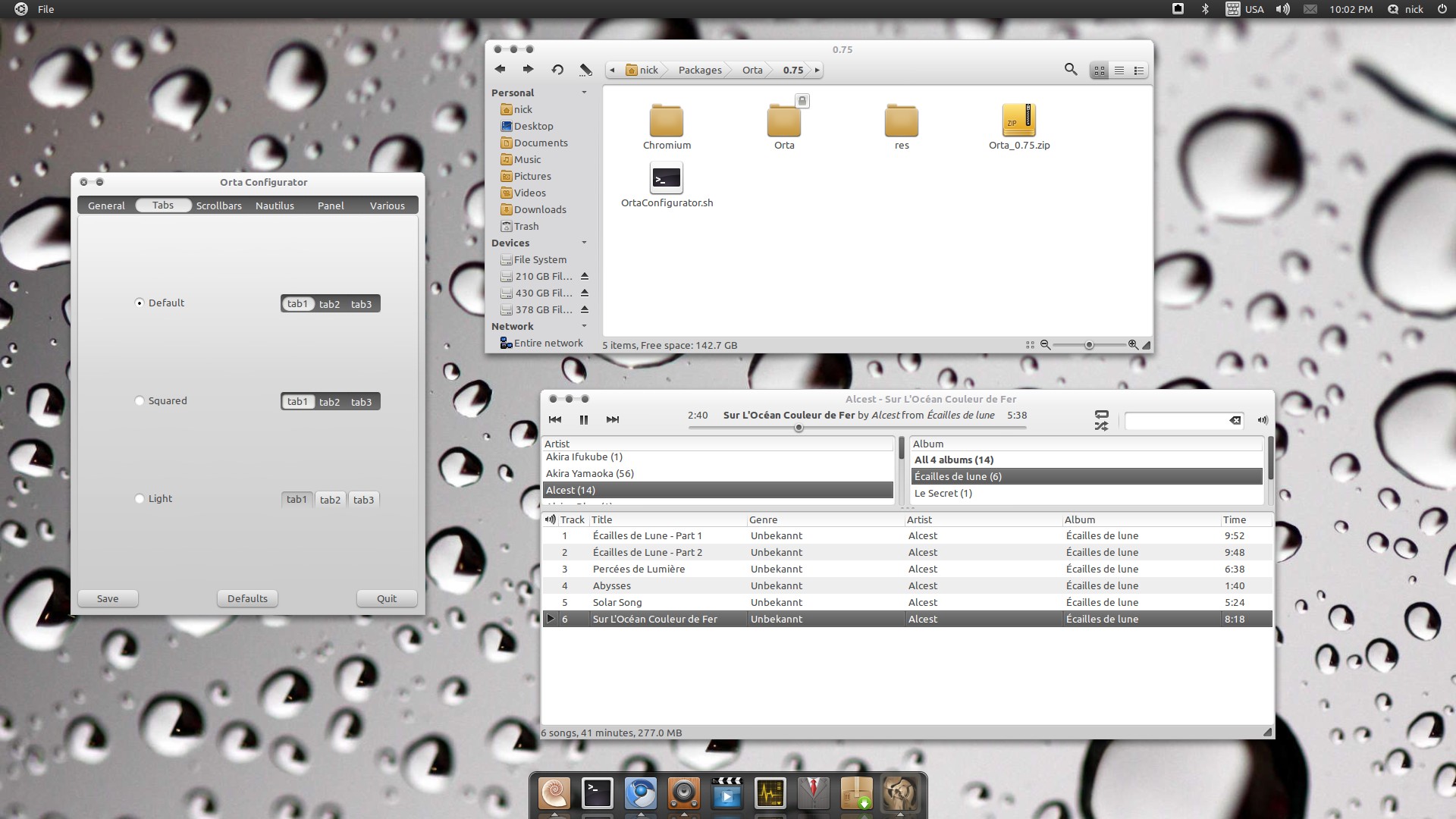
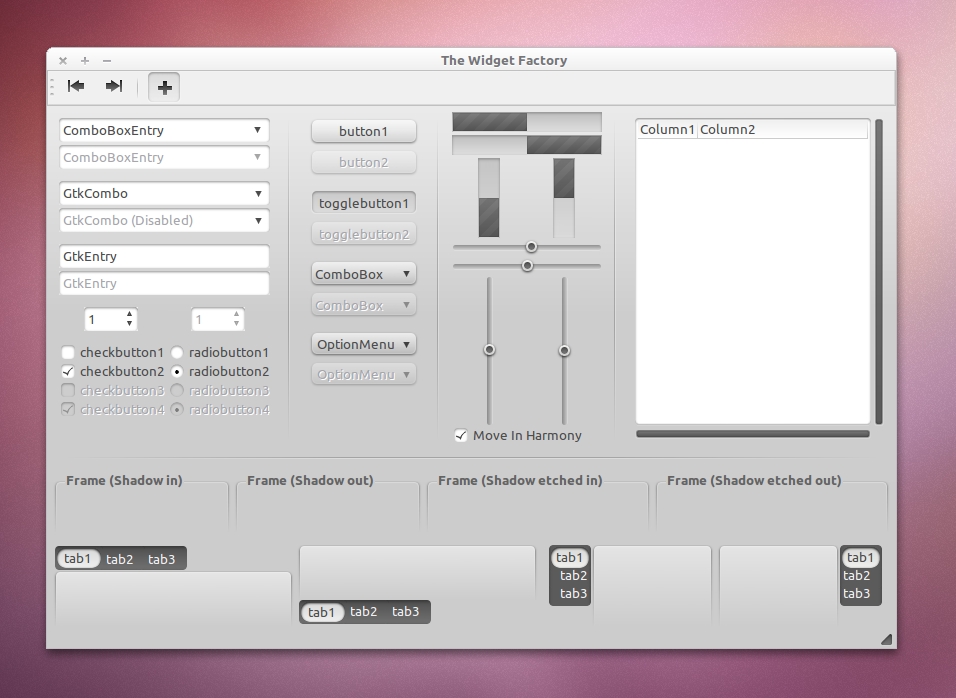
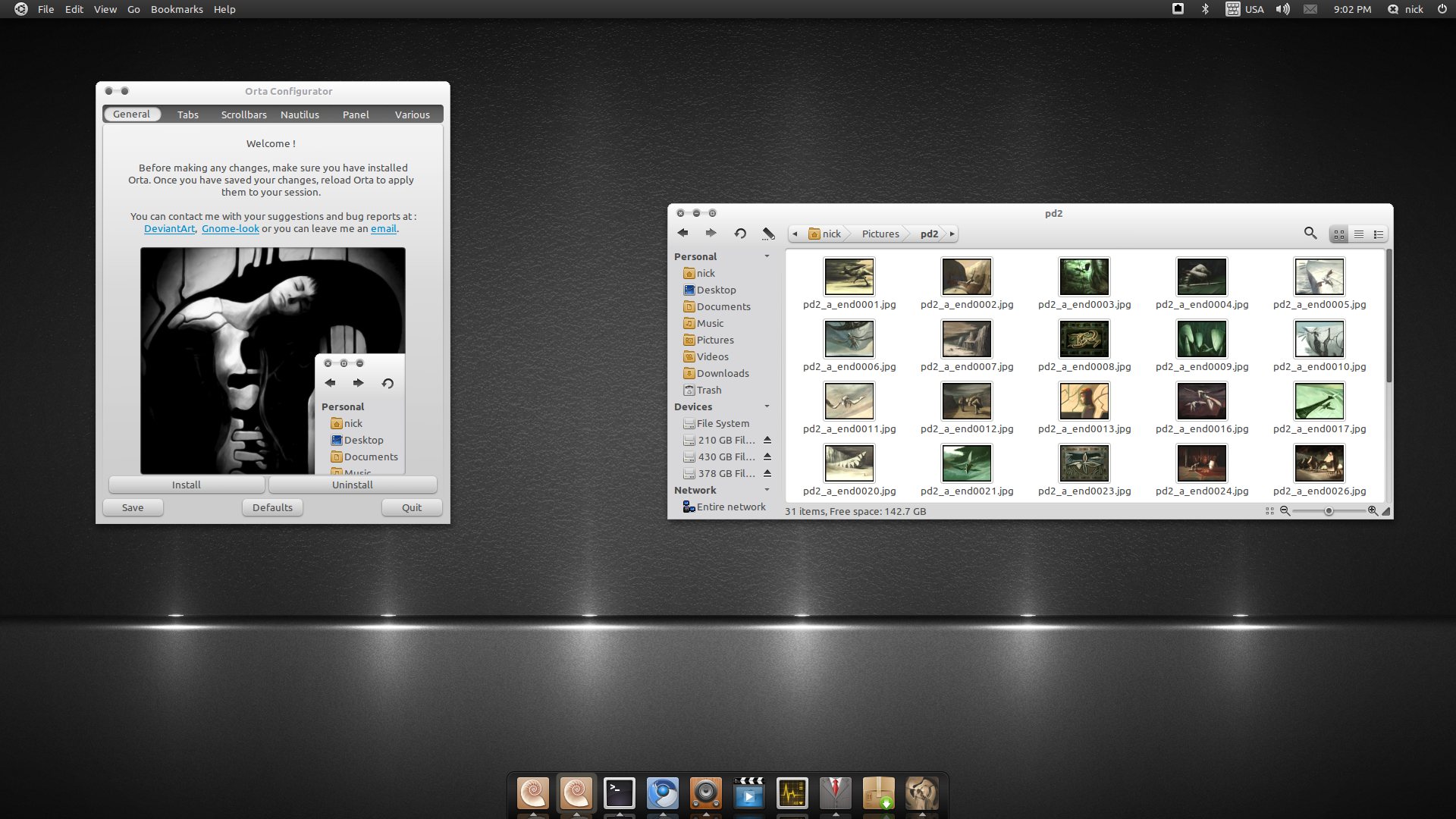
Orta is a modern GTK theme.
If you have an older version of Orta installed, remove it before doing anything else. Extract the tar.gz archive that you find inside the zip, to a folder of your choosing. You will want to run the OrtaConfigurator.sh file, so in order to be able to do that easily right click on it and make sure that the Allow executing file as program checkbox is checked. Execute the file and you will be prompted for your password, since the app needs super user privileges in order to install the theme for all users. Before doing anything else, i recommend that you press the Install button . You can now go through the various tabs and customize the theme to your liking. When you are done, press the Save button. In order to apply your changes, close the Appearance Preferences (gnome-appearance-properties) window, start it again, and change between a different theme and Orta. If you need to change anything else, just fire up the configuration application again and do your thing. You can also install the Chromium theme that is located inside the Chromium folder, by dragging and dropping it on top of Chromium. If you are using Nautilus Elementary don't forget to go to Nautilus preferences and activate the show live breadcrumbs option on the Tweaks tab.
GNOME is an international effort to build a complete desktop environment—the graphical user interface which sits on top of a computer operating system—entirely from free software. This goal includes creating software development frameworks, selecting application software for the desktop, and working on the programs which manage application launching, file handling, and window and task management.
GNOME is part of the GNU Project and can be used with various Unix-like operating systems, most notably Linux, and as part of Java Desktop System in Solaris.
The name originally stood for GNU Network Object Model Environment, though this acronym is deprecated. The GNOME project puts heavy emphasis on simplicity, usability, and making things “just work”.
What's new in Orta 1.4.1:
- Synaptic fix for gtk2-engines-pixbuf version 2.20 and older.
- Main menu icon size reverted to 22.
Orta 1.4.1
add to watchlist add to download basket send us an update REPORT- runs on:
- Linux
- filename:
- orta_by_skiesofazel-d31mal5.zip
- main category:
- Desktop Environment
- developer:
- visit homepage
Windows Sandbox Launcher 1.0.0

ShareX 16.0.1

IrfanView 4.67

7-Zip 23.01 / 24.04 Beta

Microsoft Teams 24060.2623.2790.8046 Home / 1.7.00.7956 Work

paint.net 5.0.13 (5.13.8830.42291)

calibre 7.8.0

4k Video Downloader 1.5.2.0077 Plus / 4.30.0.5655

Bitdefender Antivirus Free 27.0.35.146

Zoom Client 6.0.0.37205

- 4k Video Downloader
- Bitdefender Antivirus Free
- Zoom Client
- Windows Sandbox Launcher
- ShareX
- IrfanView
- 7-Zip
- Microsoft Teams
- paint.net
- calibre