
An OpenGL screensaver for KDE4. #OpenGL screensaver #KDE screensaver #Screen saver #OpenGL #KDE #Screensaver
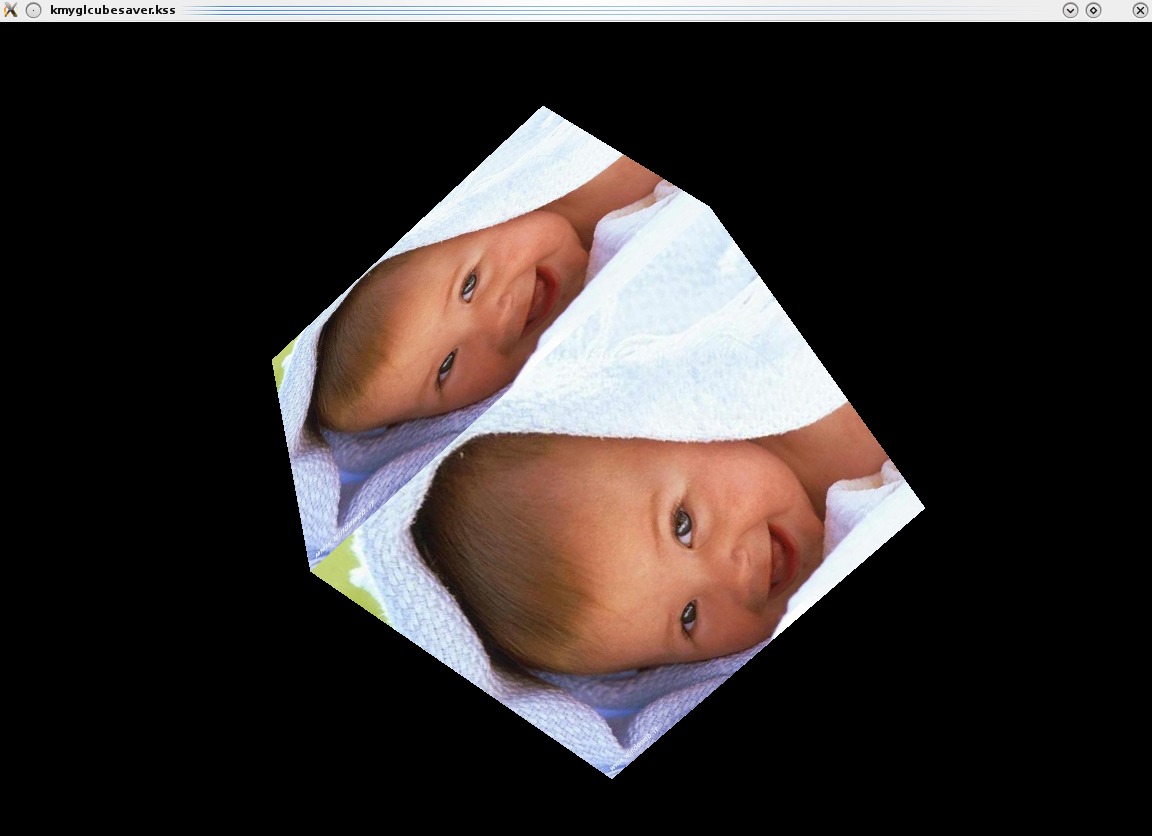
KMyGLCubeSaver is an OpenGL screensaver for KDE4, which shows a rotating cube whose faces are shown on one or more images contained in a directory.
KMyGLCubeSaver supports images with the extension *. jpg *. bmp *. png *. jpg *. gif
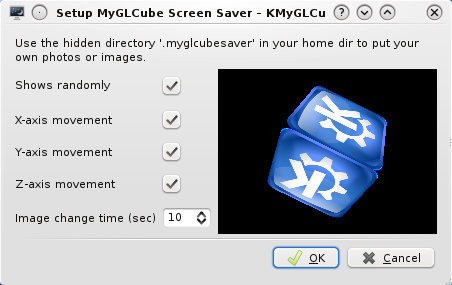
They must be included in the hidden directory $HOME/.myglcubesaver. This directory is created automatically.
In the setup window, you can lock the rotation of the cube around one or more axes, modify the time to change the image and choose whether you want to see the images sequentially or randomly.
Open a konsole into source dir and write
qmake make sudo make install
Note: the automatic installation is done in the following directories:
/usr/bin/ for screensaver itself /usr/share/doc/kmyglcubesaver-1.0 for README /usr/share/kde4/services/ScreenSavers/ for .desktop file which creates the row for the new screensaver in the system configuration->Desktop->ScreenSaver
If you want to change some of this path, adjust qmake myglcubesaver.pro file.
If you like this screensaver and you want to help me in Haiti People Support, please click on "donate" on the right and donate something. All the money I receive will be devolved to support Haiti People. Thank you.
System requirements
What's new in KMyGLCubeSaver 1.01:
- Some little adjustment for kubuntu 12.04 and kde 4.8.3 compatibility.
- Changed default image
KMyGLCubeSaver 1.01
add to watchlist add to download basket send us an update REPORT- runs on:
- Linux
- filename:
- kmyglcubesaver-1.01.tar.gz
- main category:
- Desktop Environment
- developer:
- visit homepage
7-Zip 23.01 / 24.04 Beta

Zoom Client 6.0.2.37566

ShareX 16.0.1

Bitdefender Antivirus Free 27.0.35.146

calibre 7.9.0

paint.net 5.0.13 (5.13.8830.42291)

Microsoft Teams 24060.3102.2733.5911 Home / 1.7.00.7956 Work

IrfanView 4.67

Windows Sandbox Launcher 1.0.0

4k Video Downloader 1.5.3.0080 Plus / 4.30.0.5655

- IrfanView
- Windows Sandbox Launcher
- 4k Video Downloader
- 7-Zip
- Zoom Client
- ShareX
- Bitdefender Antivirus Free
- calibre
- paint.net
- Microsoft Teams