
The main settings panel and command center application of the GNOME desktop environment. #Control center #Preffered applications #GNOME settings #Control #Center #Settings
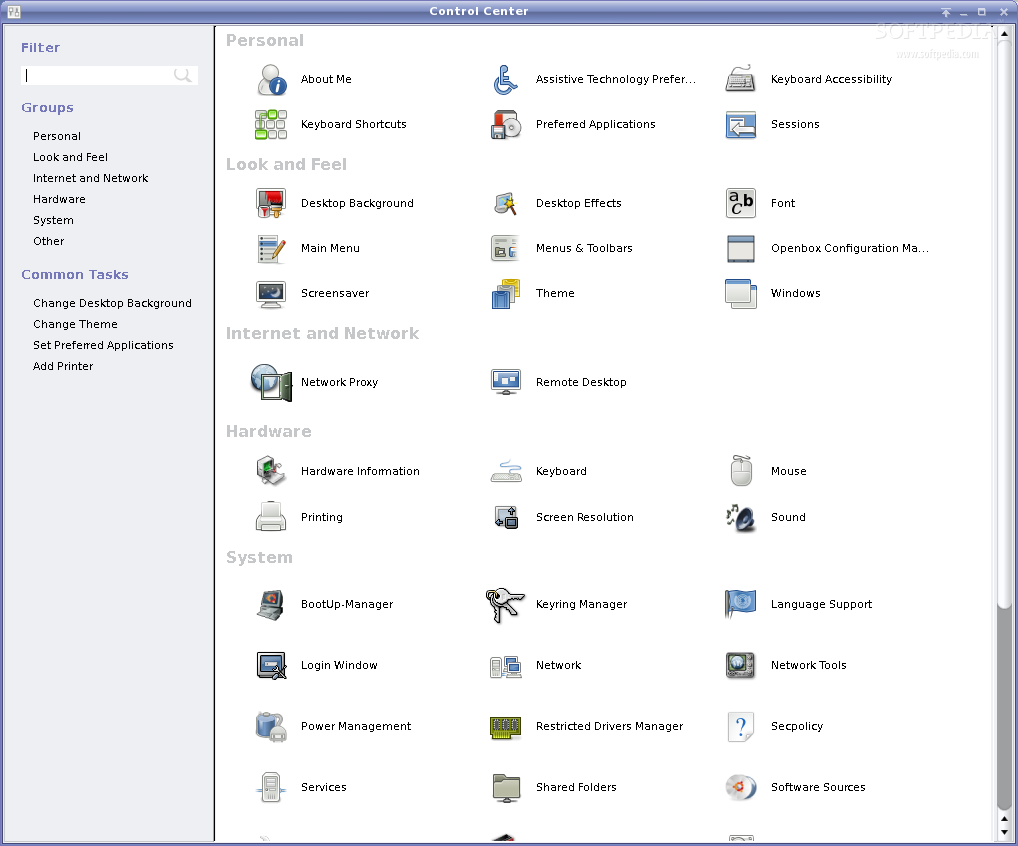
GNOME Control Center is an open source project that allows GNOME users to control various aspects of their desktop environment, as well as of the Linux operating system on top of which GNOME is installed. The application provides a single, easily accessible place where users can interact with GNOME's settings. It is integrated into the GNOME desktop environment and can be accessed through the system tray area.
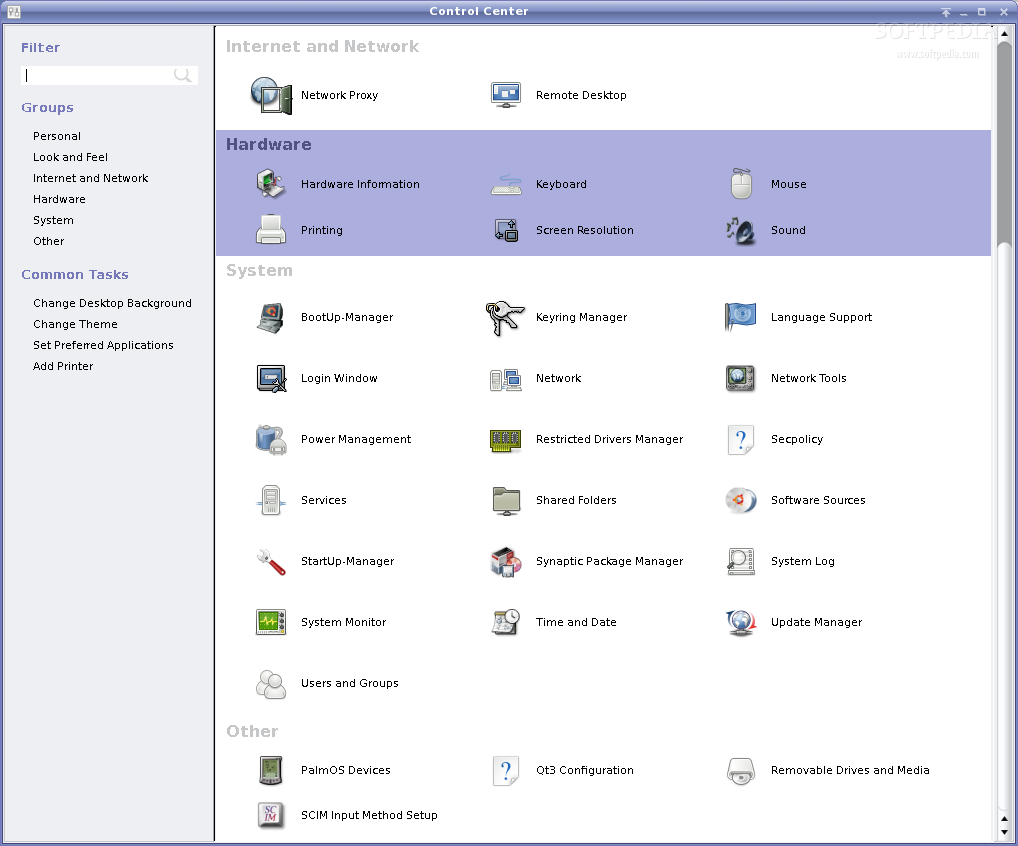
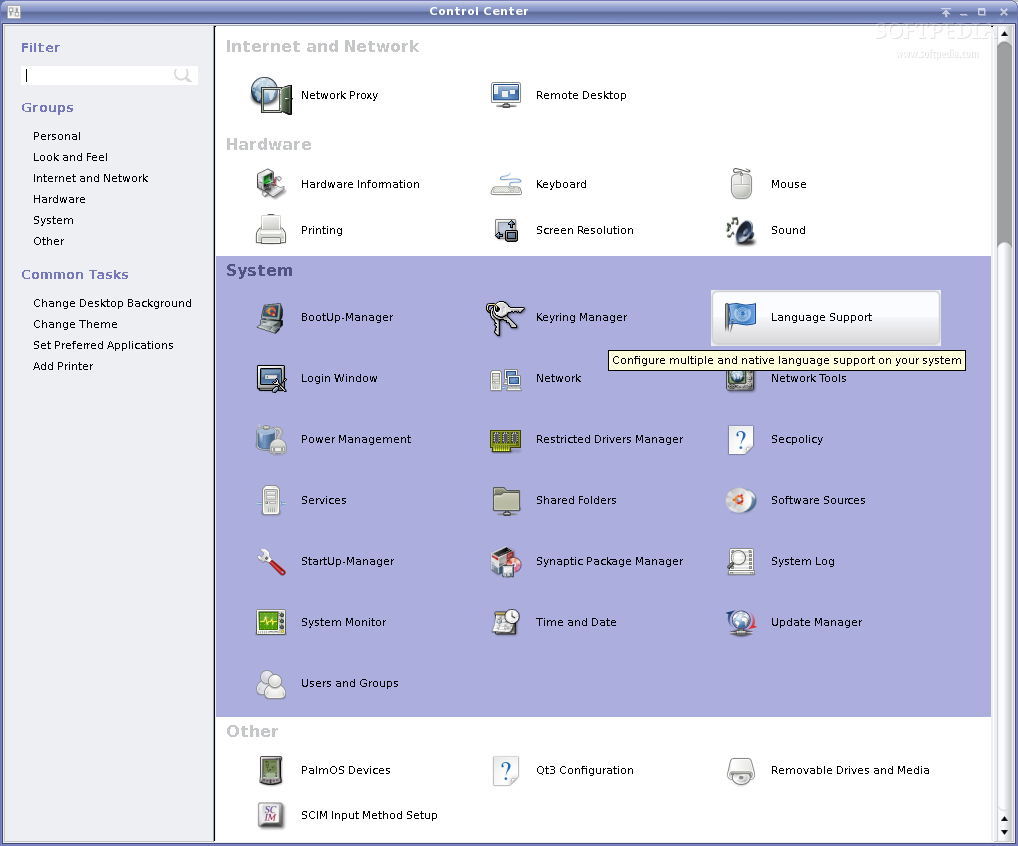
The program is comprised of three main settings categories, such as Personal, Hardware and System. The Personal section includes the Background, Notifications, Online Accounts, Privacy, Region & Language, and Search entries. The Hardware category includes Bluetooth, Color, Displays, Keyboard, Mouse & Touchpad, Network, Power, Printers, Sound and Wacom Tablet. Lastly, the System category include Date & Time, Details, Sharing, Universal Access and Users.
It can be easily used by new and experienced users alike, so they can successfully configure various aspects of the GNOME desktop environment. Therefore, users will be able to change the desktop wallpaper, add or remove online accounts, change privacy, language and notification settings, configure the integrated search function, enable Bluetooth support, and configure their peripheral devices.
The application can be used to change the color profile and settings of your monitor, configure network connections, printers, wacom tablet, sound and power settings. Also, you can use it to change the default applications, set the date and time, add and remove users, or enable sharing.
Several well known Linux-based operating system forked the GNOME Control Center application, transforming it into their very own control center app. A popular example is the Ubuntu distribution, where GNOME Control Center is present in the form of Unity Control Center. Any GNOME user has interacted with the GNOME Control Center in a form or another to set various hardware components, change the wallpaper or even to add new users on their Linux system.
What's new in GNOME Control Center 3.34.2:
- Updated translations
- Applications:
- Fix a memory leak
GNOME Control Center 3.34.2
add to watchlist add to download basket send us an update REPORT- runs on:
- Linux
- main category:
- Desktop Environment
- developer:
- visit homepage
Microsoft Teams 24060.3102.2733.5911 Home / 1.7.00.7956 Work

calibre 7.9.0

Bitdefender Antivirus Free 27.0.35.146

4k Video Downloader 1.5.3.0080 Plus / 4.30.0.5655

7-Zip 23.01 / 24.04 Beta

ShareX 16.0.1

Windows Sandbox Launcher 1.0.0

Context Menu Manager 3.3.3.1

Zoom Client 6.0.3.37634

IrfanView 4.67

- Context Menu Manager
- Zoom Client
- IrfanView
- Microsoft Teams
- calibre
- Bitdefender Antivirus Free
- 4k Video Downloader
- 7-Zip
- ShareX
- Windows Sandbox Launcher
