
My File Manager is a small and lightweight file manager.. #File finder #File manager #Cd burner #Filemanager #Finder #Explorer
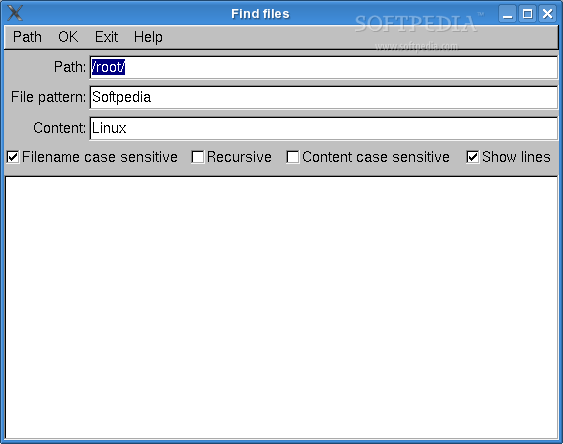
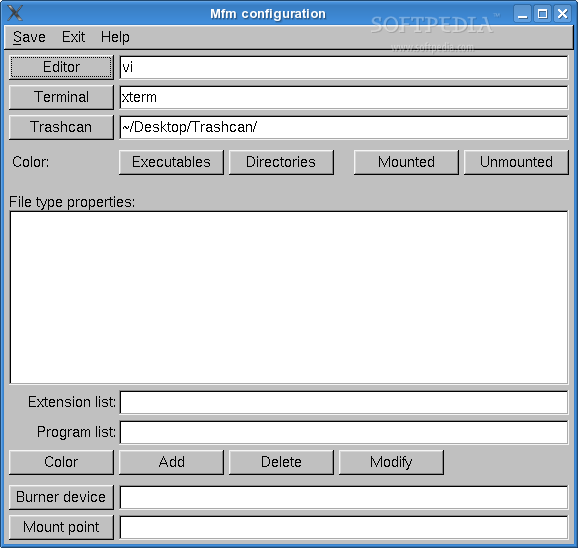
My File Manager is a small and lightweight file manager. It was developed to provide a small and fast file manager, which has only a few dependencies from other packages, but including some interestings things like mount partitions, minimalistic burning capability and mass renaming files. MFM use FLTK graphics toolkit.
Here are some key features of "My File Manager":
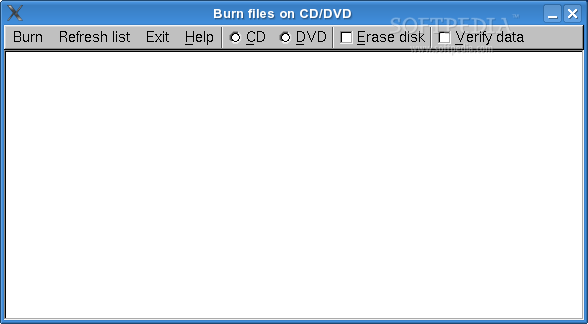
� Selectable shown fields (permissions, users, groups, date and size) � Various sort options � Rename group of files � Change attributes of group of files � Compress files � Burn CD/DVD � Find files by name or by content � Mount/umount partitions
Requirements:
� FLTK (>= 1.1.6) toolkit
Installing MFM is done by the following commands:
$ make $ make install
If there are any errors during compilation, check your build environment and try to find the error, otherwise contact the author at < [email protected] >.
To run MFM just type:
$ mfm
on a console or use the applications menu from your desktop environment. There a few command line options. See the on-line help of MFM for details.
What's New in This Release:
� This release adds a directory tree browser, configurable mouse wheel scroll speed in the Y direction, drag-and-dropping to external applications, automatic extraction in mfmzip, and bugfixes.
My File Manager 0.4
add to watchlist add to download basket send us an update REPORT- runs on:
- Linux
- filename:
- mfm-0.4.tar.gz
- main category:
- Desktop Environment
- developer:
- visit homepage
Context Menu Manager 3.3.3.1

4k Video Downloader 1.5.3.0080 Plus / 4.30.0.5655

Microsoft Teams 24060.3102.2733.5911 Home / 1.7.00.7956 Work

Zoom Client 6.0.3.37634

ShareX 16.0.1

calibre 7.9.0

Windows Sandbox Launcher 1.0.0

IrfanView 4.67

Bitdefender Antivirus Free 27.0.35.146

7-Zip 23.01 / 24.04 Beta

- IrfanView
- Bitdefender Antivirus Free
- 7-Zip
- Context Menu Manager
- 4k Video Downloader
- Microsoft Teams
- Zoom Client
- ShareX
- calibre
- Windows Sandbox Launcher