
Screenlets are small owner-drawn applications be described as 'things lying/standing around on your desk'. #Desktop widgets #Screen applets #Gnome screenlets #Sticknotes #Clocks #Rulers
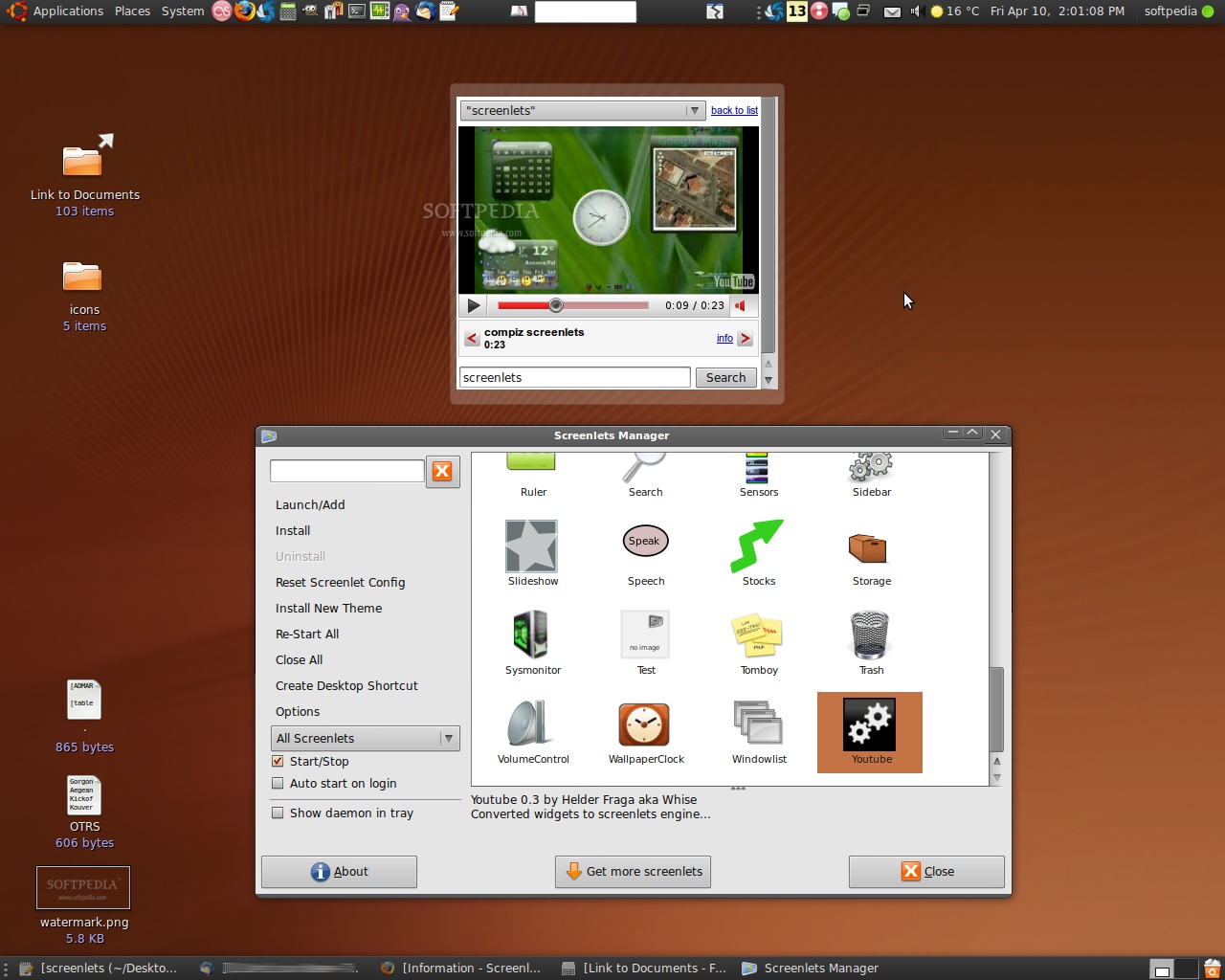
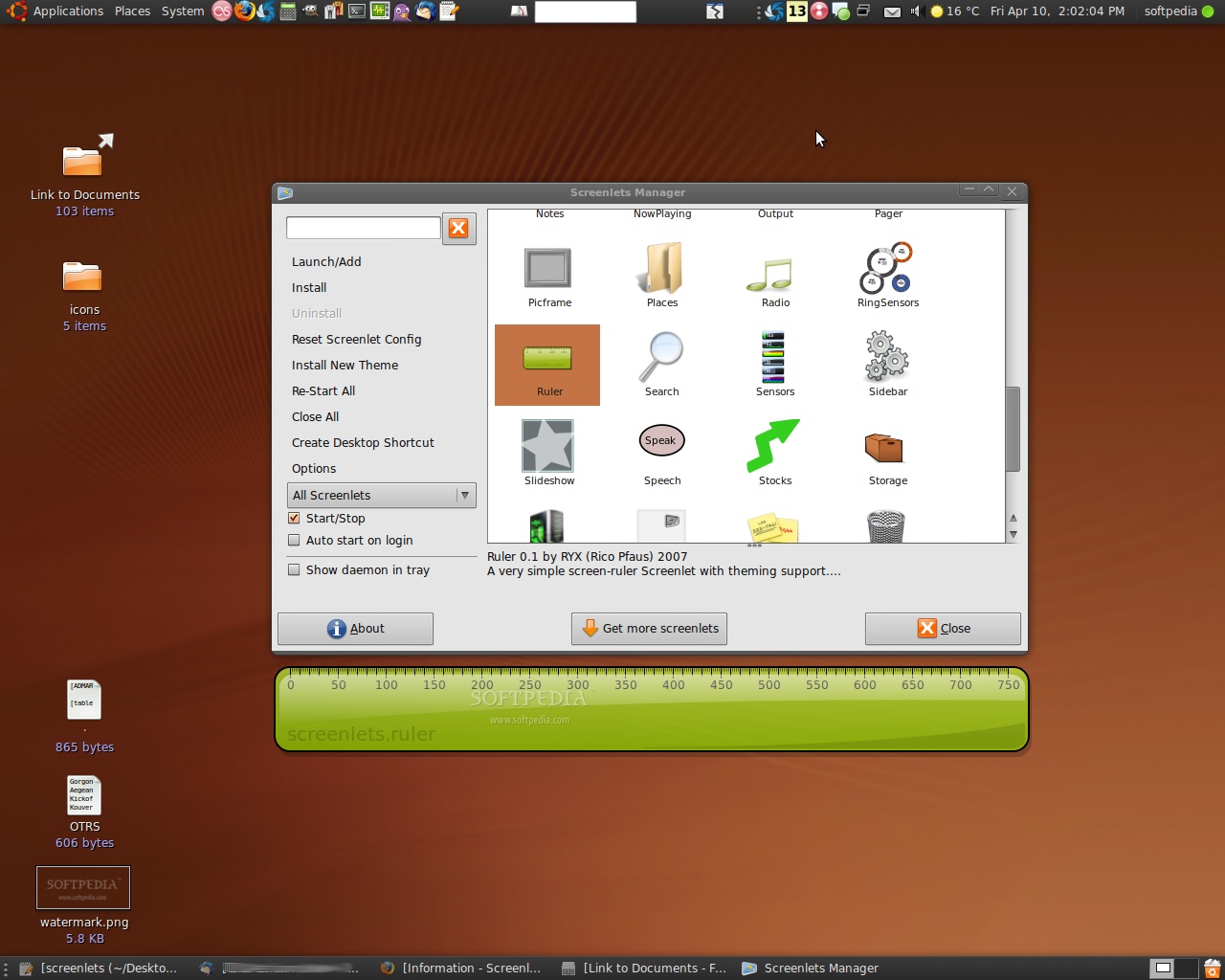
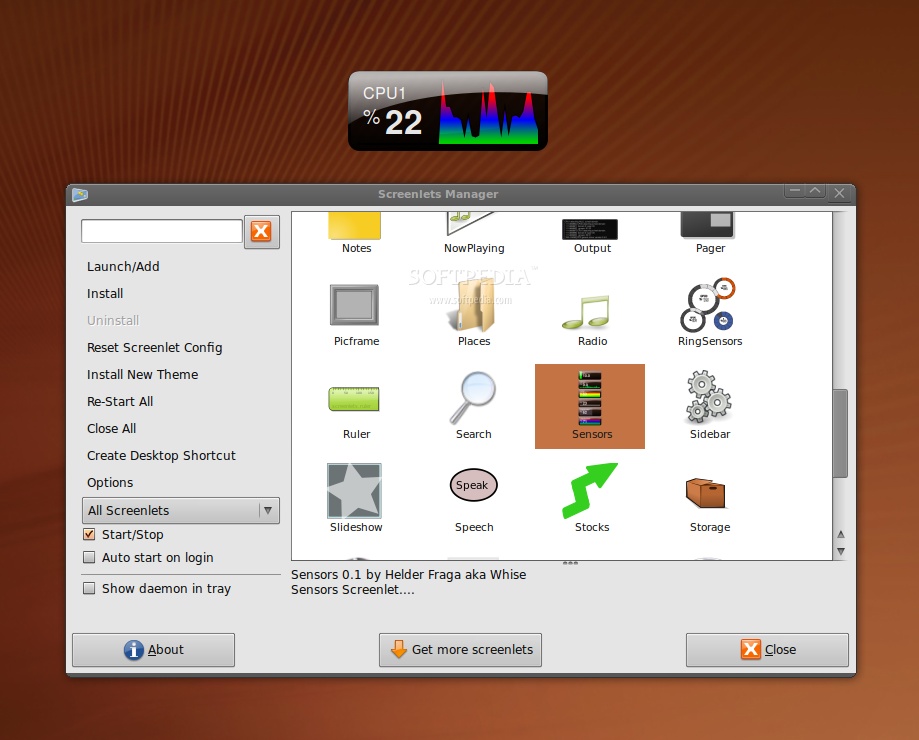
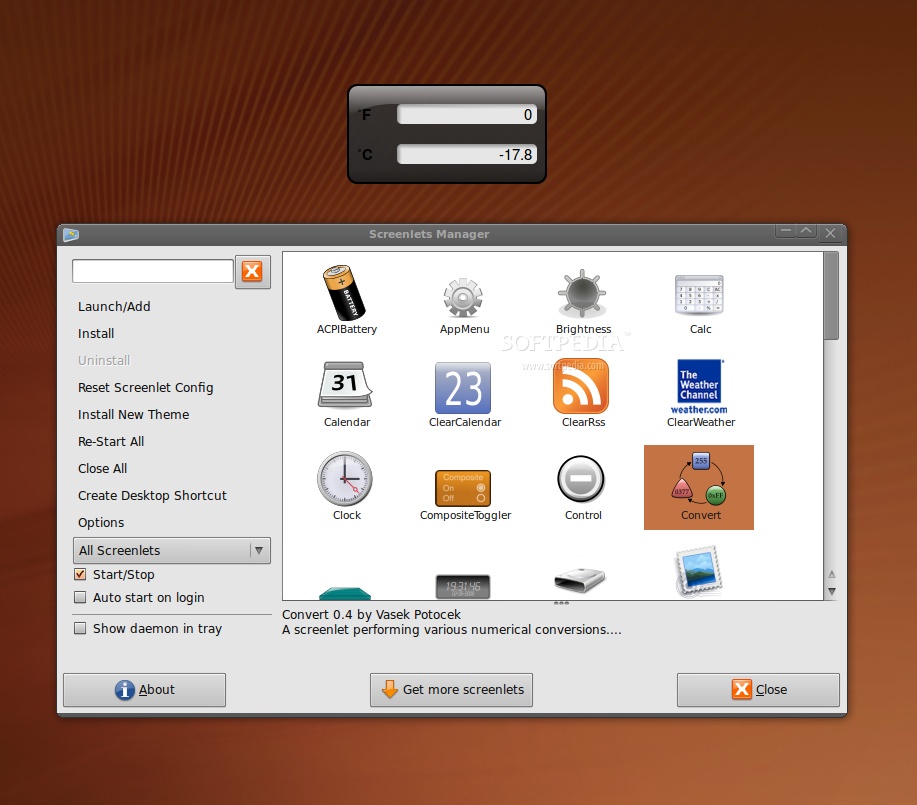
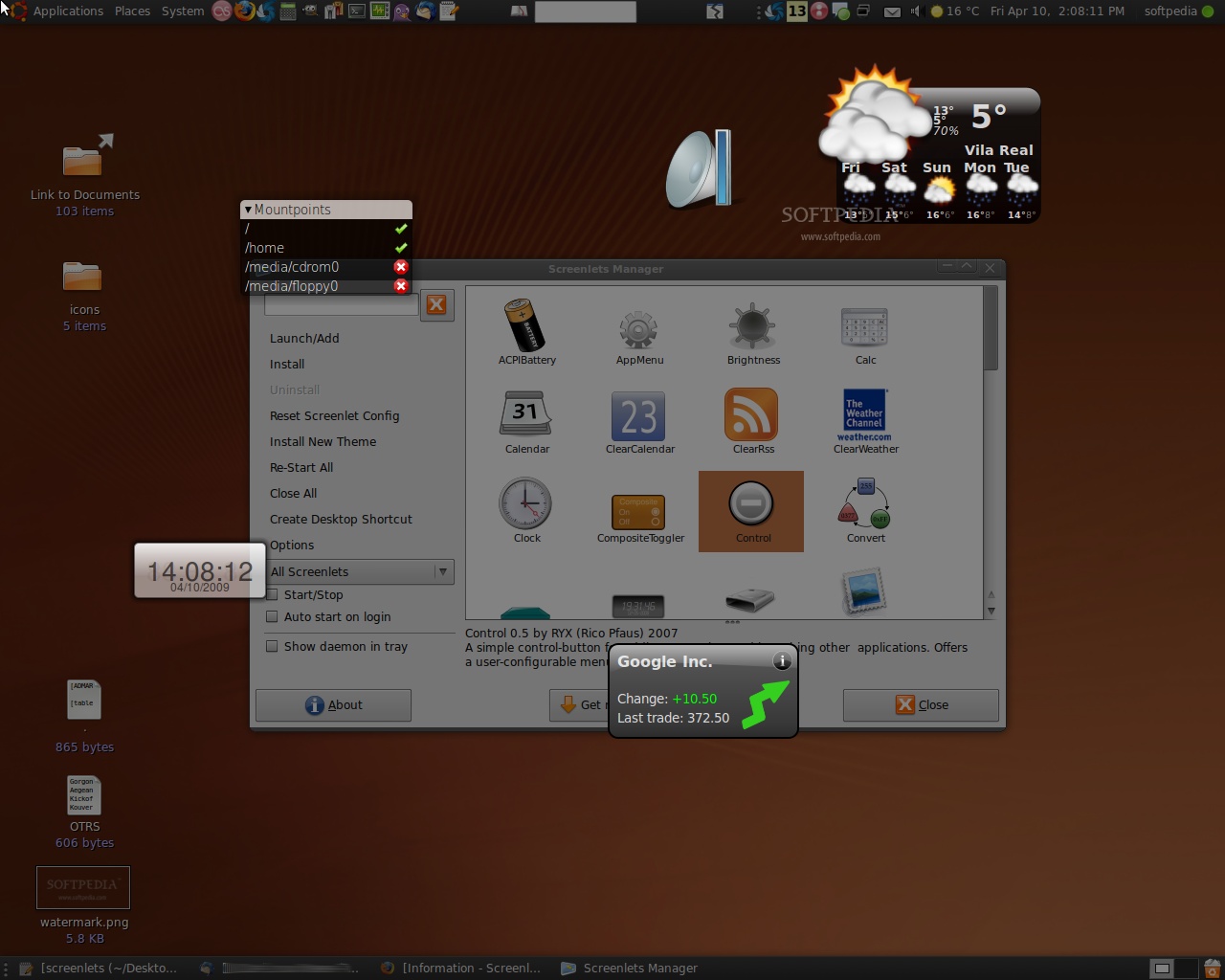
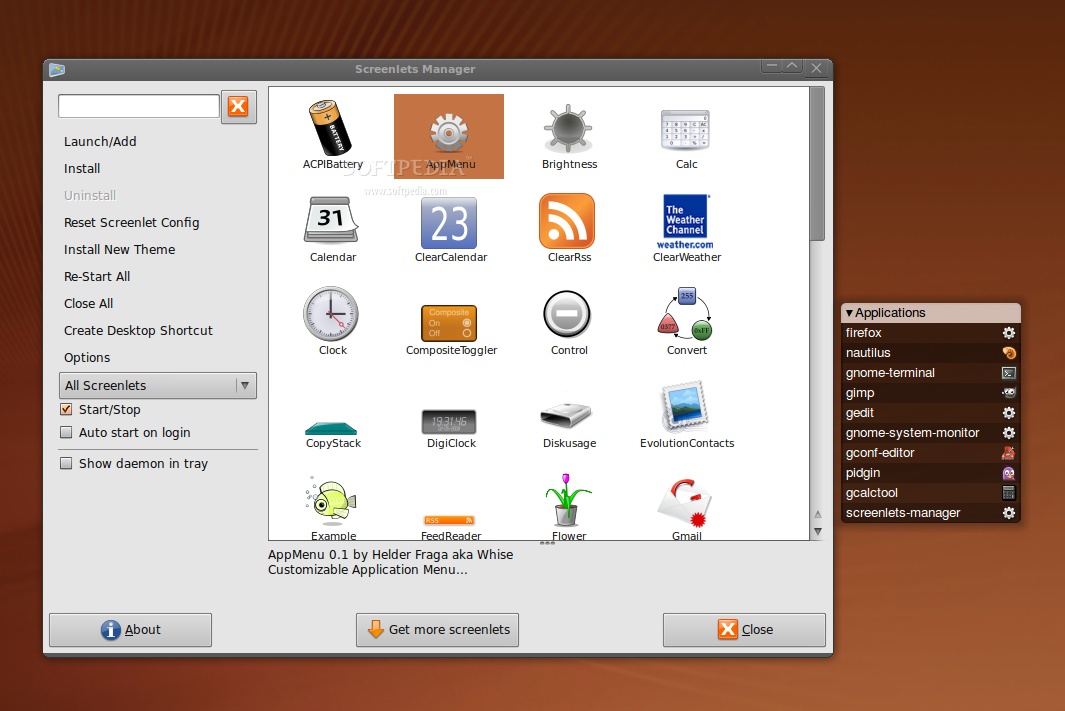
Screenlets are small owner-drawn applications (written in Python) that can be described as "the virtual representation of things lying/standing around on your desk". From sticknotes, rulers, clocks ... the possibilities are endless.
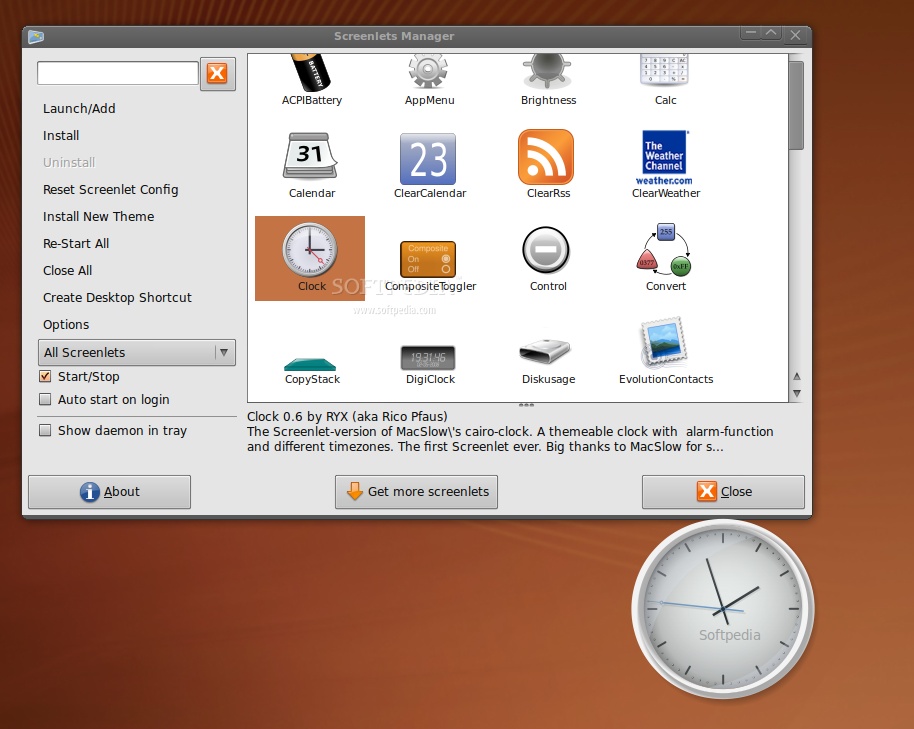
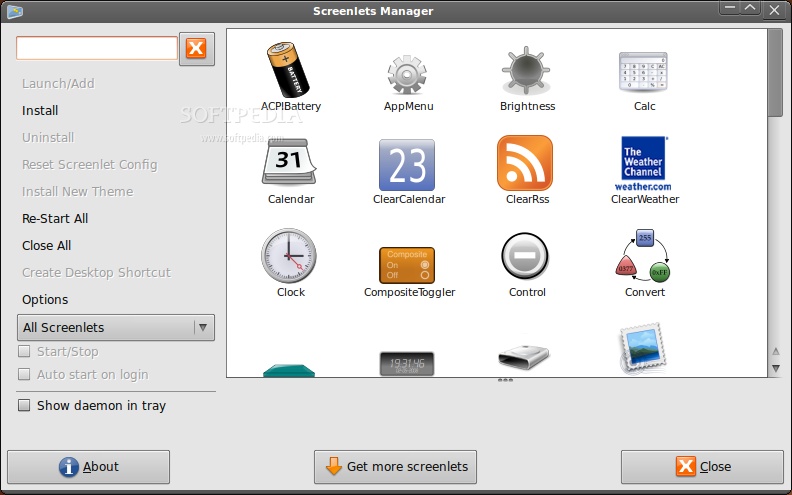
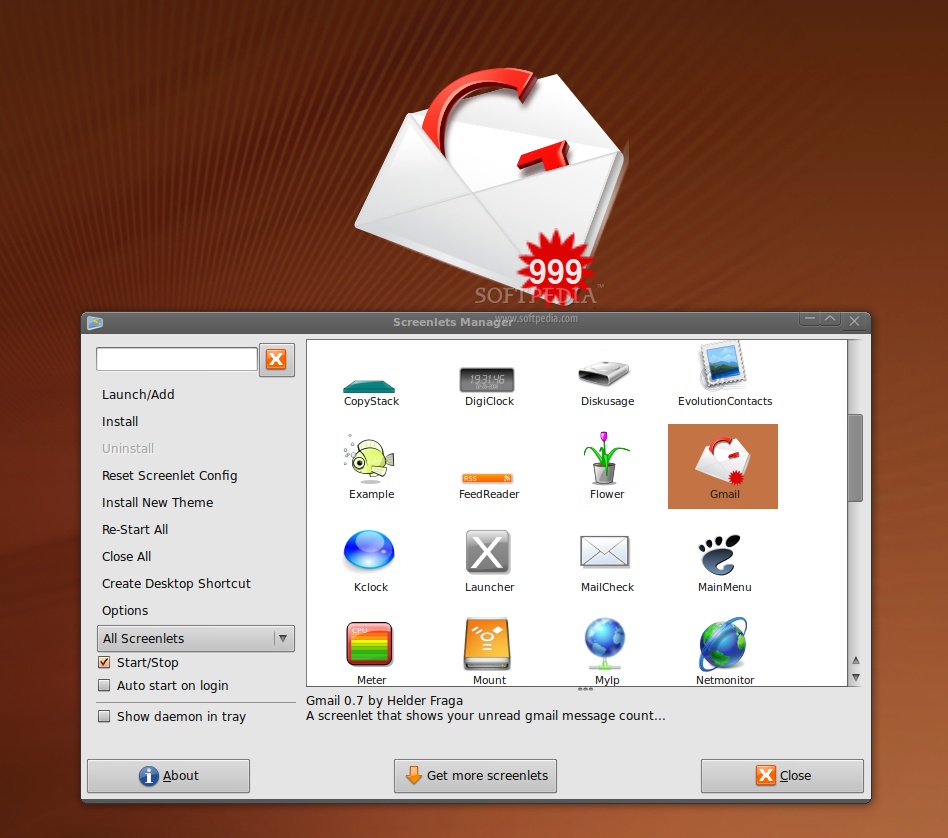
Screenlets (short form of "Screen-Applets") are small owner-drawn applications that can be described as "the virtual representation of things lying/standing around on your desk": Sticknotes, clocks, rulers, ... the possibilities are endless.
The goal of the Screenlets-framework is to simplify the creation of fully themeable mini-apps that each solve basic desktop-work-related needs and generally improve the usability and eye-candy of the modern Linux-desktop.
Screenlets strongly follow the UNIX-idea of modularization and having one tool for one purpose. They are in some way the modern evolution of that idea (ported from commandline-tools to desktop-apps). One intention of the screenlets is to encourage creation of visually appealing graphical frontends to common unix-tools to attract the "modern" user while still "keeping it real".
Screenlets are in fact shaped Gtk-Windows that take care of drawing themselves. They contain a window a menu and (optionally) a theme (of type ScreenletTheme). Screenlets also offer a simple way of handling/changing settings/options (for both - user and developer). Since version 0.0.8 all screenlets can also be controlled over DBus and can easily offer customized services.
Extract the archive into some directory. Navigate to that directory. As root-user run "make install" (Ubuntu users just add a leading "sudo").
By entering "make menu" (again as root) you can install .desktop-files for the screenlets (not all, only the more stable ones). That allows easily adding your screenlets through the Applications-menu or the Alt+F2 dialog.
To generate the default (and ugly) pydoc-documentation within the docs- directory, run "make pydoc".
To generate the doxygen-documentation run "make doxydoc" (you need to install doxygen first).
To generate the epydoc-documentation (in docs/epydoc) run "make epydoc" (you need to install python-epydoc first). NOTE: this is the best one.
Since v0.0.8 the recommended way of starting the screenlets is by launching them directly. You can launch a screenlet as many times as you like, new instances will automatically get added to the running instance. Screenlets of the same type always run in the same process! You can run each Screenlet individually with (e.g): "/usr/local/share/screenlets/Clock/ClockScreenlet.py".
Please, DO NOT USE "screenletsd" for starting screenlets anymore. Preferably you should use the Applications-menu or the ControlScreenlet for launching new screenlets.
If you want individual screenlets to be launched on startup, you should add them to your session's startup programs. That way they will be started when you log into your gnome-session.
What's new in Screenlets 0.1.6:
- Screenlets framework:
- Fix windows moving around after restart in Unity.
- Add switching EWMH params for Unity/GNOME, fix focus/drag problems.
- Fix not showing options if value 'None' exists.
Screenlets 0.1.6
add to watchlist add to download basket send us an update REPORT- runs on:
- Linux
- filename:
- screenlets-0.1.6.tar.gz
- main category:
- Desktop Environment
- developer:
- visit homepage
calibre 7.10.0

IrfanView 4.67

4k Video Downloader 1.6.0.0085 Plus / 4.30.0.5655

Context Menu Manager 3.3.3.1

7-Zip 23.01 / 24.04 Beta

Windows Sandbox Launcher 1.0.0

Bitdefender Antivirus Free 27.0.35.146

Microsoft Teams 24060.3102.2733.5911 Home / 1.7.00.10152 Work

Zoom Client 6.0.4.38135

ShareX 16.0.1

- Microsoft Teams
- Zoom Client
- ShareX
- calibre
- IrfanView
- 4k Video Downloader
- Context Menu Manager
- 7-Zip
- Windows Sandbox Launcher
- Bitdefender Antivirus Free